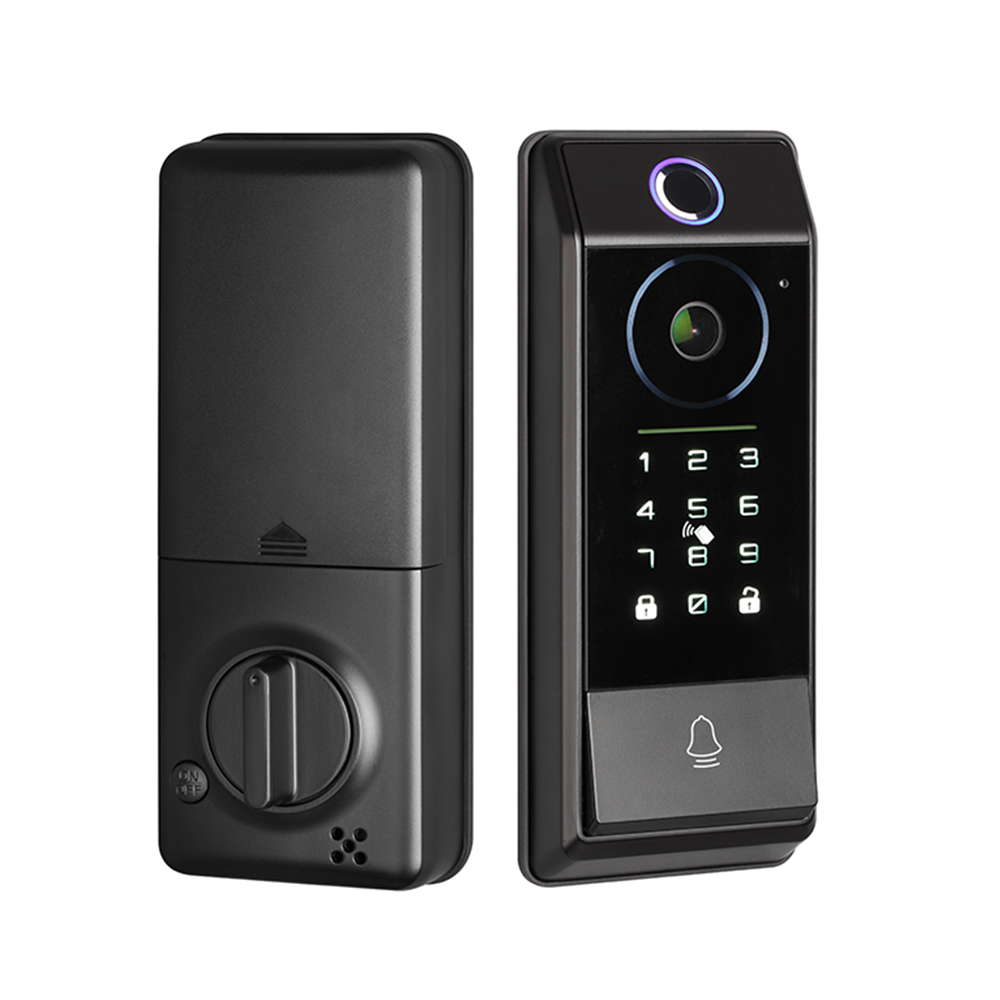
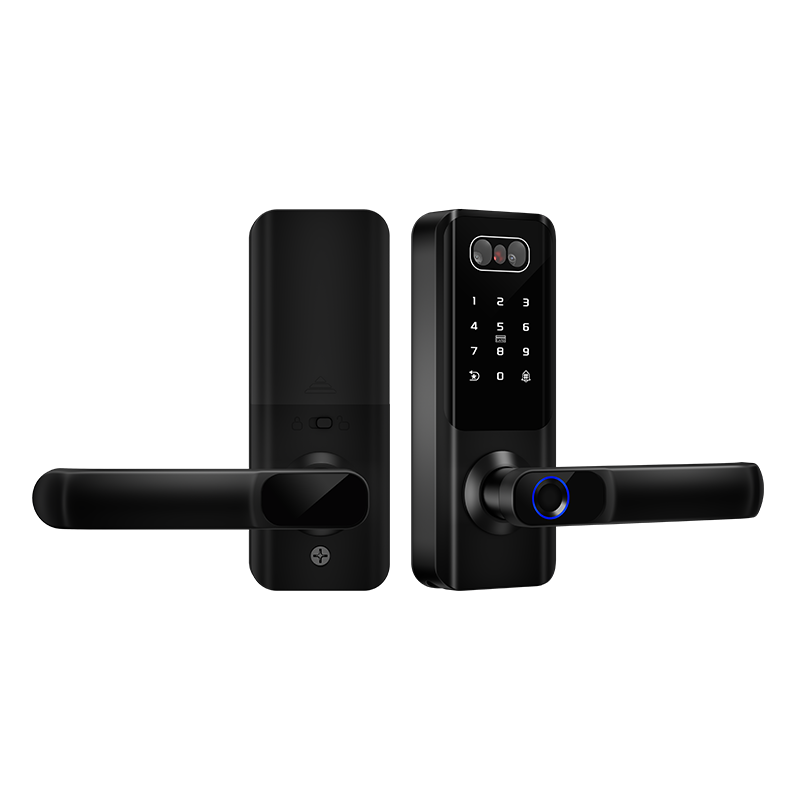
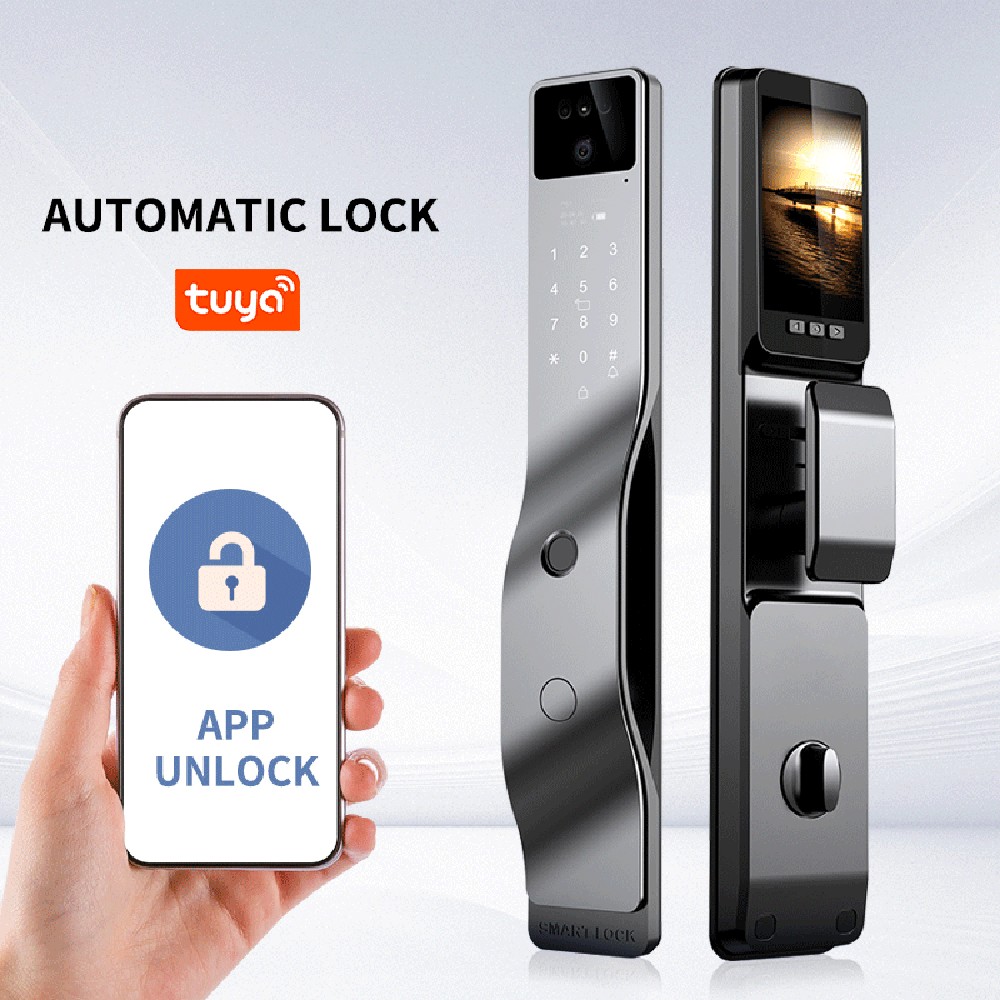
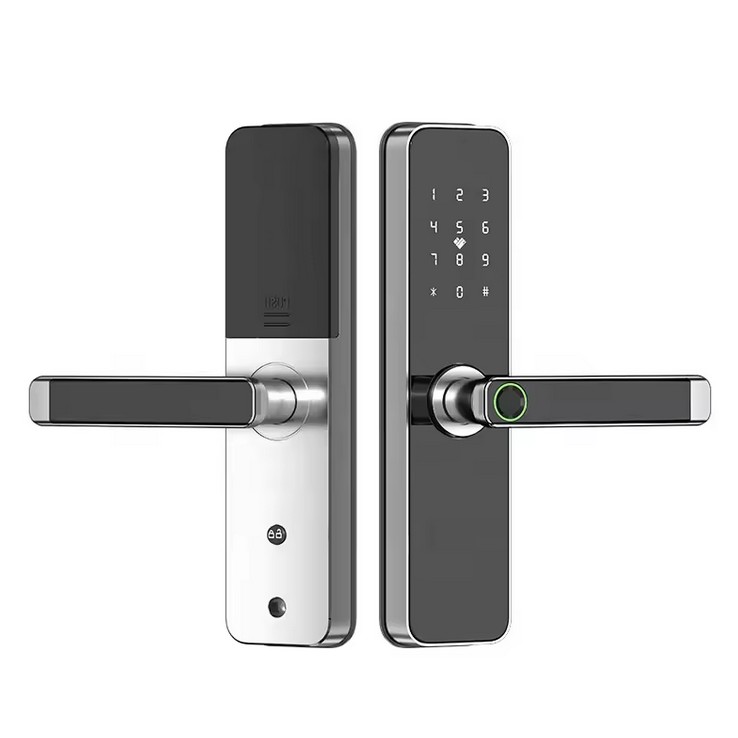
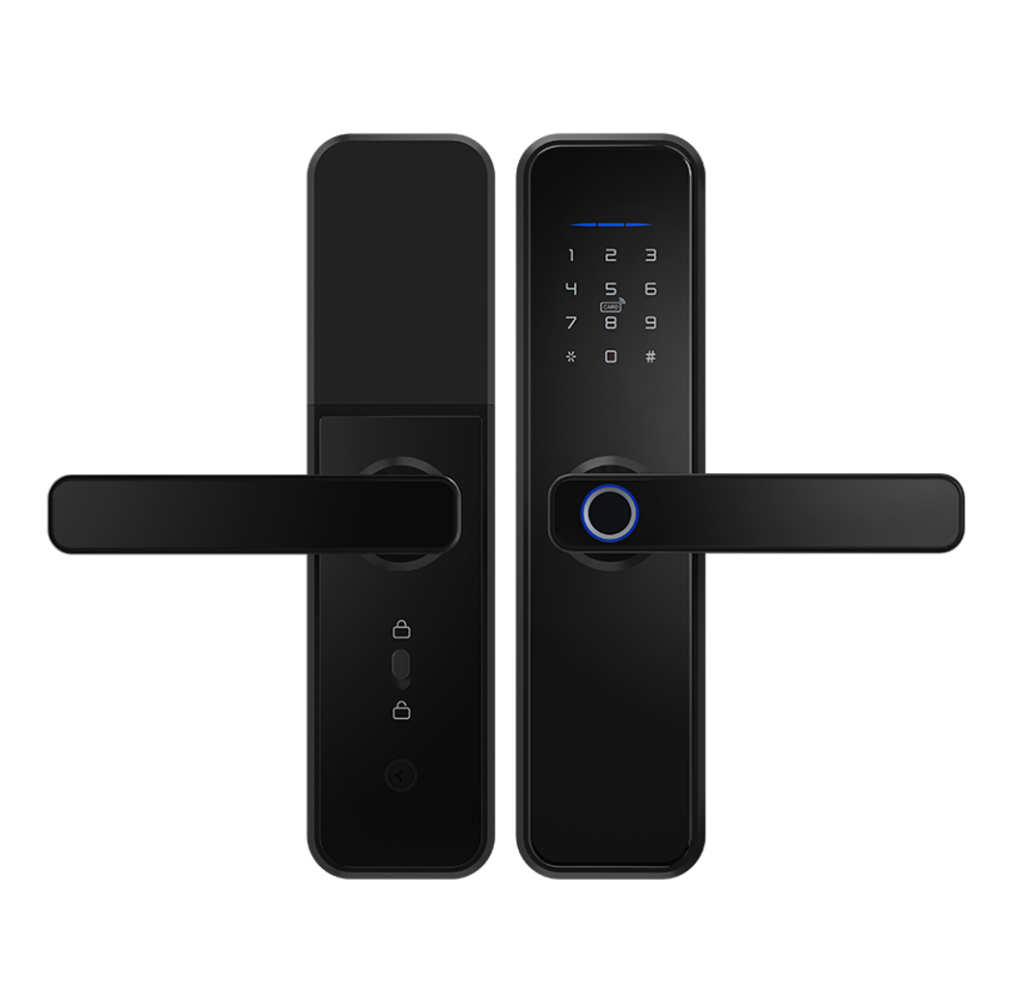
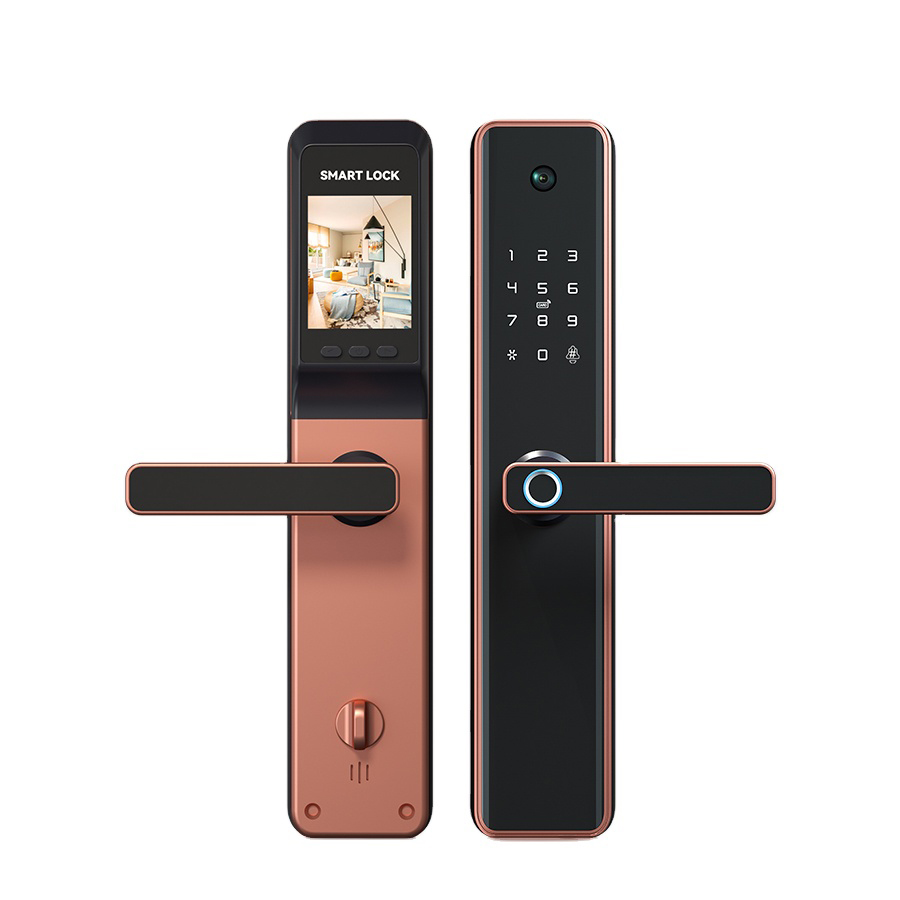
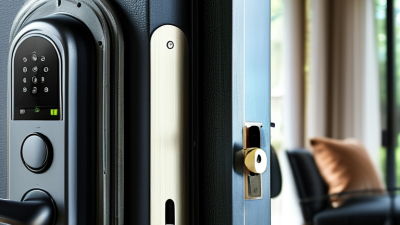
Smart deadbolt lock with video doorbell and two way intercom for front door security A229
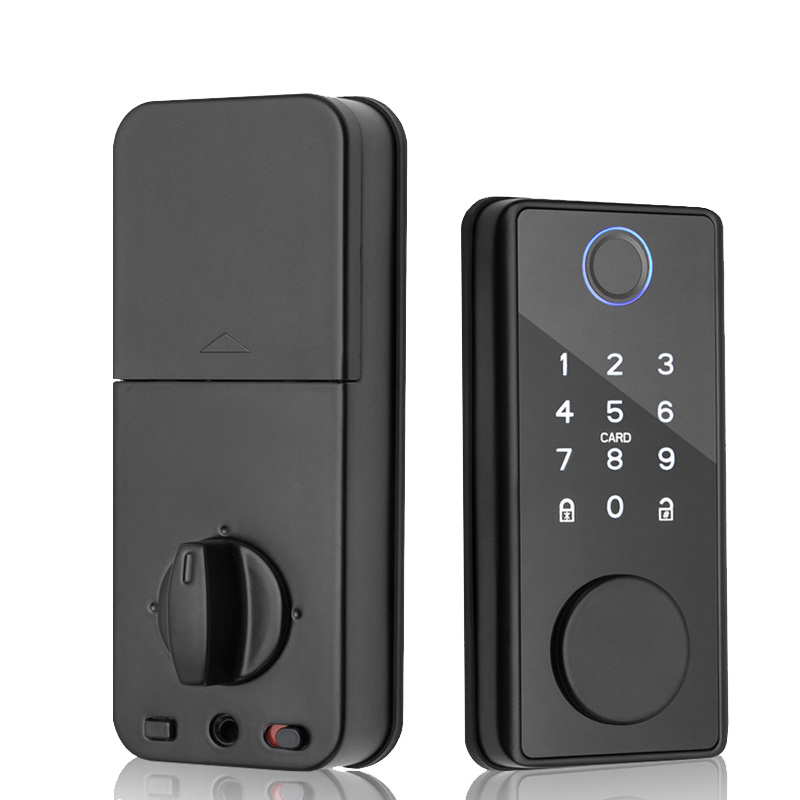
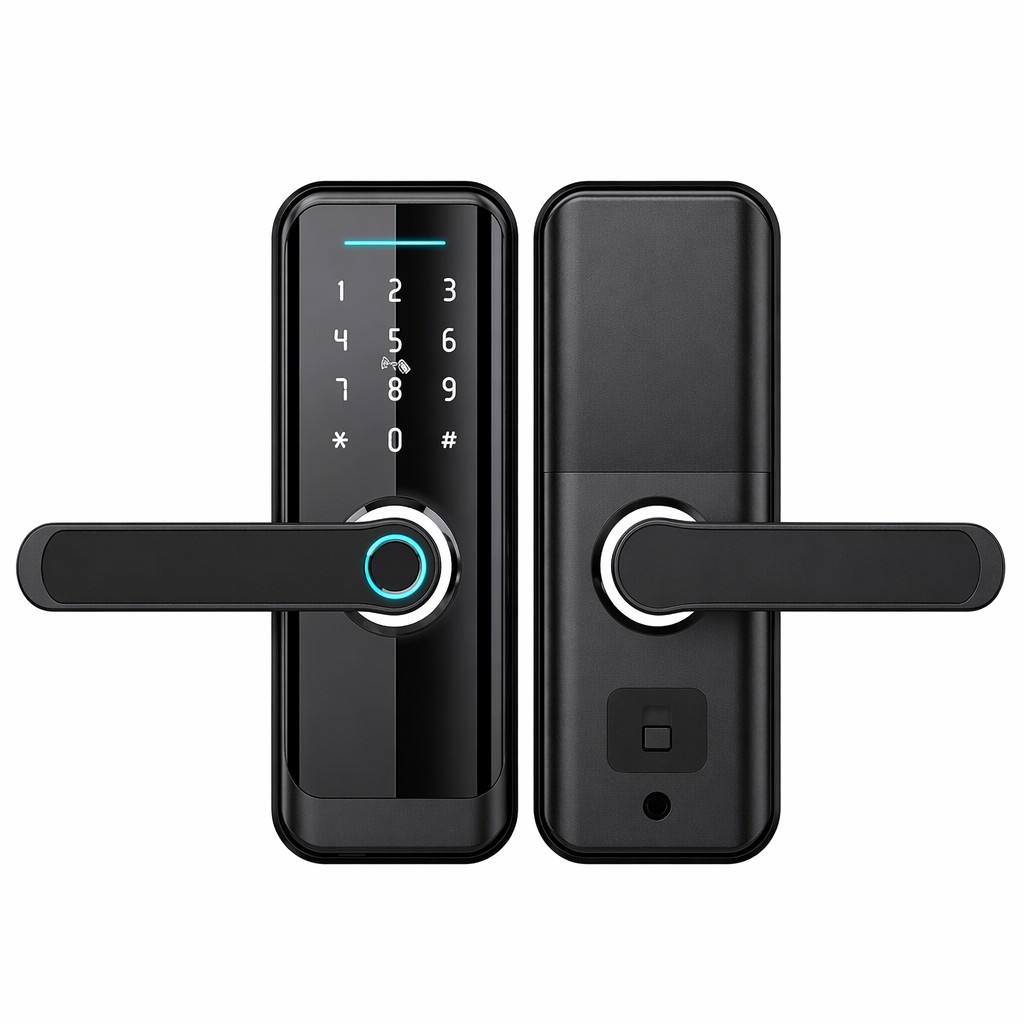
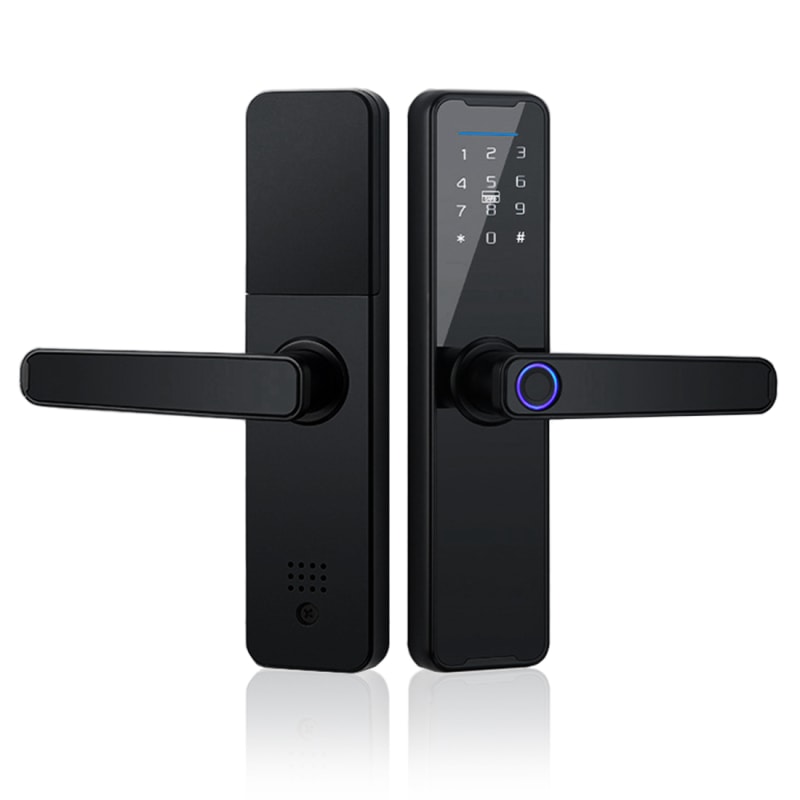
Bluetooth Deadblot Smart Lock with keyless access works with Google Alex tuya FM31
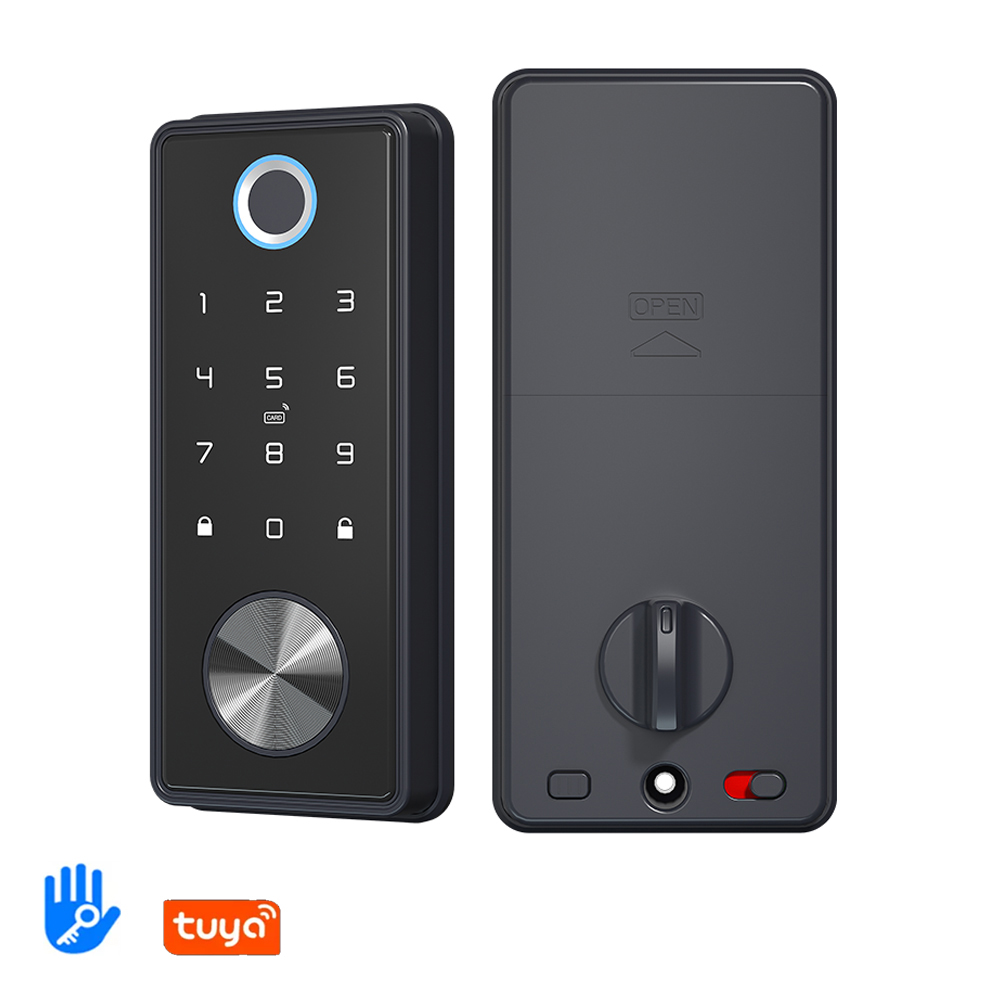
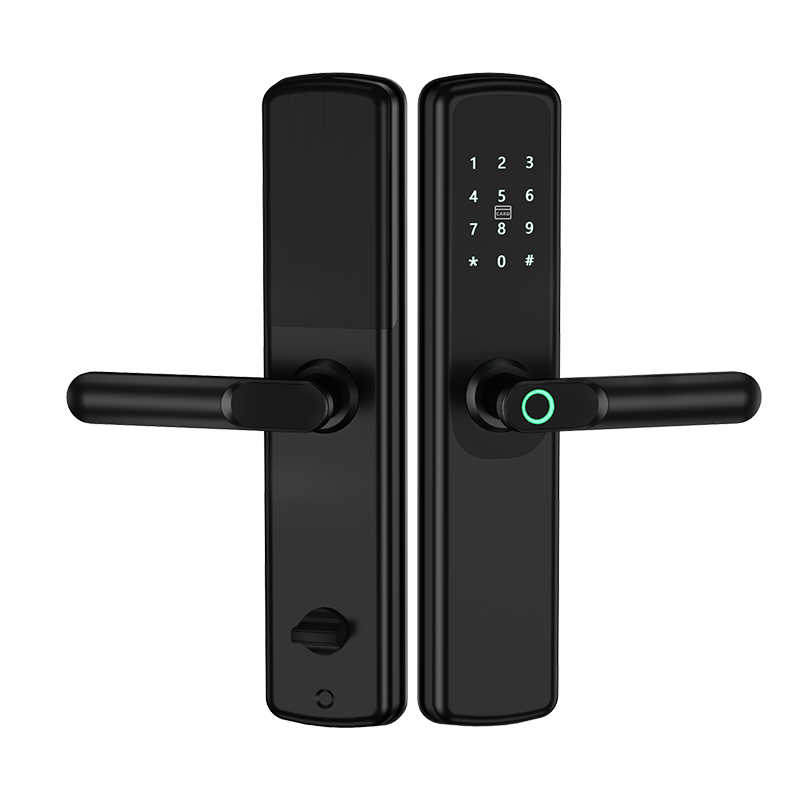
Waterproof Deadbolt Digital Lock supporting TTlock ble or TUYA wifi FM560
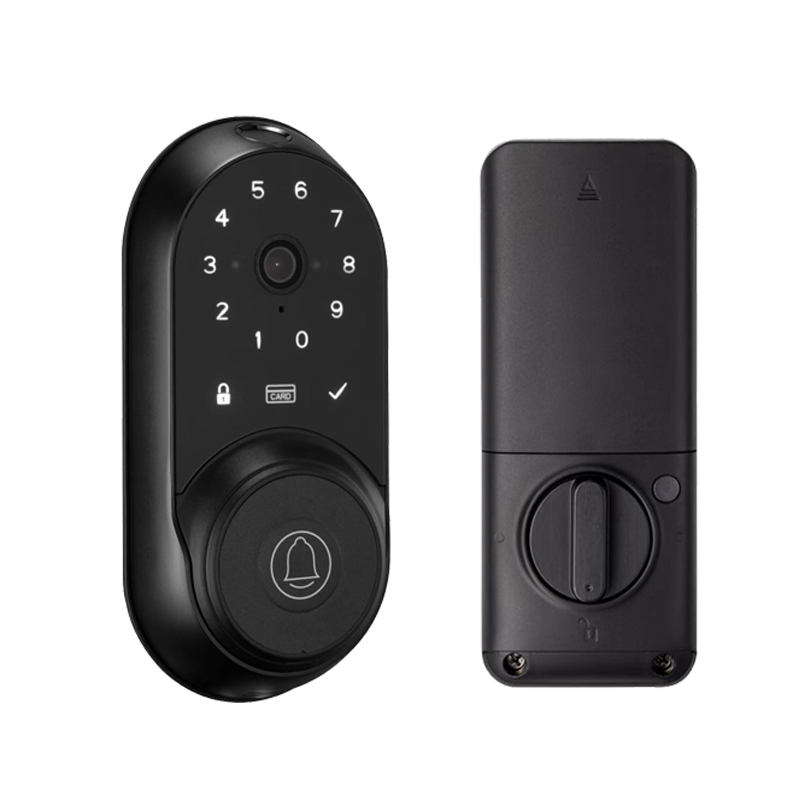
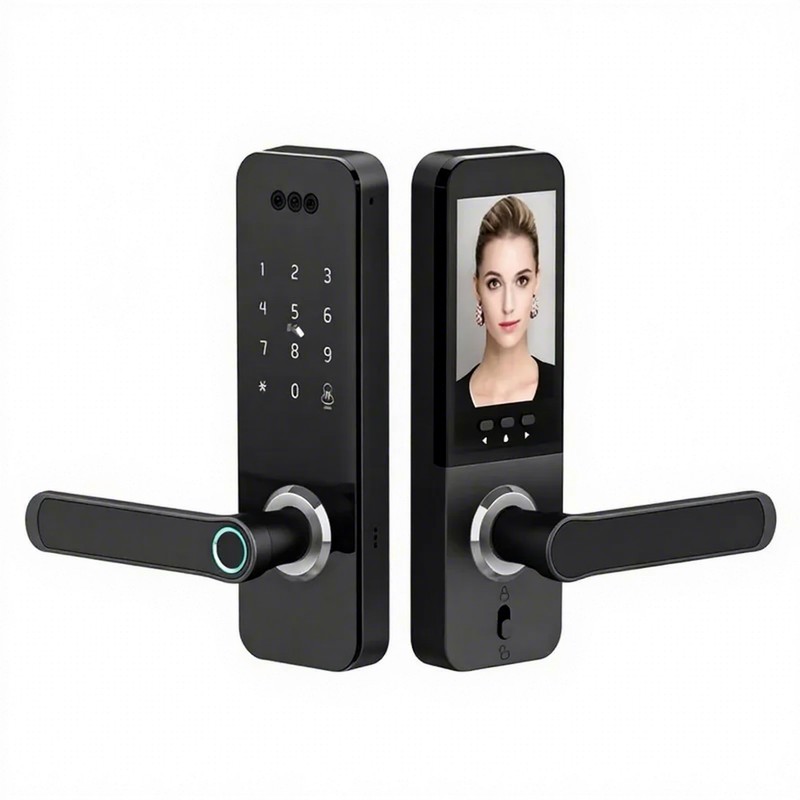
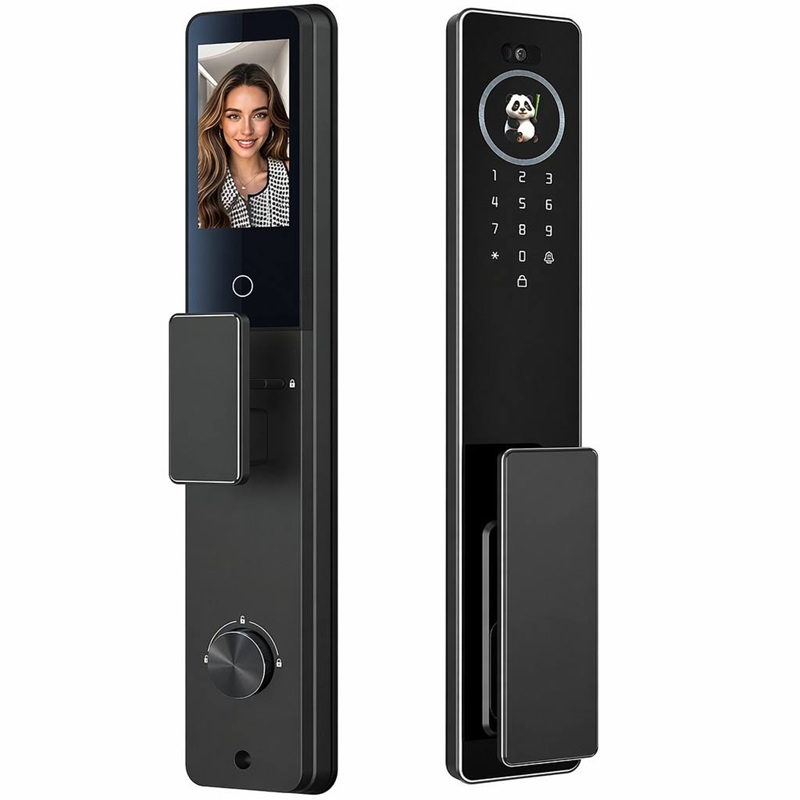
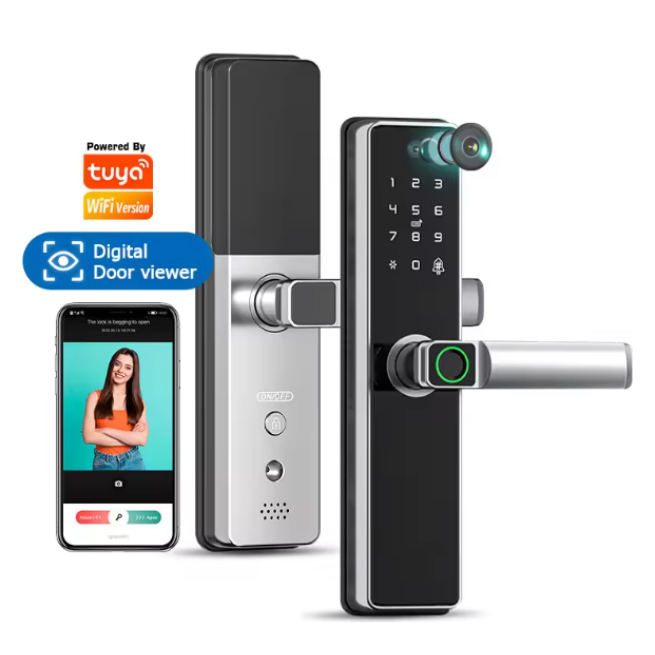
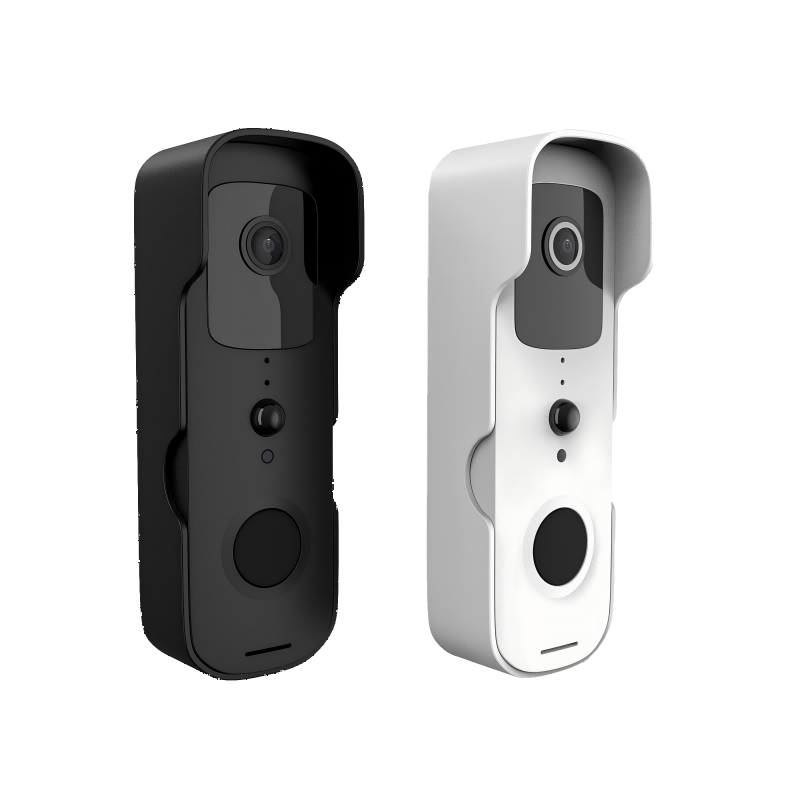
WIFI Deadblot Smart Lock with Video Doorbell works with Alexa Google Tuya FM880
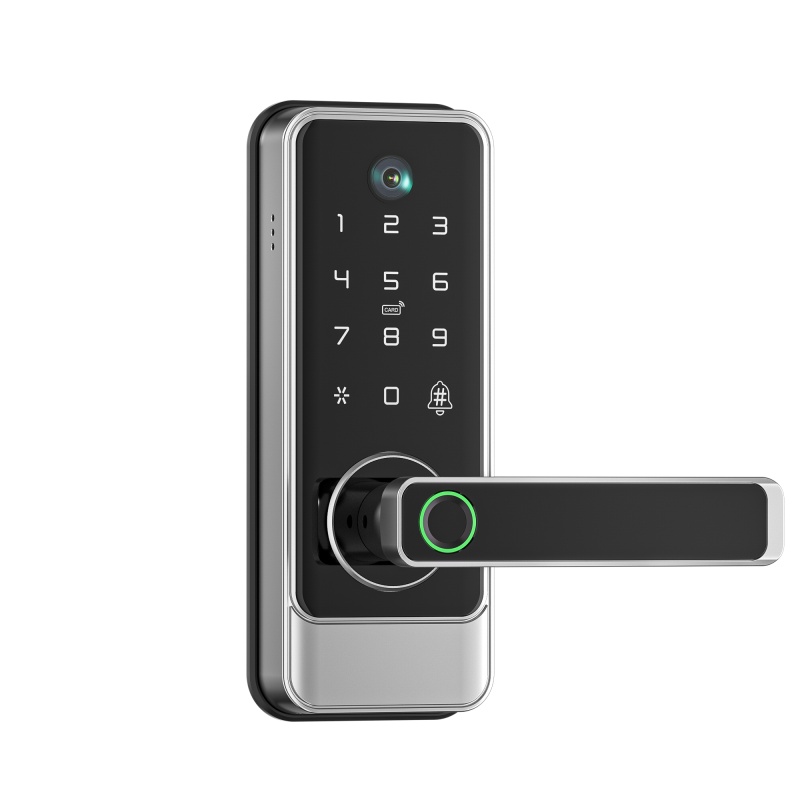
Facial Recognition Smart Lever Lock with 2MP Video Doorbell and IP66 Waterproof Tuya WiFi FM-Z86
Advanced 5-in-1 Biometric Door Lock with Universal WiFi, Zigbee & 433MHz Support FM09
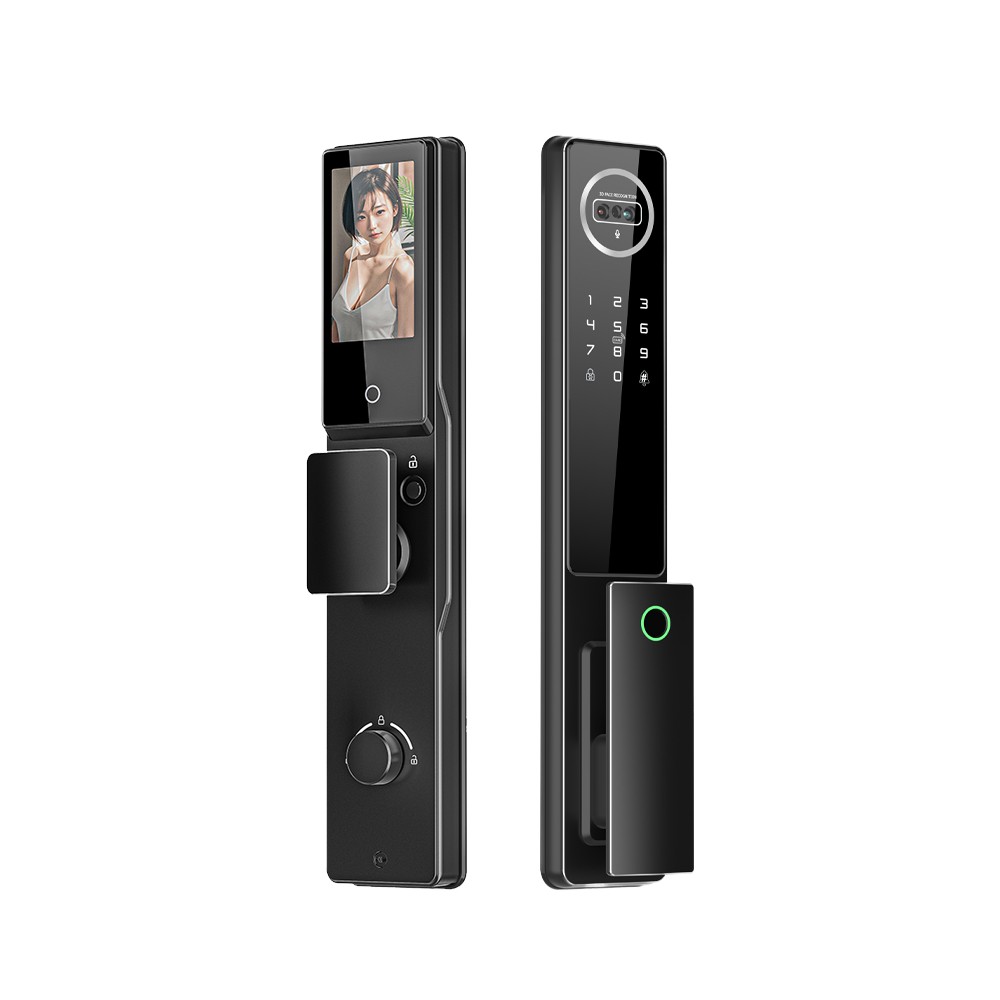
3D Face Recognition Smart Door Lock with 2MP Video Doorbell and Built-in WiFi FMP012
Keyless Entry Lever Lock with doorbell and Video Camera for Live Viewing V1
Bluetooth Lever Lock unlock by fingerprint recognition, password and App eKeys T8
Smart lever lock supports TTlock bluetooth and TUYA wifi FM810
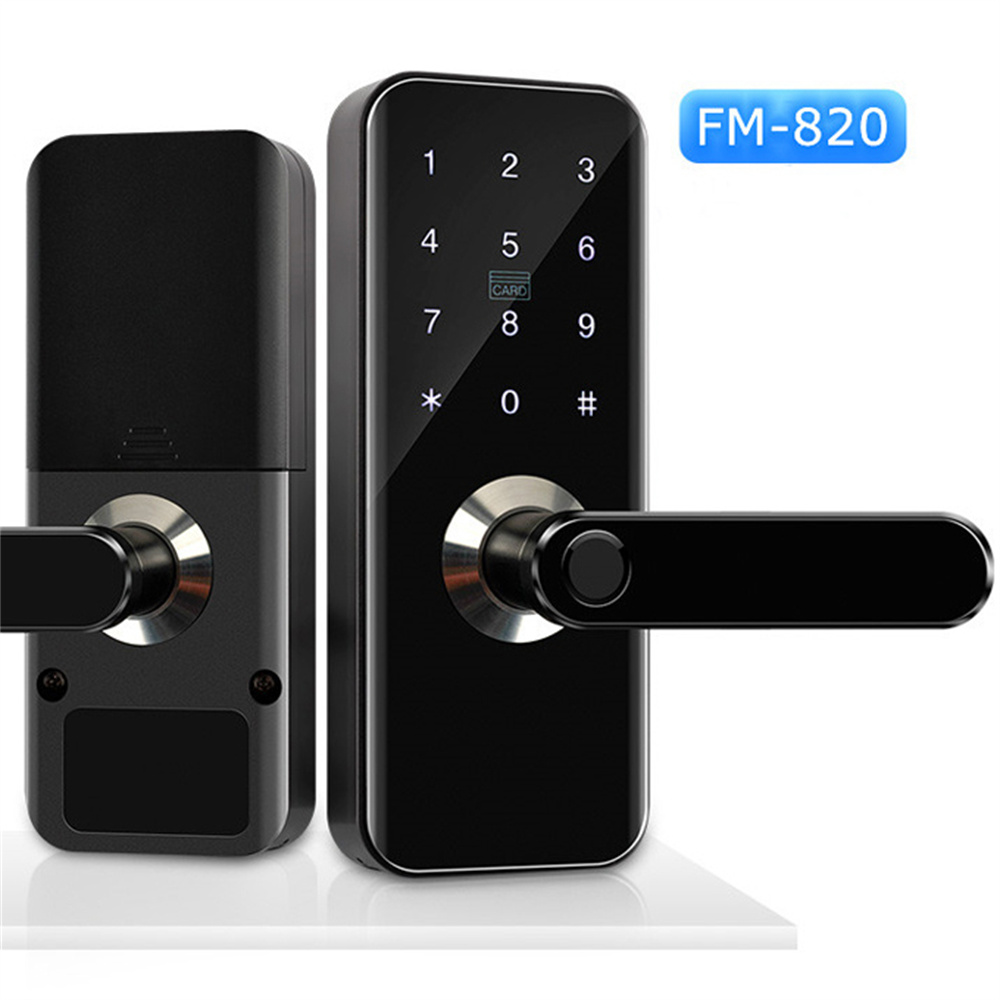
Fingerprint Smart Lever Lock with one touch Keyless Entry fits US Knob & Lever FM820
Fingerprint Lock with Anti-Pry Latch, Blocks Card Prying – FM230-N
Intelligent Biometric Door Lock with 2MP Video Doorbell and Tuya WiFi FM-05
Flagship Biometric Security Lock — Advanced 3D Face Access & 4.5" IPS Live Viewer FM93
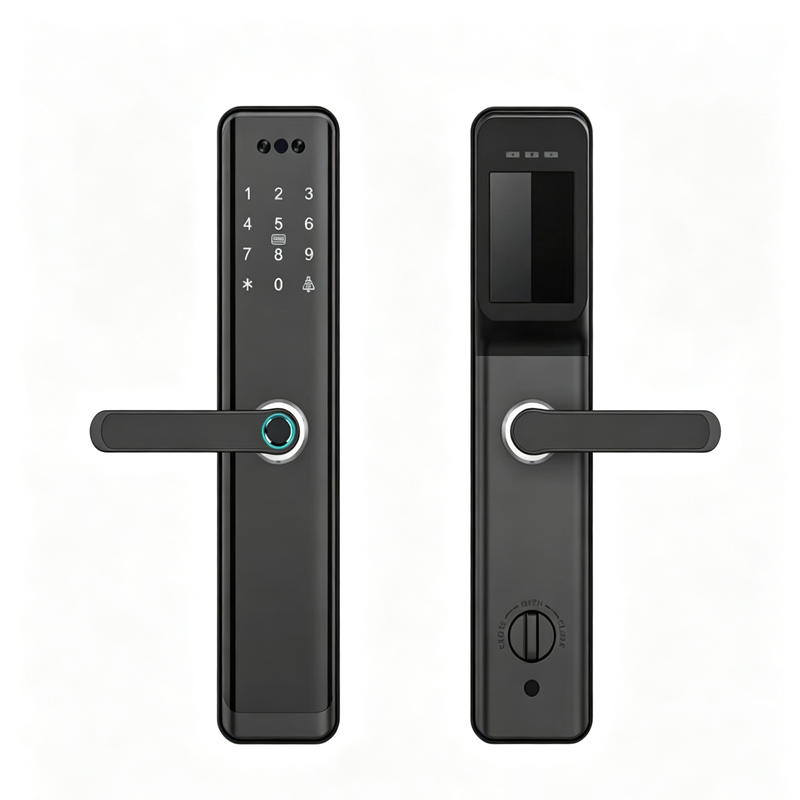
Smart Lever Lock with Fingerprint Facial Recognition and Video Doorbell Tuya WiFi TTlock FM-128
Keyless Entry Door Lock Fits Both Traditional Mortise and Smart Lock Mortise
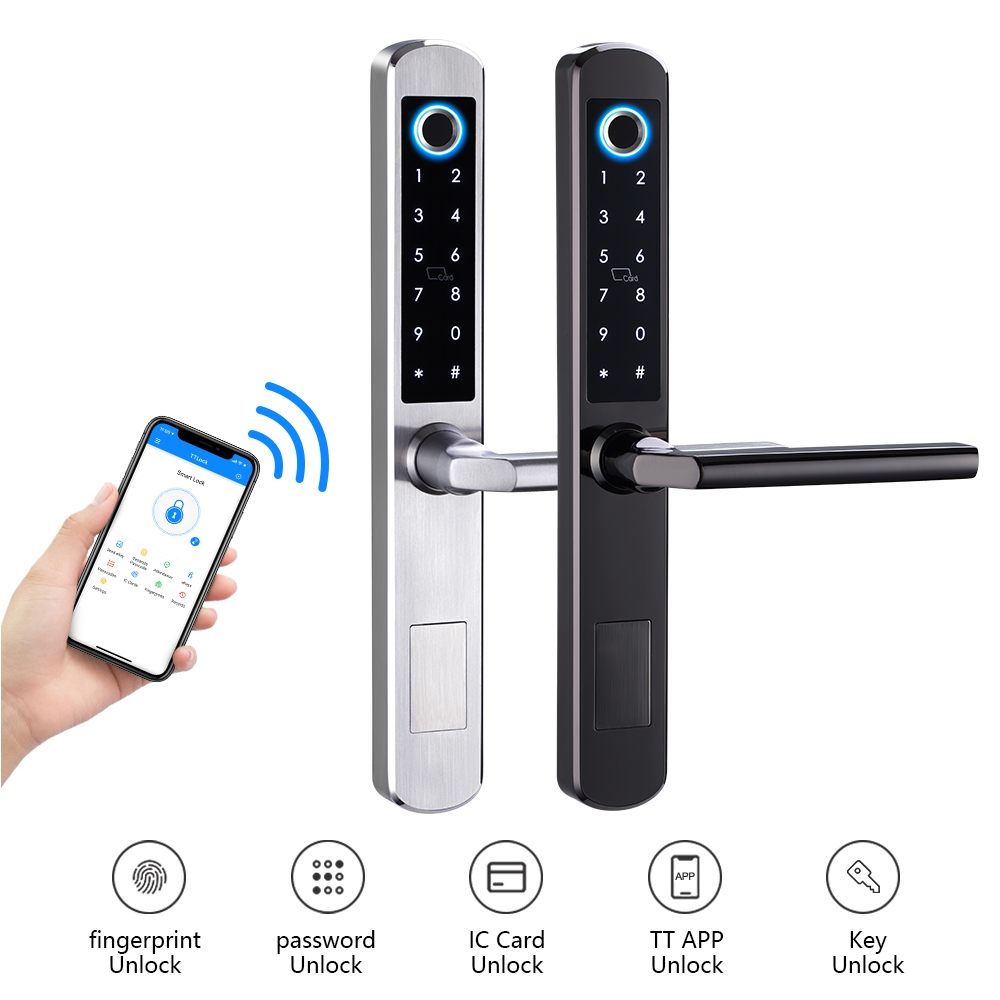
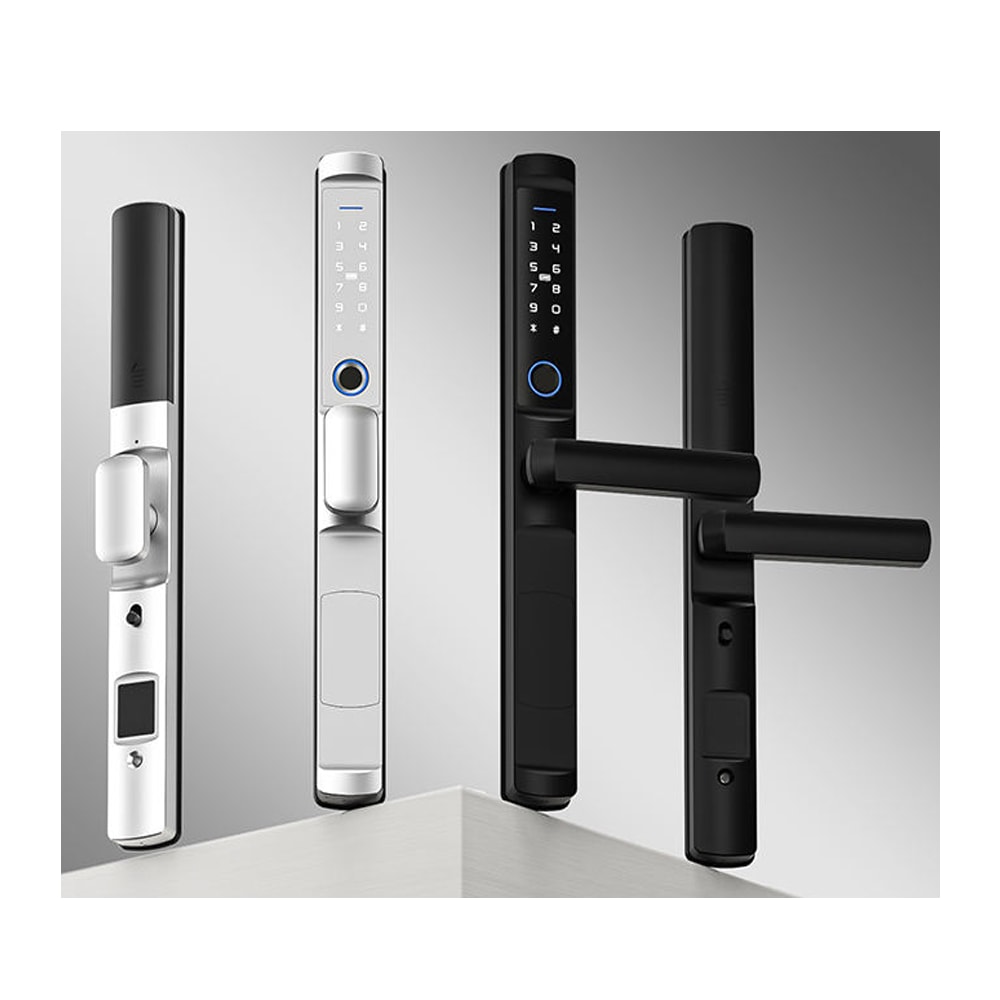
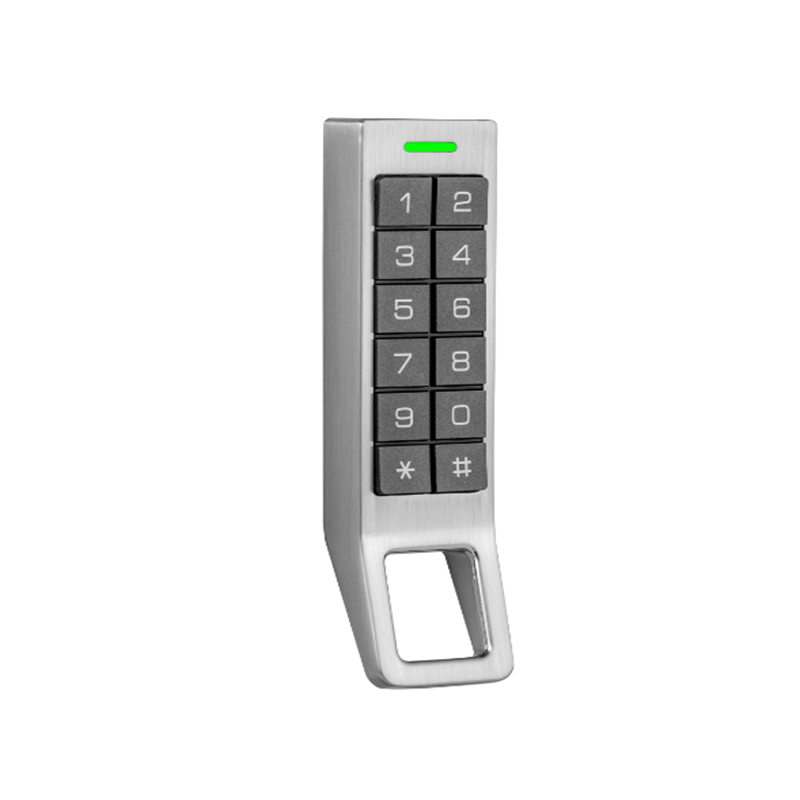
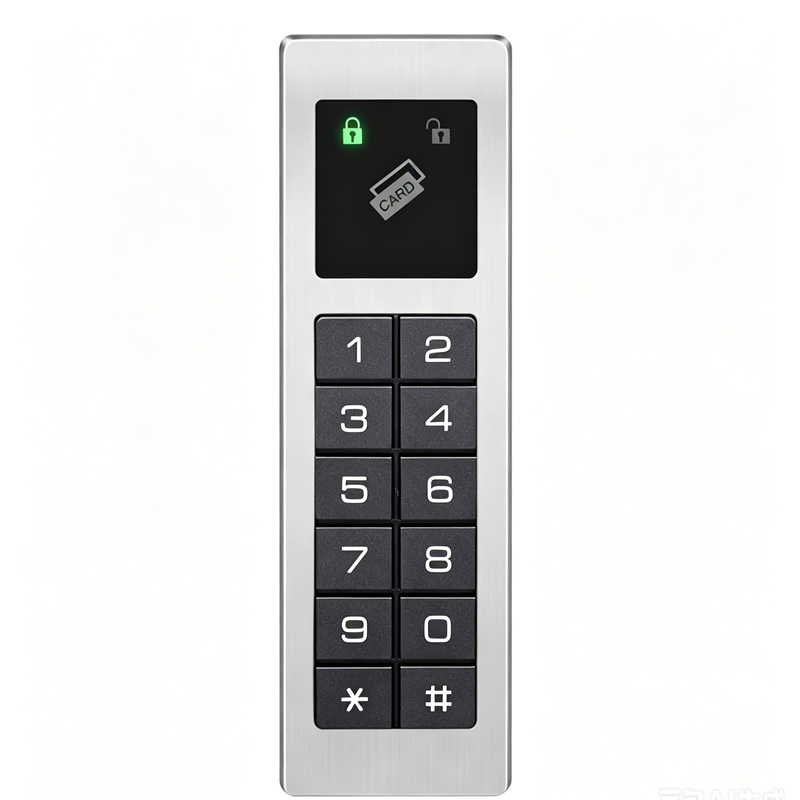
Slim 304 stainless steel keypad lock with IP65 waterproof case for thermal break sliding doors FM210
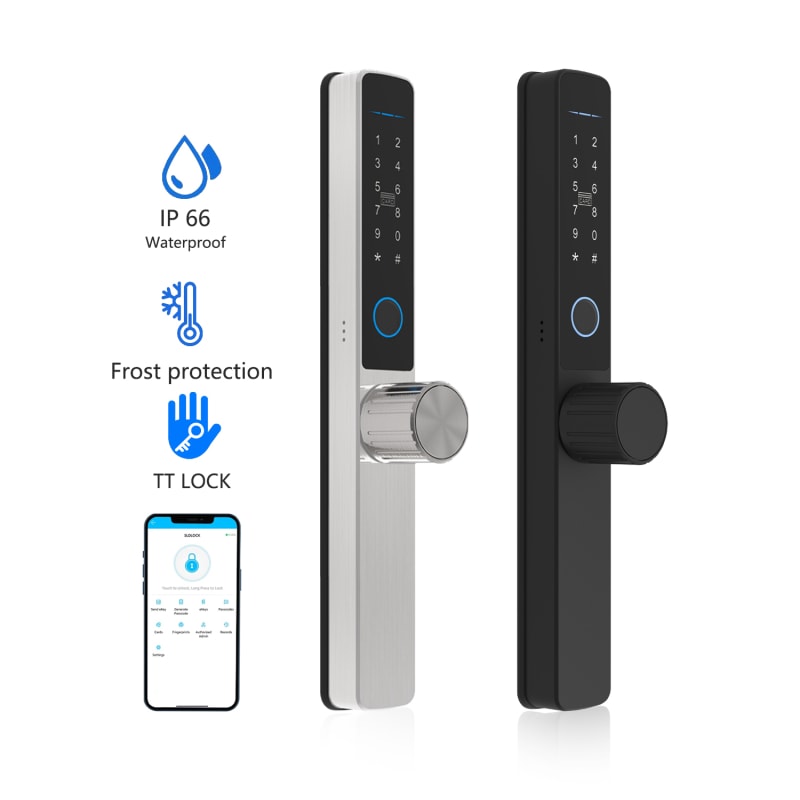
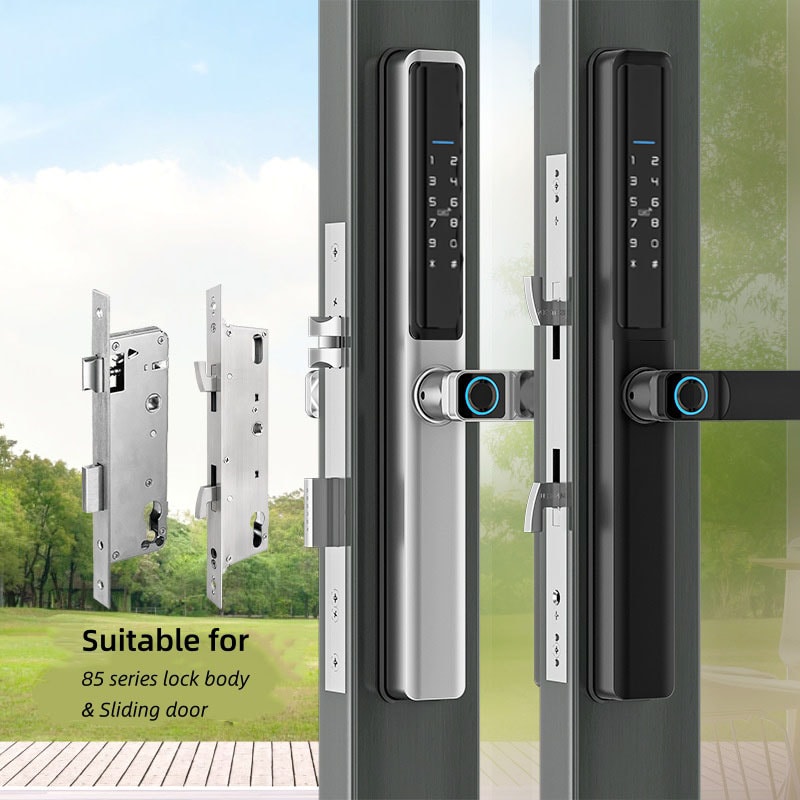
Fingerprint lock with hook mortise for slim sliding door and IP66 waterproof for outdoor use F6
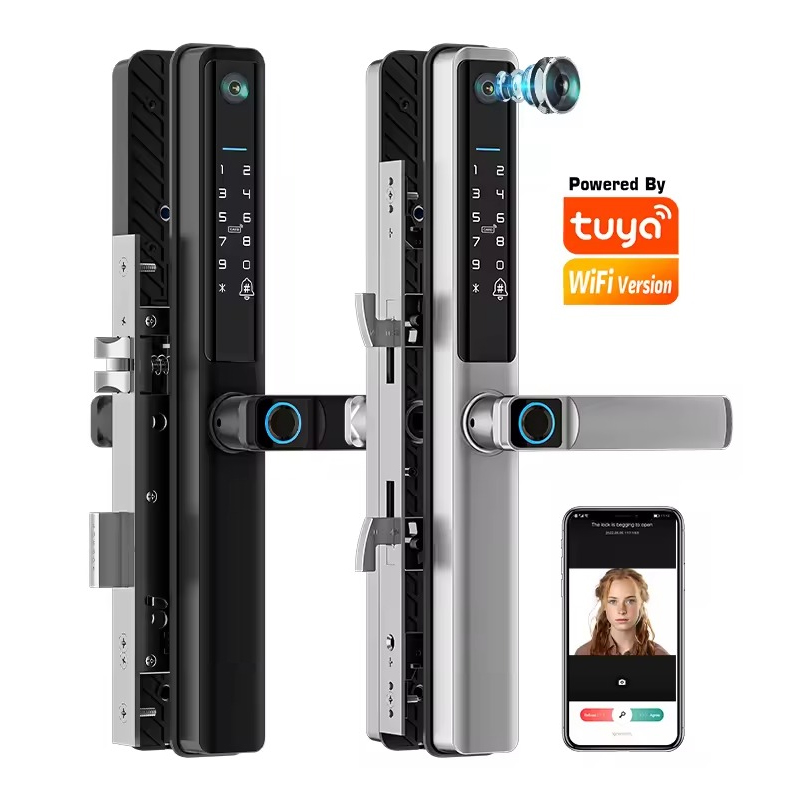
Keyless entry door lock for slim sliding door with camera and doorbell F5 PRO
Smart door lock with hook mortise for aluminum slim sliding door F5
Front door smart Locks made of aluminum alloy compatible with multiple mortise types
Keypad Door Lock with IP66 Waterproof case and Two Handle Styles Options
Front Door Keypad Lock with Fingerprint and Doorbell B2
Face Recognition Smart Door Lock with Video Intercom Doorbell Tuya WiFi D1
WIFI Smart Mortise Lock with Tuya Video Doorbell support Face Scan Palm Vein F7
Smart mortise lock with bluetooth and WIFI optional FM028
Mortise Smart Lock with multi keyless accesses FM550
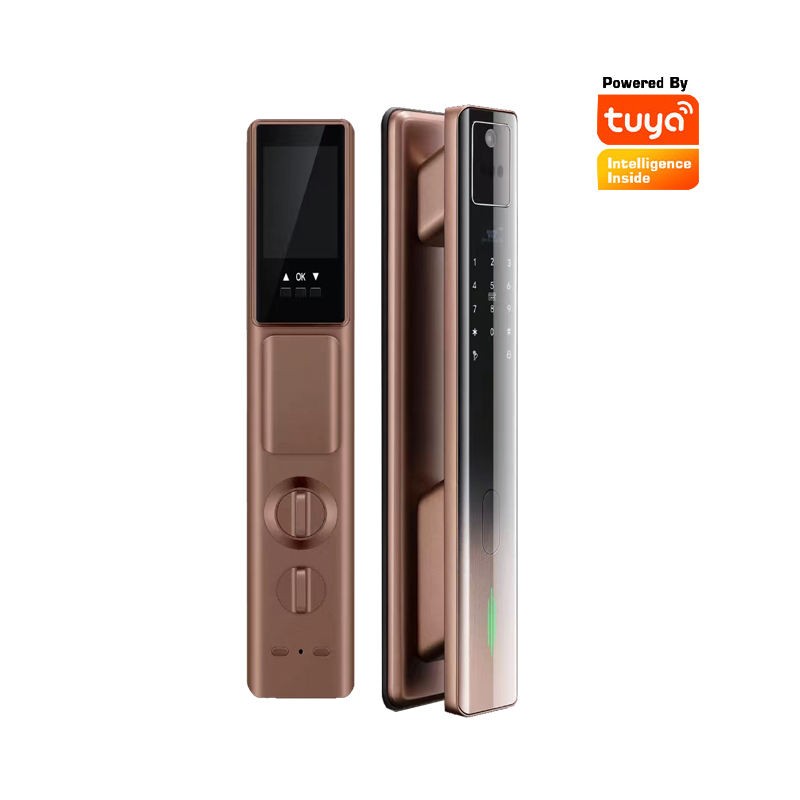
Camera Smart Lock with Finger Scan Supporting Tuya WiFi or Zigbee FM551
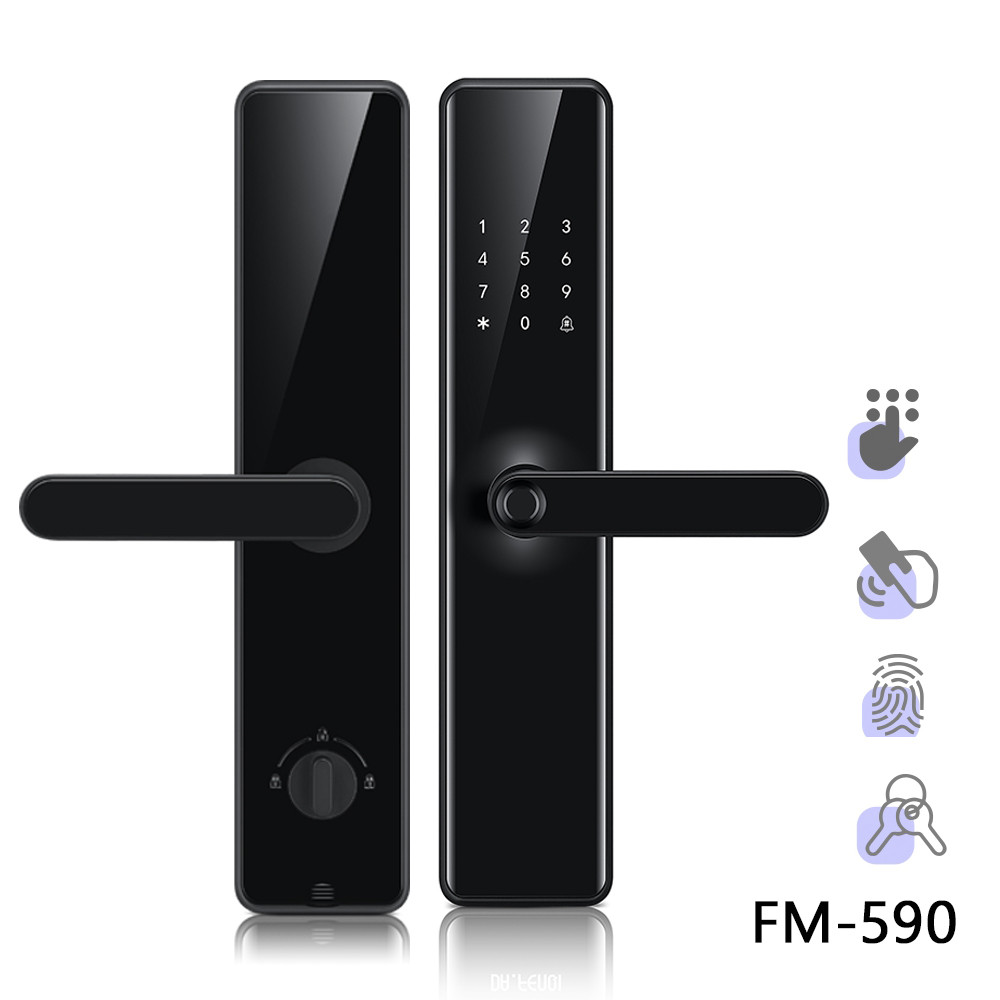
Smart Door Lock with Fingerprint and Voice Control FM590
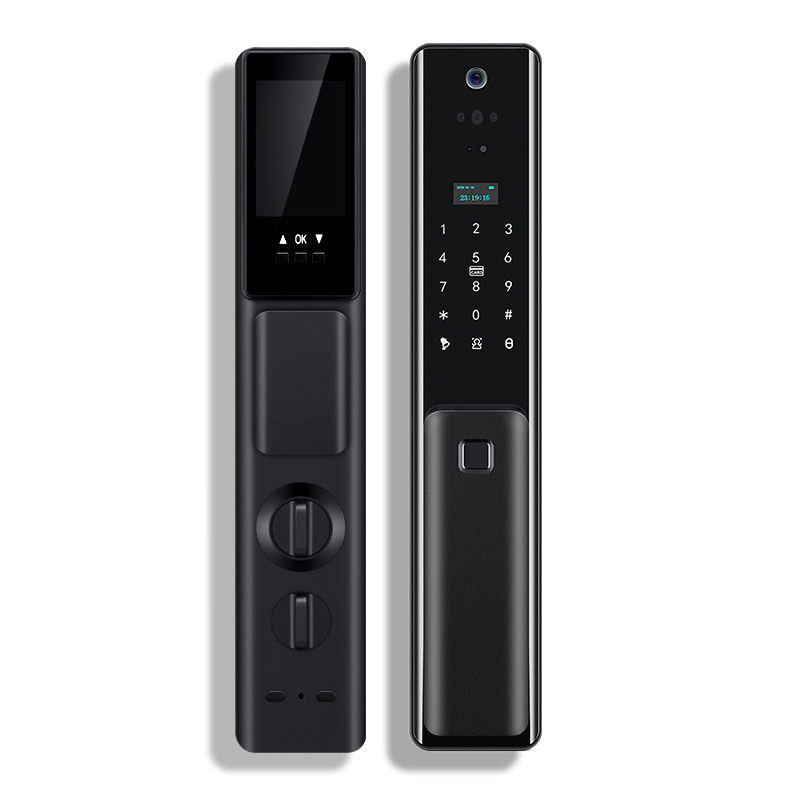
Fingerprint Door Lock with Face Scanner and Camera Supports google home FM720
Facial Recognition Smart Lock with Video Intercom and Thumbprint FM730
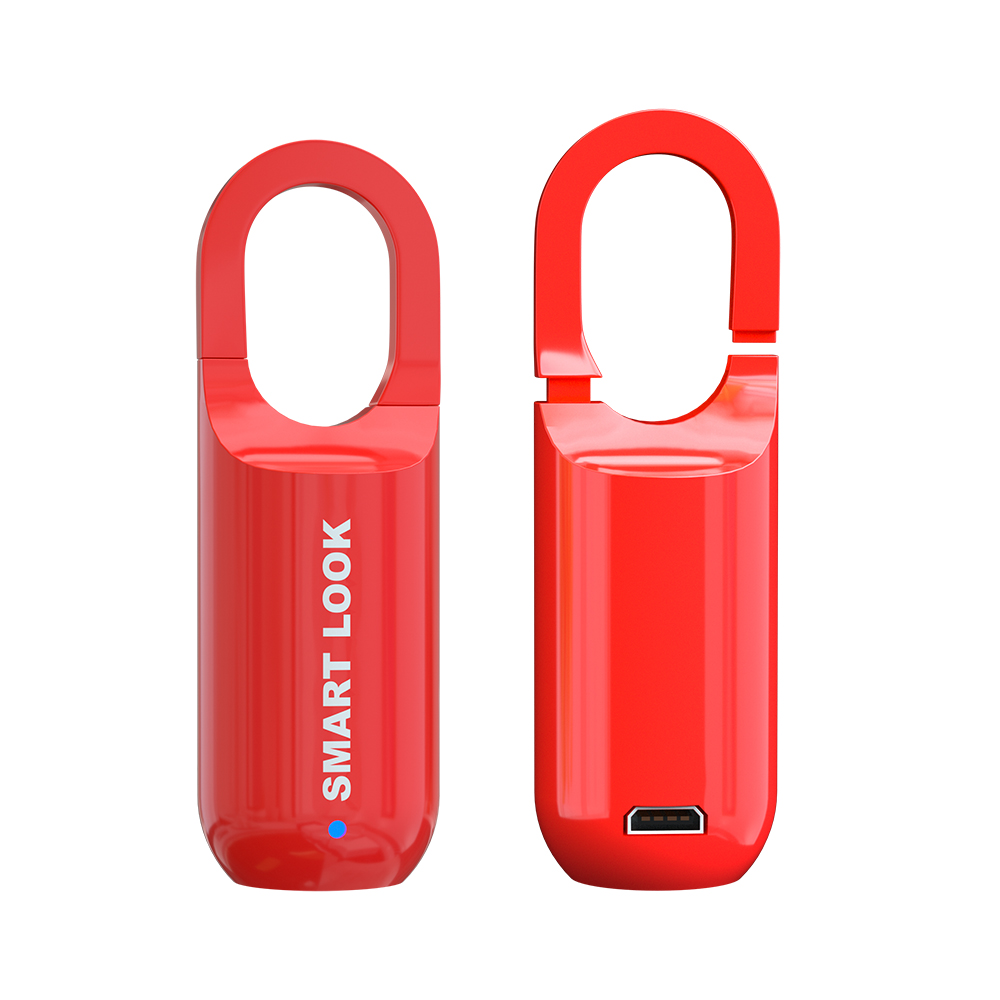
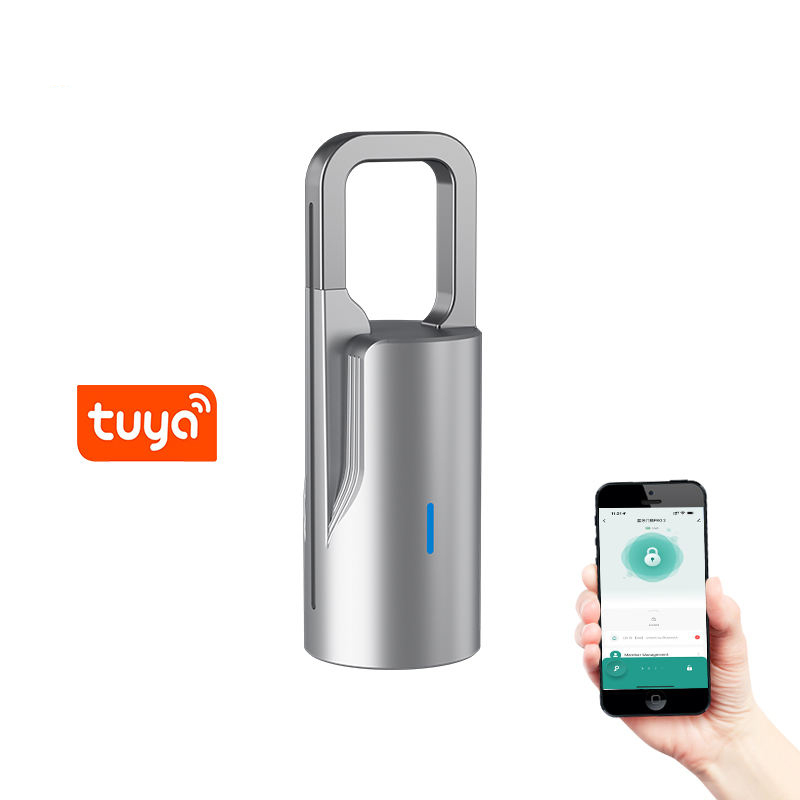
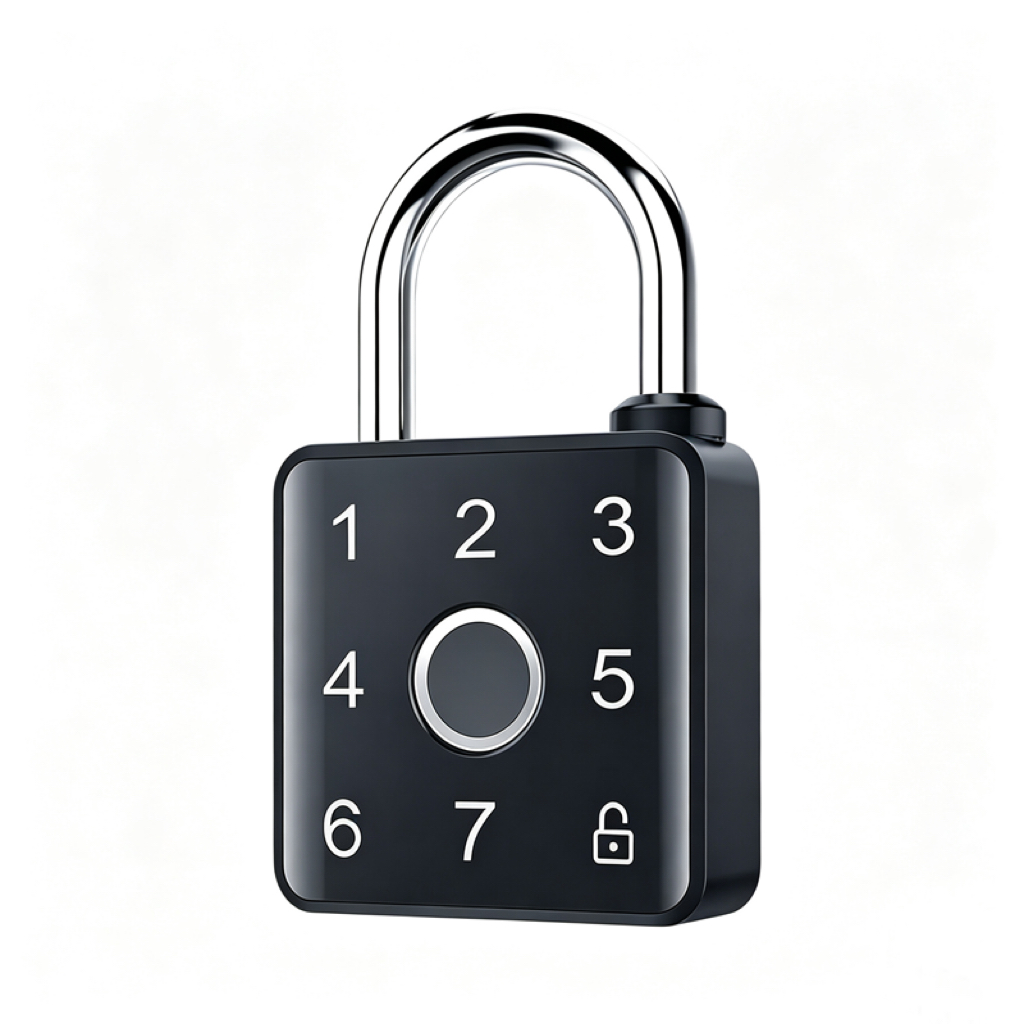
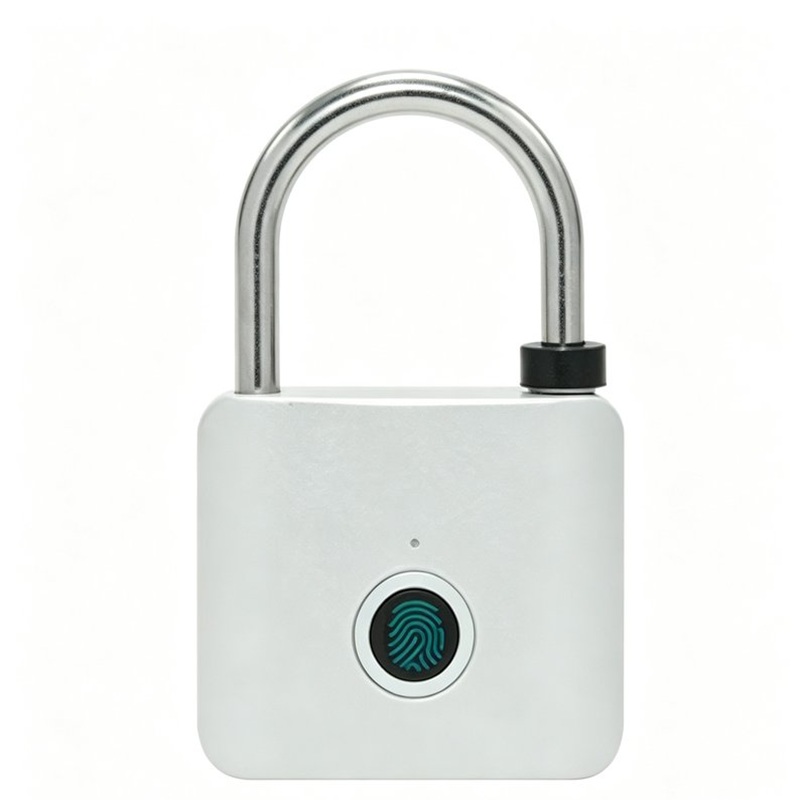
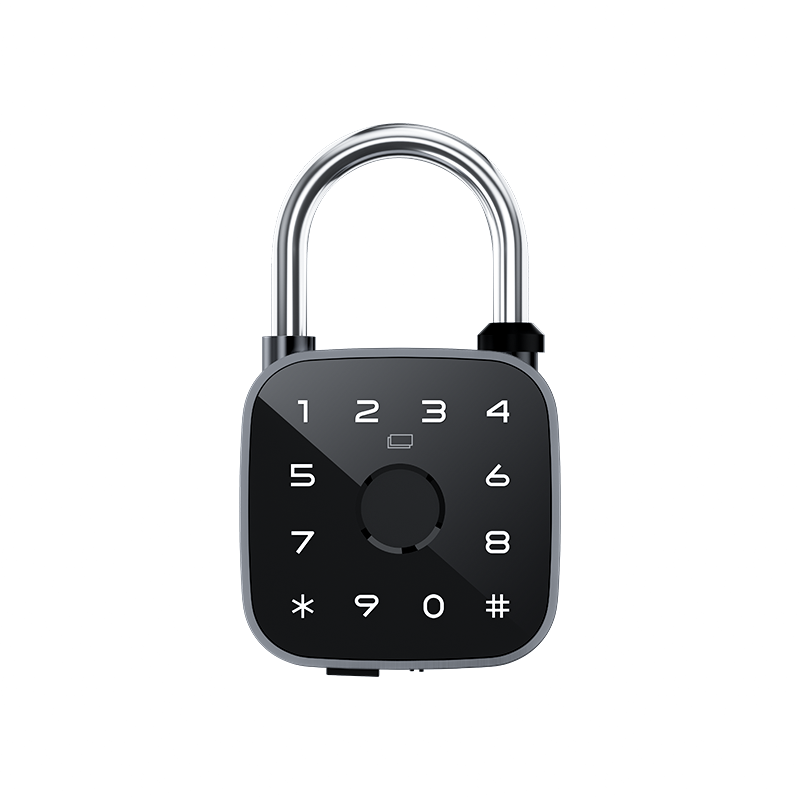
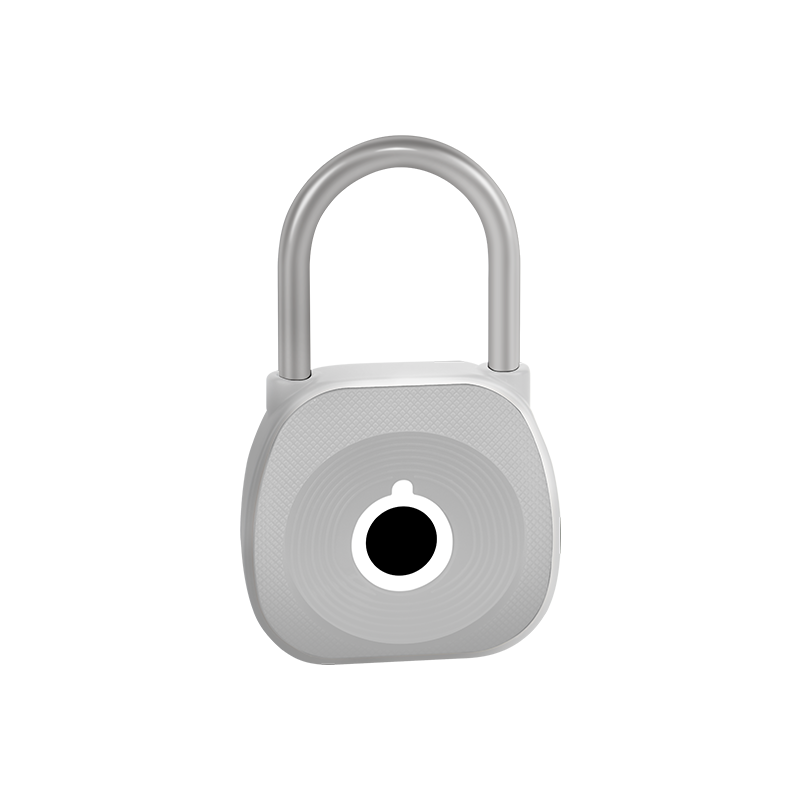
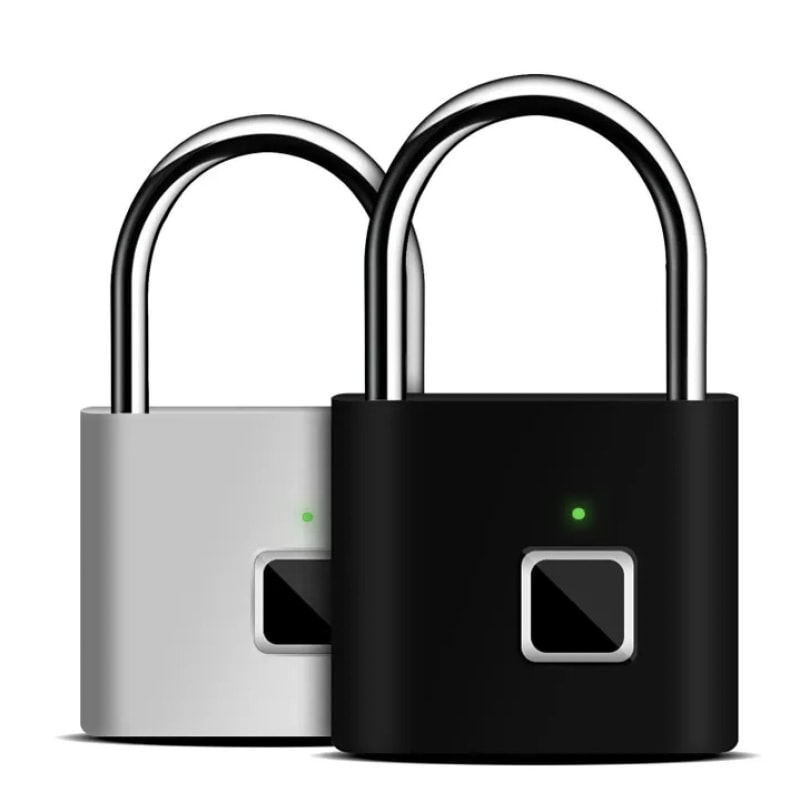
Fingerprint Smart Padlock with Bluetooth App Control and 365-Day Standby Tuya FMP001
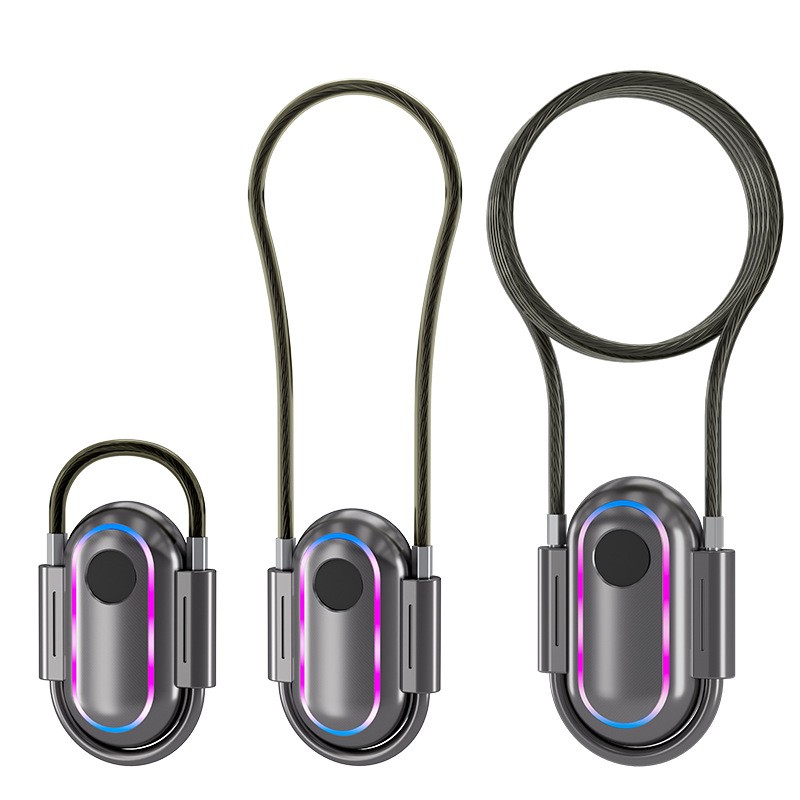
Fingerprint Smart Padlock with IPX5 Waterproof and 3 Steel Cable Lengths FMP002
Fingerprint Smart Padlock with Bluetooth App Control and IPX5 Waterproof FMP003
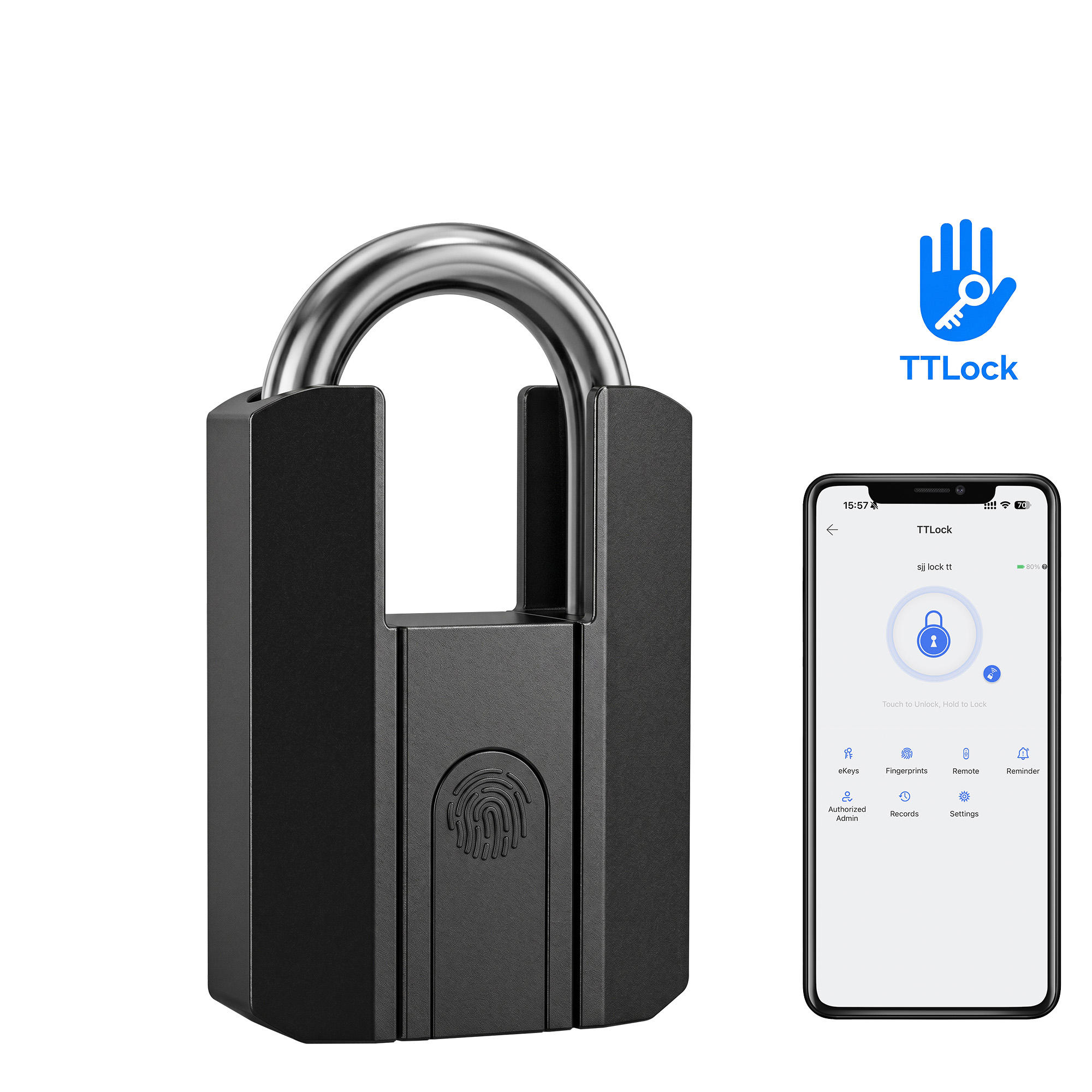
Heavy-Duty Fingerprint Padlock with IP67 Waterproof Shackle and TTLock Bluetooth FMP004
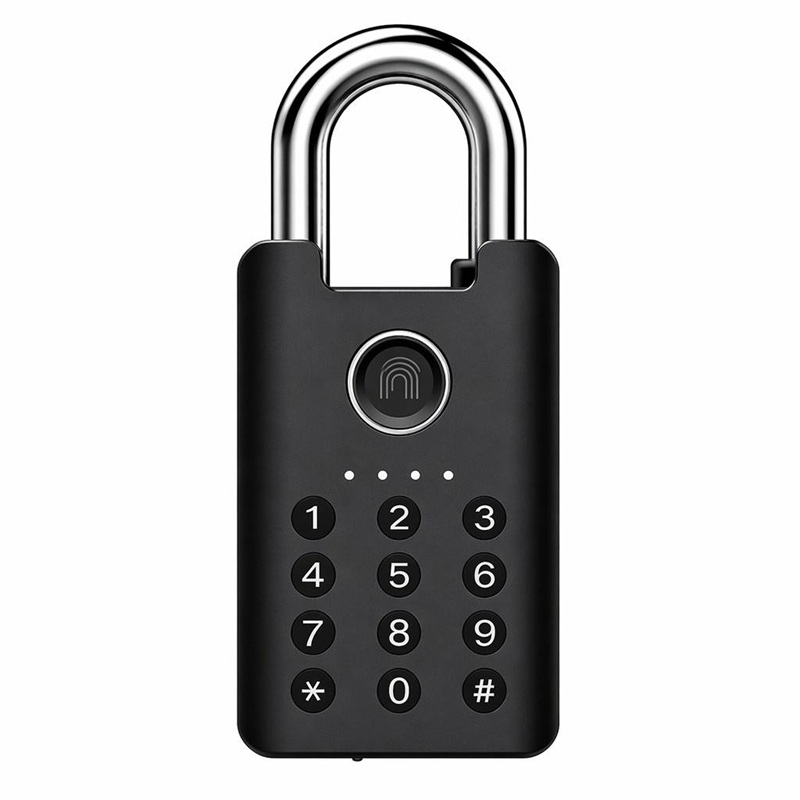
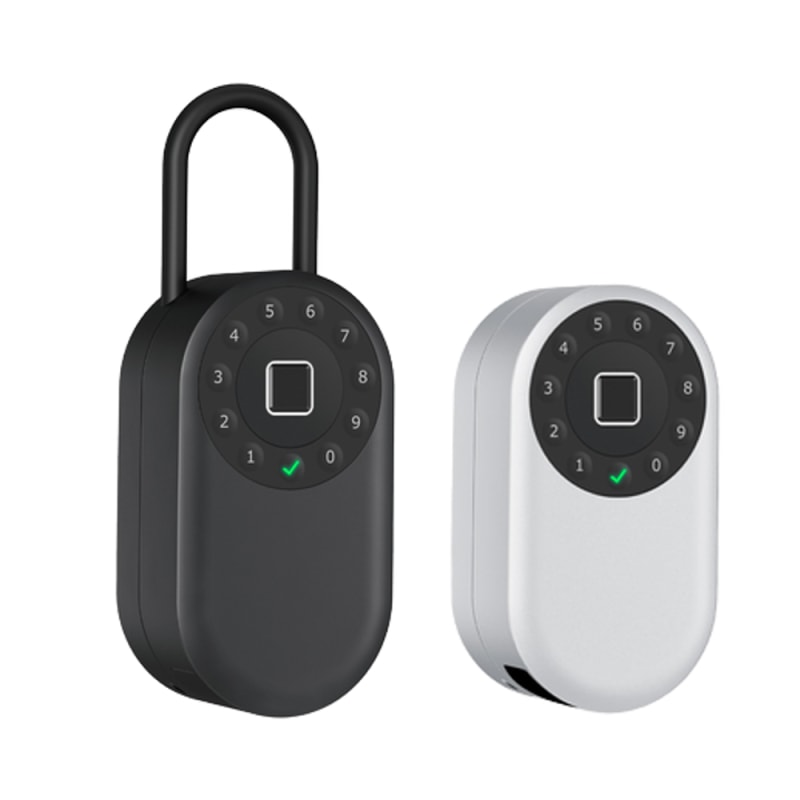
Heavy Duty Fingerprint Smart Padlock with Password Keypad IP65 Waterproof FMP005
Multi-Access Fingerprint Padlock with Keypad, App Control & IP65 Waterproof FMP006
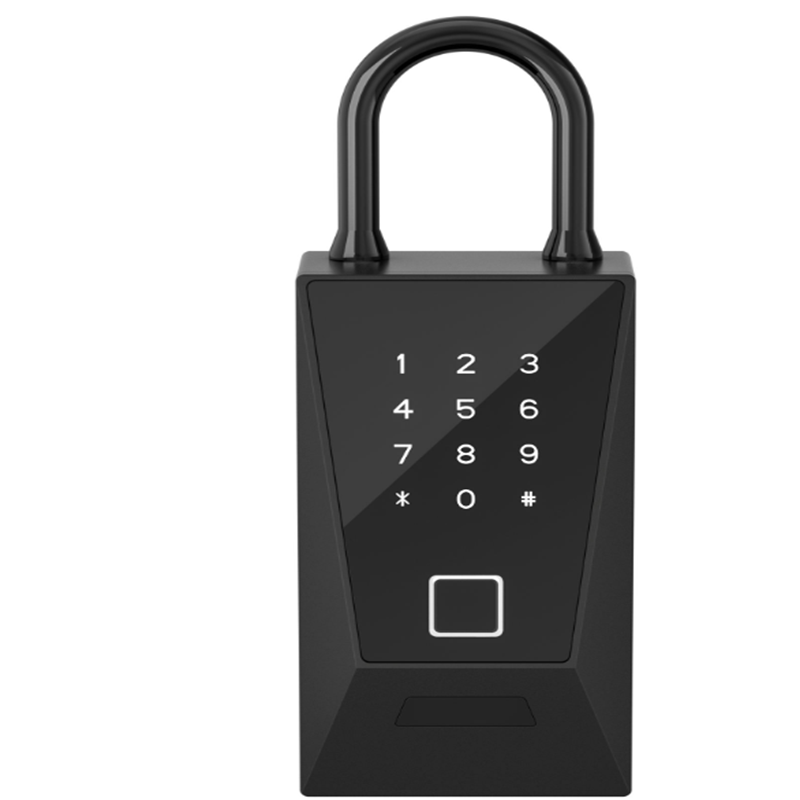
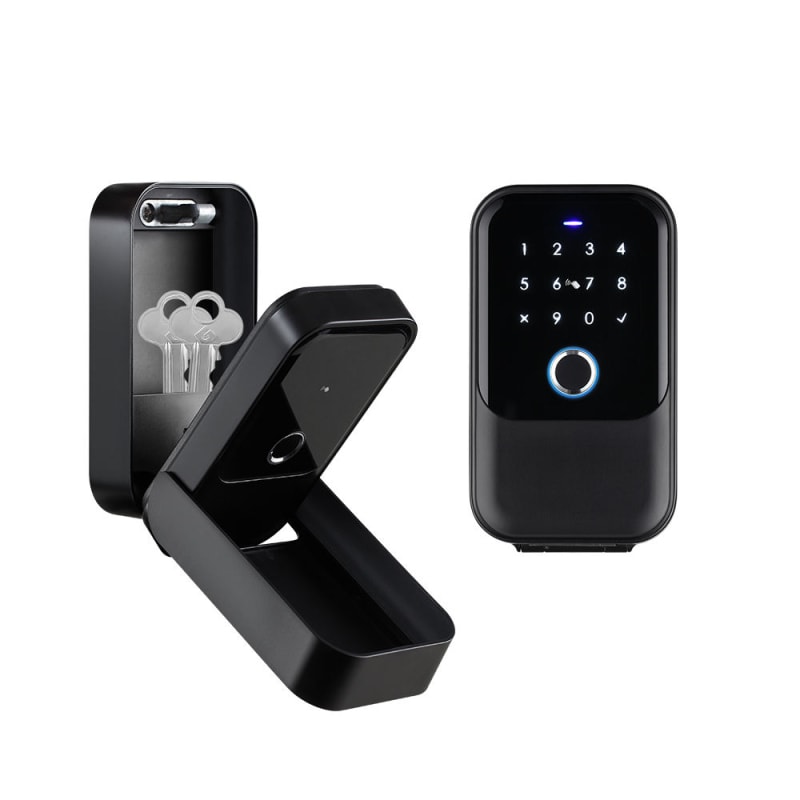
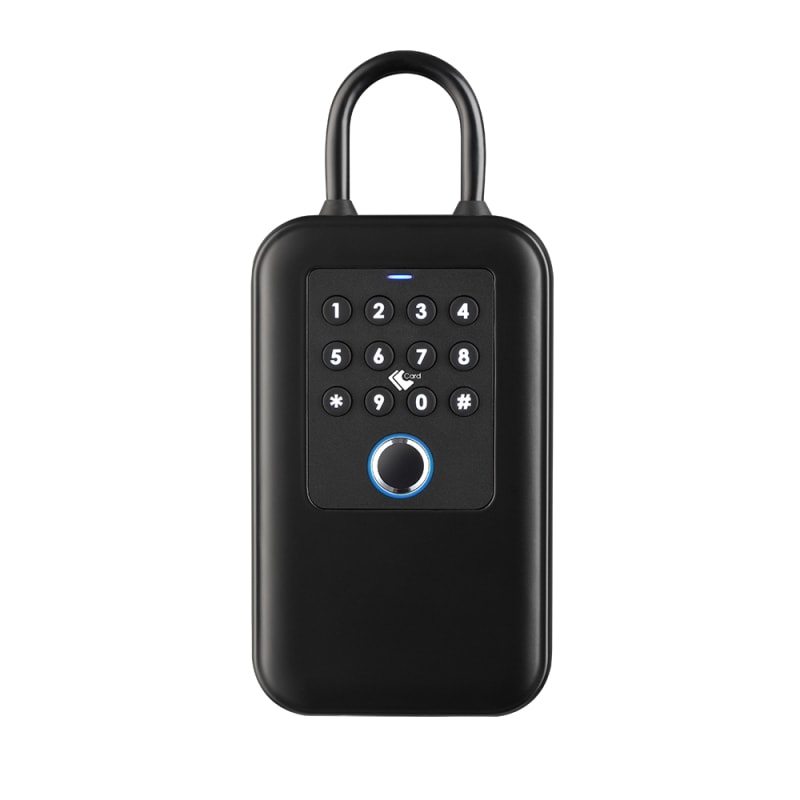
WiFi Smart Key Box with Fingerprint Password Card Access IPX5 Waterproof FMP007
Bluetooth biometric Intelligent Padlock with IP65 Waterproof and Type-C Rechargeable Battery FMP008
Smart Biometric Padlock with Scramble-Code Keypad and Tuya App Control FMP009
Ultra-Slim Biometric Padlock — 1.8cm Aluminum Body with Tuya App Control FMP010
Smart Fingerprint Cabinet Lock — App & Bluetooth Keyless for Lockers FM890
Digital Cabinet Lock with TTLock App, Passcode and RFID Card Access FMP870B
Smart RFID and Passcode Cabinet Lock with 5000mAh Battery and IP66 Waterproof FMP810
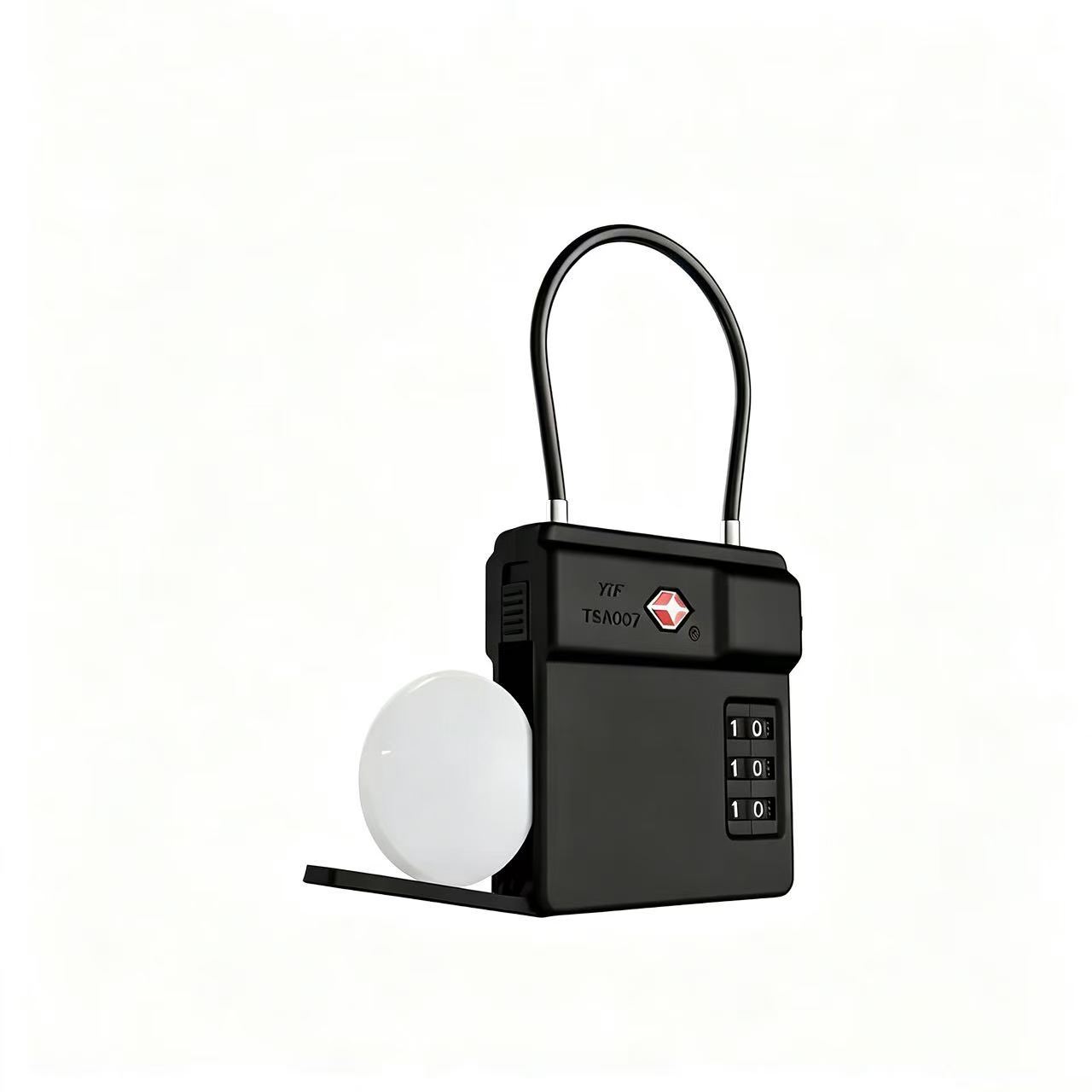
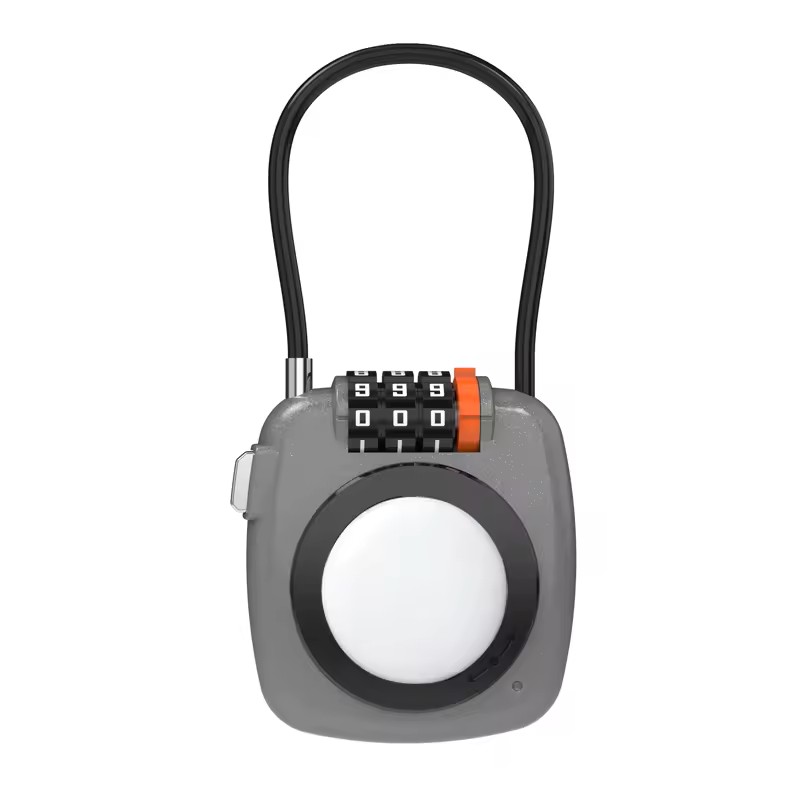
Combination Padlock with Apple Find My & Android Find Hub - IP65 Waterproof Smart Lock FMA001
Smart RFID and Passcode Cabinet Lock with 5000mAh Battery and IP66 Waterproof FMP810
Keyless lock box with physical keypad and TTlock app waterproof for outdoor key storage KB3
Smart key box with touch keypad and comptible with TTlock and Tuya ble for outdoor use K5
Fingerprint padlock with morse code backup that is rechargeable and portable for everyday use FM570
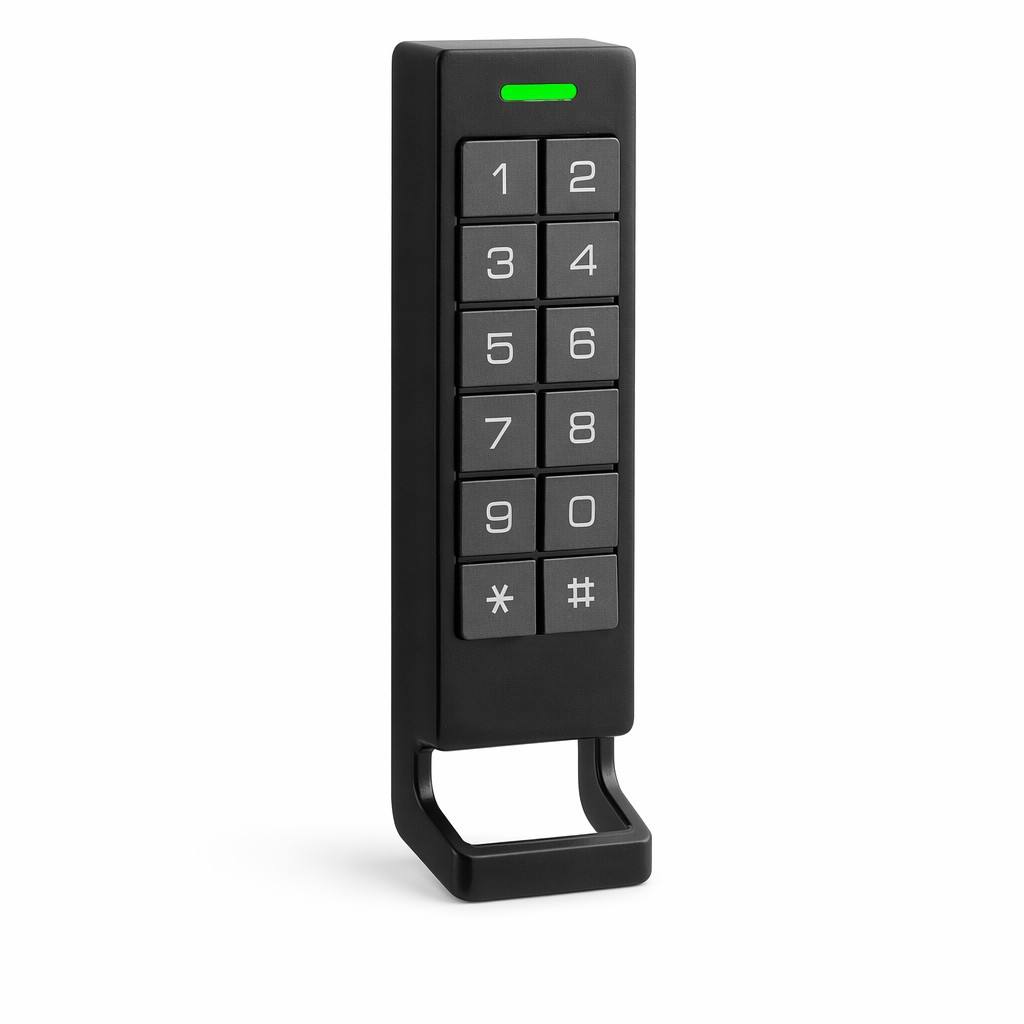
Waterproof key lock box with physical keypad and Tuya app control for outdoor key storage K7
WhatsApp

Picking a fingerprint door lock isn’t really about grabbing the priciest one on the shelf. It’s about whether the security tech actually fits your day-to-day routine, your door, and your family’s quirks. A lock can look great in a showroom and then fumble the moment your fingers are wet, there’s dust everywhere, or the batteries are running low. That gap between the demo and real life? It matters.
David Benowitz, a security consultant at Charles Security Services, puts it well: “A lock is only as strong as its installation and the habits of the people using it.” That’s the kind of practical thinking to keep in mind. So check things like how fast the fingerprint sensor reads, how often it falsely rejects a finger, whether it warns you about low battery, and if it has an emergency power option. A solid model should also have a strong mechanical backup and clear access records. Convenience is great, but it shouldn’t wipe out accountability.
The phrase Fingerprint Lock Fingerprint might sound confusing, but the idea is simple: your fingerprint becomes a digital key. Still, biometric data deserves careful attention. Choose a brand that explains data storage, encryption, updates, and user deletion. Read the privacy policy. Really read it.
And don’t forget the door itself. A heavy metal door, an exposed outdoor entrance, and a humid apartment corridor don’t need the same level of protection. Look for suitable weather resistance and professional installation support. Some locks promise broad compatibility, but measurements can be surprisingly unforgiving. Even a few millimeters can create alignment problems.
No fingerprint door lock is perfect. Batteries fail. Sensors misread. Users forget backup codes. A thoughtful buying decision accepts these weaknesses and prepares for them. The best lock is secure, practical, maintainable, and reliable when the hallway is dark and your hands are full.
A fingerprint door lock replaces a traditional key with biometric verification. It reads the unique ridge patterns on your finger through an optical or capacitive sensor. During enrollment, you touch the scanner several times. The lock converts those readings into a digital template, then stores or encrypts it. A properly designed system does not need to save a normal fingerprint photograph. When you return, the sensor compares a new reading with the approved template. If the similarity passes its security threshold, the motor retracts the latch. That process takes seconds.
A reliable choice begins with the sensor, not the display or keypad. Check whether it recognizes dry, damp, dusty, or slightly worn fingers. Real homes are less controlled than showrooms. A practical test should include morning use, dim lighting, and repeated attempts. Look for encrypted communication between the sensor and control unit. Local matching can reduce exposure compared with sending biometric data to a remote server. Confirm how data is deleted and whether access logs are protected. Battery warnings and a mechanical backup matter during a power failure. Keep an emergency method available.
No fingerprint lock is perfect. Cuts, moisture, aging skin, or a poorly placed finger can cause rejection. False acceptance is rarer in well-engineered systems, but it should never be treated as impossible. Choose adjustable sensitivity, anti-tamper alarms, and automatic locking only if they suit your household. A lock that secures quickly may inconvenience children or guests. I would question impressive claims without independent testing details. Convenience is valuable, yet a forgotten battery or weak installation can defeat advanced software. That is the part many buyers underestimate.
| Evaluation Dimension | What It Is | Typical Specifications or Facts | Why It Matters When Choosing |
|---|---|---|---|
| Fingerprint Recognition | A biometric system that captures the characteristics of a finger and compares them with an enrolled fingerprint template. | Most residential locks use capacitive or optical fingerprint sensors. A successful match normally unlocks the lock electronically. | Choose a sensor that provides consistent recognition and works well with the users' finger conditions and usage habits. |
| Authentication Methods | The available ways to open the door besides fingerprint recognition. | Common options include PIN codes, mechanical keys, RFID cards, smartphone apps, and temporary access codes. | Multiple methods provide backup access if a finger is wet, dirty, injured, or not recognized. |
| Fingerprint Capacity | The number of individual fingerprints that can be stored in the lock's internal memory. | Many residential models support approximately 20 to 100 fingerprints, although capacity varies by design and user profile. | Allow separate fingerprints for household members, trusted visitors, and more than one finger per person. |
| Recognition Speed | The time between placing a finger on the sensor and receiving an authentication result. | Well-designed consumer locks commonly advertise recognition in less than one second; actual performance depends on the sensor, software, and finger condition. | Fast recognition improves convenience, especially at busy entrances or when carrying packages. |
| False Acceptance Rate | The probability that an unregistered person is incorrectly accepted as an authorized user. | A lower false acceptance rate generally indicates stricter biometric matching. Manufacturers may publish different test methods, so figures should be compared carefully. | Security claims should be judged together with the lock's encryption, access control, and physical construction. |
| False Rejection Rate | The probability that an authorized user is incorrectly rejected. | Recognition can be affected by moisture, dust, cuts, worn fingerprints, cold weather, or incorrect finger placement. | Look for user enrollment of multiple fingers and a dependable PIN or key override. |
| Power Source | The battery or electrical system that operates the fingerprint reader, motor, and control circuit. | Common designs use four AA batteries, four AAA batteries, or a built-in rechargeable lithium battery. Battery life depends on traffic, temperature, network functions, and motor load. | Check the expected operating duration, battery indicator, low-battery warning, and ease of replacement or charging. |
| Emergency Power | A method for supplying temporary power when the internal batteries are depleted. | Many battery-powered locks provide an external USB power input or emergency terminals. A mechanical key override is also common. | Emergency power prevents a dead battery from becoming a lockout situation, but it does not replace regular battery maintenance. |
| Mechanical Compatibility | The physical relationship between the lock and the existing door, including thickness, borehole, backset, and latch type. | Compatibility is not universal. Typical residential door thicknesses are often around 35 to 55 mm, but the exact acceptable range must be confirmed for each model. | Measure the door before purchase. Incorrect dimensions can prevent installation or affect latch alignment. |
| Locking Mechanism | The mechanical component that secures the door after authorization. | Common mechanisms include deadbolts, mortise locks, latch bolts, and multi-point locking systems. | Select a mechanism appropriate for the door structure and local security requirements rather than choosing only by electronic features. |
| Security Communication | The method used when the lock connects to a phone, hub, or home automation system. | Common wireless technologies include Bluetooth, Wi-Fi, and Zigbee. Remote access usually requires a network connection or compatible gateway. | Wireless features can enable activity records and remote management, but they may increase power consumption and configuration requirements. |
| Data Protection | Controls that protect stored biometric templates, PINs, access records, and wireless communication. | Look for encrypted communication, protected administrative access, automatic lockout after repeated failed attempts, and firmware update support. | Fingerprint data is sensitive. A secure lock should protect credentials and limit unauthorized account or device access. |
| Access Management | The ability to add, remove, schedule, and monitor authorized users. | Useful functions may include administrator accounts, one-time codes, time-limited codes, user deletion, and entry-history records. | These features are valuable for families, rental properties, offices, and service personnel. |
| Automatic Relocking | A function that locks the door automatically after it has been opened or unlocked. | Many models allow a configurable delay, while some provide manual locking only. | Automatic relocking reduces the risk of accidentally leaving the door unsecured, but the delay should be long enough for normal entry. |
| Weather Resistance | The ability of exterior components to tolerate rain, dust, humidity, and temperature changes. | Some outdoor-rated products use an IP rating. For example, IP65 indicates protection against dust and water jets, but it does not mean the lock can be submerged. | For exterior doors, verify the environmental rating and installation position instead of assuming every fingerprint lock is weatherproof. |
| Operating Temperature | The temperature range in which the lock is designed to function. | Many residential products specify a range near -20°C to 60°C, but the stated limits differ by model and battery type. | Choose a lock rated for the climate and location where it will be installed, especially in unheated entrances. |
| Physical Security | The resistance of the lock body, cylinder, escutcheon, and fasteners to forced entry or tampering. | Important features may include hardened components, concealed mounting screws, anti-tamper alarms, and a protected cylinder. | Biometric electronics do not compensate for a weak door, frame, strike plate, or installation. The complete door assembly matters. |
| Backup Key Design | A mechanical access method used if electronic authentication or power is unavailable. | Some locks include a concealed key cylinder, while others rely mainly on emergency external power and PIN access. | Confirm where the key cylinder is located and keep spare keys in a secure, accessible place outside the locked area. |
| Installation Requirements | The work and tools needed to fit, align, and configure the lock. | Requirements may include a compatible door template, screwdriver, accurate measurements, latch alignment, and administrator setup. | Incorrect alignment can cause motor noise, short battery life, unreliable locking, or premature mechanical wear. |
| Best Overall Selection Criteria | The combination of biometric performance, mechanical strength, compatibility, power reliability, and user management. | A balanced choice should offer dependable recognition, suitable capacity, secure backup access, clear battery warnings, appropriate weather protection, and verified door compatibility. | The best fingerprint door lock is the one that fits the door correctly and remains secure and usable when biometric recognition, wireless access, or battery power is unavailable. |
Specifications vary by model and installation environment. Always verify the manufacturer's technical documentation, door measurements, local building requirements, and applicable security standards before purchase.
Fingerprint recognition should be judged beyond speed. When choosing a Fingerprint Sliding Door Lock, inspect its sensor type, matching accuracy, and performance on damp fingers. Capacitive sensors usually capture clearer ridge details than basic optical sensors. However, dust, small cuts, or wet skin can still cause failed readings.
NIST’s Digital Identity Guidelines, SP 800-63B, recommends a biometric false-match rate of 1 in 1,000 or lower when biometrics support access control. Ask manufacturers for independent test results, not only marketing claims. Check false rejection rates too. A lock that rejects your clean finger every morning becomes frustrating quickly. Also evaluate liveness detection, encrypted fingerprint storage, and local processing. ISO/IEC 30107-3 provides a recognized framework for testing presentation-attack detection. It is useful evidence, although certification alone does not guarantee smooth daily use.
Tips: Test several fingers, including a thumb and an index finger. Try the lock after washing your hands. Confirm whether it stores templates rather than raw fingerprint images. Review emergency entry methods, battery warnings, and audit logs. These details often matter more than a glossy recognition-speed number. I would also question systems promising near-perfect accuracy. Real hands are imperfect, and laboratory results may not reflect a rainy doorway, cold skin, or hurried access.
Choosing the best fingerprint door lock requires comparing two separate protections: the lock’s physical rating and its biometric performance. ANSI/BHMA standards evaluate strength, durability, and repeated operation. Higher grades generally indicate tougher testing, but a grade does not guarantee secure installation. A weak door frame can undermine an expensive lock. Check the strike plate, screws, door alignment, and emergency access method.
Fingerprint recognition adds convenience, not automatic security. NIST Special Publication 800-63B recommends a false-match rate of 1 in 1,000 or better for biometric authentication. Ask whether the device uses live-finger detection and whether its testing follows ISO/IEC 30107-3 presentation-attack standards. These details matter when wet fingers, dust, or small cuts reduce recognition accuracy. They are easy to overlook.
Locking mechanisms also differ. A motorized deadbolt offers a direct locking action, while a mortise mechanism protects the latch and bolt inside the door edge. Multi-point systems engage several points, but they need accurate alignment. For a Fingerprint lock for sliding door, confirm that the product uses a hook bolt or another design suited to sliding movement. Battery warnings, mechanical override control, and failed-entry lockout should be tested in real conditions. Ratings can look impressive. The installation may still be the weak link.
Choosing a fingerprint door lock starts with its power plan, not its sleek scanner. In daily testing, battery warnings mattered more than enrollment speed. Four AA batteries may last months, but cold weather, frequent unlocking, and weak cells reduce that estimate. Check whether the lock shows a clear low-power alert on the keypad or app. Better still, choose a model with a visible battery meter. Small details matter. Confirm battery access from inside, so replacement does not require opening the locked door.
Backup access should work when your finger is wet, dirty, injured, or simply unrecognized. A secure keypad, mechanical key, or temporary code can prevent a stressful lockout. Test the keypad at night and with gloves. Some touch panels respond poorly to moisture. A mechanical override is useful, but store its key in a safe, reachable place, not under the doormat. Avoid relying on one method. I once treated fingerprint recognition as foolproof; that assumption was careless.
Emergency power deserves close attention. An exterior USB-C port or contact point can provide short-term power from a portable battery when internal cells die. Verify the connection before purchase, and keep a charged power bank nearby. Ask how the lock behaves after power returns: does it remain locked, preserve codes, and record access events? Also inspect fire and building requirements before installation. Emergency release features must suit the door and local rules. A lock can be advanced, yet still fail during a rushed morning. Choose redundancy you can practice, not features you only read about.
Power, backup access, and emergency options to verify before purchase
A practical fingerprint lock should provide at least six months of normal battery operation, a low-battery warning, two independent backup access methods, and a 5V emergency power input. Actual battery life depends on usage, temperature, wireless features, and battery quality, so always confirm the manufacturer’s specifications.
Choosing a fingerprint door lock starts with the door, not the scanner. Measure the door thickness, backset, and distance between the handle and cylinder. Check whether the door swings inward or outward. Also inspect the frame for warping, loose screws, or shallow strike plates.
If the lock replaces a deadbolt, compare its mounting holes with the new lock’s template. Mortise doors require different hardware and deeper preparation. Glass, metal, and narrow-profile doors may need special adapters. The manufacturer’s installation sheet should show minimum clearances. Do not rely only on product photos. They can hide important measurements. Grand View Research estimated the global smart lock market at about USD 2.7 billion in 2023, showing growing demand but not guaranteed compatibility.
Before installation, confirm power access and emergency entry options. Measure the distance from the door edge to the nearest outlet or wall obstruction. Check whether the battery compartment remains reachable with the door closed. Parks Associates’ 2024 research places smart-home device ownership among U.S. internet households at roughly two in five, yet many users still overlook installation limits.
Installation should include a manual latch test before electronic setup. Keep the door open during fingerprint registration. Test five entries with clean and slightly damp fingers. Then test the mechanical key, interior release, and low-battery warning. Door alignment matters greatly. A strong lock can still fail against a dragging door. One practical detail is easy to miss: seasonal swelling may change the fit. Recheck the strike plate after several weeks. No checklist catches every warped frame.
When choosing a fingerprint reader door lock, treat convenience and privacy as equal priorities. A useful model should support fingerprints, temporary PINs, physical keys, and remote alerts. NIST SP 800-63B warns that biometrics are not secret information. Therefore, avoid locks relying on fingerprints alone. Two-factor access matters, especially for shared homes.
Privacy controls deserve close inspection. Look for encrypted communication, local biometric storage, adjustable data retention, and clear account deletion options. Verizon’s 2024 Data Breach Investigations Report found human involvement in 68% of breaches. Strong passwords and multi-factor authentication can reduce avoidable mistakes. Check whether access logs show precise times, such as “7:42 a.m.” Some records are useful; permanent tracking may feel excessive.
Cost is more than the purchase price. Add installation, batteries, replacement parts, and possible subscription fees. A cheaper lock can become expensive after repeated battery changes. In my own comparison, I focused too much on scanning speed at first. That was a mistake. A reliable lock should still provide alerts during weak Wi-Fi, offer a visible low-battery warning, and include a practical emergency power option. Consumer Reports recommends reviewing security, convenience, and long-term ownership factors together, rather than judging a device by one feature.
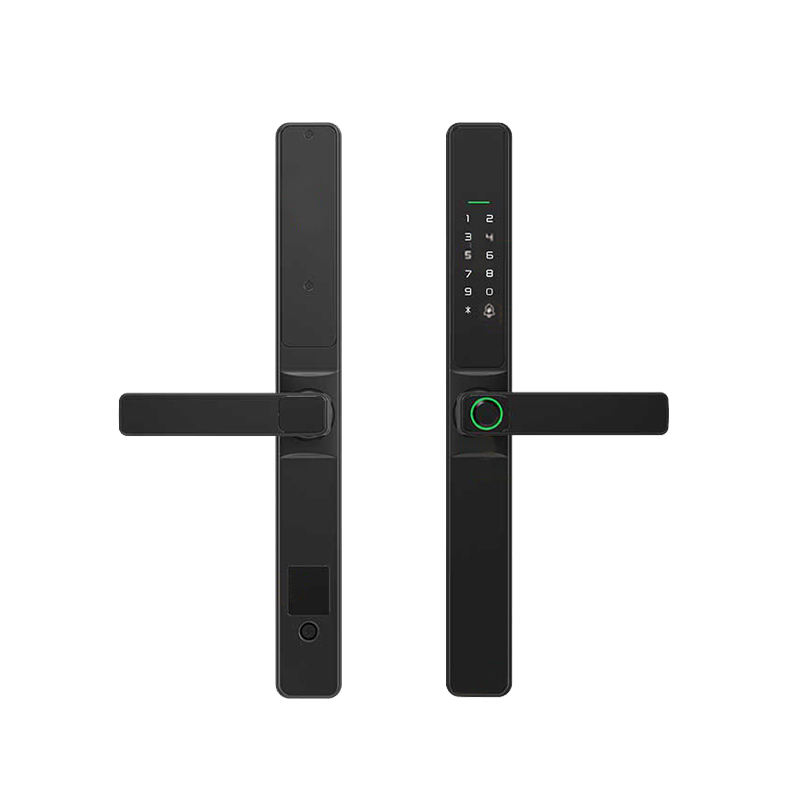
This 30mm ultra-narrow aluminum smart lock is designed for narrow-frame entrances and sliding glass doors where conventional hardware may not fit. Its slim profile combines with durable aluminum construction to provide a clean, modern appearance without sacrificing everyday security. Users can unlock the door through fingerprint recognition, keypad entry, RFID credentials, or a connected mobile application, creating flexible access for homes, offices, rental properties, and commercial spaces. Recent smart-home industry reports project the global smart-lock market to achieve a double-digit annual growth rate through 2030, driven largely by demand for keyless convenience, remote management, and integrated access control.
With an IP65 protection rating, the lock is resistant to dust and water jets, making it suitable for entrances exposed to rain, humidity, and outdoor conditions when properly installed. App connectivity supports functions such as temporary permissions, access monitoring, and user management, while fingerprint technology enables fast entry without carrying keys or cards. Supplied directly from a China-based factory and supported by coordinated supplier quality control, this aluminum smart lock offers an efficient option for distributors, contractors, and property developers seeking reliable narrow-door hardware, scalable order fulfillment, and competitive factory-direct pricing.
Compare physical strength, biometric accuracy, installation quality, and emergency access. A high rating cannot repair a weak door frame.
Not completely. Ratings show tested strength and durability, but loose screws, poor alignment, or a shallow strike plate can reduce protection.
Look for a false-match rate of 1 in 1,000 or better. Ask whether live-finger detection is included.
Yes. Water, dust, and small cuts may reduce recognition accuracy. Test clean and slightly damp fingers before relying on the lock.
Measure door thickness, backset, handle spacing, and swing direction. Inspect the frame for warping and loose screws.
Check mounting holes, minimum clearances, battery access, and nearby wall obstructions. Product photos may hide important measurements.
A hook bolt or similar sliding-compatible design is usually needed. A standard deadbolt may not move correctly.
Keep the door open during setup. Test five fingerprints, the mechanical key, interior release, and low-battery warning.
Yes. Door swelling may create dragging or misalignment. Recheck the strike plate after several weeks.
No. Keep a reliable mechanical override or interior release. I might overlook this during installation, especially when the scanner works perfectly.
Choosing the best Fingerprint Door Lock starts with understanding how it scans a registered fingerprint and compares it with stored biometric data to unlock the door. Evaluate recognition accuracy, response speed, false-acceptance resistance, and performance with multiple users or slightly wet fingers. Security should also be assessed through the lock’s construction, tamper alerts, automatic locking, and the strength of its locking mechanism rather than relying on fingerprint access alone.
Before purchasing, confirm that the lock fits your door’s thickness, opening direction, existing cutouts, and installation conditions. Consider battery life, low-power warnings, emergency power options, and reliable backup access such as a secure code or physical key. Smart functions, including temporary permissions, activity records, and remote notifications, can add convenience, but privacy settings and data protection are equally important. Finally, compare installation effort, maintenance needs, warranty coverage, and total cost to choose a practical lock that balances security, usability, and long-term value.