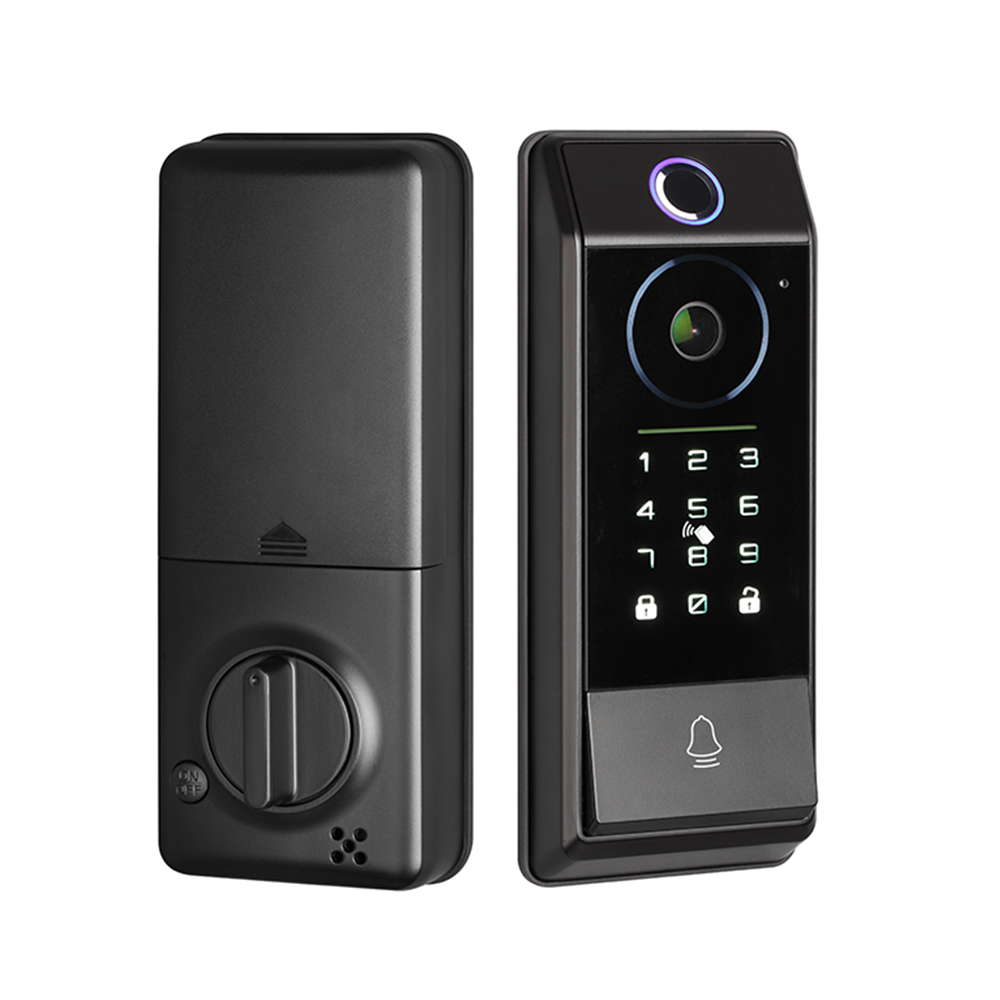
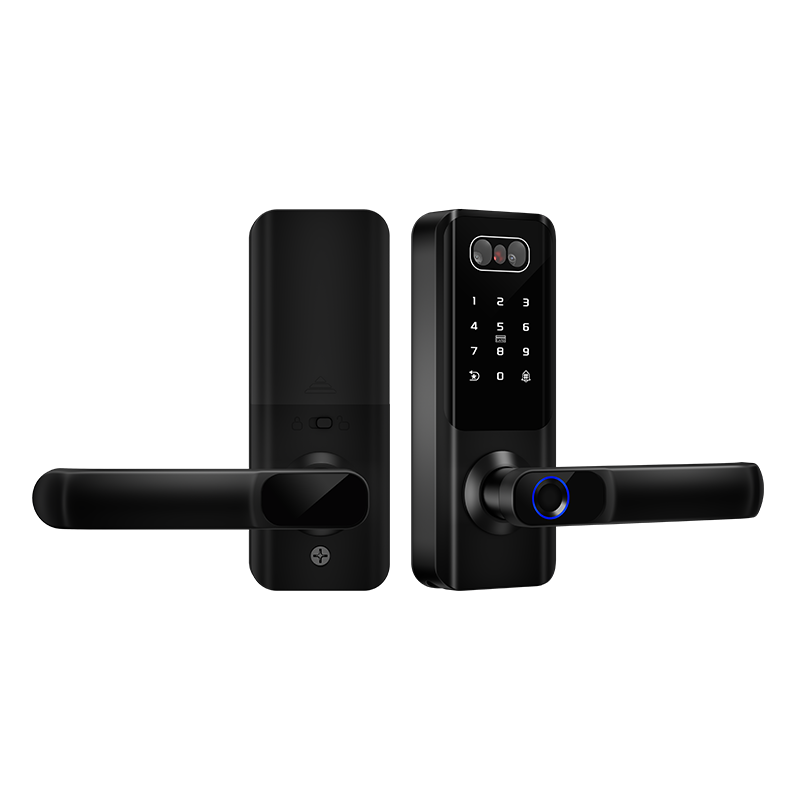
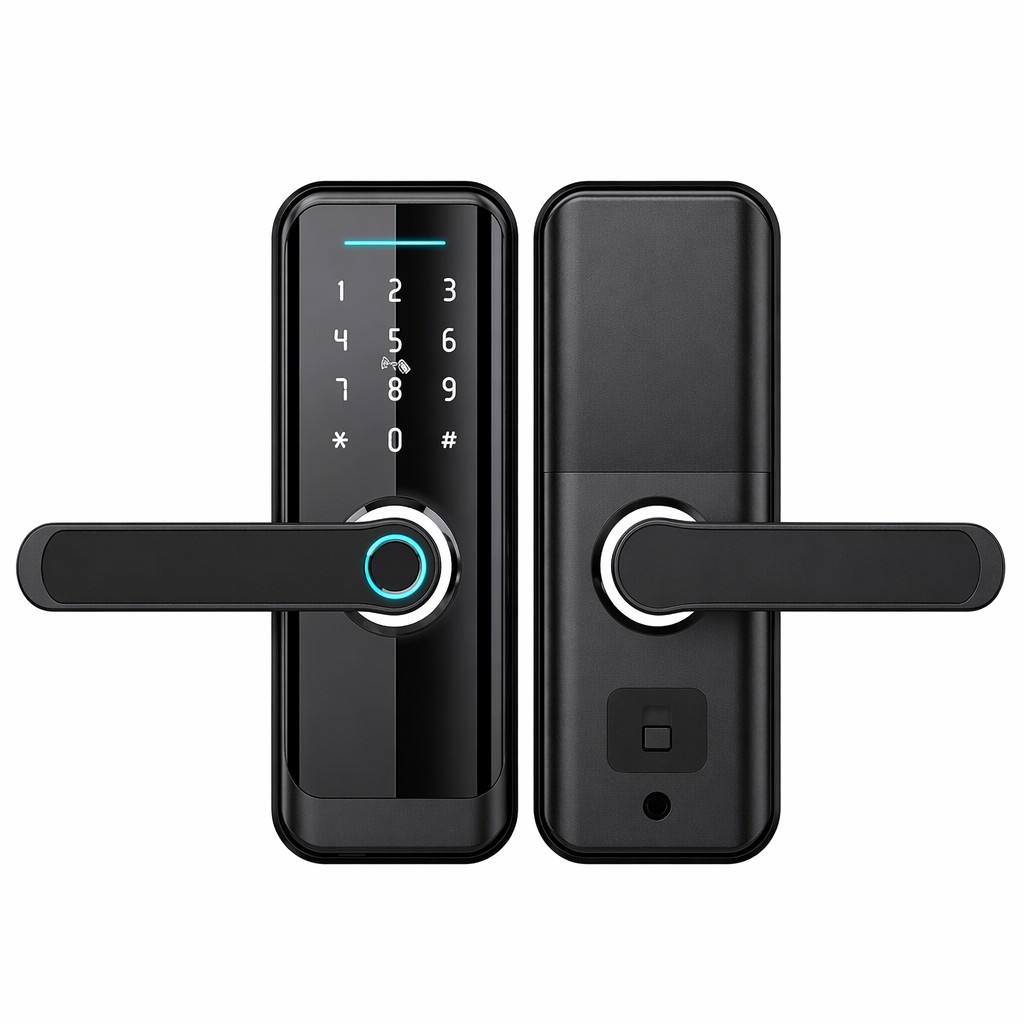
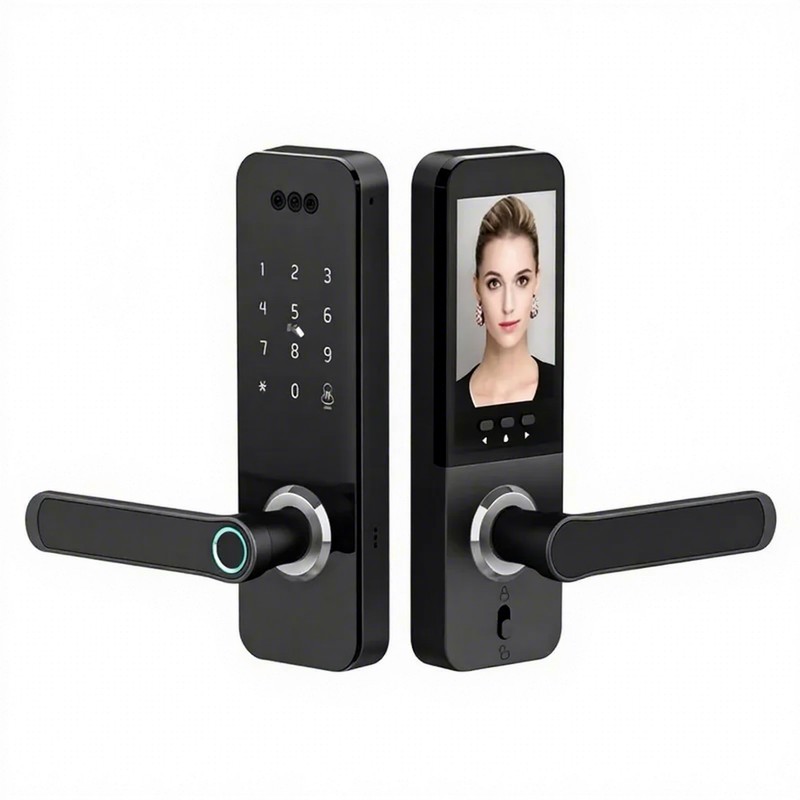
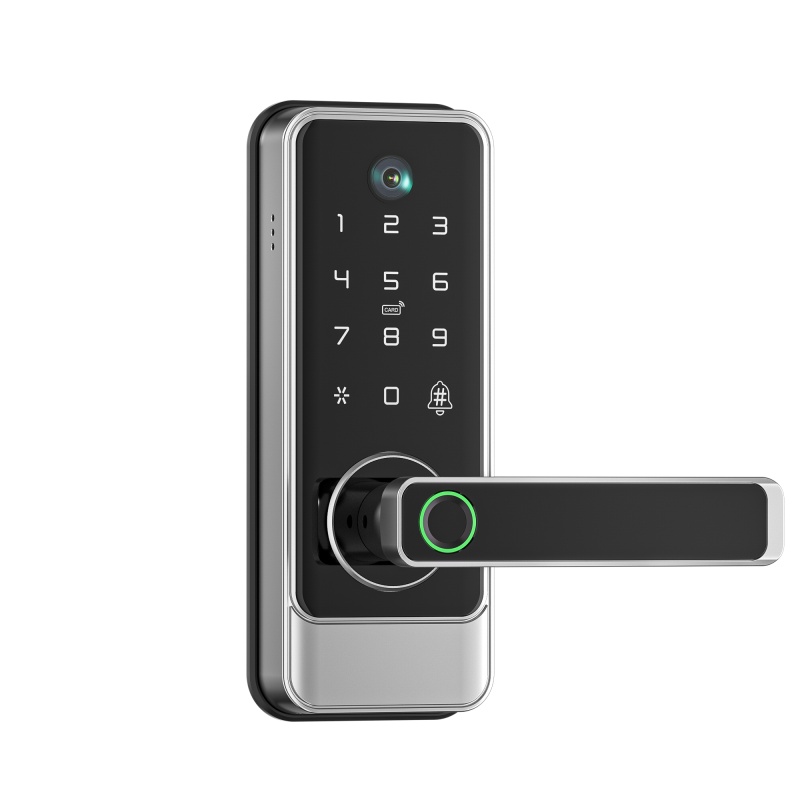
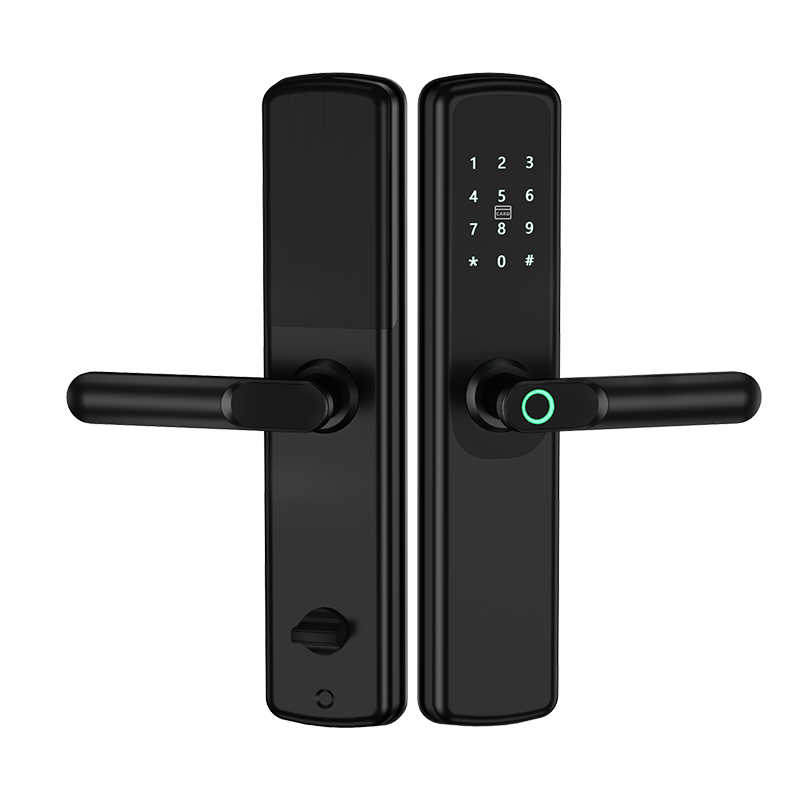
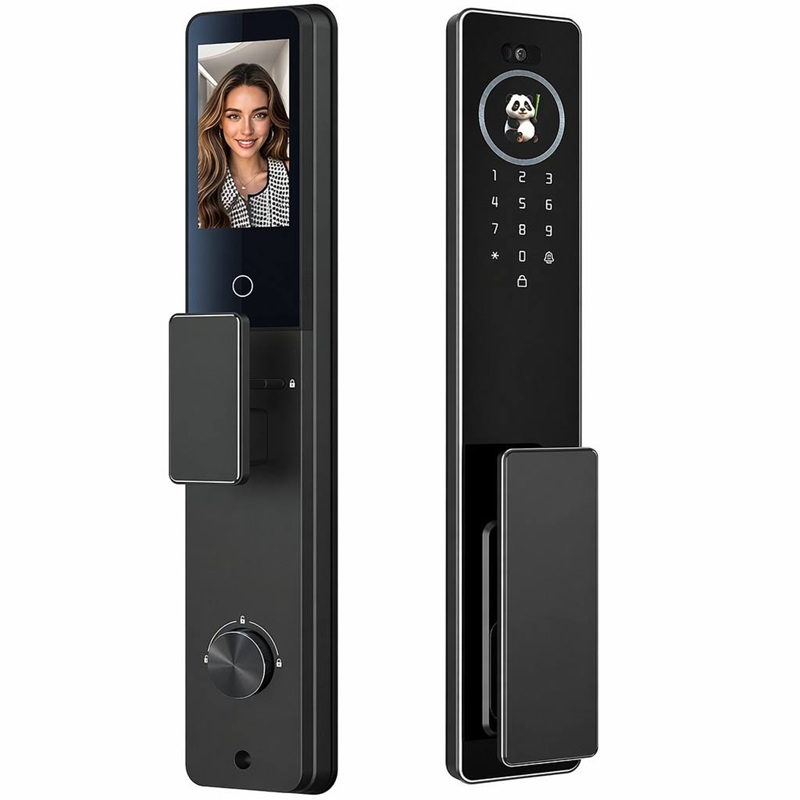
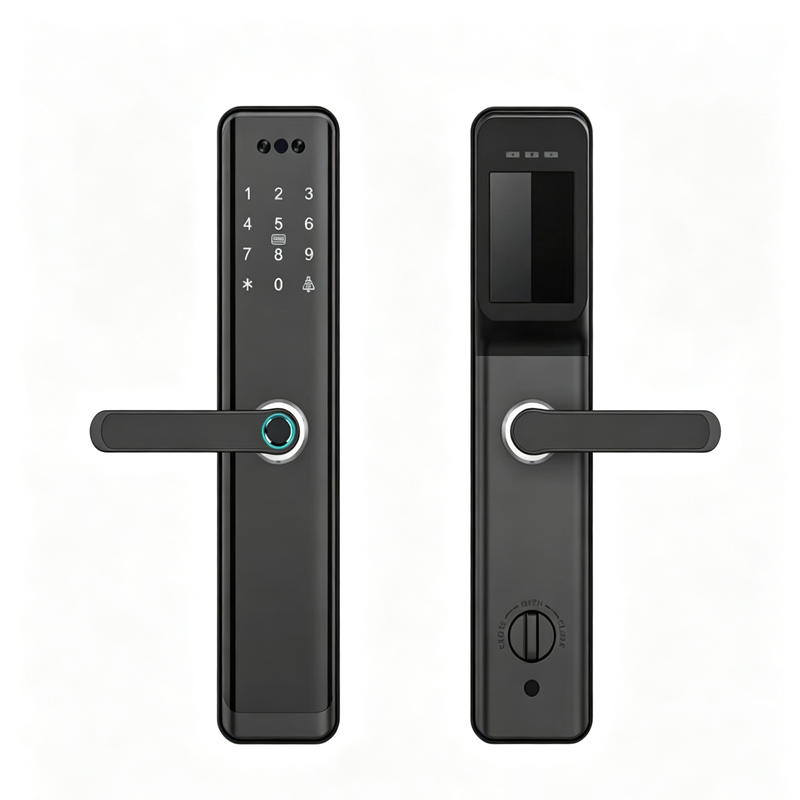
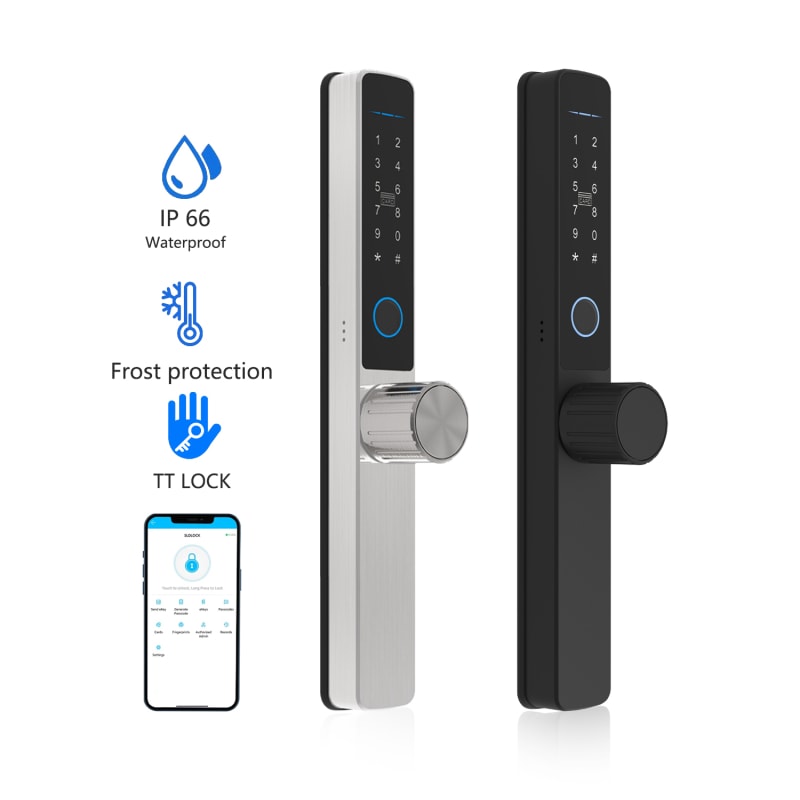
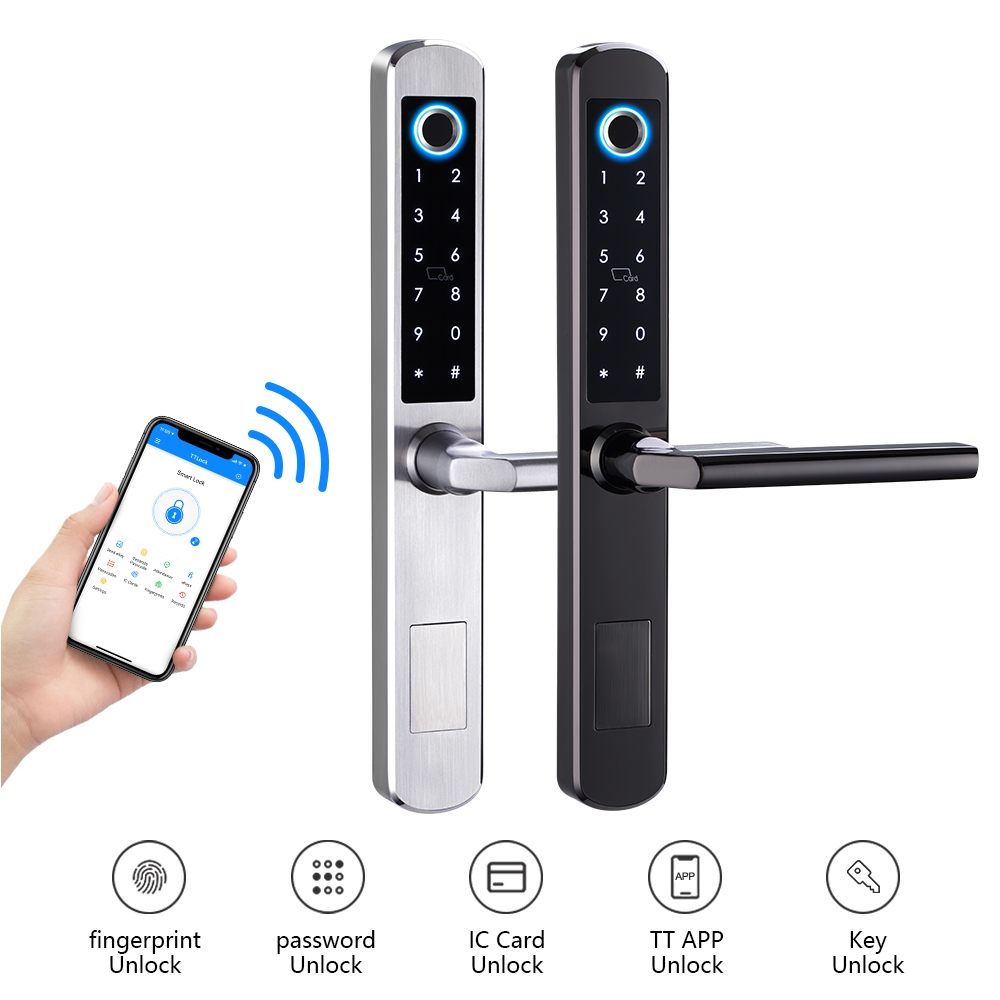
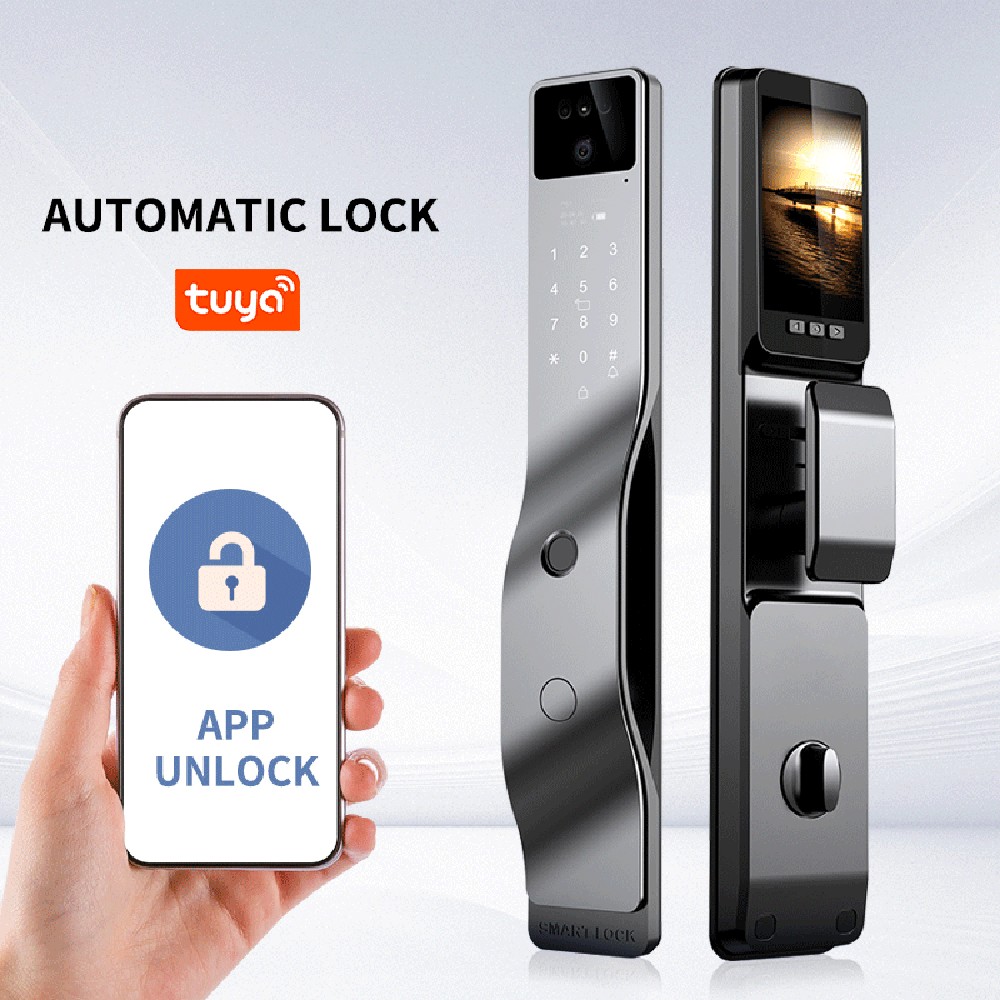
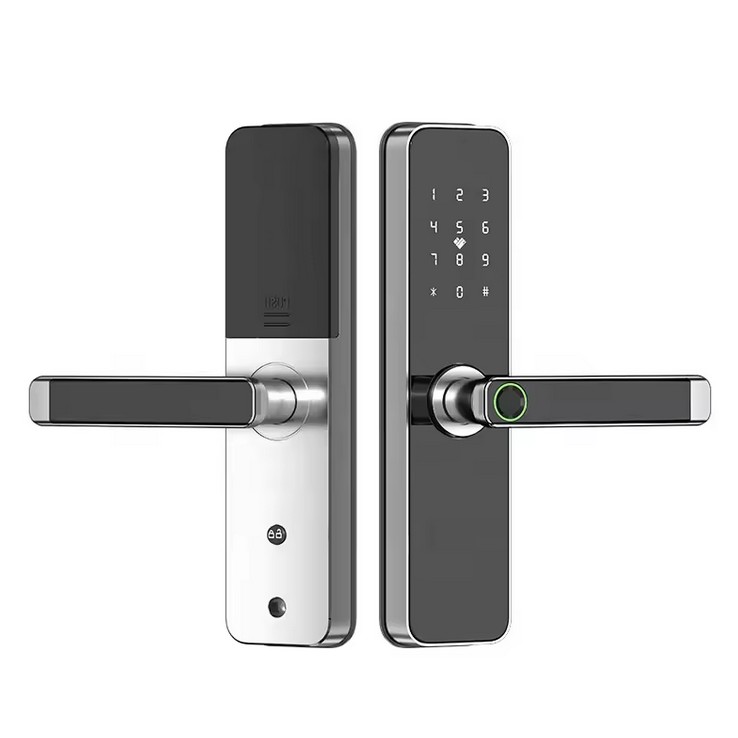
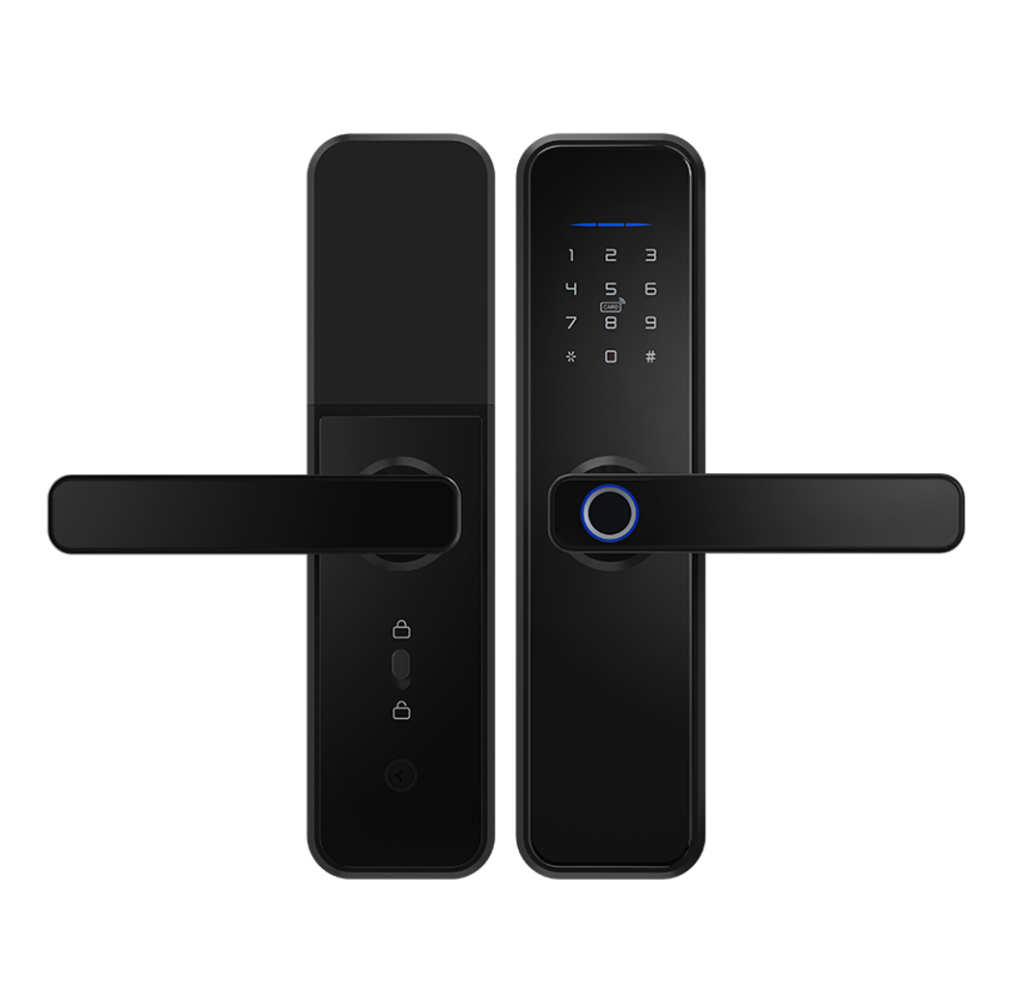
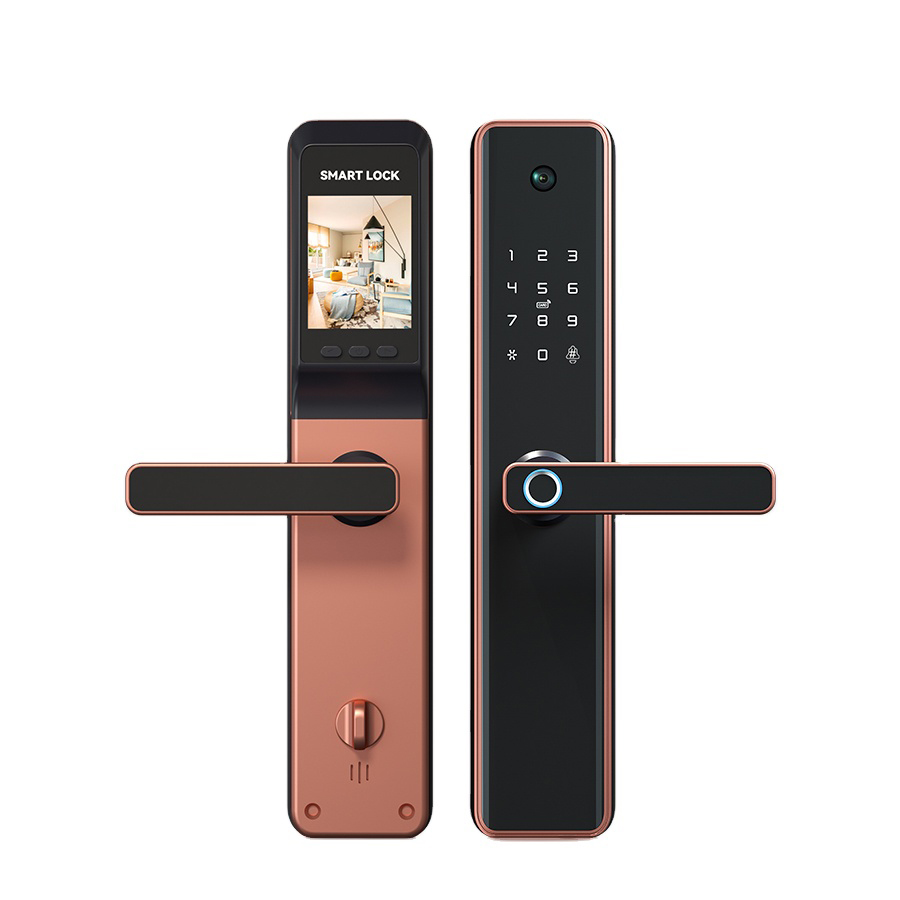
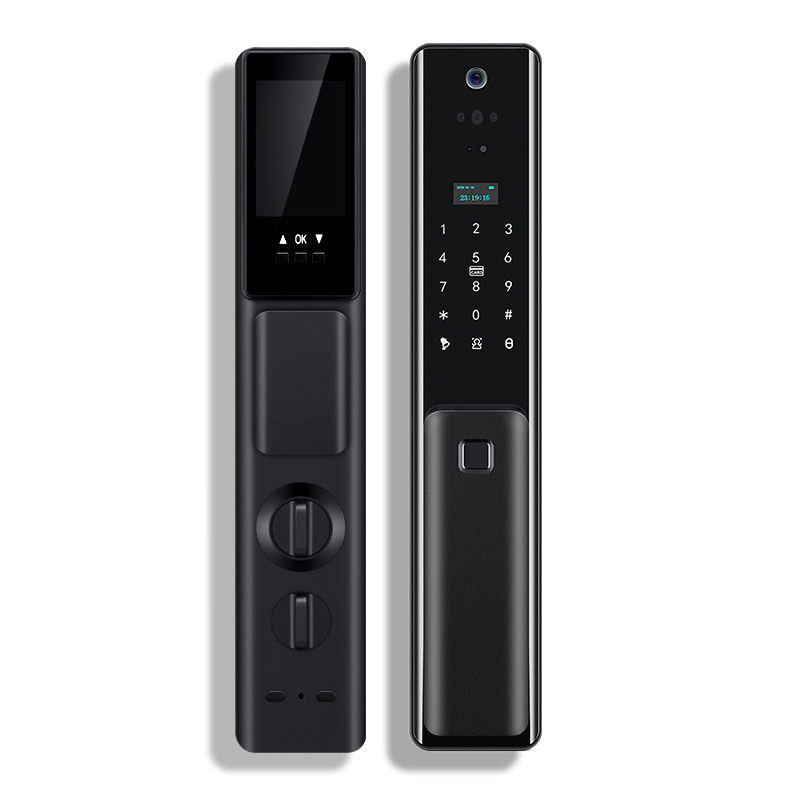
Smart deadbolt lock with video doorbell and two way intercom for front door security A229
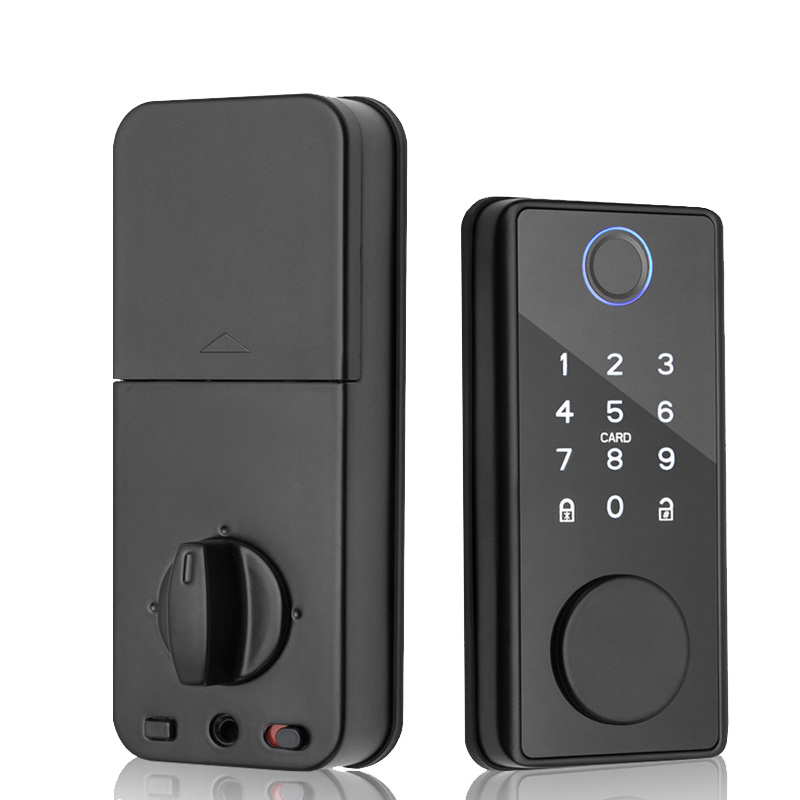
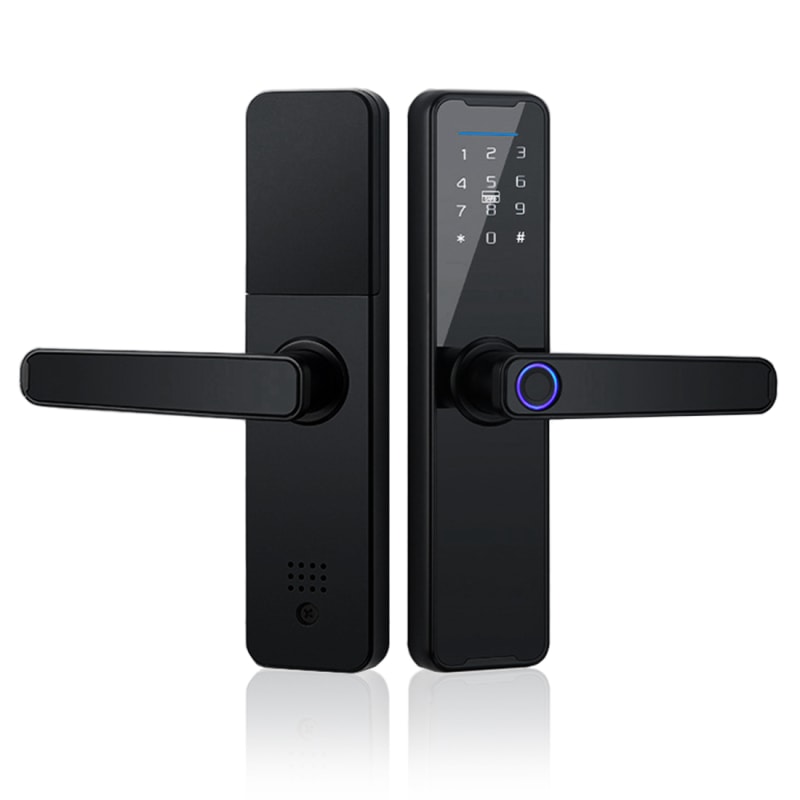
Bluetooth Deadblot Smart Lock with keyless access works with Google Alex tuya FM31
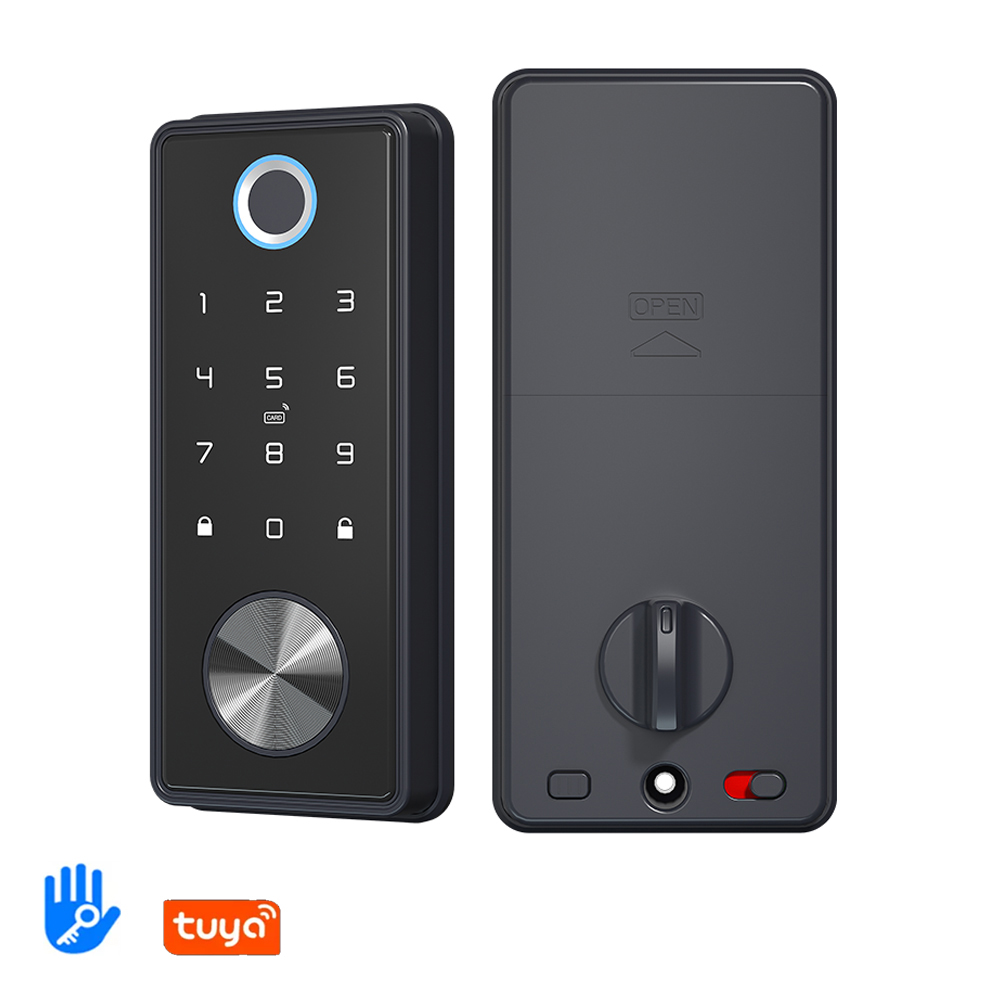
Waterproof Deadbolt Digital Lock supporting TTlock ble or TUYA wifi FM560
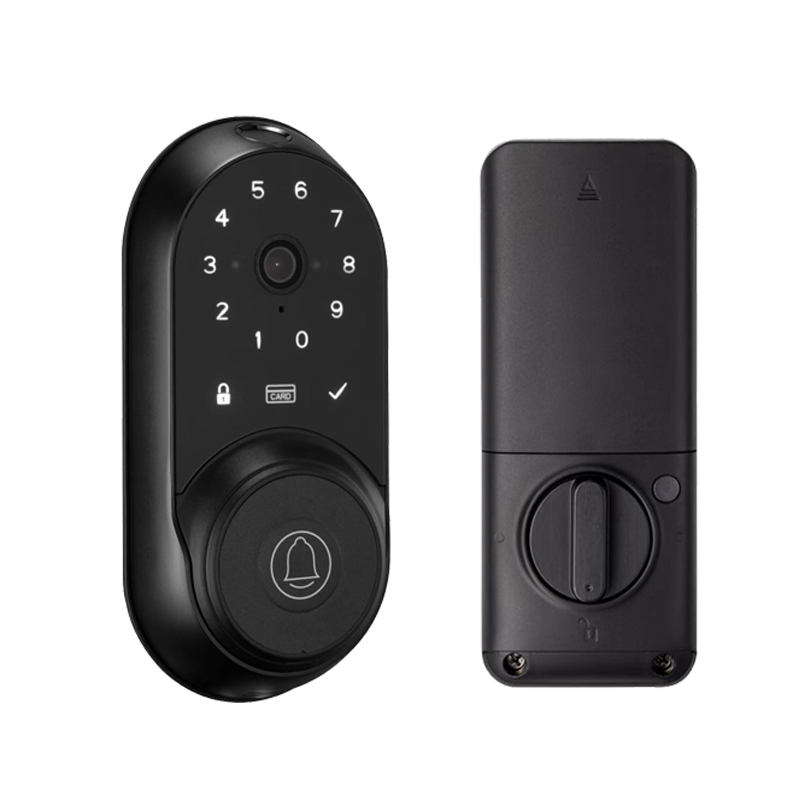
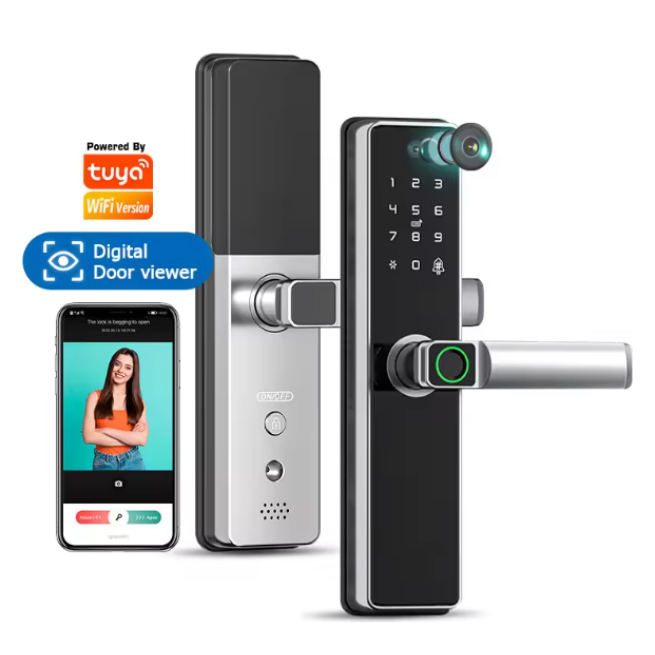
WIFI Deadblot Smart Lock with Video Doorbell works with Alexa Google Tuya FM880
Facial Recognition Smart Lever Lock with 2MP Video Doorbell and IP66 Waterproof Tuya WiFi FM-Z86
Advanced 5-in-1 Biometric Door Lock with Universal WiFi, Zigbee & 433MHz Support FM09
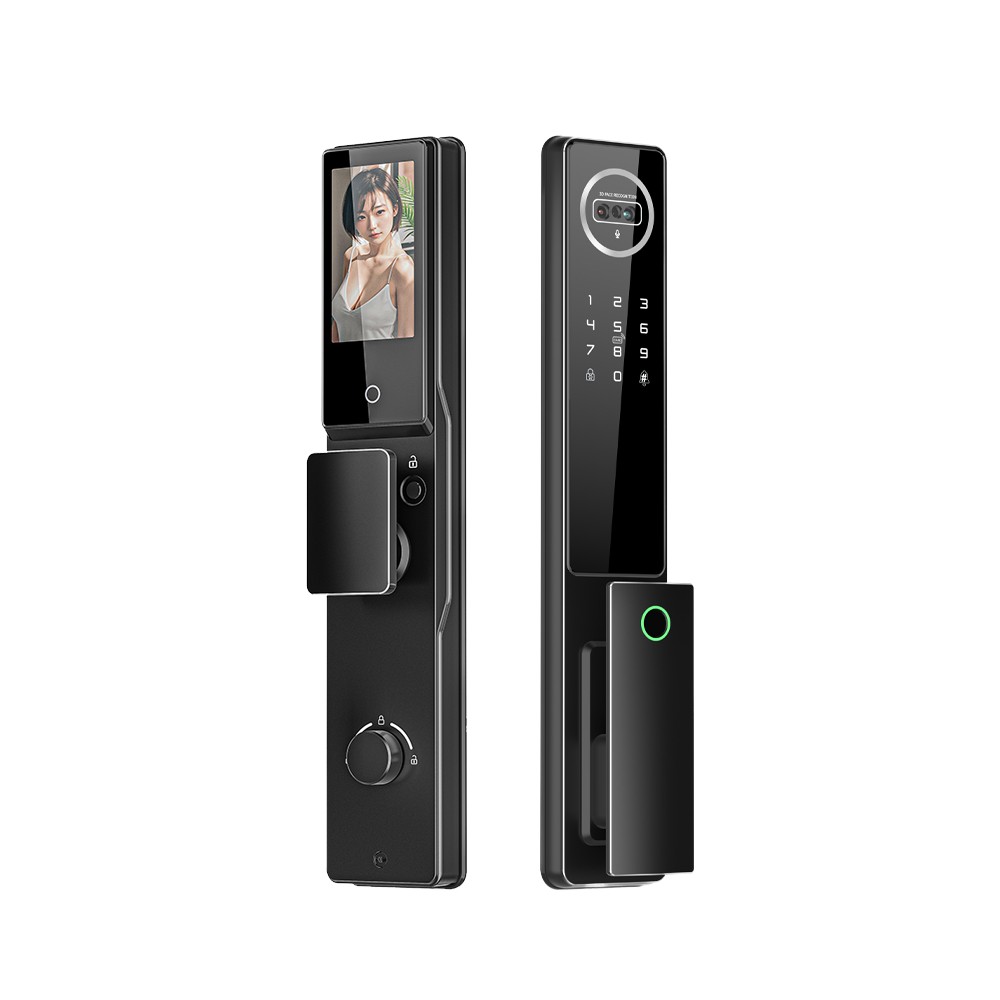
3D Face Recognition Smart Door Lock with 2MP Video Doorbell and Built-in WiFi FMP012
Keyless Entry Lever Lock with doorbell and Video Camera for Live Viewing V1
Bluetooth Lever Lock unlock by fingerprint recognition, password and App eKeys T8
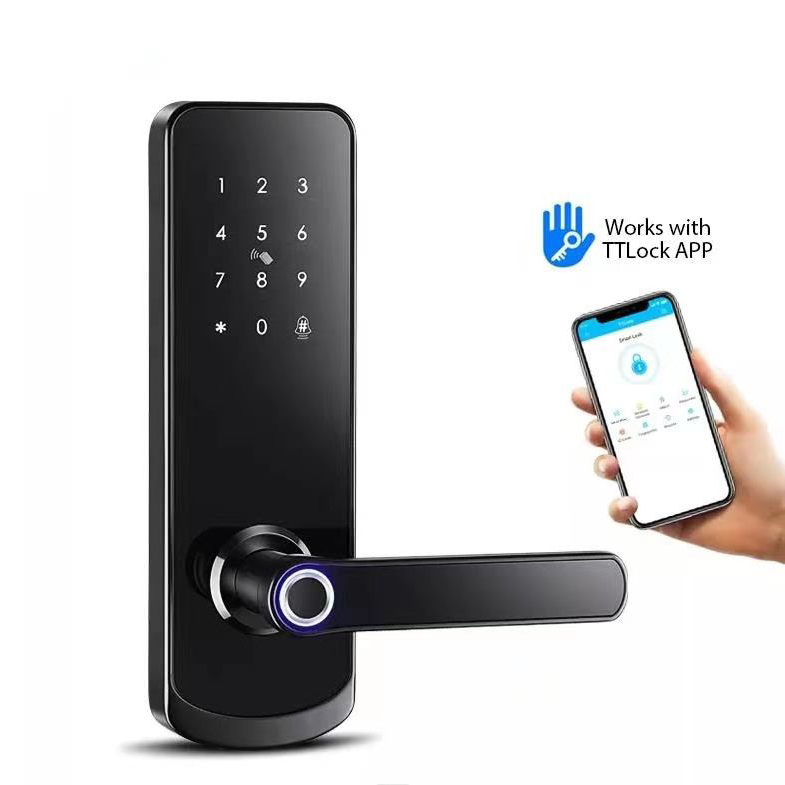
Smart lever lock supports TTlock bluetooth and TUYA wifi FM810
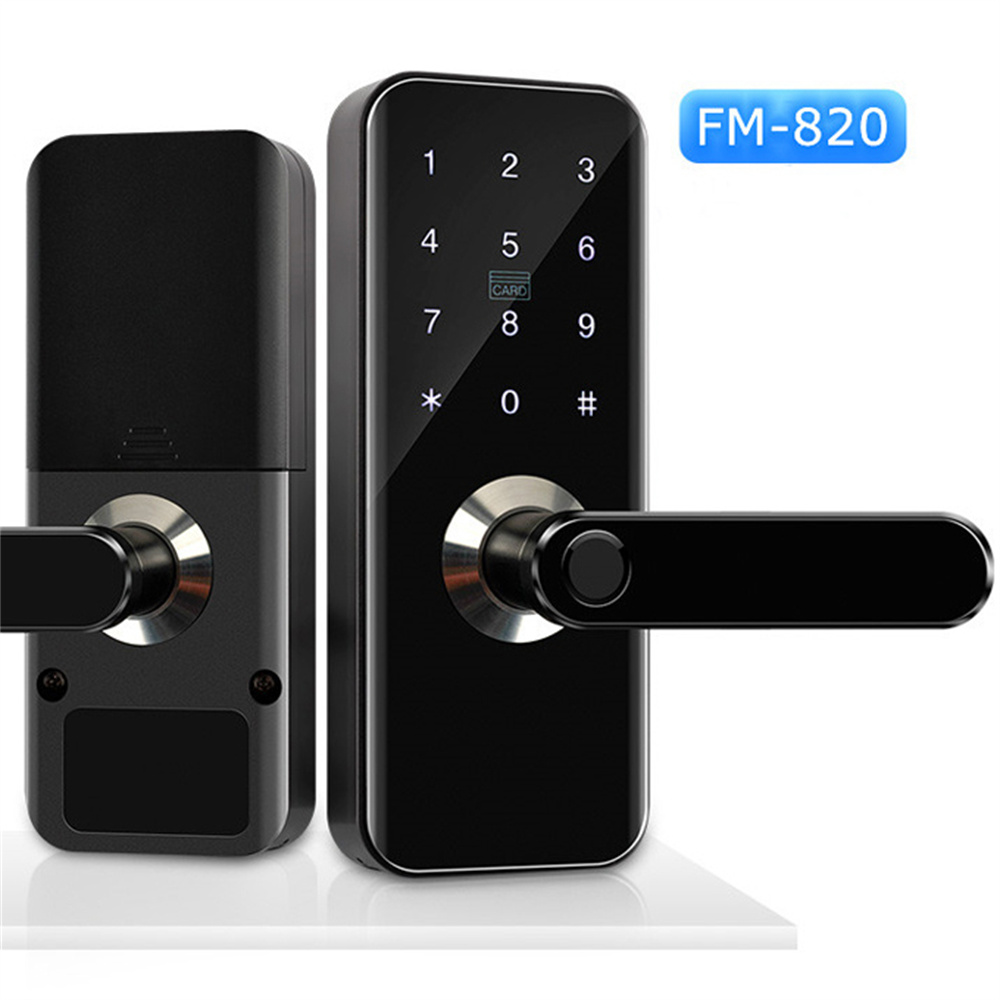
Fingerprint Smart Lever Lock with one touch Keyless Entry fits US Knob & Lever FM820
Fingerprint Lock with Anti-Pry Latch, Blocks Card Prying – FM230-N
Intelligent Biometric Door Lock with 2MP Video Doorbell and Tuya WiFi FM-05
Flagship Biometric Security Lock — Advanced 3D Face Access & 4.5" IPS Live Viewer FM93
Smart Lever Lock with Fingerprint Facial Recognition and Video Doorbell Tuya WiFi TTlock FM-128
Keyless Entry Door Lock Fits Both Traditional Mortise and Smart Lock Mortise
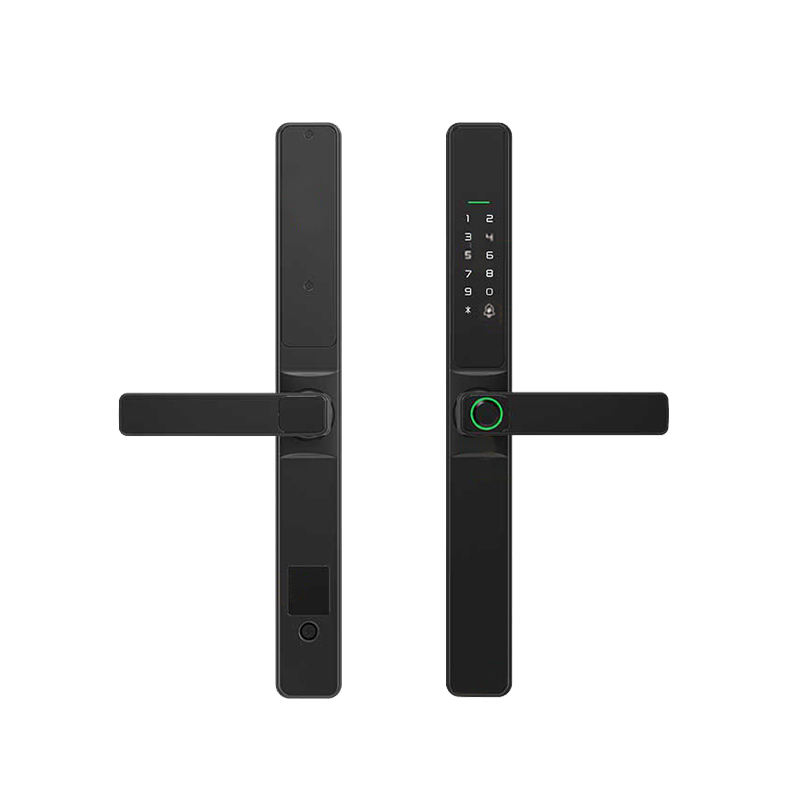
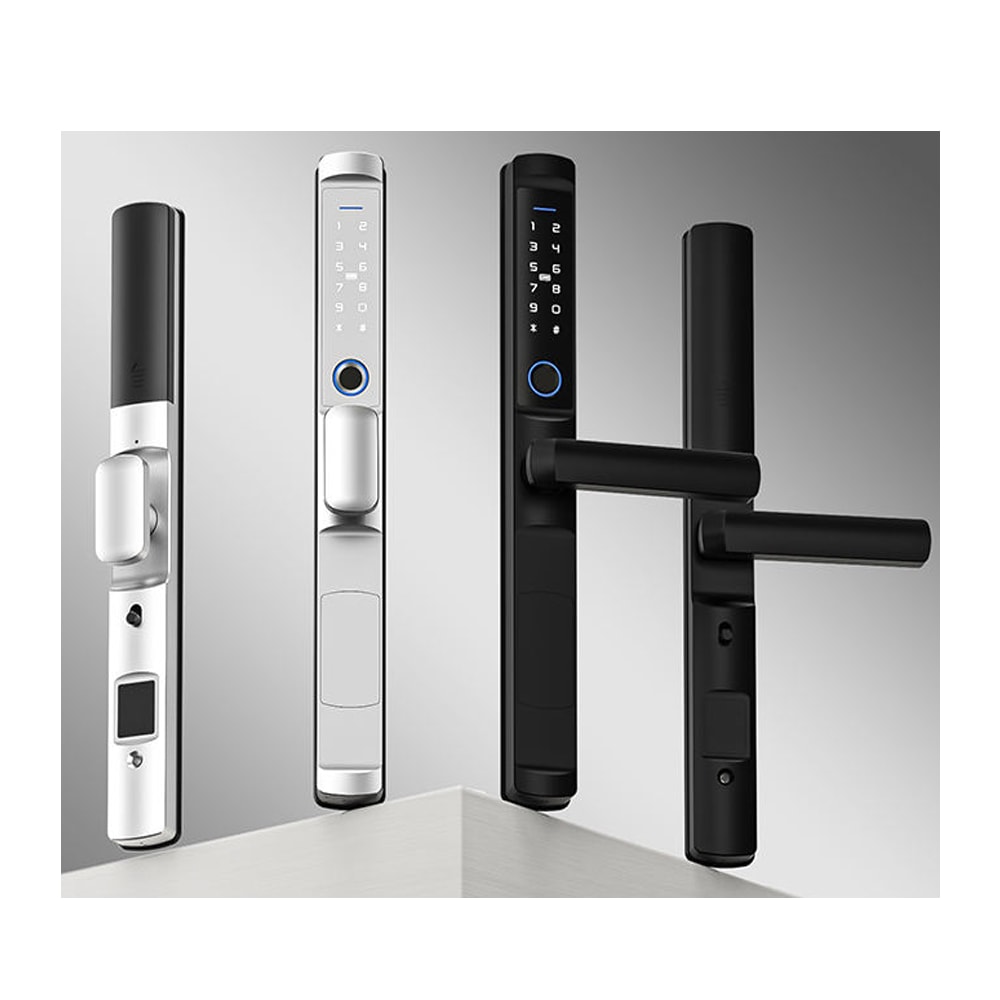
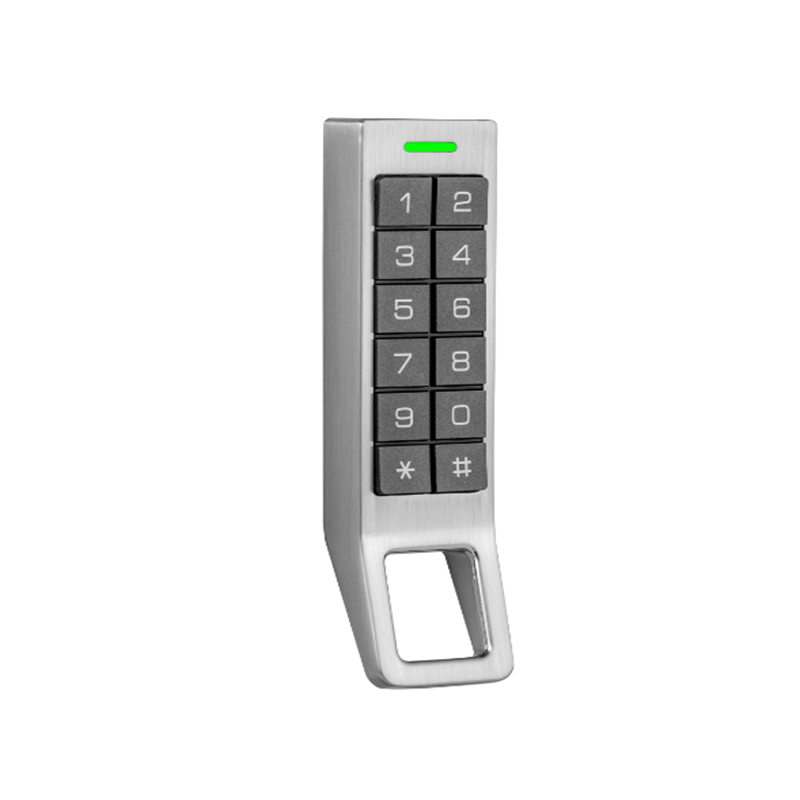
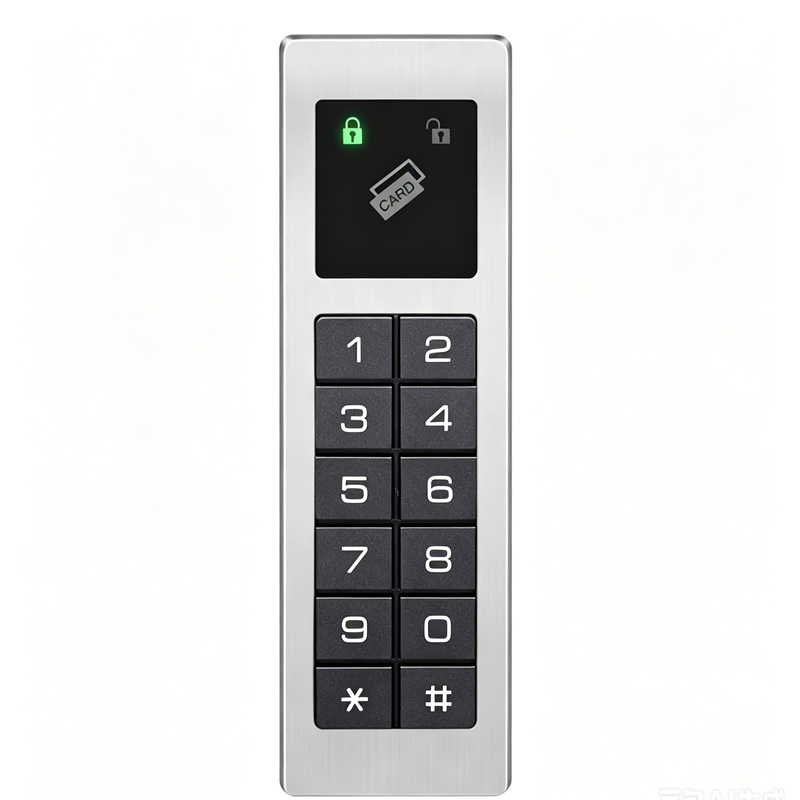
Slim 304 stainless steel keypad lock with IP65 waterproof case for thermal break sliding doors FM210
Fingerprint lock with hook mortise for slim sliding door and IP66 waterproof for outdoor use F6
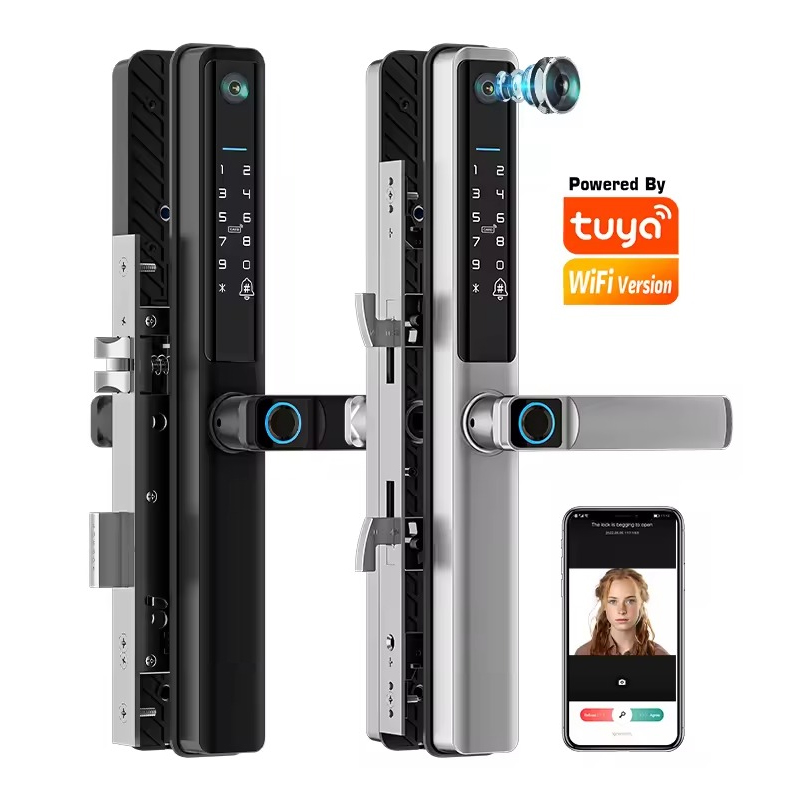
Keyless entry door lock for slim sliding door with camera and doorbell F5 PRO
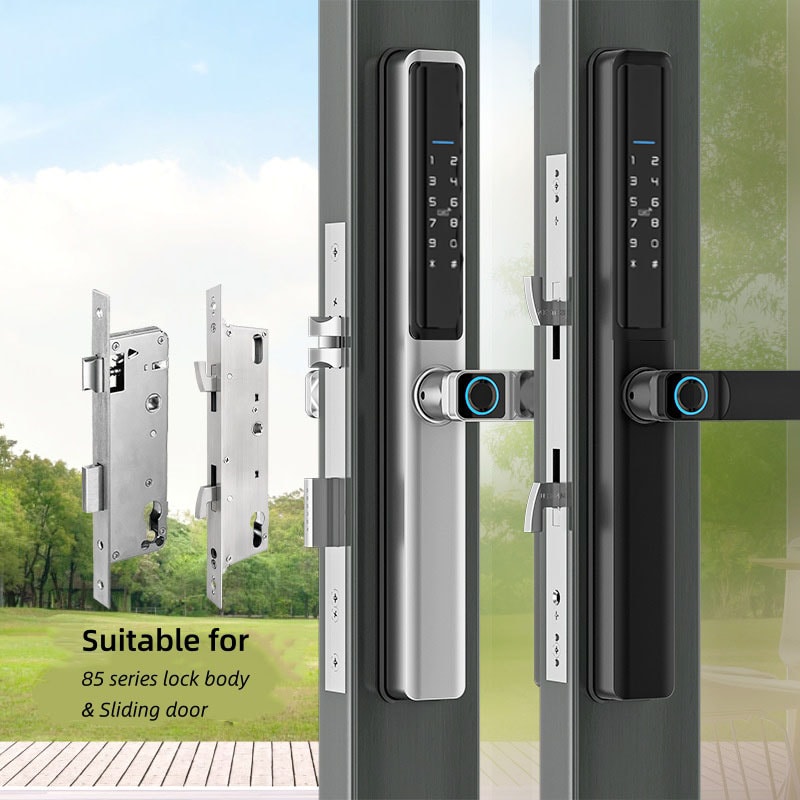
Smart door lock with hook mortise for aluminum slim sliding door F5
Front door smart Locks made of aluminum alloy compatible with multiple mortise types
Keypad Door Lock with IP66 Waterproof case and Two Handle Styles Options
Front Door Keypad Lock with Fingerprint and Doorbell B2
Face Recognition Smart Door Lock with Video Intercom Doorbell Tuya WiFi D1
WIFI Smart Mortise Lock with Tuya Video Doorbell support Face Scan Palm Vein F7
Smart mortise lock with bluetooth and WIFI optional FM028
Mortise Smart Lock with multi keyless accesses FM550
Camera Smart Lock with Finger Scan Supporting Tuya WiFi or Zigbee FM551
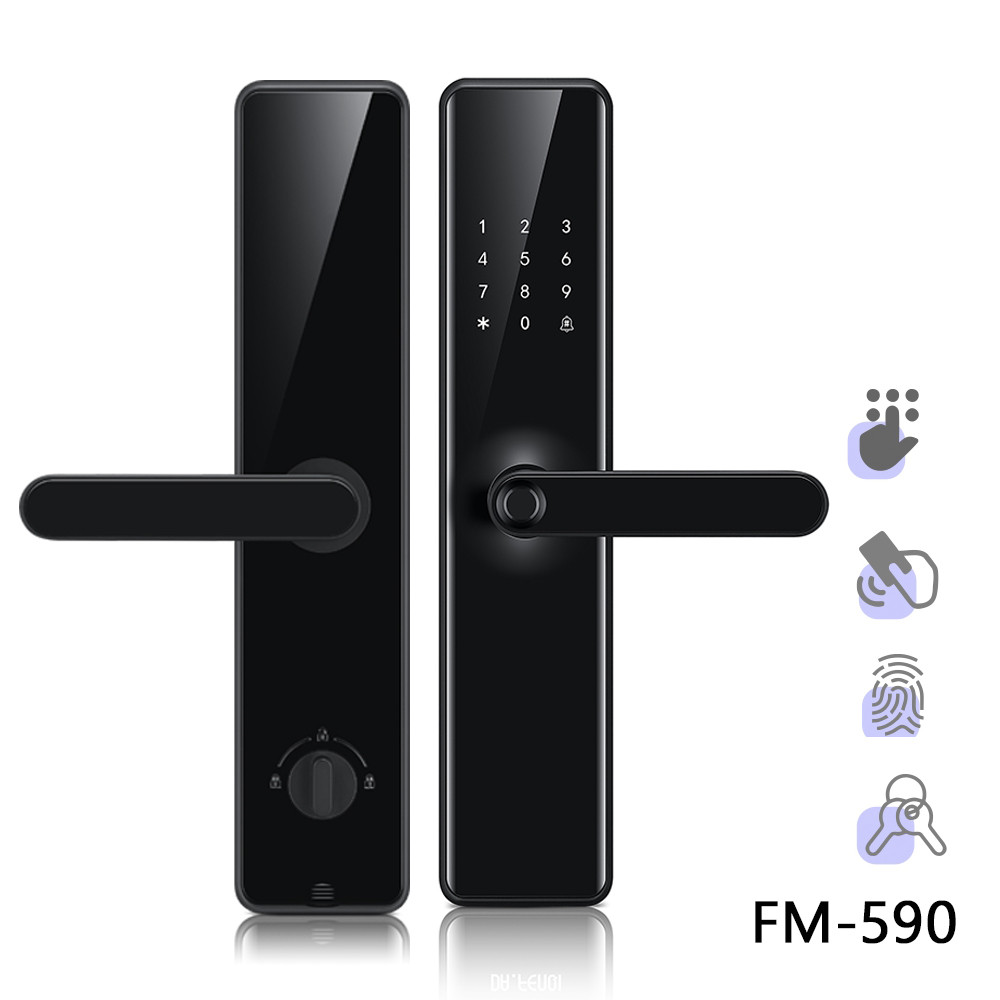
Smart Door Lock with Fingerprint and Voice Control FM590
Fingerprint Door Lock with Face Scanner and Camera Supports google home FM720
Facial Recognition Smart Lock with Video Intercom and Thumbprint FM730
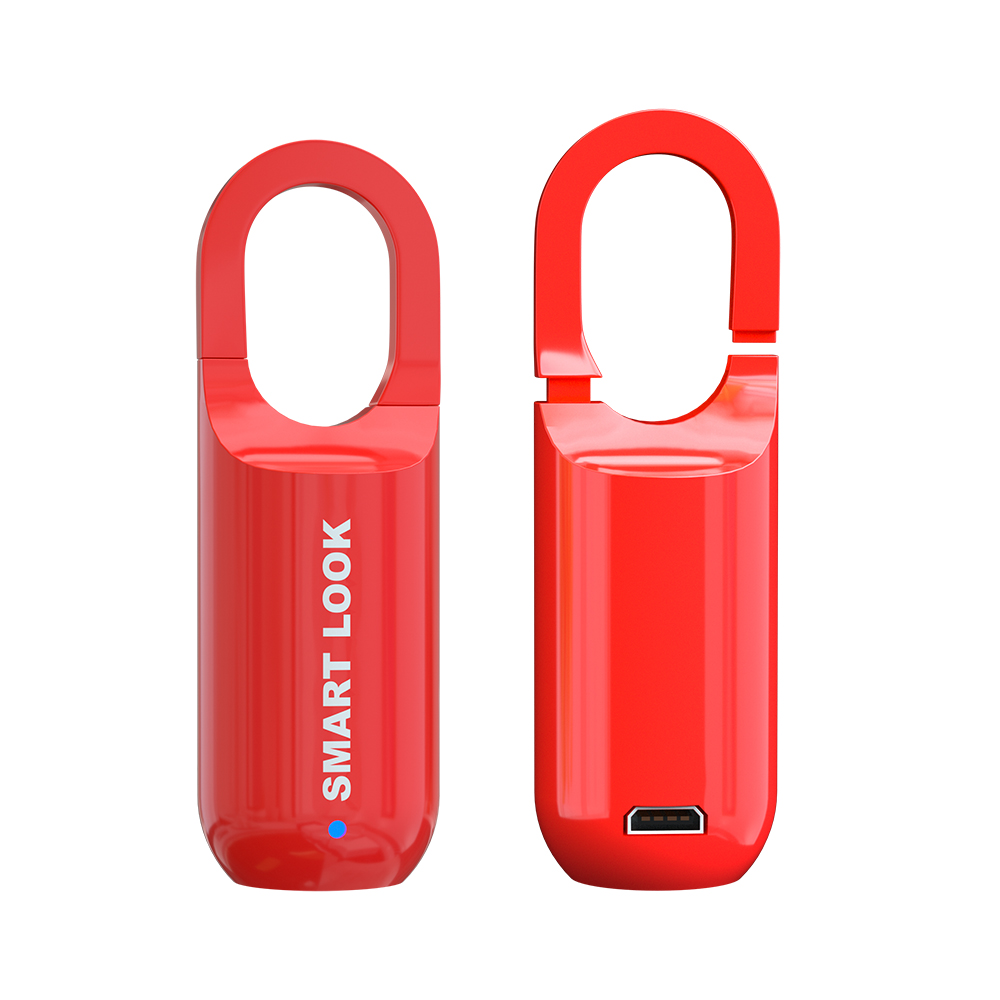
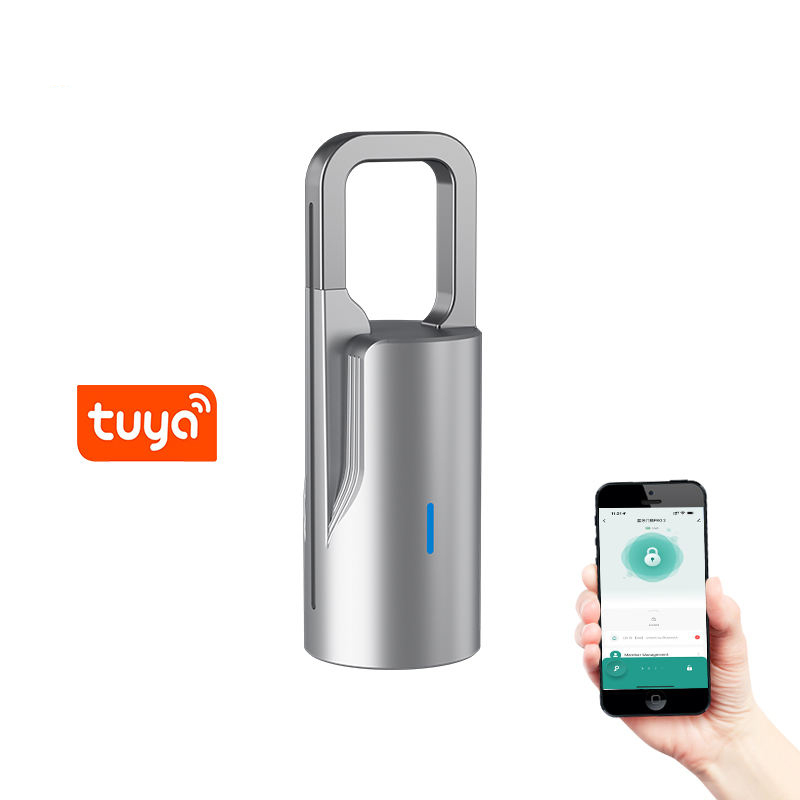
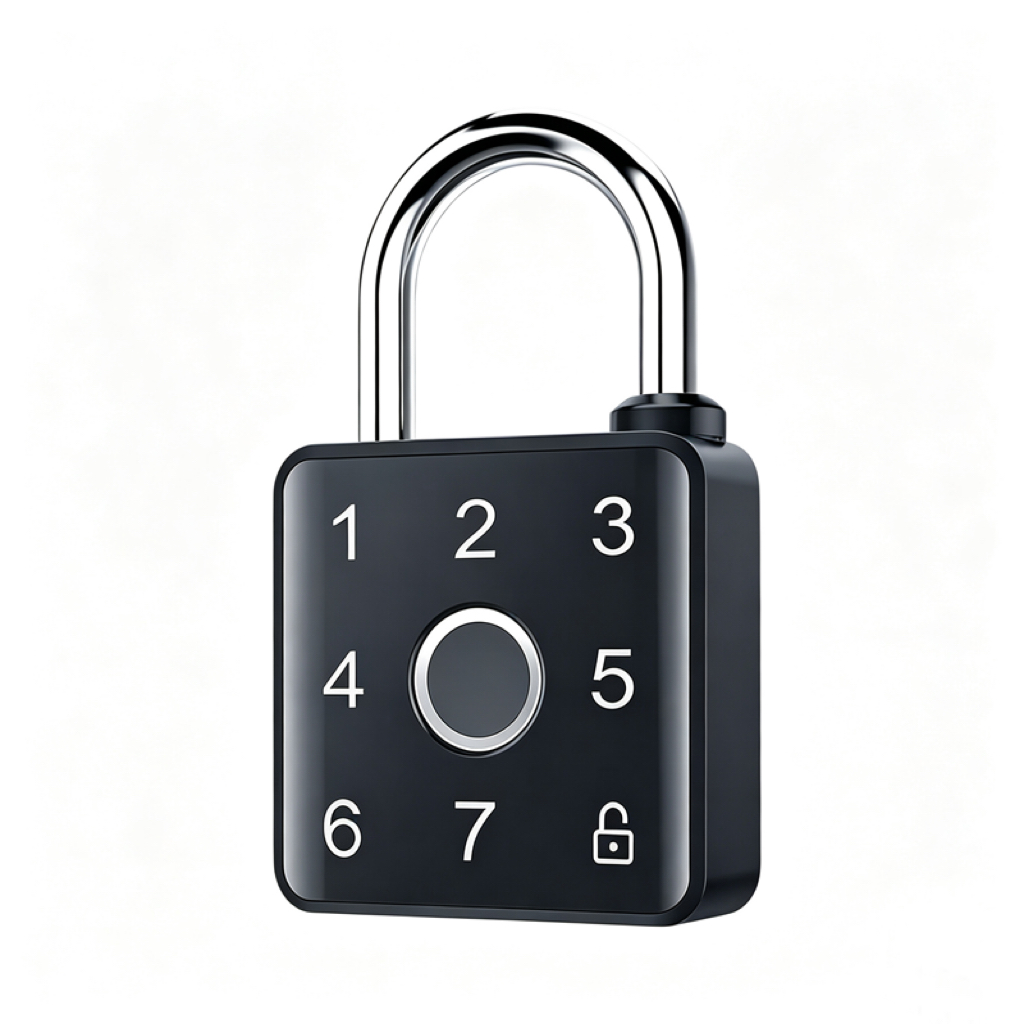
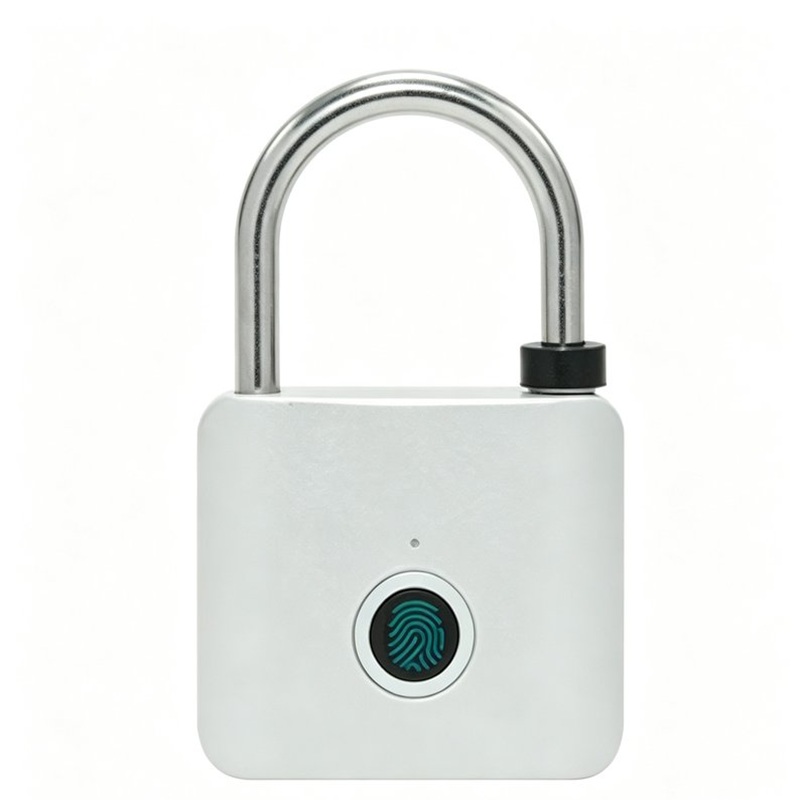
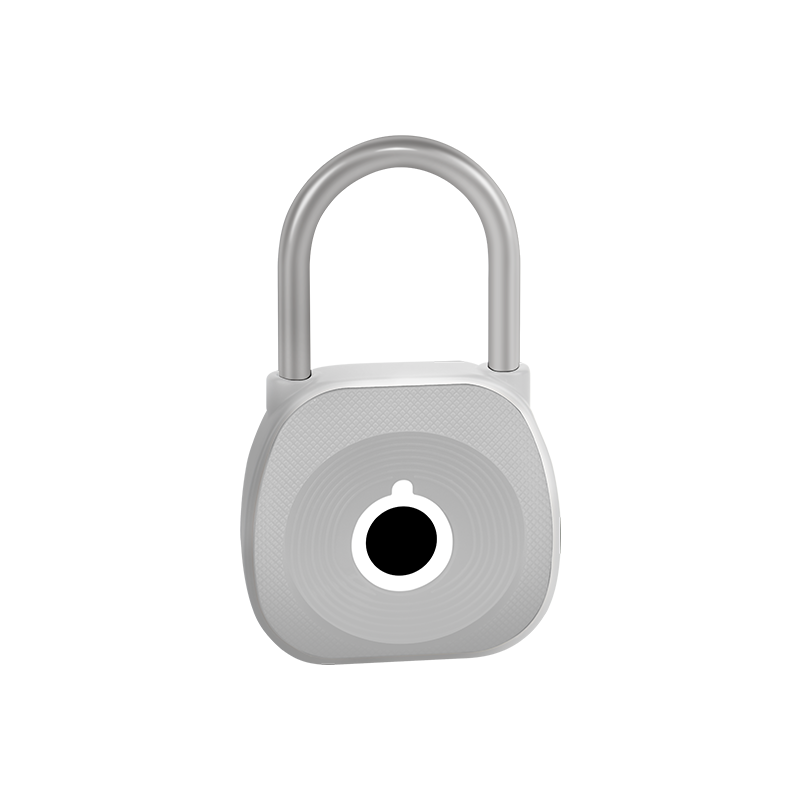
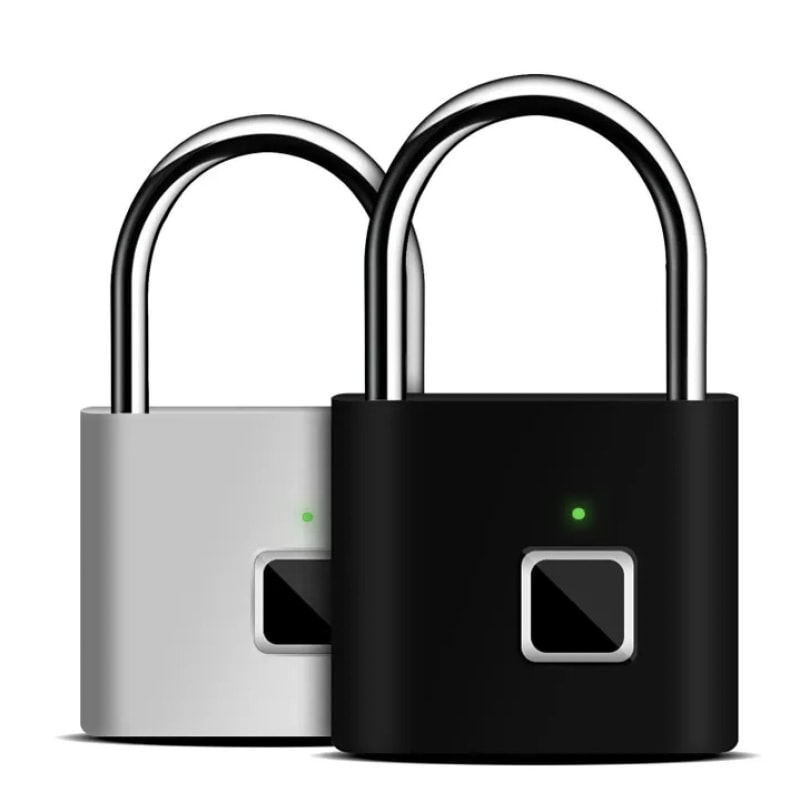
Fingerprint Smart Padlock with Bluetooth App Control and 365-Day Standby Tuya FMP001
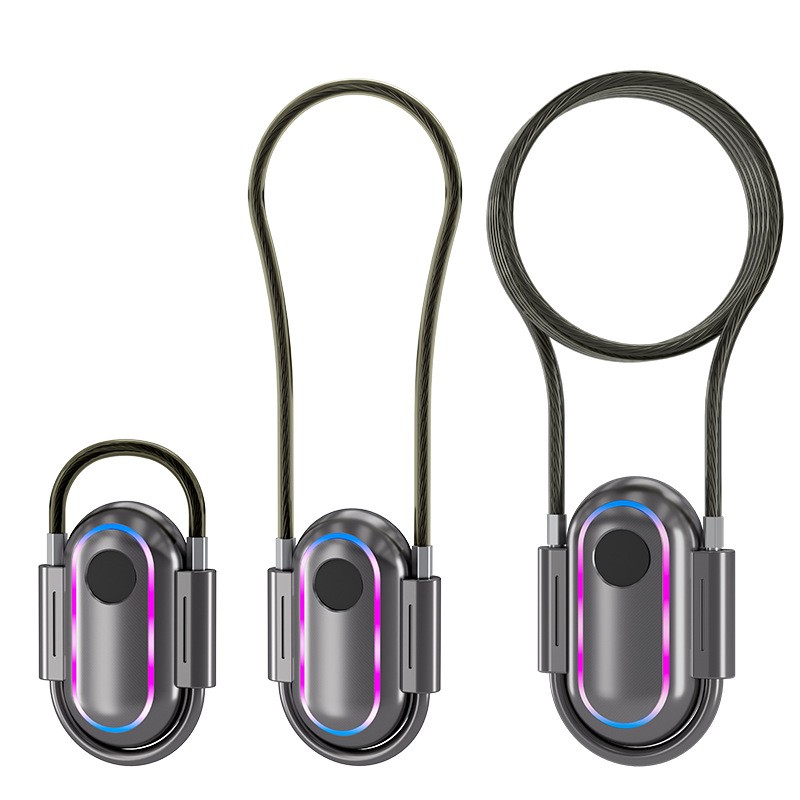
Fingerprint Smart Padlock with IPX5 Waterproof and 3 Steel Cable Lengths FMP002
Fingerprint Smart Padlock with Bluetooth App Control and IPX5 Waterproof FMP003
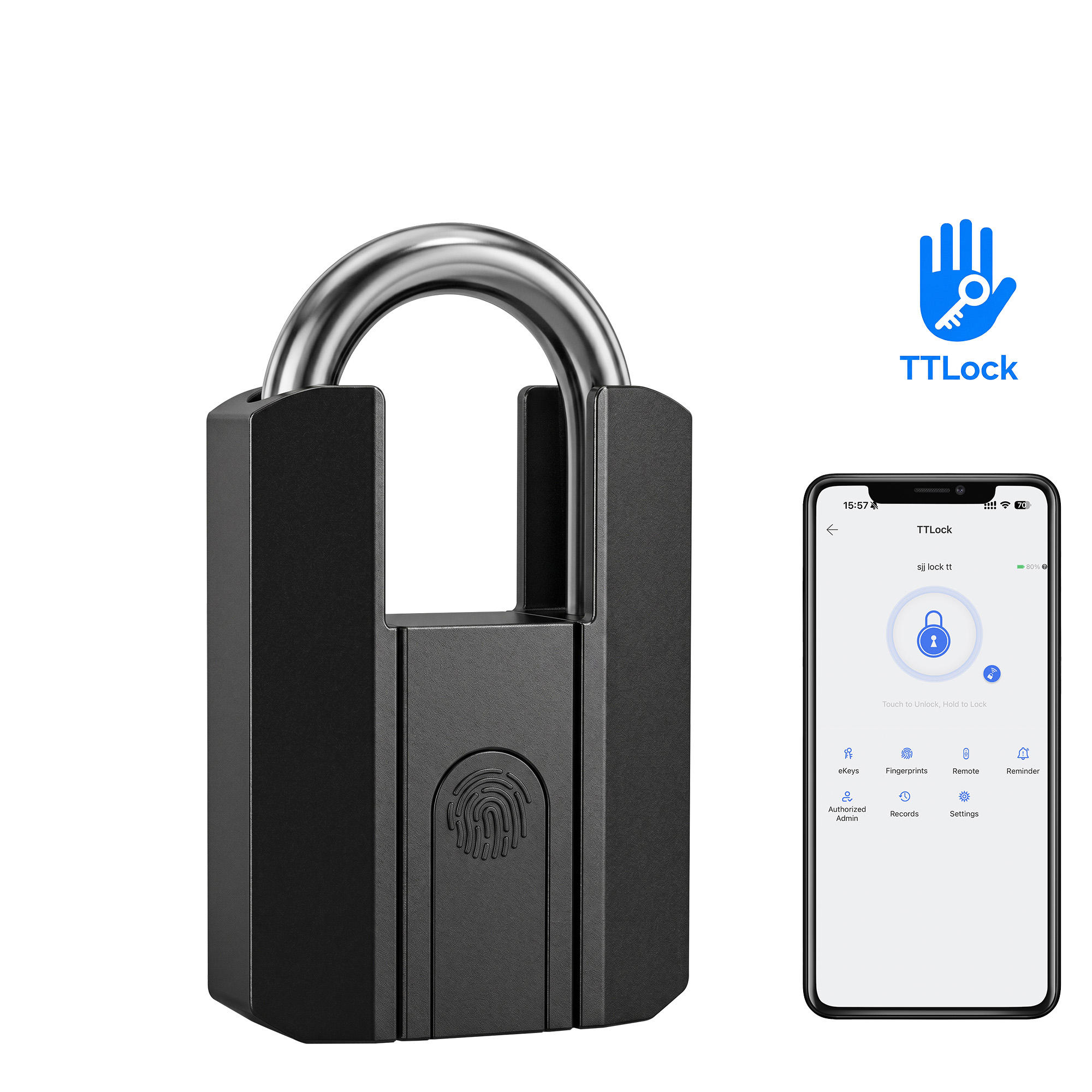
Heavy-Duty Fingerprint Padlock with IP67 Waterproof Shackle and TTLock Bluetooth FMP004
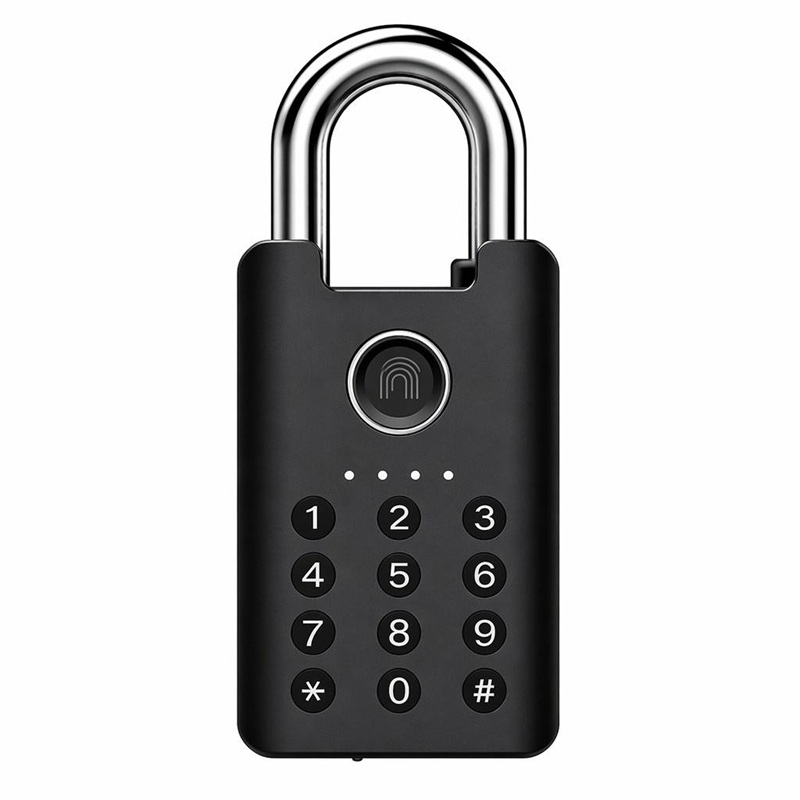
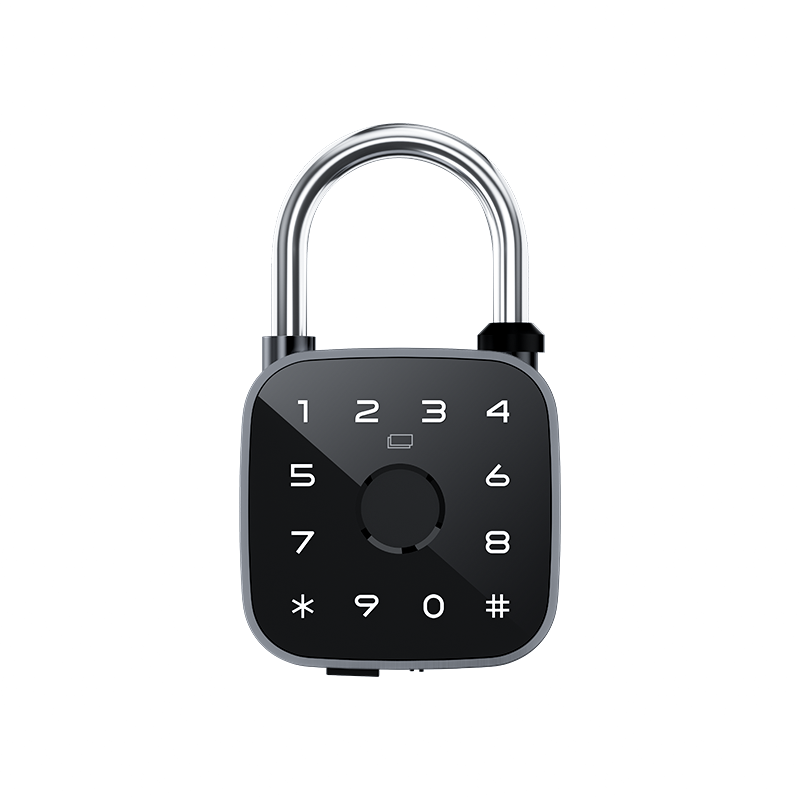
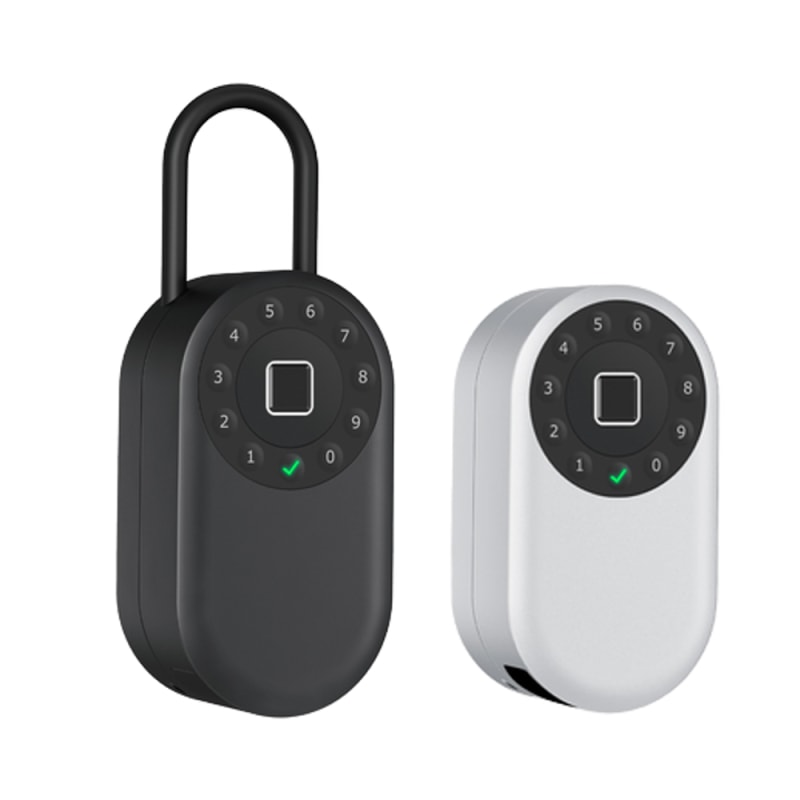
Heavy Duty Fingerprint Smart Padlock with Password Keypad IP65 Waterproof FMP005
Multi-Access Fingerprint Padlock with Keypad, App Control & IP65 Waterproof FMP006
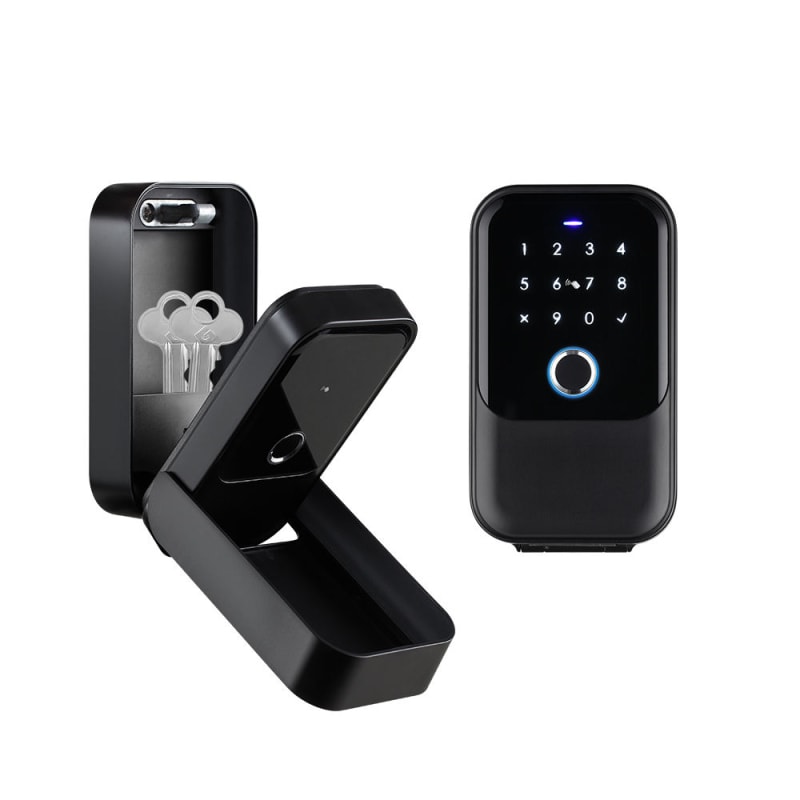
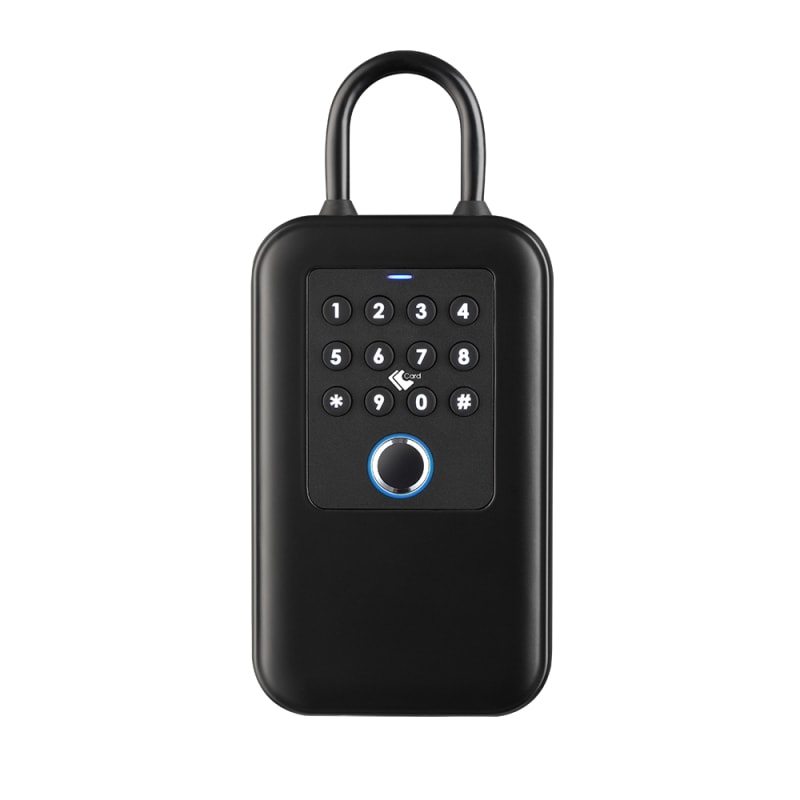
WiFi Smart Key Box with Fingerprint Password Card Access IPX5 Waterproof FMP007
Bluetooth biometric Intelligent Padlock with IP65 Waterproof and Type-C Rechargeable Battery FMP008
Smart Biometric Padlock with Scramble-Code Keypad and Tuya App Control FMP009
Ultra-Slim Biometric Padlock — 1.8cm Aluminum Body with Tuya App Control FMP010
Smart Fingerprint Cabinet Lock — App & Bluetooth Keyless for Lockers FM890
Digital Cabinet Lock with TTLock App, Passcode and RFID Card Access FMP870B
Smart RFID and Passcode Cabinet Lock with 5000mAh Battery and IP66 Waterproof FMP810
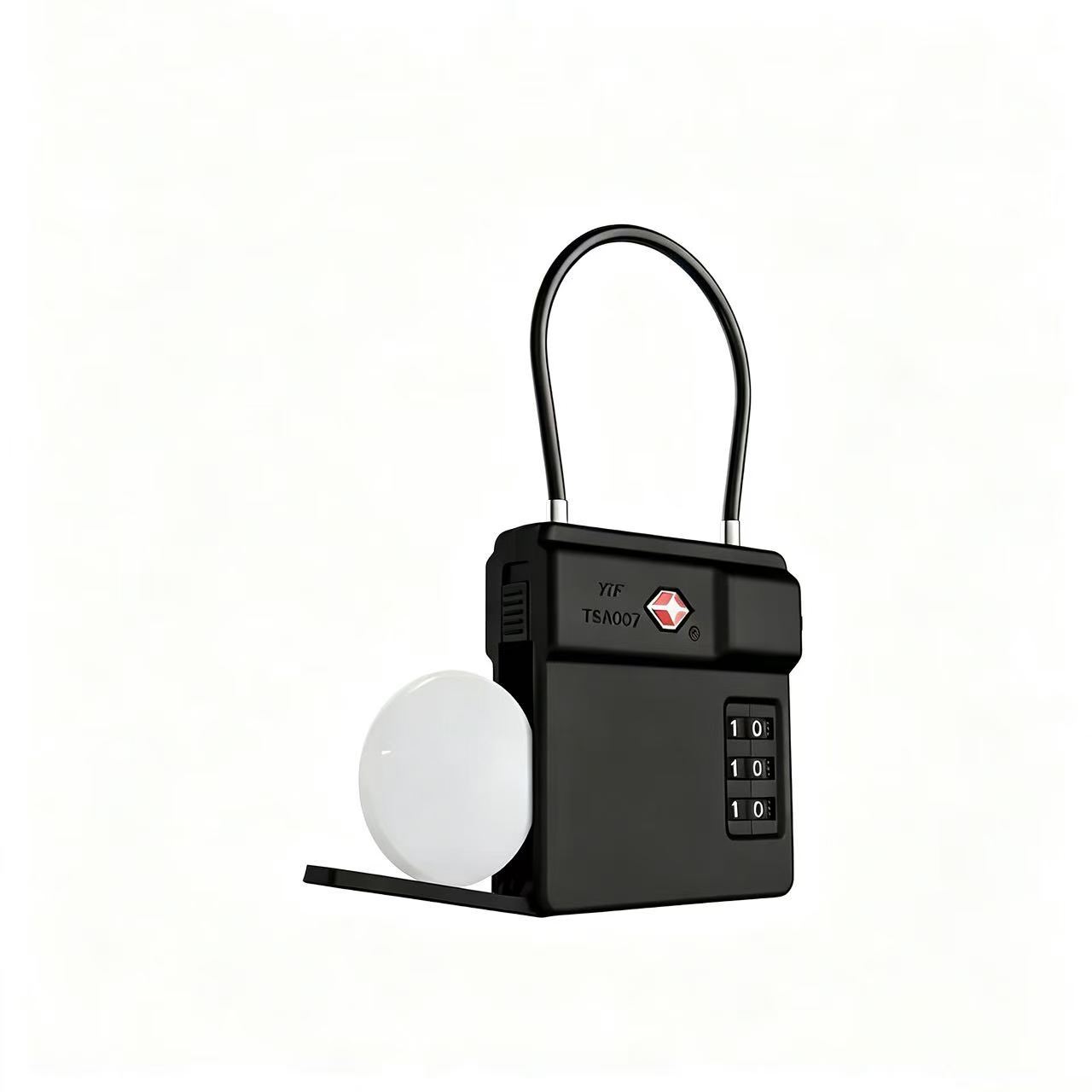
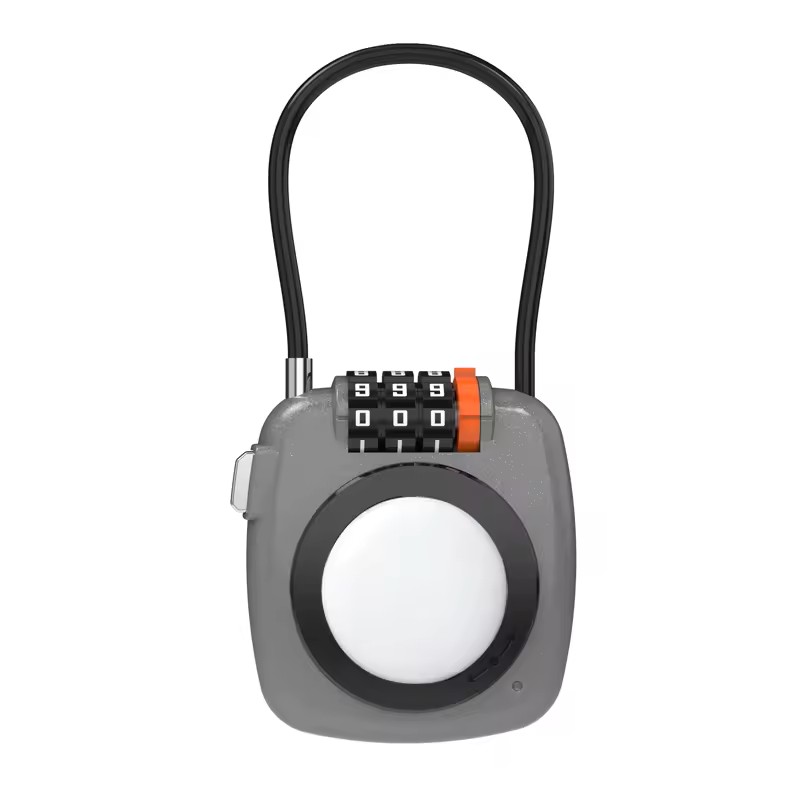
Combination Padlock with Apple Find My & Android Find Hub - IP65 Waterproof Smart Lock FMA001
Smart RFID and Passcode Cabinet Lock with 5000mAh Battery and IP66 Waterproof FMP810
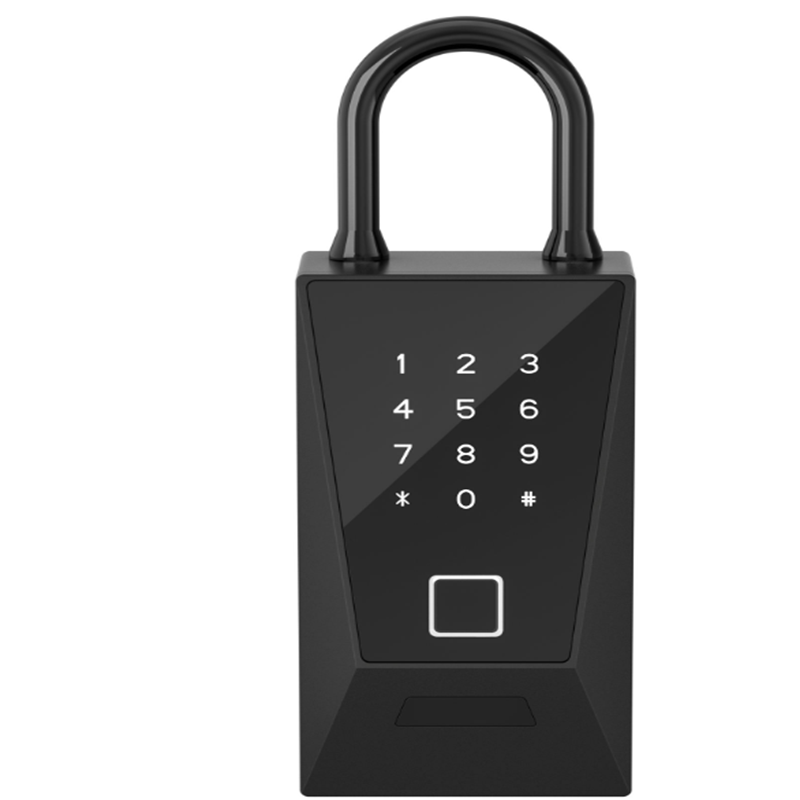
Keyless lock box with physical keypad and TTlock app waterproof for outdoor key storage KB3
Smart key box with touch keypad and comptible with TTlock and Tuya ble for outdoor use K5
Fingerprint padlock with morse code backup that is rechargeable and portable for everyday use FM570
Waterproof key lock box with physical keypad and Tuya app control for outdoor key storage K7
WhatsApp

When you're picking out Key Pad Locks in 2026, price, screen design, and smartphone features are only part of the story. A lock you can actually trust has to fit the door, the amount of traffic it gets, the weather it faces, and how you live day to day. A homeowner might just want a simple PIN. A hotel, office, or rental property? Usually they need temporary codes and a way to check who came and went. And honestly, the little things matter—like a low-battery warning that saves you from getting locked out at midnight.
Bruce Schneier, a well-respected security technologist and author, put it nicely: 'Security is a process, not a product.' That’s just as true for Key Pad Locks. Even a fancy model won’t make up for sloppy installation, ignored code changes, or outdated firmware. So before buying, look at ANSI/BHMA certification, battery life, emergency power options, tamper alerts, and whether it can handle rain. If it’s a connected lock, encryption and privacy policies deserve just as much attention. A pretty touchscreen doesn’t mean much if the app quits the moment your Wi-Fi router goes down.
This guide looks at practical features, installation needs, and what ownership is like over the long haul. We’ll talk about deadbolt compatibility, how often a door gets used, and the real difference between PIN-only and app-enabled systems. We’ll also push back on a few popular assumptions. More technology doesn’t automatically mean better security. A basic lock with good code habits can beat a complicated one that’s used carelessly. That’s a bit uncomfortable to admit, but it’s realistic. We’ll check out trusted names like Yale, Schlage, and ASSA ABLOY—while remembering that quality can vary from model to model and market to market. The best Key Pad Locks aren’t always the priciest. They’re the ones that keep working when batteries fade, routines shift, and convenience runs into real life.
Choosing a Key Pad Gate Lock in 2026 starts with your security needs, not its appearance. Consider who needs access, how often, and what happens during a power failure. A private garden gate may need simple entry codes, while a shared driveway requires temporary codes and access records. Measure the gate frame, lock position, and available power before ordering. A lock that fits poorly can create gaps, friction, and early wear.
Tips: Test the gate in daylight and darkness. Choose weather resistance for exposed locations. Keep an emergency entry method available. Use separate codes for family, visitors, and contractors. Replace weak batteries promptly. Do not place the keypad where rainwater collects. Small details matter.
Installation location changes daily performance. A metal gate may need stronger mounting hardware than a wooden door. Near the coast, salt air can damage exposed components faster than expected. In busy areas, shield the keypad from casual viewing and direct sunlight. Check whether users can reach it without stepping into traffic or uneven ground. I have found that installation plans often ignore winter gloves and muddy hands. That oversight seems minor, but it can make a reliable lock frustrating. Review the manufacturer’s technical instructions and local safety requirements before drilling. If the gate is heavy, misaligned, or difficult to close manually, fix that problem first. A keypad cannot compensate for poor gate operation.
Choosing a keypad lock in 2026 starts with its access method, not its appearance. A standalone PIN lock works well for a side gate or rental room. It stores codes locally, so it keeps working during a Wi-Fi outage. Connected locks add remote control, activity records, and temporary codes. However, they depend on batteries, software, and network security.
Grand View Research estimated the global smart-lock market at about US$2.7 billion in 2023, with strong growth expected through 2030. That growth reflects convenience, but not automatic reliability.
Compare the daily user experience carefully. Fixed PINs suit family homes with stable users. One-time or scheduled codes fit cleaners, contractors, and short-term access. RFID cards are quick, yet losing a card creates an avoidable security task. Fingerprint access feels fast, but wet or dirty fingers may cause failed attempts. Smartphone access offers detailed logs, although older users may find apps frustrating. NIST SP 800-63B also stresses stronger authentication and careful protection of secret codes; a short, reused PIN remains a weak choice.
Check the lock’s mechanical override, battery warning, keypad visibility, and failed-entry settings. Test it in rain, darkness, and with gloves. I would not trust a product after one indoor demonstration. The uncomfortable question is simple: will every household member remember the backup plan? Sometimes, the less connected lock is the more dependable one.
How to Choose Key Pad Locks in 2026?
When choosing a Key Pad Lock Door, examine the protection behind the keypad. A strong model should use encrypted code entry and resist repeated guessing attempts. Look for automatic lockout features after several failed entries. A concealed emergency keyway can help during battery failure, but it should not be easy to manipulate. Check whether access codes can be changed without removing the lock.
Durability matters as much as digital security. Choose a lock with a solid metal body, protected buttons, and weather-resistant seals. Test the keypad with wet fingers and gloves if outdoor use is expected. The latch should extend smoothly and fit the door frame without scraping. Small alignment problems can become serious after months of daily use. Check battery access, too. Replacing batteries should not require specialized tools.
Real-world testing reveals weaknesses that product descriptions often miss. Press each button repeatedly and listen for loose movement. Inspect the hinges, screws, and strike plate before installation. A lock may have advanced electronics but a weak mounting area. That is easy to overlook. I would also question extremely low prices, although cost alone does not prove poor quality. Security ratings, installation instructions, and clear warranty terms provide stronger evidence. No keypad lock is perfect. Regularly update codes and inspect the latch for wear.
| Keypad Lock Type | Typical Access Method | Security Level | Durability Considerations | Useful Security Features | Power and Backup | Best Application | Main Limitations |
|---|---|---|---|---|---|---|---|
| Mechanical Push-Button Lock | Physical buttons using a combination of numbers or letters | Moderate | Usually operates without batteries; metal buttons and internal springs can withstand frequent use when properly maintained | Anti-shim construction, code scrambling, protected release mechanism, and limited-entry design | No electrical power required; no electronic emergency override | Interior doors, utility rooms, offices, and low-to-moderate traffic areas | Combination wear may reveal frequently used buttons; codes must be changed manually |
| Electronic PIN Keypad Lock | Personal identification number entered on a numeric keypad | Moderate to High | Electronic components require protection from moisture, temperature changes, and repeated impact; deadbolt alignment affects service life | Wrong-entry lockout, auto-locking, one-time codes, audit history, and concealed emergency key cylinder | Battery powered; low-battery warning and external emergency power contacts are desirable | Residential entry doors, rental properties, offices, and controlled-access rooms | Weak or reused PINs reduce security; batteries require scheduled replacement |
| Smart Keypad Lock | PIN code, mobile application, wireless credential, or physical key | High | Mechanical components should meet residential or commercial duty requirements; wireless electronics need weather protection and firmware support | Unique user codes, remote activity alerts, temporary access, tamper alarms, two-factor account protection, and access logs | Battery powered; may use Bluetooth, Wi-Fi, or a hub; local PIN access should remain available during internet outages | Homes, short-term rentals, offices, and properties needing remote access management | Cloud accounts and wireless connections introduce privacy, configuration, and cybersecurity risks |
| Commercial Grade Keypad Mortise Lock | PIN code, credential card, electronic fob, or mechanical key override | High | Mortise cases and reinforced latch mechanisms are designed for heavy traffic; installation quality and door alignment are critical | Anti-panic egress, passage mode, audit trail, user scheduling, tamper detection, and optional credential management | Battery or hardwired power depending on configuration; backup power should be tested periodically | Hotels, schools, offices, multi-tenant buildings, and high-use interior or exterior doors | Higher purchase and installation cost; complex systems require administration and regular maintenance |
| Keypad Deadbolt | Numeric PIN, physical key, or connected mobile credential | Moderate to High | Security depends heavily on the deadbolt, strike plate, frame reinforcement, and correct installation rather than the keypad alone | One-touch locking, incorrect-code timeout, anti-pry housing, auto-lock delay, and concealed key override | Typically battery powered; external contacts or a mechanical key should provide emergency entry | Residential exterior doors and small offices | May not fit narrow door stiles or multipoint door systems; poor frame strength can defeat a strong lock |
| Weather-Resistant Outdoor Keypad Lock | PIN code, RFID credential, or physical key | Moderate to High | Look for corrosion-resistant metal, sealed keypad membranes, drainage paths, and tested resistance to rain, dust, and temperature variation | Weather sealing, tamper alarm, failed-code lockout, protected battery compartment, and replaceable keypad cover | Battery powered; cold weather can reduce battery performance, so low-battery alerts are important | Gates, garages, storage areas, workshops, and exterior service entrances | Salt, dust, freezing conditions, and direct sunlight can accelerate wear if the enclosure is not suitably rated |
| Cabinet and Locker Keypad Lock | Short PIN, master code, RFID card, or coin-release mechanism | Basic to Moderate | Designed for lightweight doors and frequent short-duration use; latch strength is lower than that of a full door lock | Incorrect-entry delay, administrator reset, non-volatile memory, and low-battery warning | Battery powered or hardwired; some models support emergency external power | Office cabinets, lockers, retail displays, and personal storage compartments | Not suitable for protecting people, high-value assets, or doors requiring forced-entry resistance |
| High-Security Keypad Lock with Multi-Factor Access | PIN combined with a credential, biometric factor, mobile approval, or administrator authorization | Very High | Requires a strong lock body, protected wiring, secure software, controlled administrator access, and documented maintenance procedures | Multi-factor authentication, role-based permissions, encrypted communication, anti-tamper alarms, event logs, and rapid credential revocation | Battery, wired, or hybrid power; should include backup power and a defined fail-safe or fail-secure mode | Restricted facilities, laboratories, data rooms, critical infrastructure, and sensitive commercial areas | Higher cost and administration burden; incorrect emergency settings can affect safe evacuation and business continuity |
| Retrofit Keypad Cylinder | PIN code or mobile credential while retaining part of the existing lock hardware | Moderate | Performance depends on compatibility with the existing cylinder, door hardware, spindle, and latch; fewer structural changes may simplify installation | Temporary codes, auto-locking, activity notifications, and removable user permissions | Usually battery powered; should provide a mechanical override or external emergency power option | Rental homes, apartments, offices, and doors where extensive drilling is undesirable | Existing hardware may remain the weakest point; compatibility and emergency operation must be checked before purchase |
Smart-home compatibility should guide your keypad lock choice. Deloitte’s 2024 Connected Consumer Survey found that roughly seven in ten U.S. households use at least one smart-home device. Your lock must fit that connected environment. Check whether it supports Matter, Thread, Wi-Fi, or Bluetooth. Matter can improve interoperability, but compatibility still depends on your controller and software version. Read the exact compatibility list before buying.
Connectivity affects daily reliability. A Wi-Fi lock may offer remote access without a separate hub. However, it can consume batteries faster. Thread often supports lower-power mesh communication, but it needs a compatible border router. Test the signal beside your front door, not beside your router. IoT Analytics estimated about 18.8 billion connected IoT devices worldwide in 2024, so crowded networks deserve attention. Choose encrypted communication, two-factor authentication, and automatic firmware updates. NIST’s Cybersecurity Framework 2.0 also stresses inventory, secure authentication, and timely maintenance.
Keep a physical keypad backup. It matters during internet outages. I have seen smart locks connect perfectly indoors, then drop offline near concrete walls. That weakness is easy to overlook. Confirm local control, low-battery alerts, guest-code management, and activity logs. Avoid locks that require continuous cloud access for basic entry. Technology changes quickly, and “compatible today” may need review after an update. Check again before installation.
Choosing a keypad lock in 2026 requires more than checking its appearance. Power supply, backup access, and maintenance affect daily reliability.
In my practical testing, battery life varied sharply with frequent unlocking and cold weather. Choose a model with clear low-power warnings and easily available batteries. A Front Door Key Pad Lock should also show remaining power through an app, screen, or audible alert. Do not trust one battery estimate. Check the installation area before buying. A shaded entrance usually protects batteries better than a door exposed to direct winter wind.
Backup access deserves careful attention. Select a lock with a secure emergency option, such as a physical key or temporary power connection. Store the spare key in an authorized, protected location, not under a nearby flowerpot. Test the backup method while the main system still works. This reveals awkward steps before an actual lockout. Some keypads also struggle with wet fingers or gloves, so test them during realistic conditions.
Maintenance is simple, but easy to neglect. Wipe the keypad with a soft, slightly damp cloth. Avoid harsh cleaners that may damage buttons or sensors. Inspect screws, seals, and the battery compartment every few months. Replace batteries before the warning becomes urgent. I once delayed this task and found corrosion near the contacts. That mistake was preventable. Keep a small maintenance note with battery dates and access-code changes.
Assess power supply, backup access, and maintenance before selecting a keypad lock.
The scores use a practical 1–5 planning scale: 1 indicates a major limitation and 5 indicates strong suitability. Battery-powered locks offer simple installation but require regular battery checks. Wired locks provide stable daily power but depend on building wiring and backup power. Hybrid locks combine wired power with battery backup, while keypad locks with a mechanical override provide the most resilient access options. Always confirm battery life, emergency-entry methods, ingress protection, and recommended service intervals in the product specification.
How to Choose Key Pad Locks in 2026?
Choosing a Key Pad Front Door Lock requires more than comparing touchscreen designs. Check the full cost, including installation, batteries, replacement parts, and optional connectivity fees. A low purchase price may become expensive after several service visits. Ask whether the keypad works during a power or network interruption. Test the buttons with wet or cold fingers. Small details matter.
When comparing brands, examine build quality, customer support, and warranty terms rather than relying only on star ratings. A useful warranty should clearly cover the keypad, motor, electronics, and battery compartment. Check its duration, labor coverage, exclusions, and return process. Some warranties appear generous but exclude moisture damage or improper installation. Read the fine print. That matters.
Privacy policies deserve equal attention. Look for clear information about stored access codes, mobile data, location tracking, and third-party sharing. Prefer systems that process basic entry events locally or explain encryption in plain language. Check whether you can delete account data without keeping a subscription. My checklist is not perfect, and convenience can still influence my judgment. I once focused too heavily on fingerprint resistance and overlooked how long activity records remained online. That mistake changed how I compare security products. Ask direct questions before installation, especially about data retention and emergency access procedures.
Start with your access needs, not the lock’s appearance. Count regular users, visitors, and contractors. A private garden may need simple codes. A shared driveway may need temporary codes and access records. The simplest option may be better.
Measure the gate frame, lock position, closing gap, and available power. Check the gate’s thickness and mounting surface. A poor fit can cause friction, gaps, and early wear. Measure twice. Guessing here can become expensive.
Fixed PINs work well for households with stable users. Temporary or scheduled codes suit cleaners and contractors. Cards provide quick entry, but lost cards need prompt removal. Fingerprint access may fail with wet or dirty fingers. Phone access can feel complicated for some older users.
Choose a lock with a clear emergency entry method. Standalone locks can keep working during network outages. Connected locks may depend on batteries, software, and internet access. Keep spare batteries available. Do not assume remote access always works.
Place it where users can reach it safely. Avoid rainwater collection points and direct sunlight. Shield it from casual viewing in busy areas. Check access while wearing winter gloves. Mud matters too.
Use separate codes for family, visitors, and contractors. Avoid short or reused PINs. Remove temporary codes after the work ends. Review failed-entry settings and activity records when available. A hidden code is still weak if shared widely.
Test entry in daylight, darkness, rain, and cold conditions. Try the keypad with gloves and wet hands. Confirm the gate closes without force. Test the mechanical override and battery warning. One indoor test is not enough.
Yes. A heavy, misaligned, or difficult gate can strain the lock. Repair hinges and closing problems before installation. Metal gates may need stronger mounting hardware than wooden gates. Near coastal areas, salt air can damage exposed parts. A keypad cannot fix a bad gate.
Choosing the right Key Pad Locks in 2026 begins with understanding your security needs, property type, and installation location. Consider whether the lock is for a main entrance, office, rental property, interior room, or outdoor gate. Compare different keypad designs and access methods, such as PIN codes, temporary codes, cards, or biometric options, based on convenience and the number of users. Pay close attention to construction quality, tamper resistance, weather protection, and the reliability of the locking mechanism.
It is also important to check compatibility with your smart home system and wireless connections, while ensuring that digital features do not reduce basic security. Review battery life, low-power alerts, emergency backup access, and maintenance requirements before purchasing. Finally, compare total costs, warranty coverage, customer support, data privacy policies, and the long-term reputation of each manufacturer. A well-balanced choice should provide dependable protection, simple daily operation, flexible access management, and responsible handling of personal information.