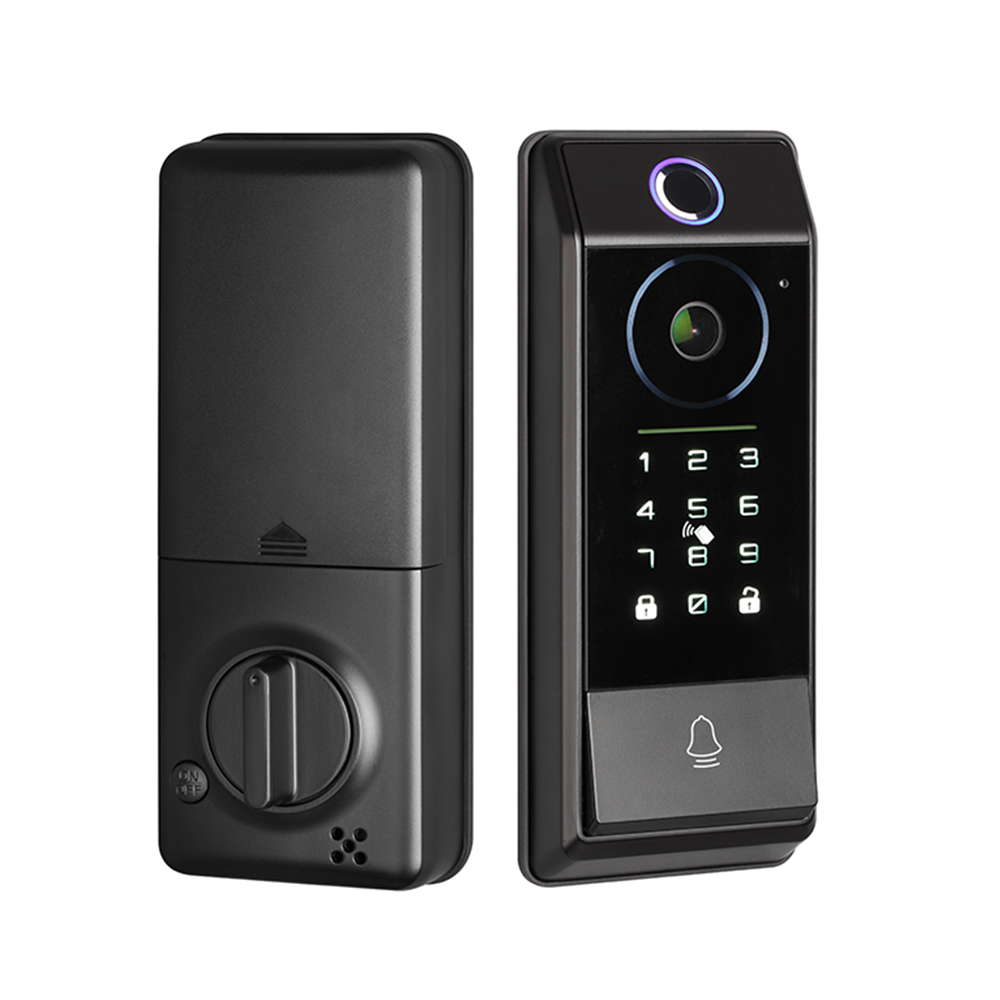
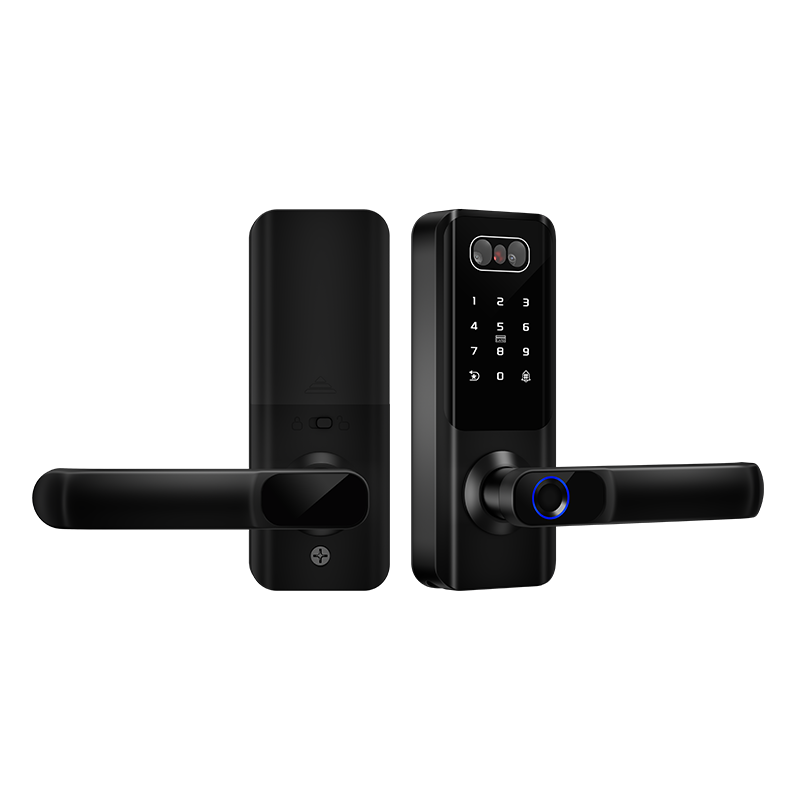
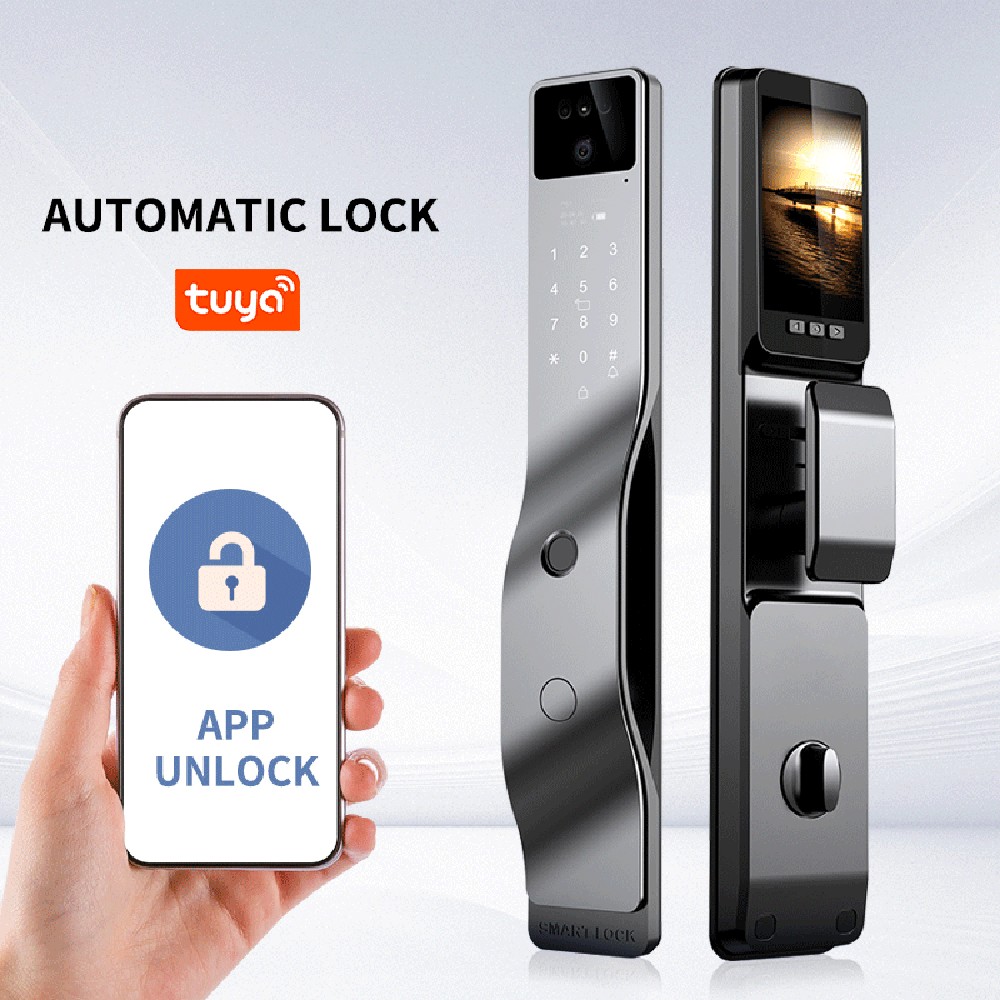
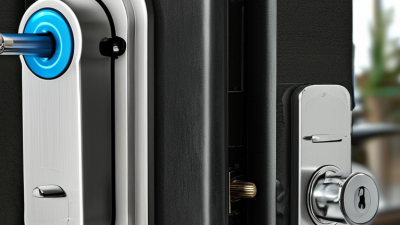
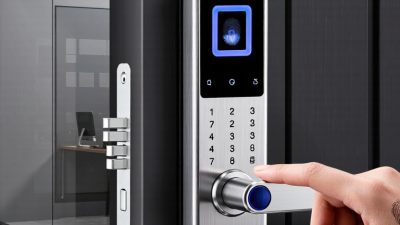
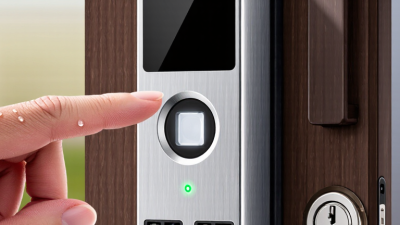
Smart deadbolt lock with video doorbell and two way intercom for front door security A229
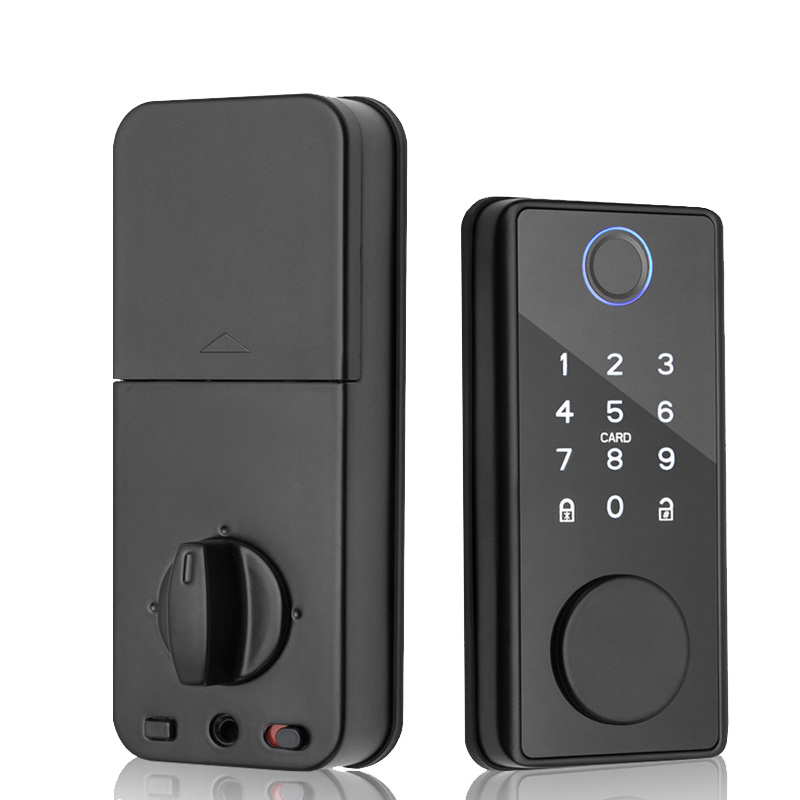
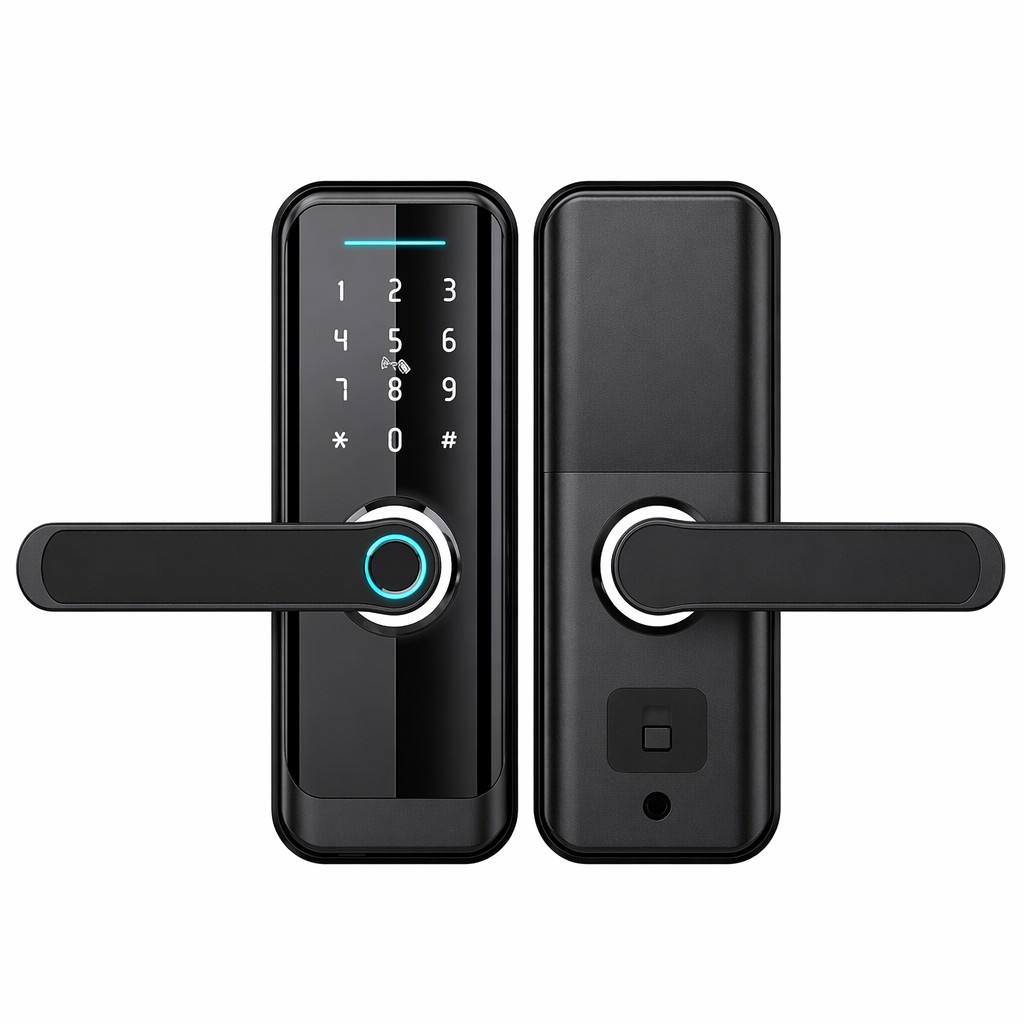
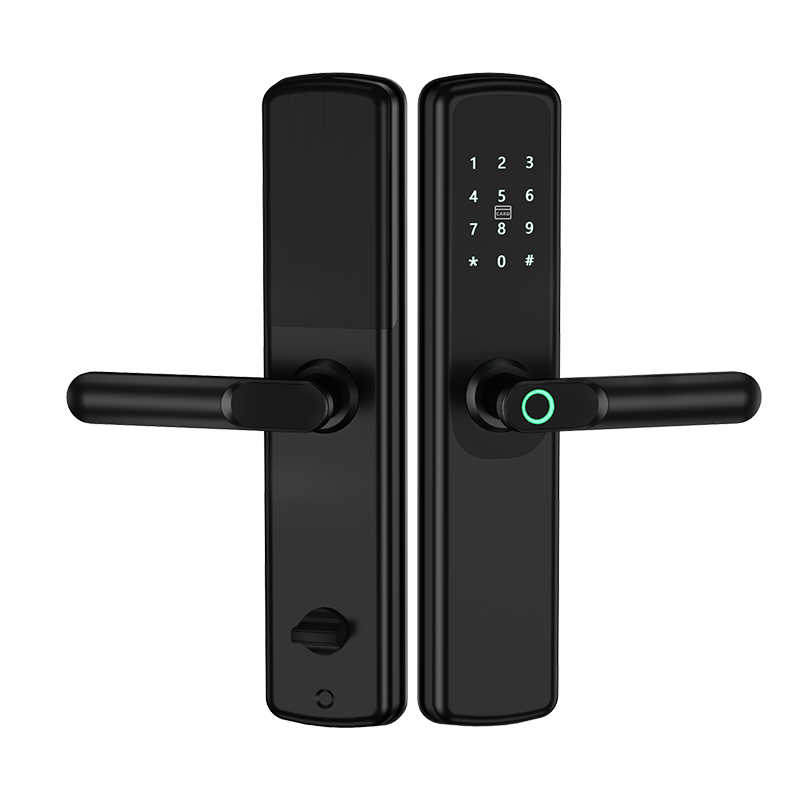
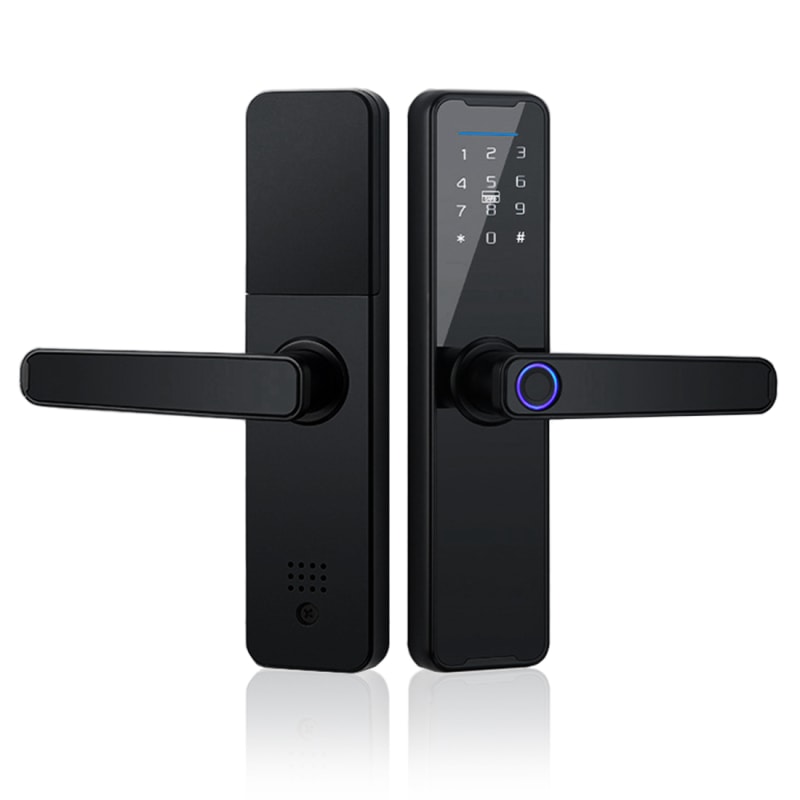
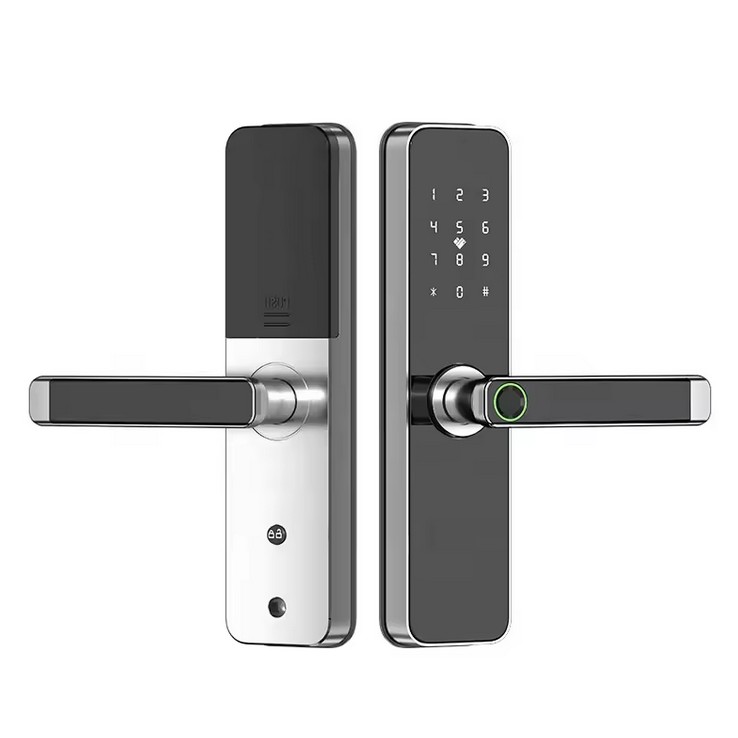
Bluetooth Deadblot Smart Lock with keyless access works with Google Alex tuya FM31
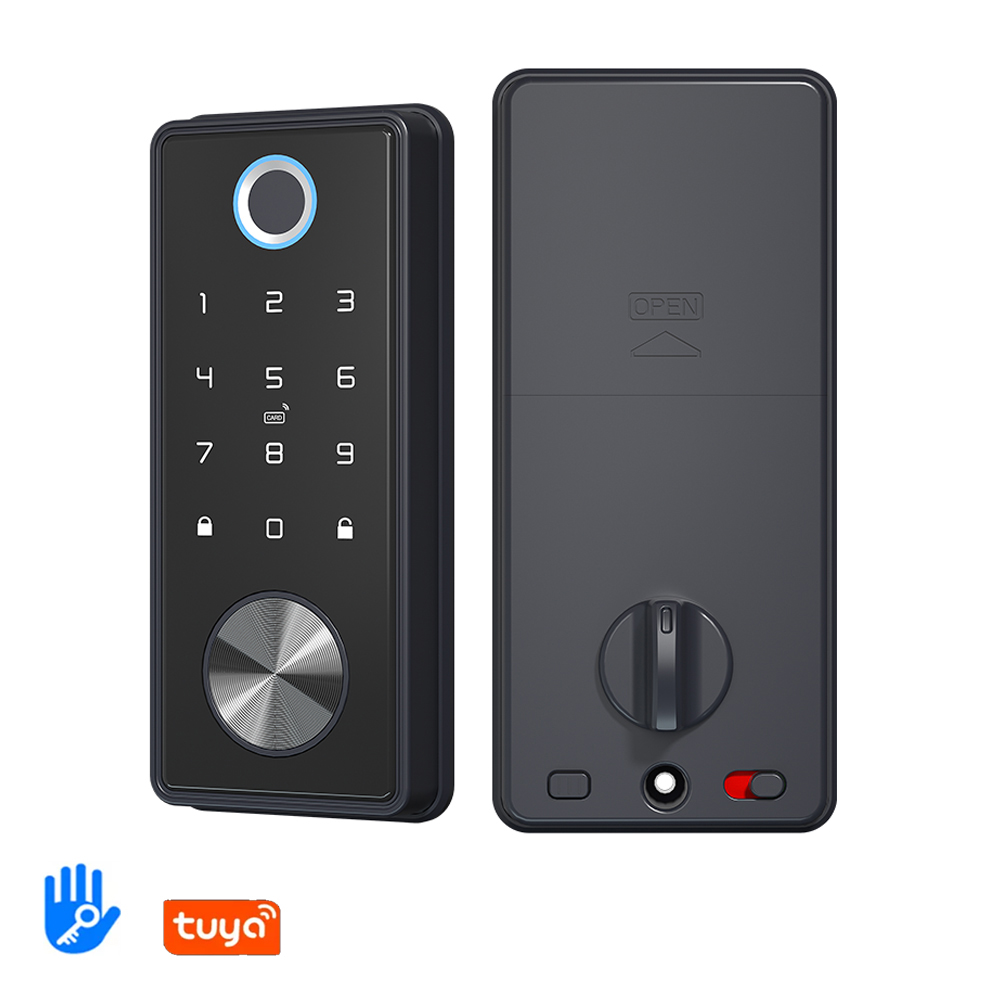
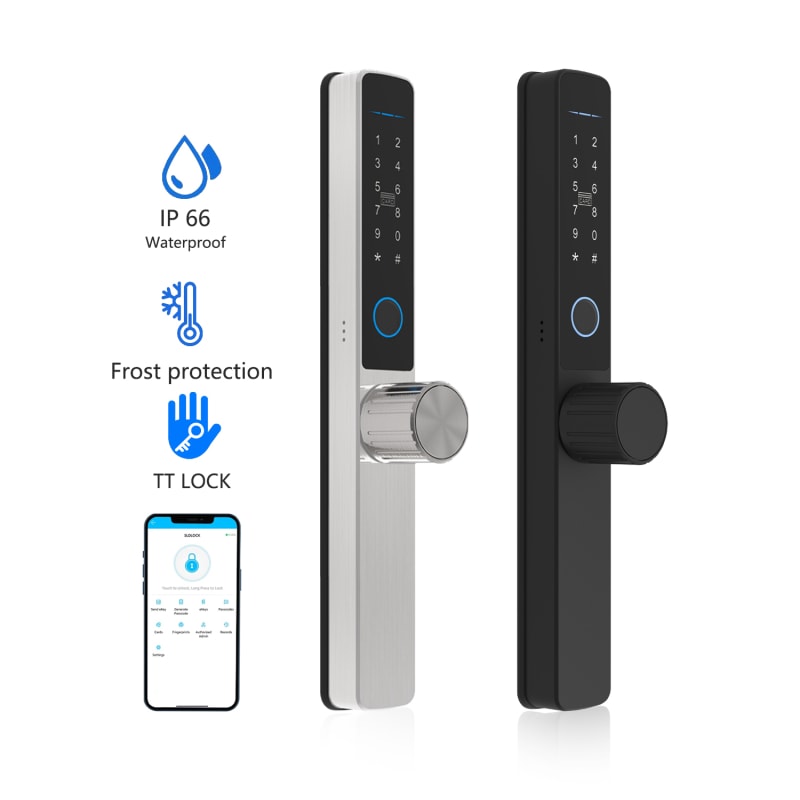
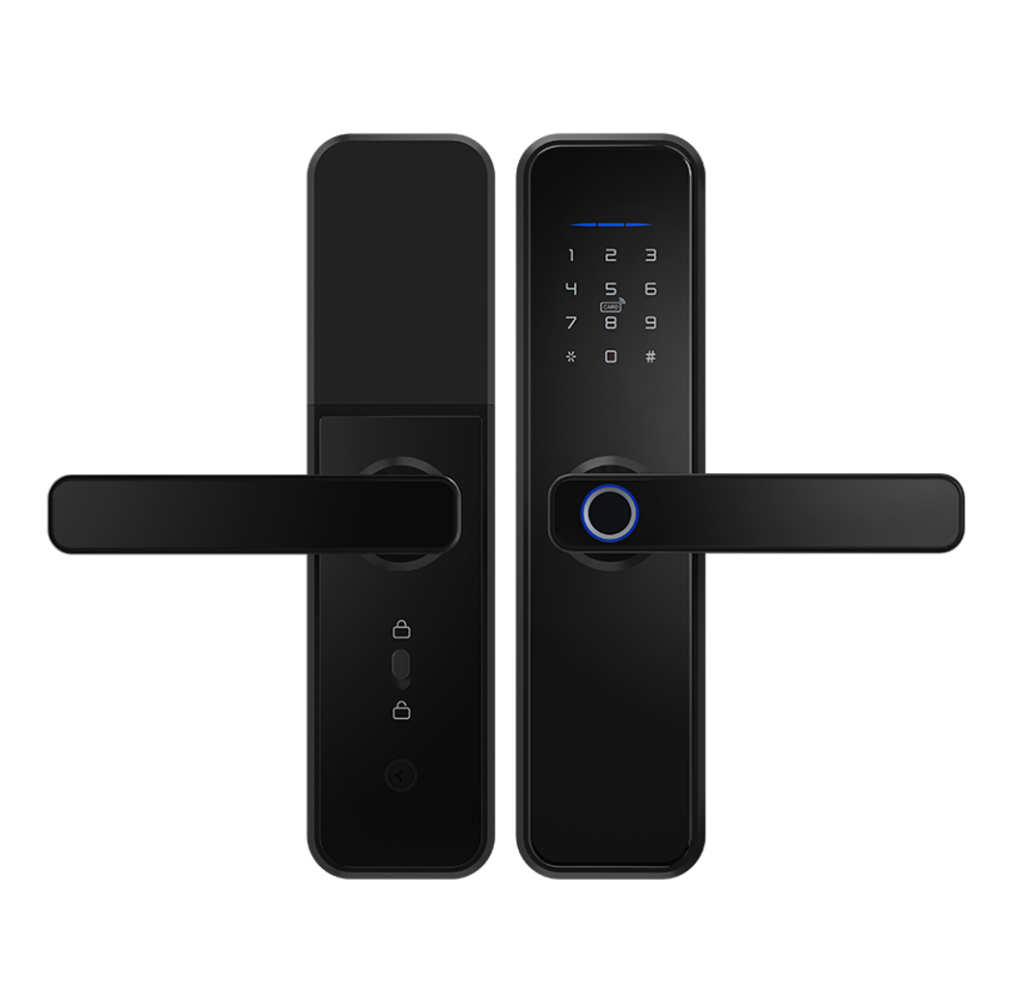
Waterproof Deadbolt Digital Lock supporting TTlock ble or TUYA wifi FM560
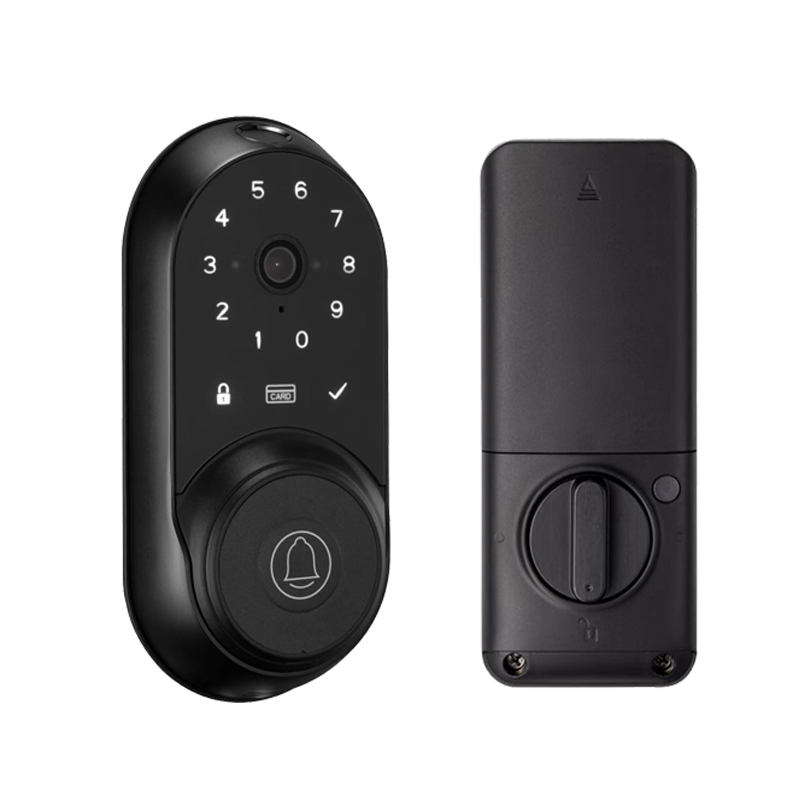
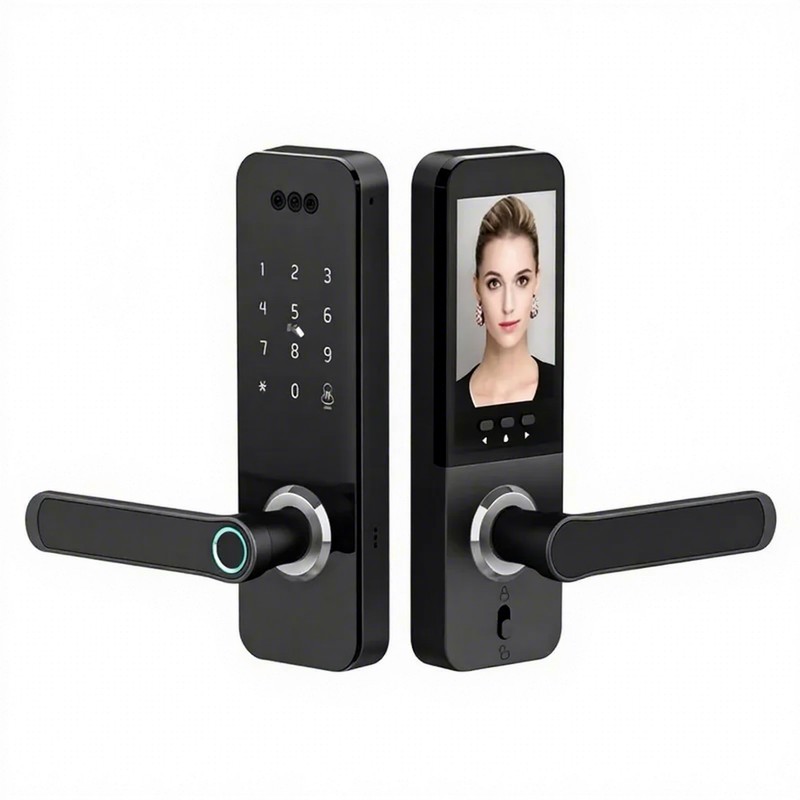
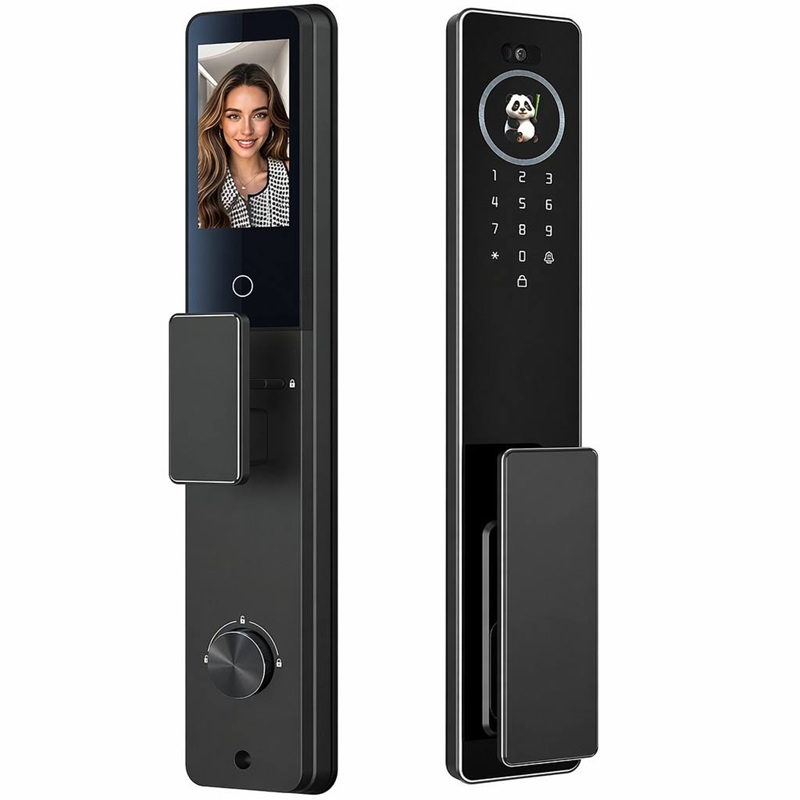
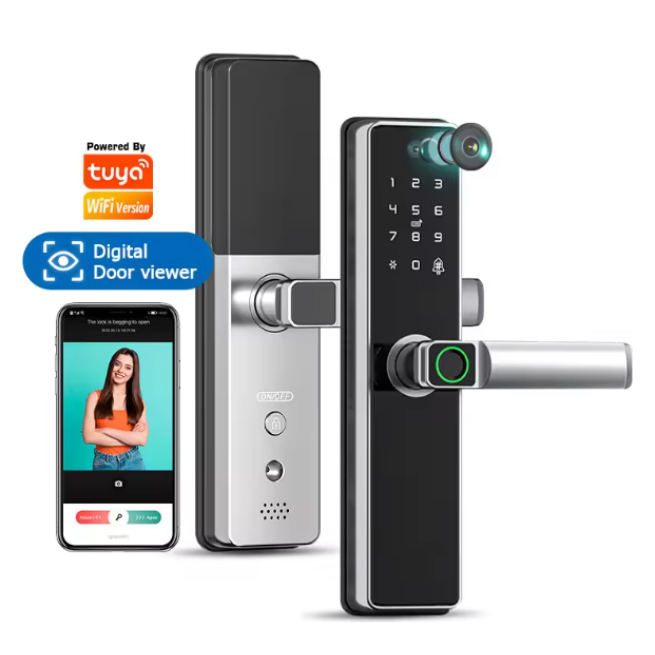
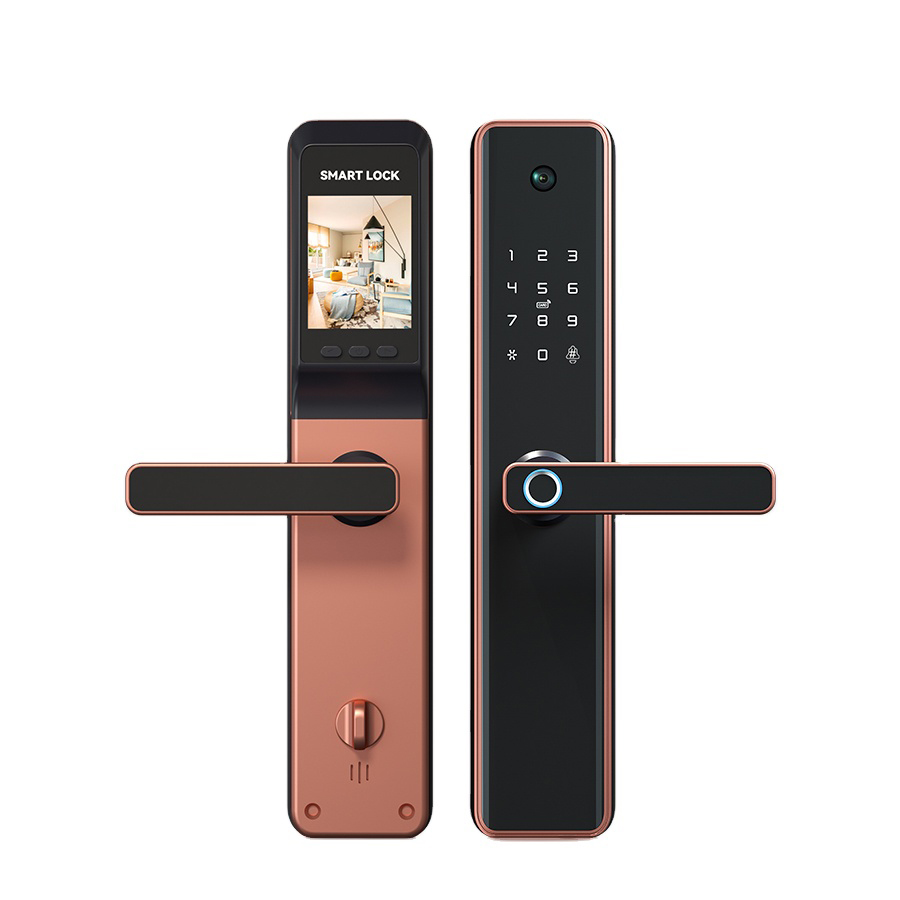
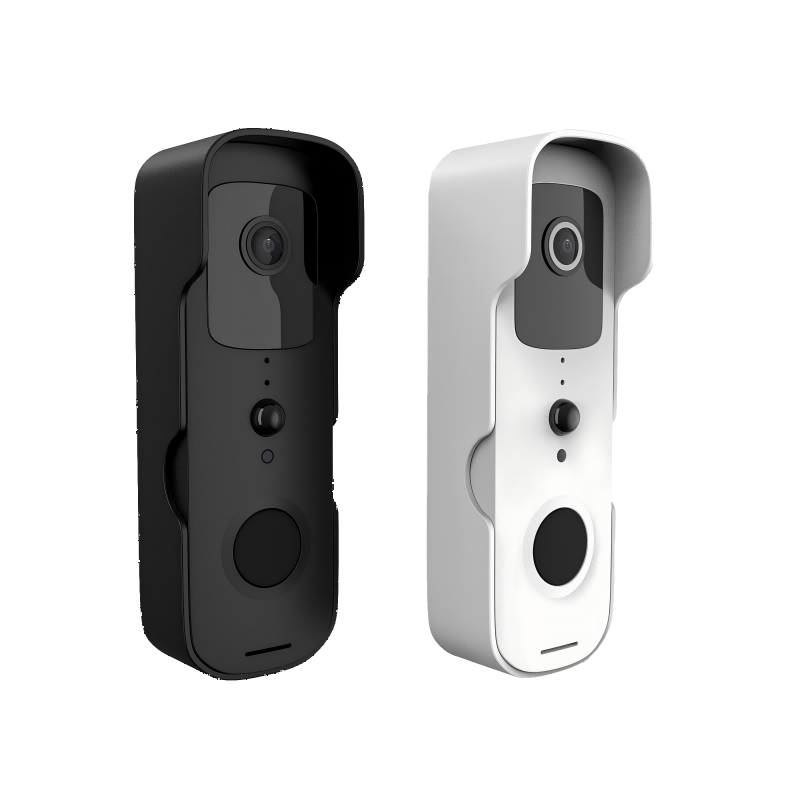
WIFI Deadblot Smart Lock with Video Doorbell works with Alexa Google Tuya FM880
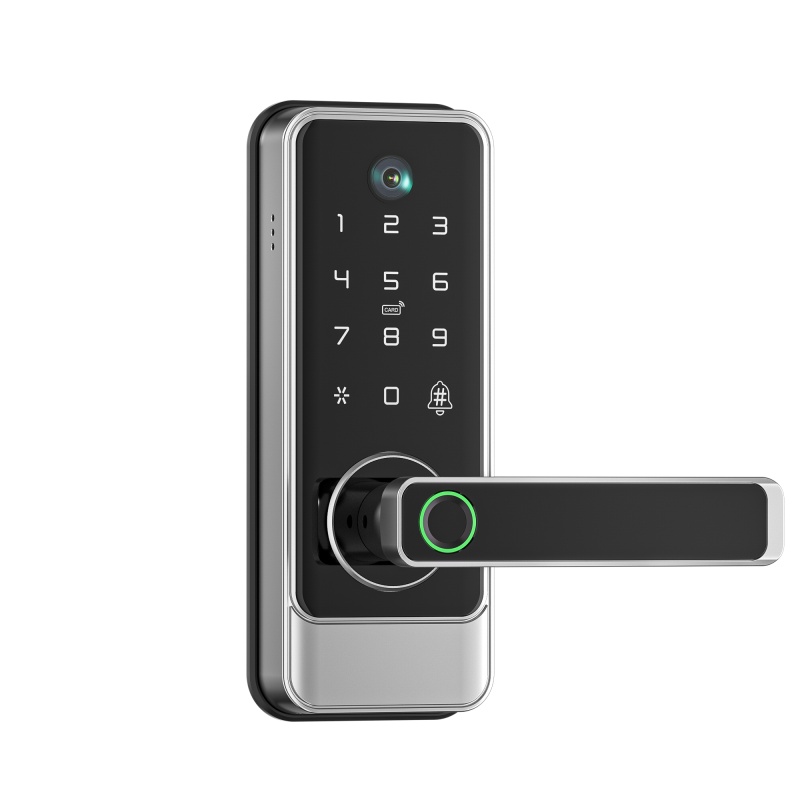
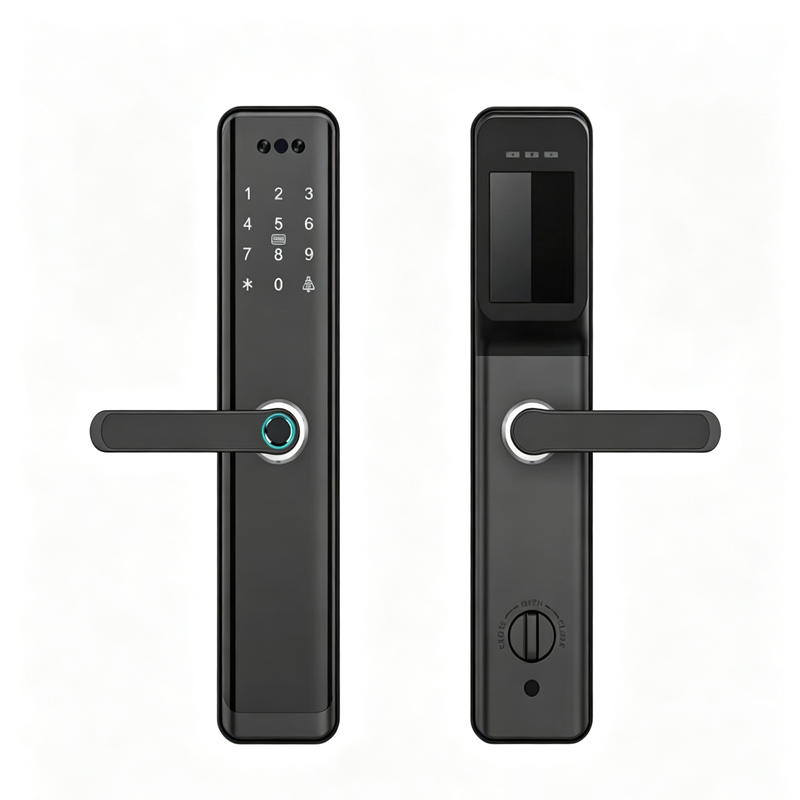
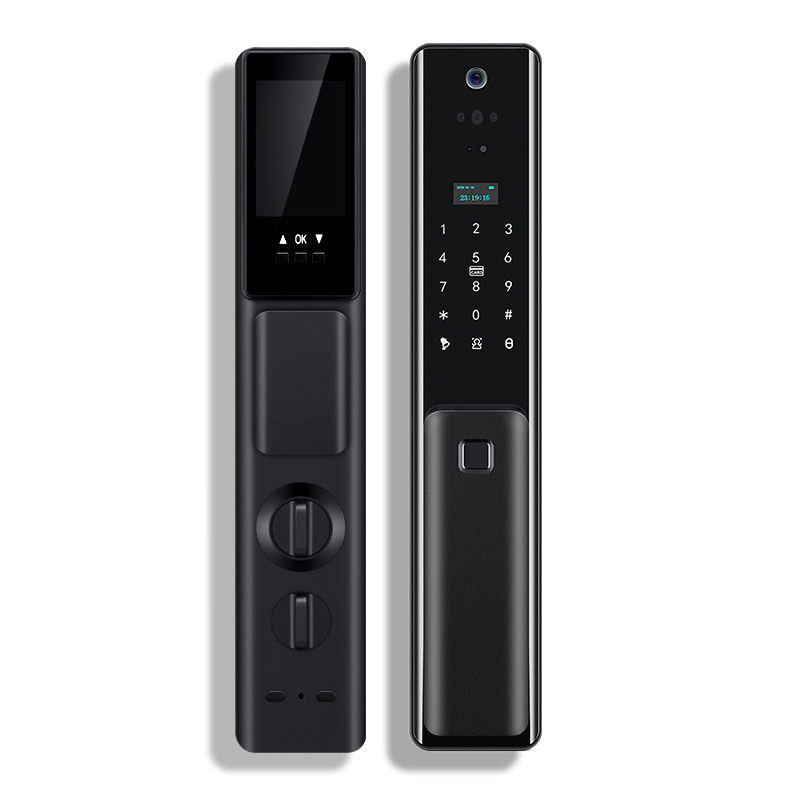
Facial Recognition Smart Lever Lock with 2MP Video Doorbell and IP66 Waterproof Tuya WiFi FM-Z86
Advanced 5-in-1 Biometric Door Lock with Universal WiFi, Zigbee & 433MHz Support FM09
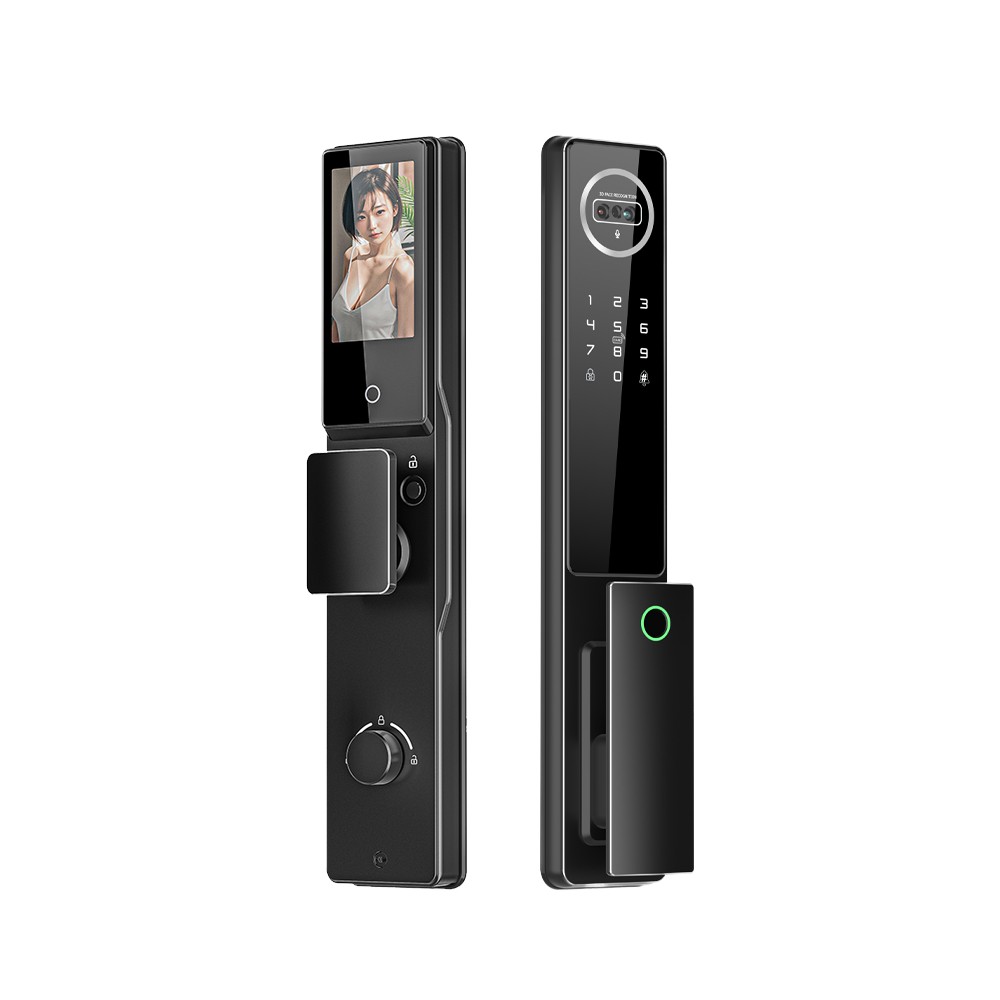
3D Face Recognition Smart Door Lock with 2MP Video Doorbell and Built-in WiFi FMP012
Keyless Entry Lever Lock with doorbell and Video Camera for Live Viewing V1
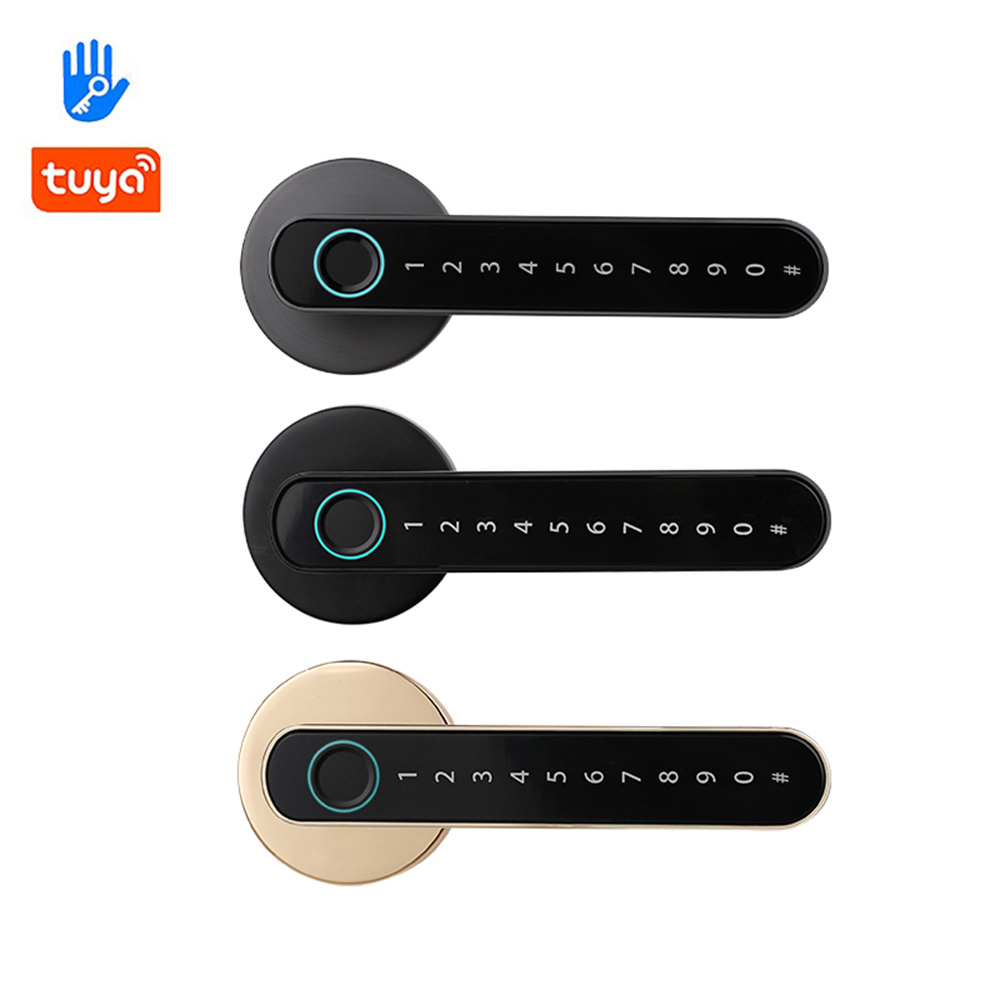
Bluetooth Lever Lock unlock by fingerprint recognition, password and App eKeys T8
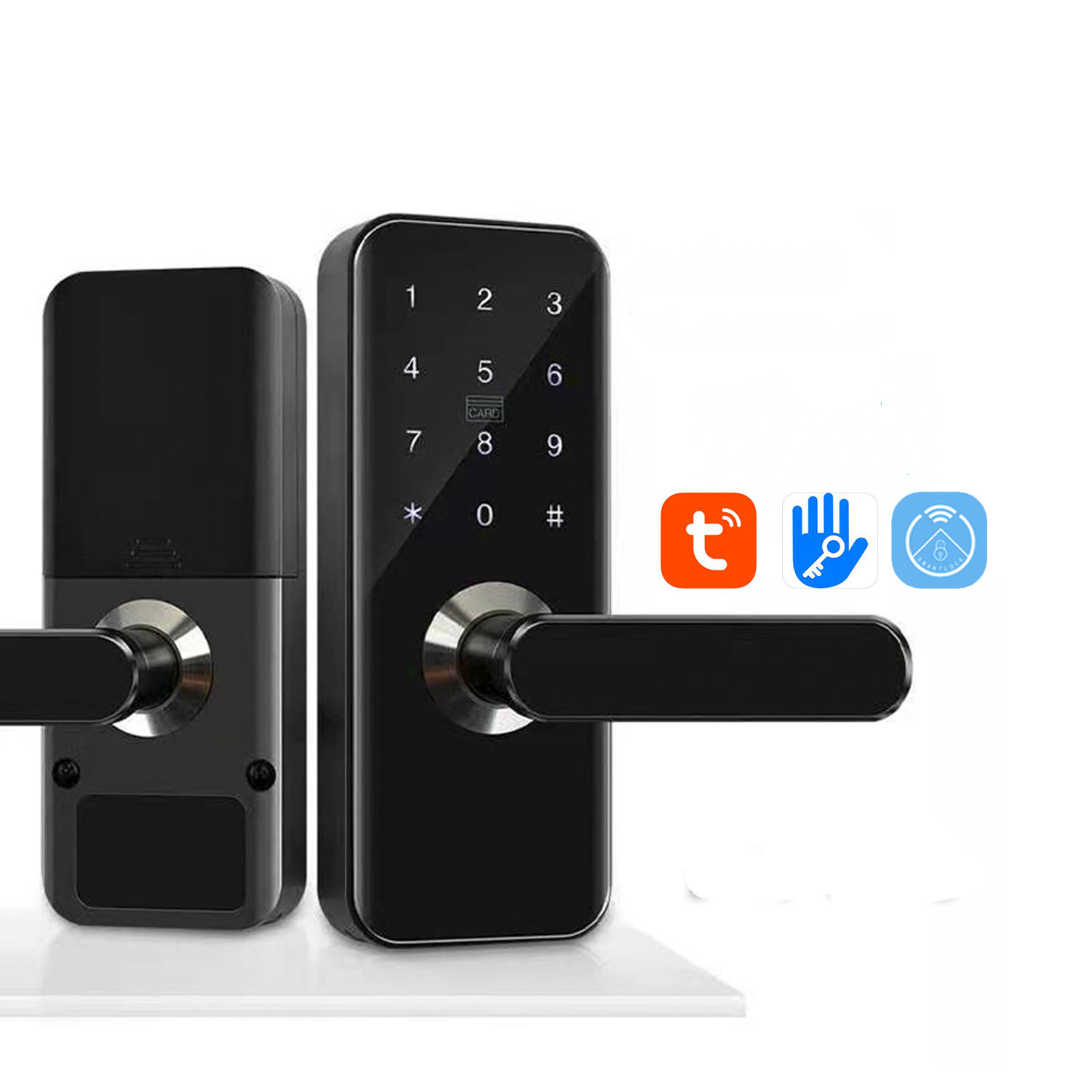
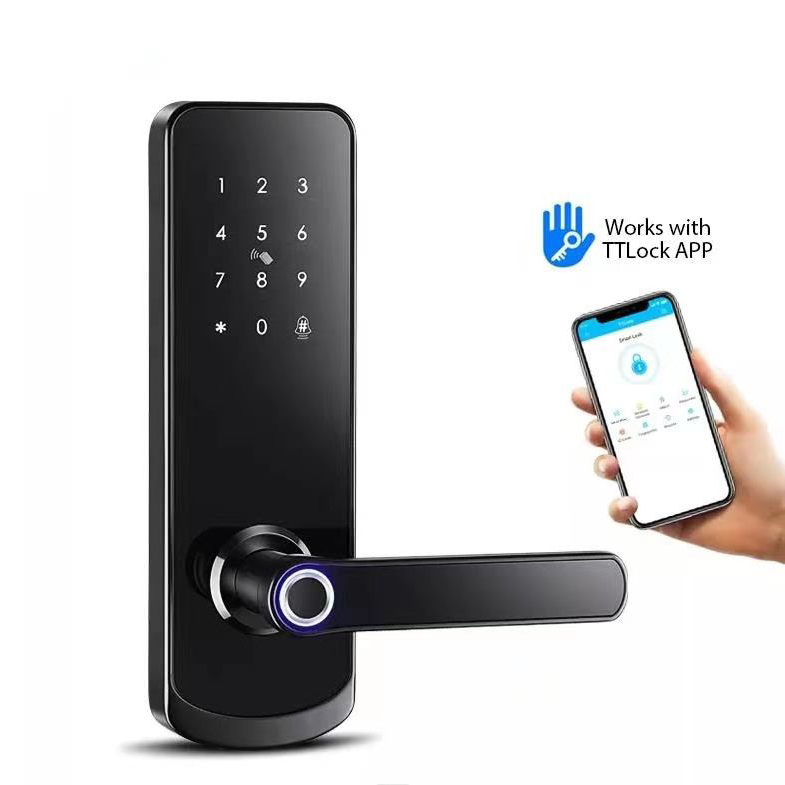
Smart lever lock supports TTlock bluetooth and TUYA wifi FM810
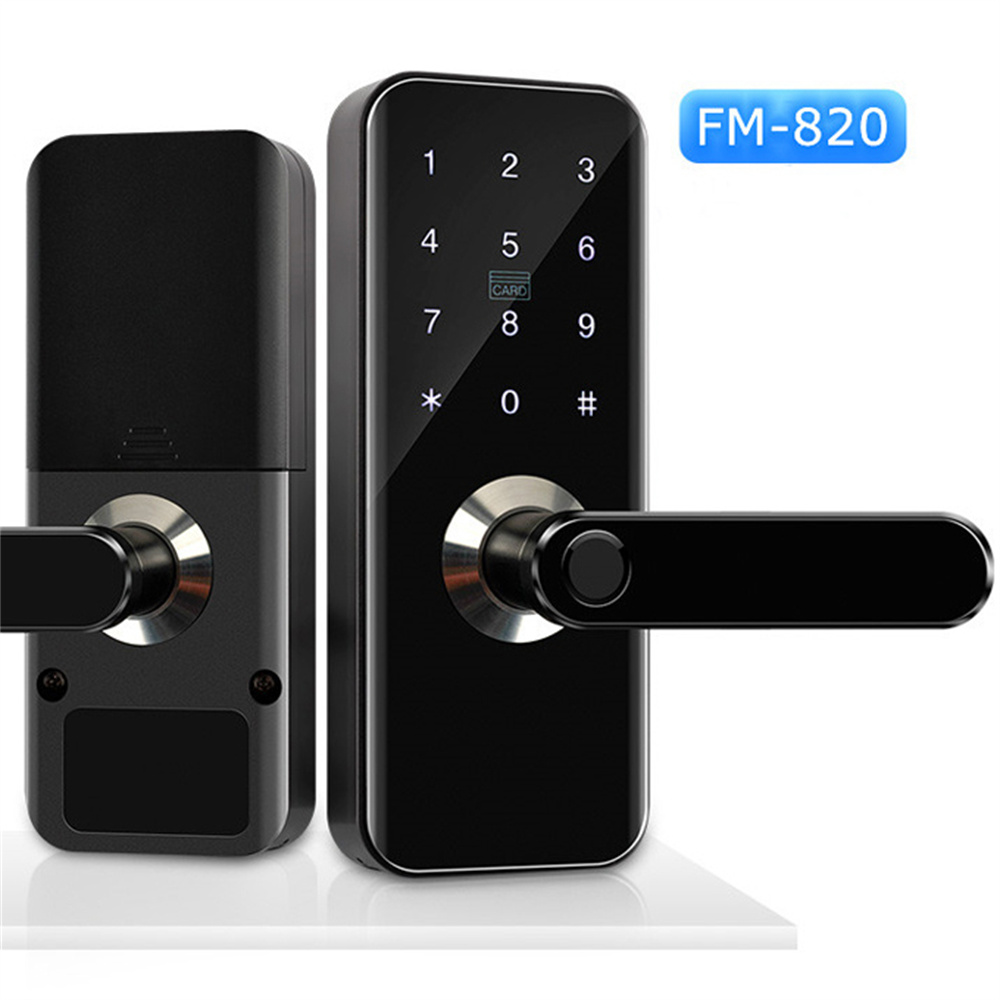
Fingerprint Smart Lever Lock with one touch Keyless Entry fits US Knob & Lever FM820
Fingerprint Lock with Anti-Pry Latch, Blocks Card Prying – FM230-N
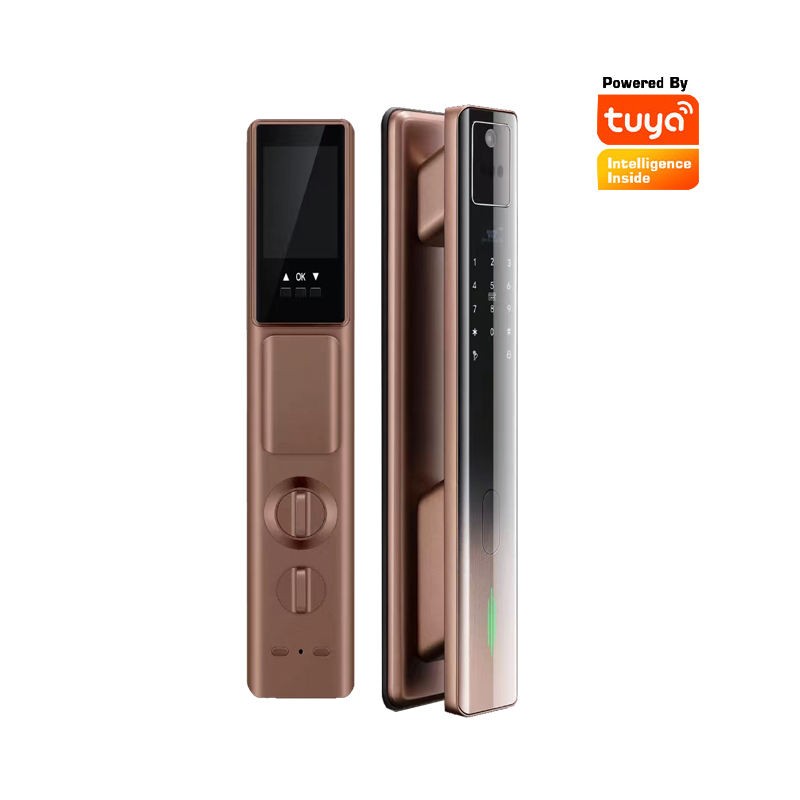
Intelligent Biometric Door Lock with 2MP Video Doorbell and Tuya WiFi FM-05
Flagship Biometric Security Lock — Advanced 3D Face Access & 4.5" IPS Live Viewer FM93
Smart Lever Lock with Fingerprint Facial Recognition and Video Doorbell Tuya WiFi TTlock FM-128
Keyless Entry Door Lock Fits Both Traditional Mortise and Smart Lock Mortise
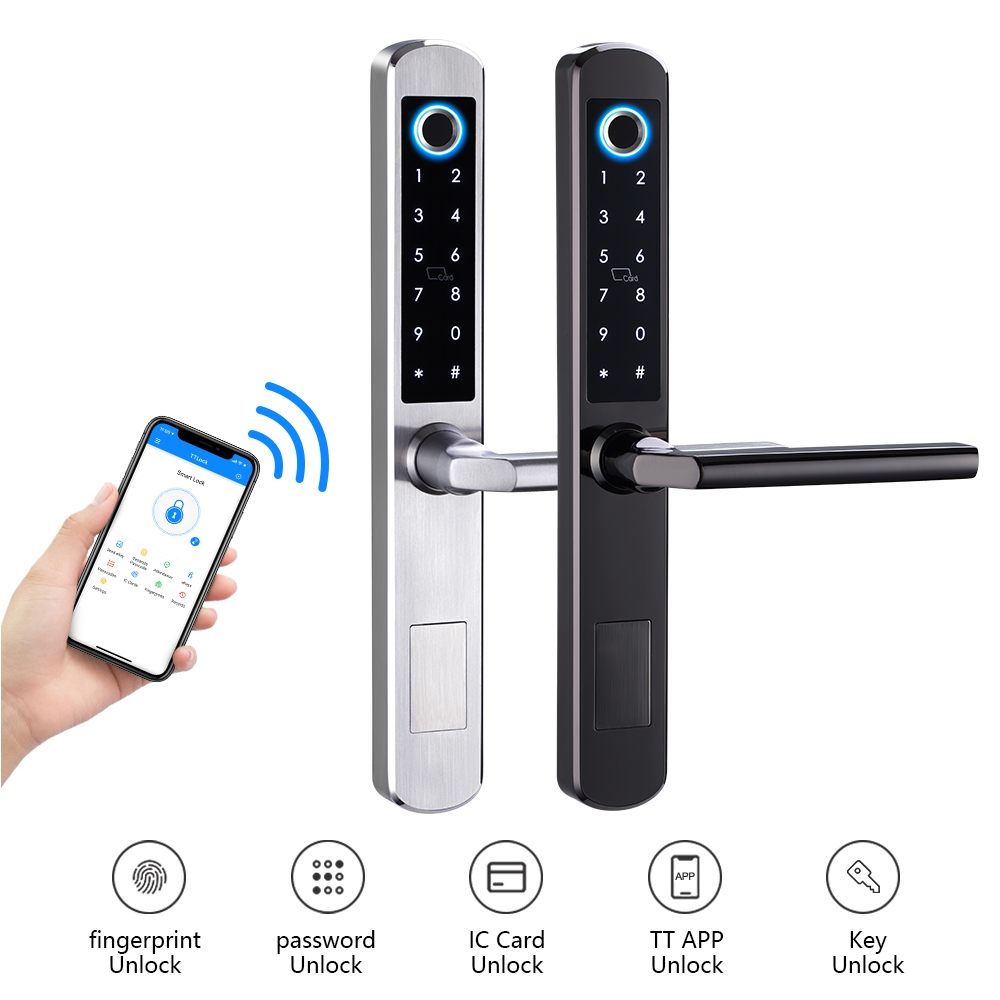
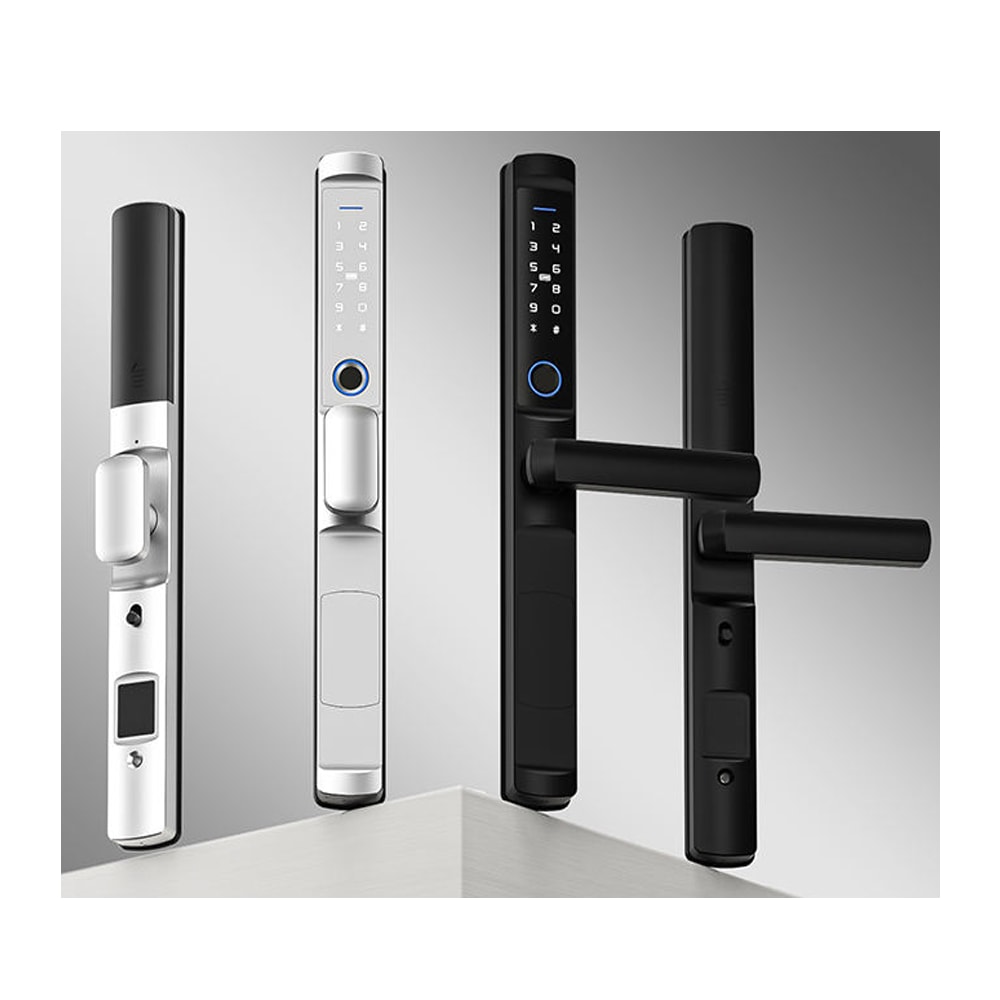
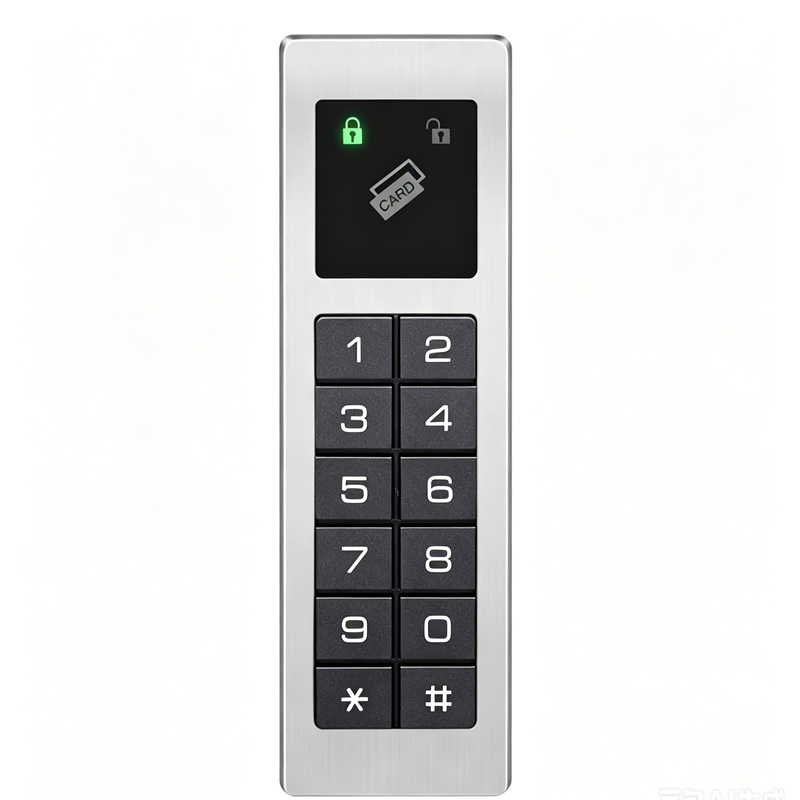
Slim 304 stainless steel keypad lock with IP65 waterproof case for thermal break sliding doors FM210
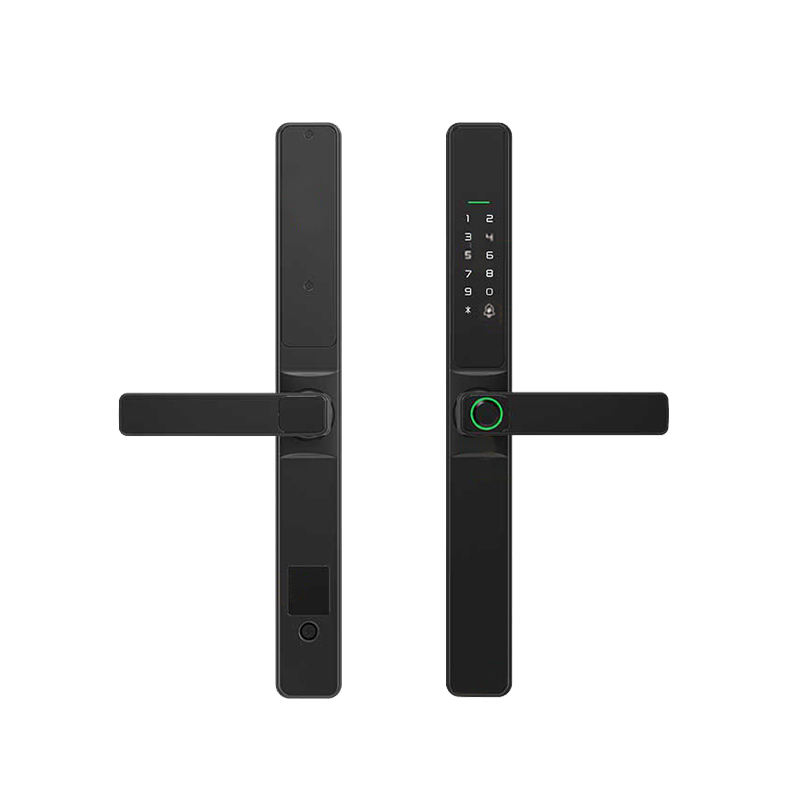
Fingerprint lock with hook mortise for slim sliding door and IP66 waterproof for outdoor use F6
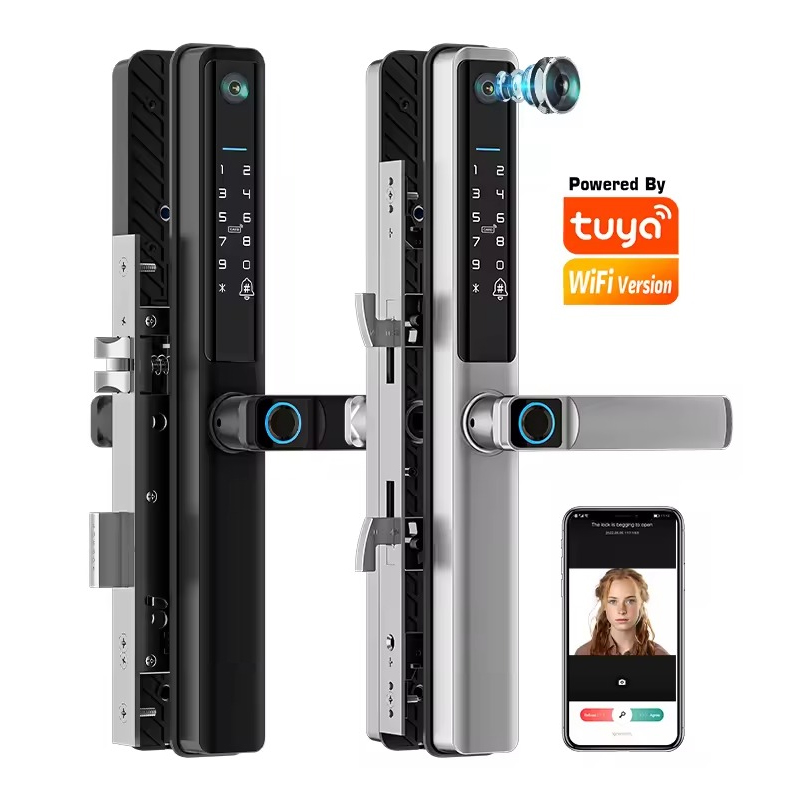
Keyless entry door lock for slim sliding door with camera and doorbell F5 PRO
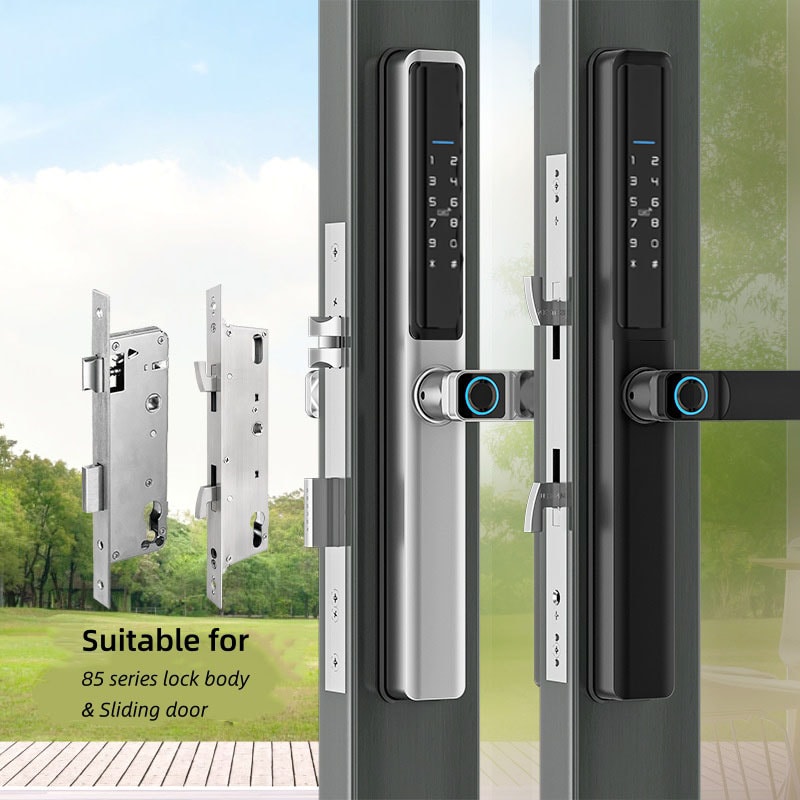
Smart door lock with hook mortise for aluminum slim sliding door F5
Front door smart Locks made of aluminum alloy compatible with multiple mortise types
Keypad Door Lock with IP66 Waterproof case and Two Handle Styles Options
Front Door Keypad Lock with Fingerprint and Doorbell B2
Face Recognition Smart Door Lock with Video Intercom Doorbell Tuya WiFi D1
WIFI Smart Mortise Lock with Tuya Video Doorbell support Face Scan Palm Vein F7
Smart mortise lock with bluetooth and WIFI optional FM028
Mortise Smart Lock with multi keyless accesses FM550
Camera Smart Lock with Finger Scan Supporting Tuya WiFi or Zigbee FM551
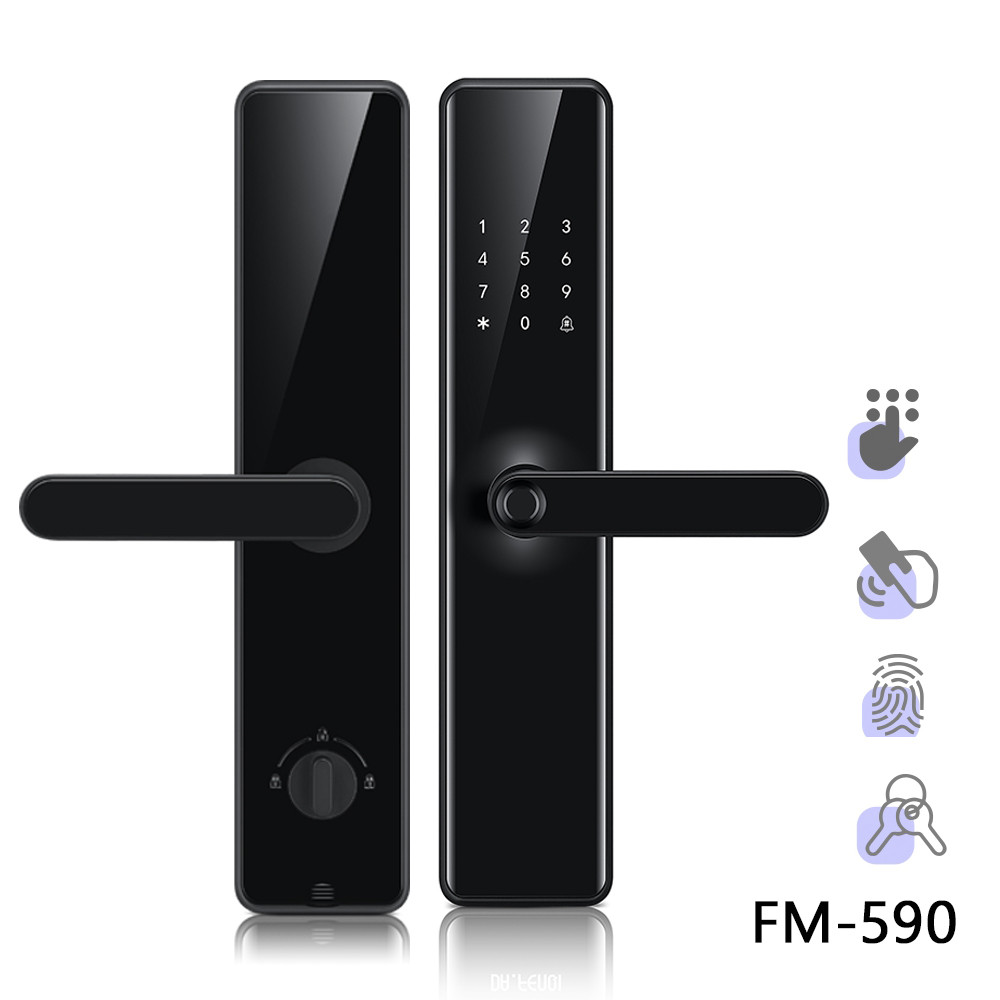
Smart Door Lock with Fingerprint and Voice Control FM590
Fingerprint Door Lock with Face Scanner and Camera Supports google home FM720
Facial Recognition Smart Lock with Video Intercom and Thumbprint FM730
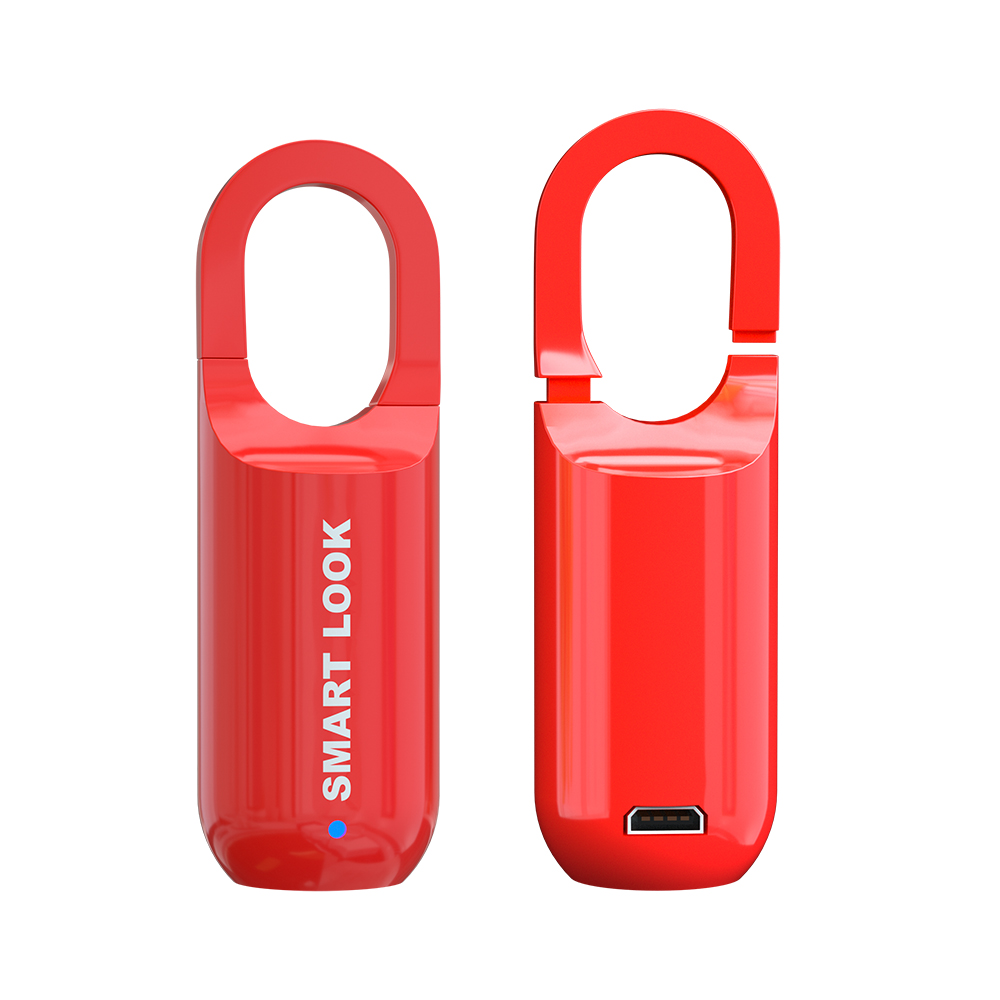
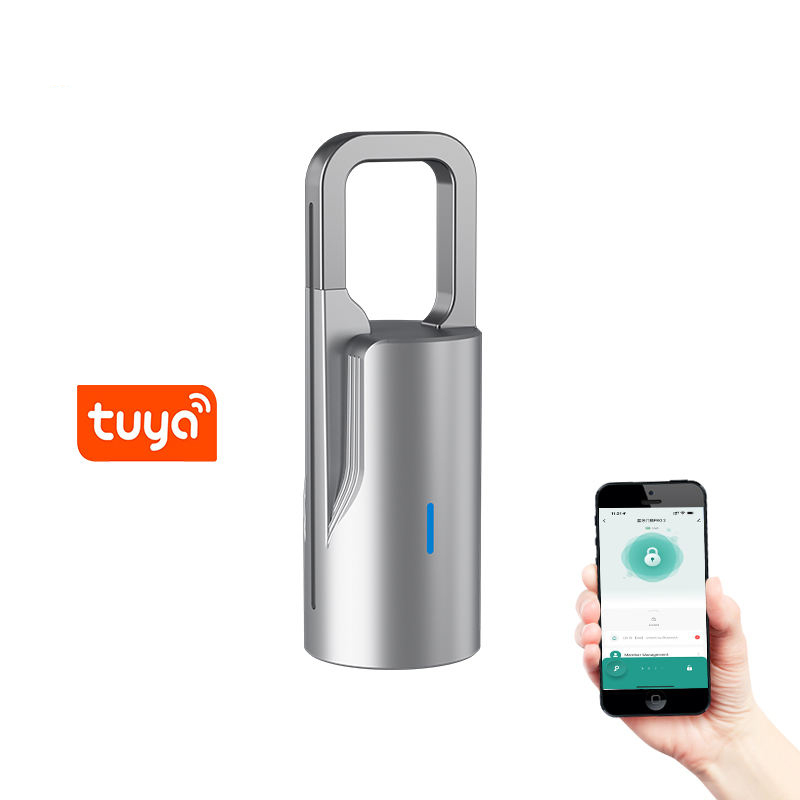
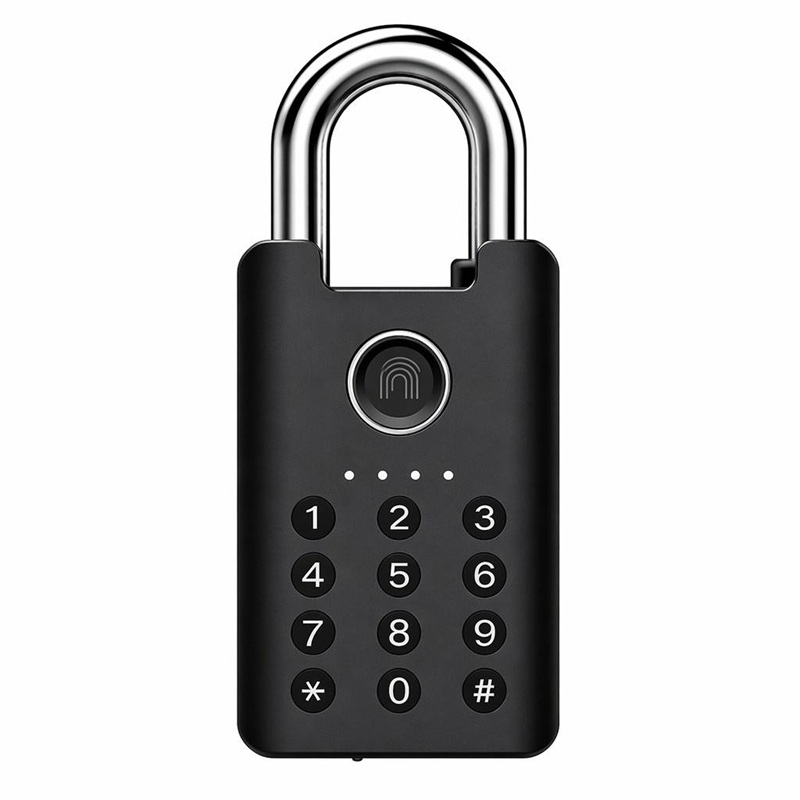
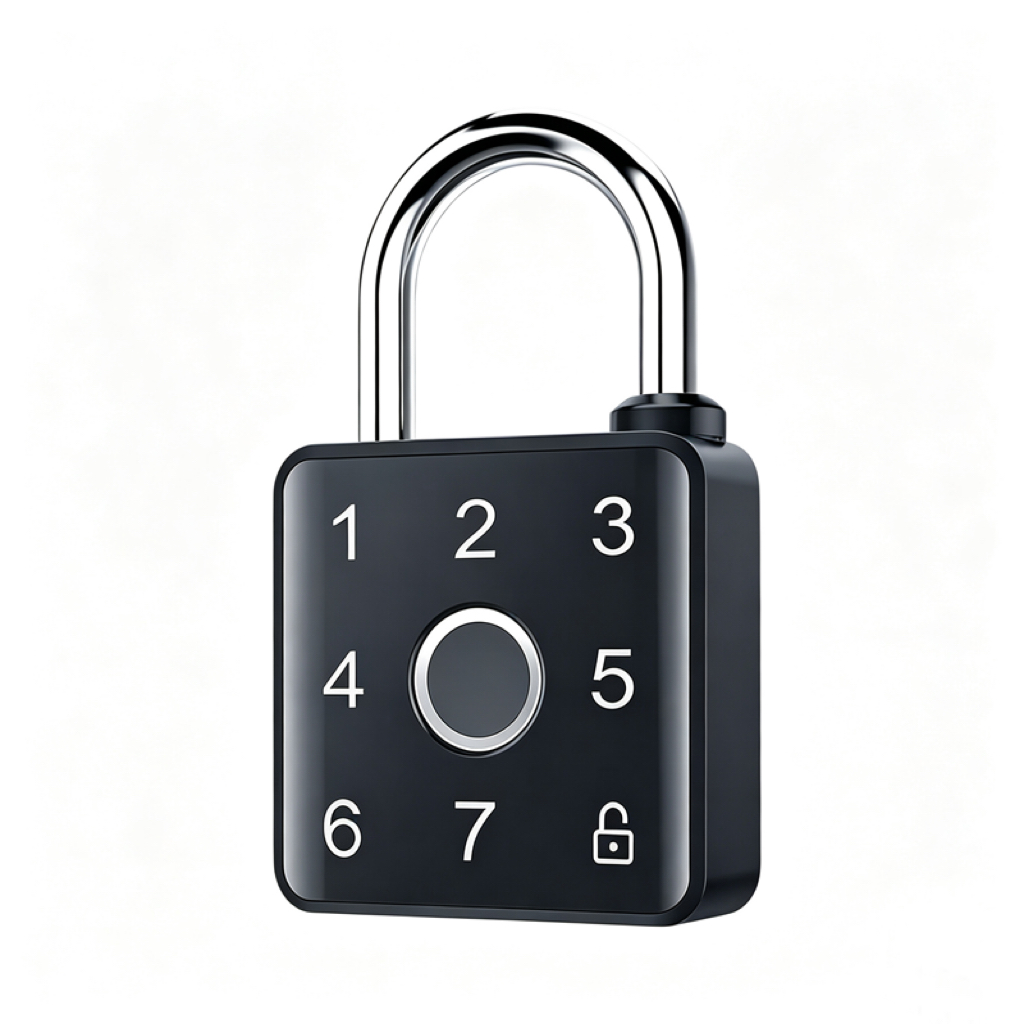
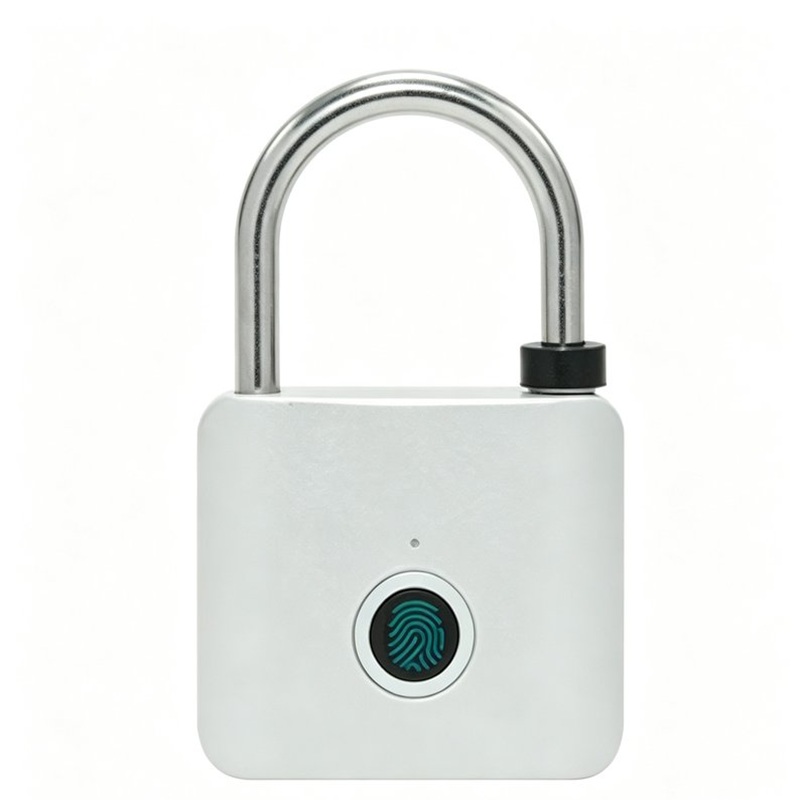
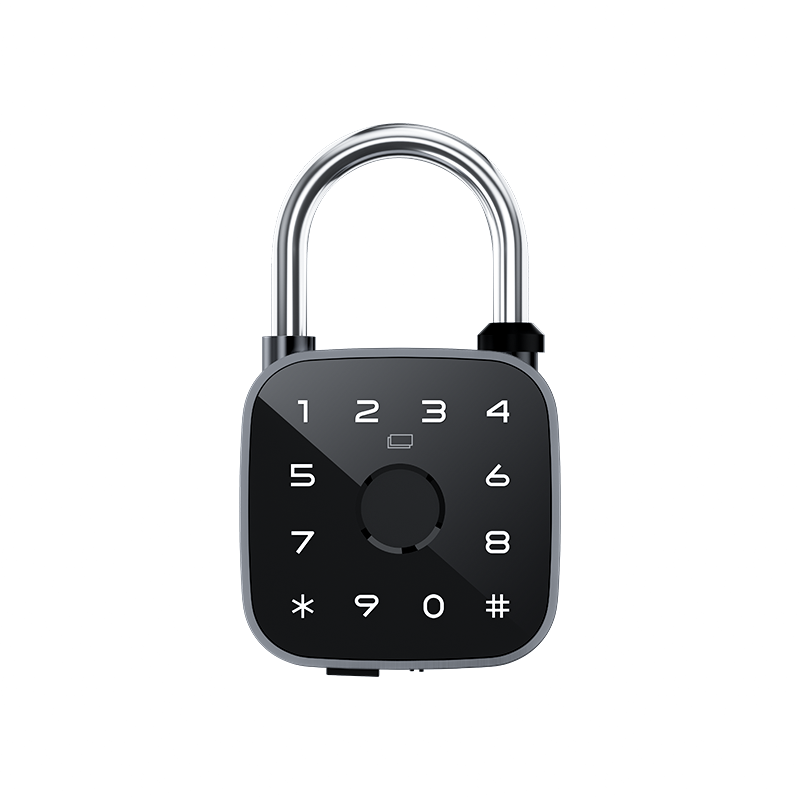
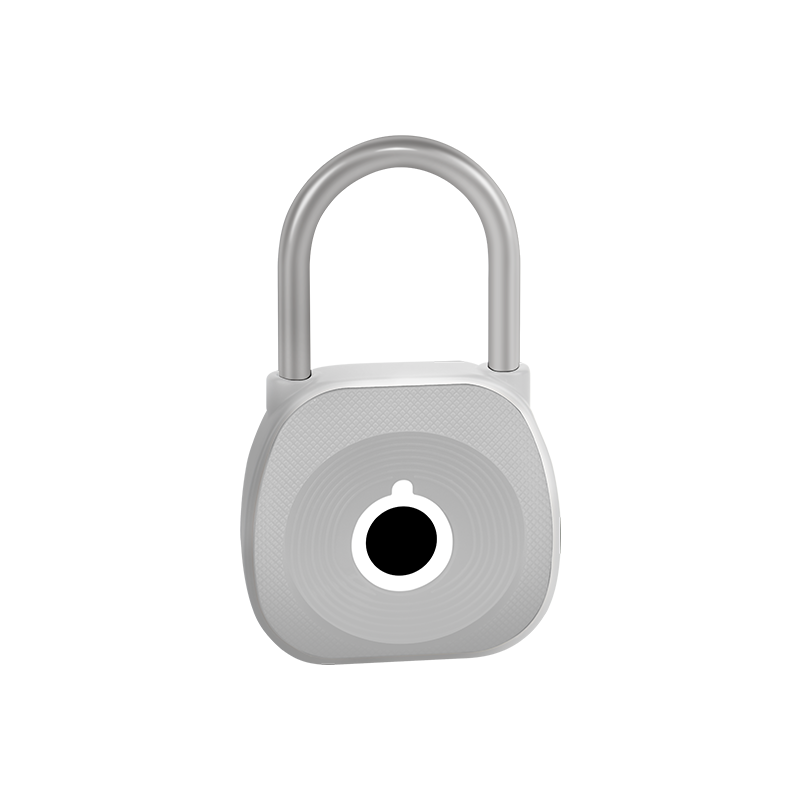
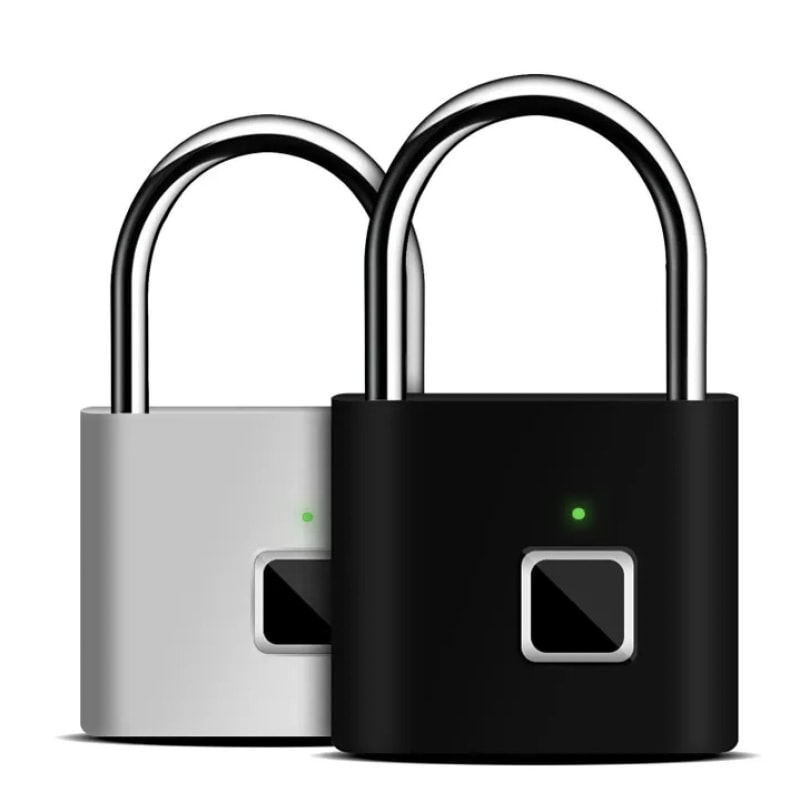
Fingerprint Smart Padlock with Bluetooth App Control and 365-Day Standby Tuya FMP001
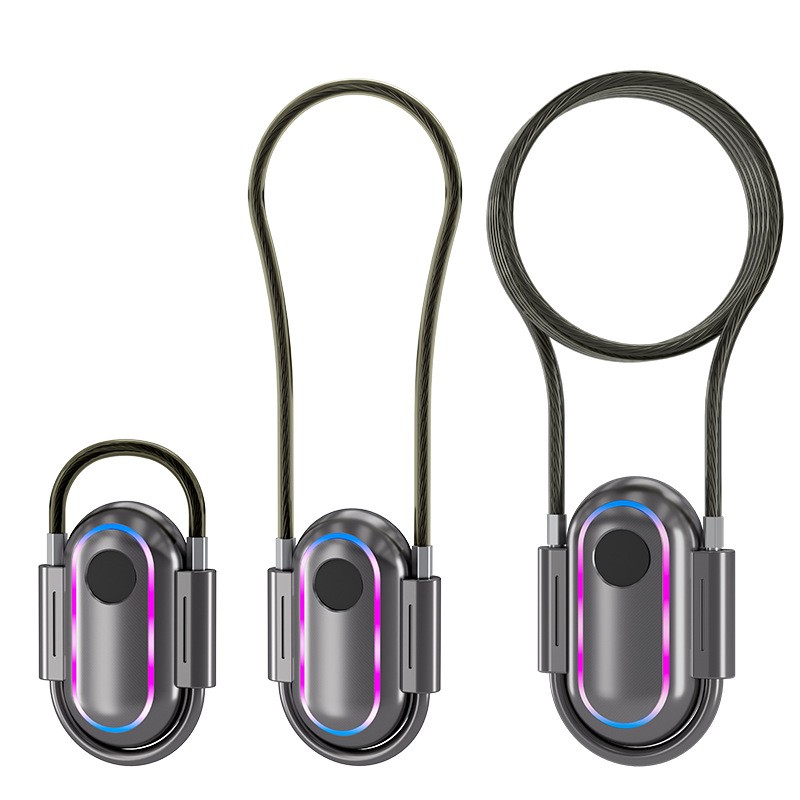
Fingerprint Smart Padlock with IPX5 Waterproof and 3 Steel Cable Lengths FMP002
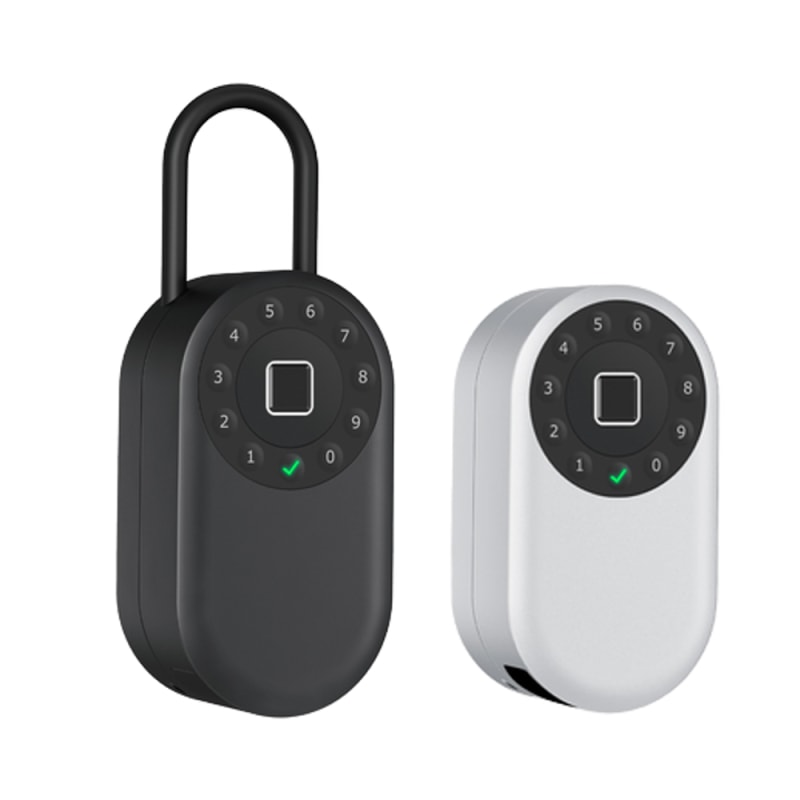
Fingerprint Smart Padlock with Bluetooth App Control and IPX5 Waterproof FMP003
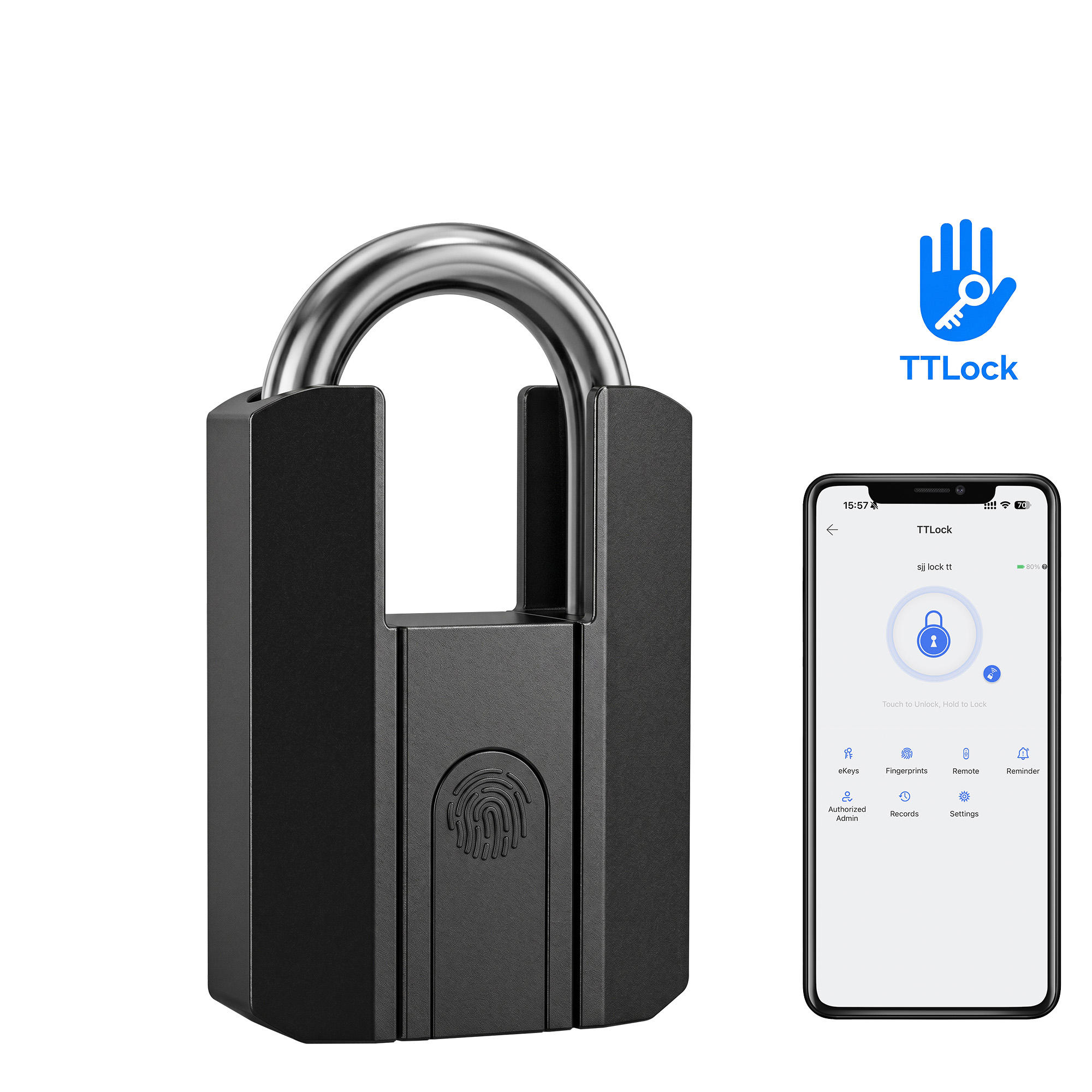
Heavy-Duty Fingerprint Padlock with IP67 Waterproof Shackle and TTLock Bluetooth FMP004
Heavy Duty Fingerprint Smart Padlock with Password Keypad IP65 Waterproof FMP005
Multi-Access Fingerprint Padlock with Keypad, App Control & IP65 Waterproof FMP006
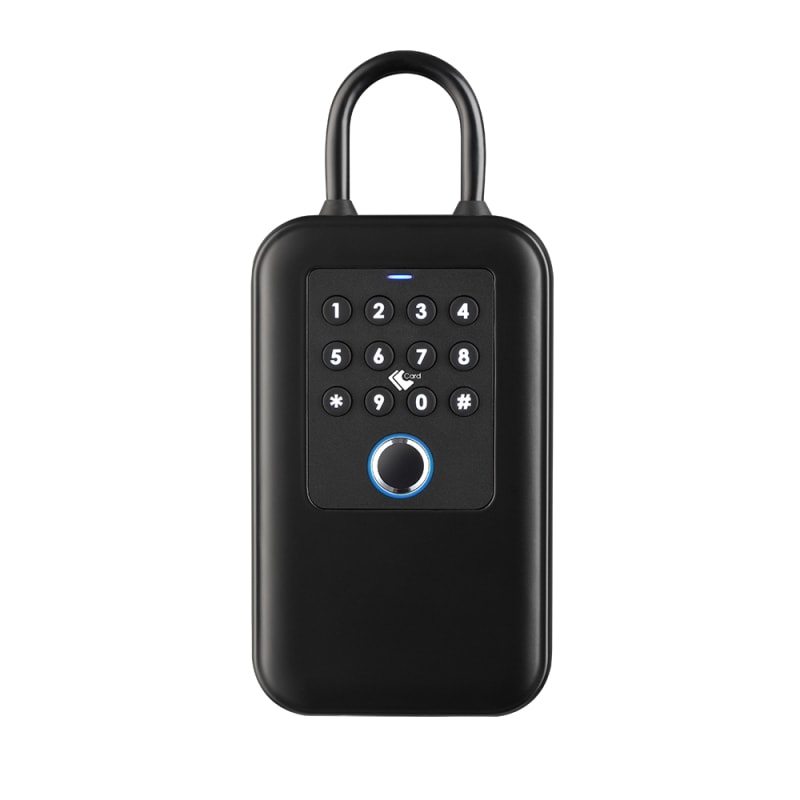
WiFi Smart Key Box with Fingerprint Password Card Access IPX5 Waterproof FMP007
Bluetooth biometric Intelligent Padlock with IP65 Waterproof and Type-C Rechargeable Battery FMP008
Smart Biometric Padlock with Scramble-Code Keypad and Tuya App Control FMP009
Ultra-Slim Biometric Padlock — 1.8cm Aluminum Body with Tuya App Control FMP010
Smart Fingerprint Cabinet Lock — App & Bluetooth Keyless for Lockers FM890
Digital Cabinet Lock with TTLock App, Passcode and RFID Card Access FMP870B
Smart RFID and Passcode Cabinet Lock with 5000mAh Battery and IP66 Waterproof FMP810
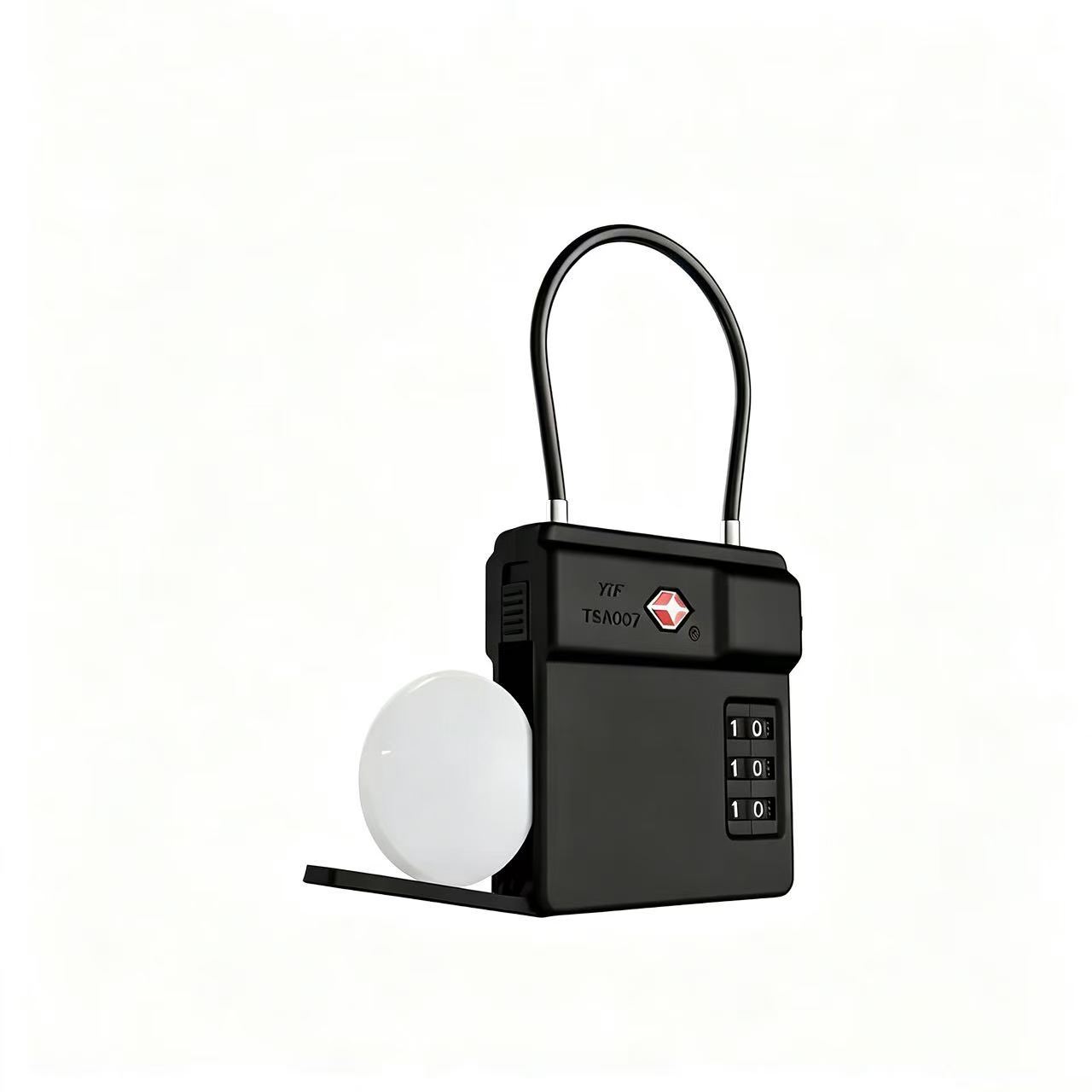
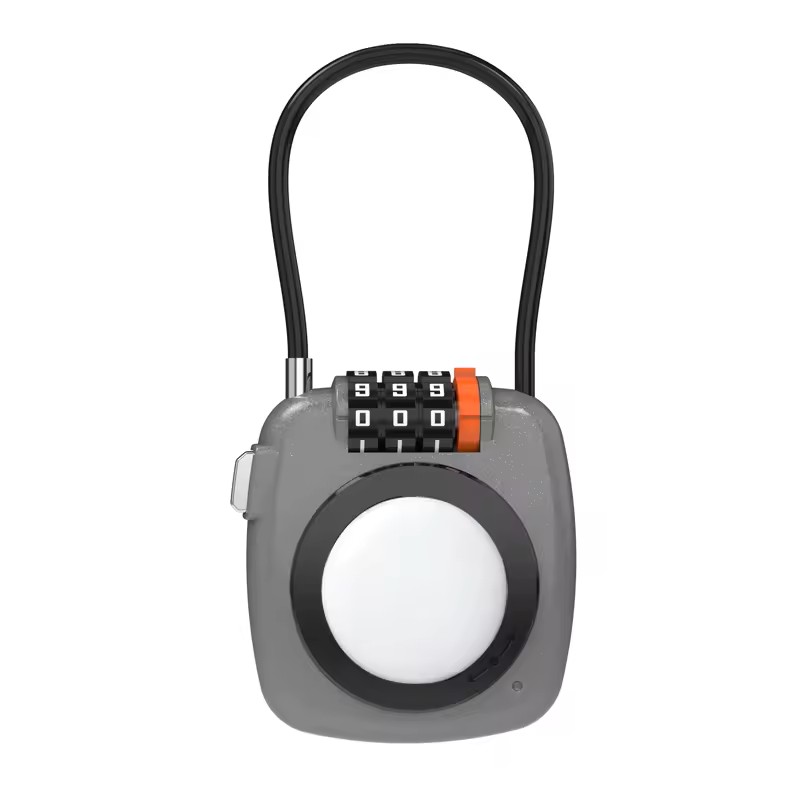
Combination Padlock with Apple Find My & Android Find Hub - IP65 Waterproof Smart Lock FMA001
Smart RFID and Passcode Cabinet Lock with 5000mAh Battery and IP66 Waterproof FMP810
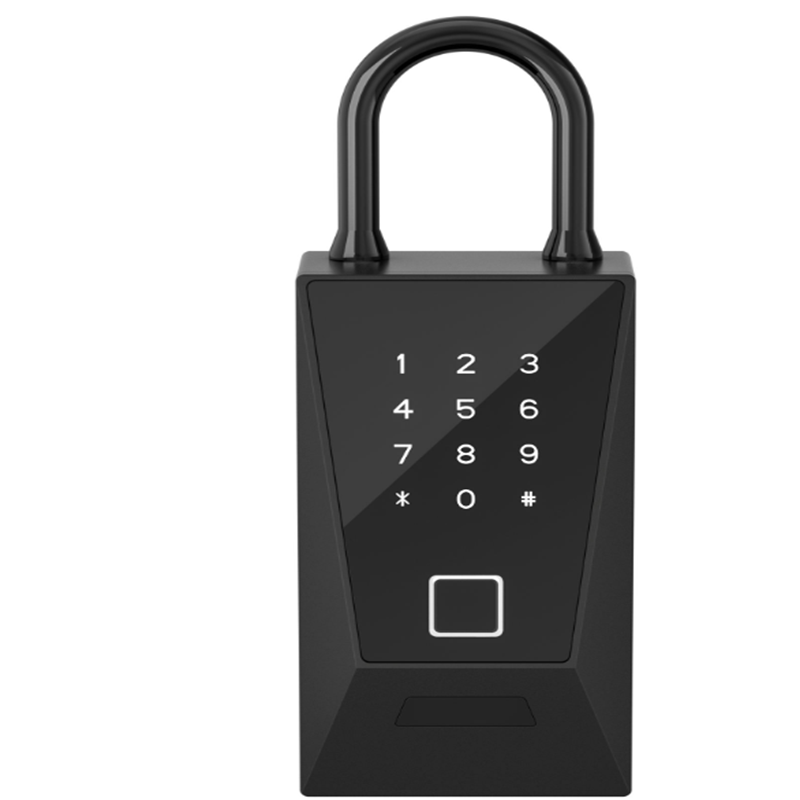
Keyless lock box with physical keypad and TTlock app waterproof for outdoor key storage KB3
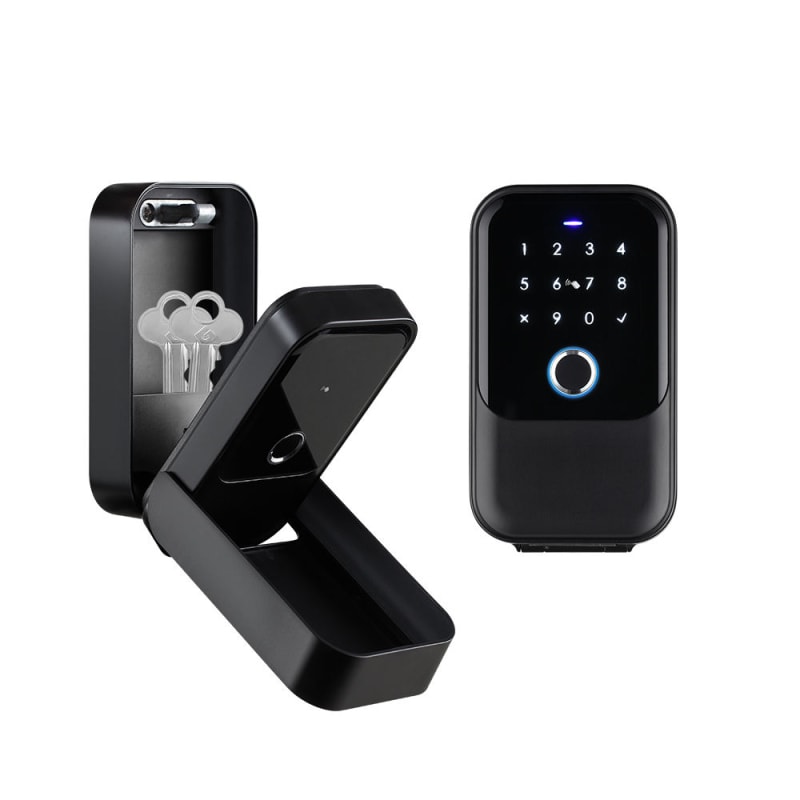
Smart key box with touch keypad and comptible with TTlock and Tuya ble for outdoor use K5
Fingerprint padlock with morse code backup that is rechargeable and portable for everyday use FM570
Waterproof key lock box with physical keypad and Tuya app control for outdoor key storage K7
WhatsApp

Picking a Bluetooth Lock? It’s not just about comparing price tags and battery life anymore. If you’re buying globally, you’ve got to look at security, compatibility, certifications, installation, and what kind of support you’ll get down the road. A lock can look great in a product photo—sure. But its weak spots often show up months later, after outdoor weather, repeated access attempts, or when your phone just won’t connect.
According to the Bluetooth Special Interest Group’s 2024 Bluetooth Market Update, 5.4 billion Bluetooth devices shipped in 2023. And by 2028, annual shipments are expected to hit around 7 billion. That’s great for smart access, but it also means more product variety—and more procurement risk. NIST keeps emphasizing secure authentication, data protection, and lifecycle management for connected devices. Those things really matter when a Bluetooth Lock is guarding an office door, rental property, warehouse, or hotel room.
The details are what make or break reliability.
So here are ten practical buying tips for international purchasers. We’ll cover Bluetooth version, encryption, mobile OS support, battery behavior, emergency access, weather resistance, installation tolerances, warranty coverage, and supplier verification. Testing matters too. A lock that works fine next to a showroom router might struggle near concrete walls or metal doors. Ask for independent test reports, clear firmware-update policies, and documented after-sales procedures. And don’t forget country-specific rules—electrical safety, radio equipment, privacy, building standards, all of it.
No checklist can erase every uncertainty. Some supplier claims are just hard to verify. That’s why staged sampling, field testing, and written specs are safer than relying on a slick demo. These ten tips are meant to help you make a more informed decision—not to replace a professional security assessment.
Global buyers need to define the lock before comparing connectivity features. The Bluetooth Special Interest Group’s 2024 Market Update reports 5.4 billion Bluetooth devices shipped in 2023. That scale matters. A lock should support the user’s phone ecosystem, access method, and replacement schedule. Check whether it offers phone access, keypad entry, temporary codes, or physical keys. Consider shared apartments, hotels, offices, and outdoor gates separately.
Start with the door.
Measure the backset, door thickness, strike position, and available clearance. A technically advanced lock can still fail on an incompatible door. Review battery life under frequent daily use, not only laboratory conditions. Ask for operating temperatures, IP ratings, emergency power options, and low-battery warnings. These small details often decide whether a lock works during a winter morning or a busy rental turnover. I have seen buyers focus on app functions while ignoring the latch geometry.
Security needs clearer evidence. Request encryption details, update policies, access-log retention, and administrator controls. The Bluetooth SIG market forecast expects annual Bluetooth device shipments to reach 7.6 billion by 2028, increasing ecosystem complexity. NIST Digital Identity Guidelines, SP 800-63B, also emphasize stronger authentication and lifecycle management. Use those principles when evaluating administrator accounts and recovery procedures. Independent testing reports are valuable, but they are not magic. Check test scope, date, and conditions. A lock without transparent update support may become an expensive mechanical accessory.
Global buyers should treat a Bluetooth lock as a connected security device, not a simple padlock. The first buying check is the BLE version. Newer versions can improve power management, connection reliability, and data capacity. However, version numbers alone prove little. Ask which profiles the lock supports, including proximity, device information, battery service, or secure access workflows. Profile compatibility matters when a lock must work with an existing app or gateway. Test it.
Published range often assumes open indoor space and fresh batteries. Concrete walls, metal doors, and crowded radio channels reduce performance. Measure the actual distance from the reader to the lock. Try it with the door closed. BLE may reach farther in a clear corridor, but reliable access needs margin.
Ask about connection intervals, antenna placement, encryption, firmware updates, and offline behavior. A lock that opens after repeated attempts is not reliable, even with impressive range claims. My own testing can be imperfect; one building rarely represents another.
The Bluetooth SIG’s forecast of 7.6 billion Bluetooth devices by 2028 signals a huge, diverse ecosystem. It does not guarantee smooth interoperability. Buyers should request documented test results, update policies, battery figures, and recovery procedures. Check whether the lock stores events locally during network outages. Also examine the installation surface. A slightly misaligned latch can waste more battery than a weak radio link. Independent certification and transparent technical documentation deserve more weight than dramatic range claims.
When evaluating a Bluetooth Door Lock, confirm how AES-128 is used, not just whether it appears in the brochure. Bluetooth Low Energy commonly uses AES-128-CCM for authenticated encryption. Ask for the security architecture, cipher mode, key lifecycle, and protection against replay attacks. A number alone proves little.
Check whether the lock supports LE Secure Connections and rejects insecure legacy pairing when possible. Test the pairing process near the door, with a second phone and an unknown device. The lock should require clear user approval. Review how keys are generated, stored, revoked, and recovered after a phone is lost. Small details matter.
NIST security guidance can provide a practical review framework. Look for unique device credentials, protected firmware updates, vulnerability reporting, data minimization, and documented support periods. Request test reports or independent assessments, rather than accepting marketing claims. I have learned that installation quality also affects security; a perfect protocol cannot fix exposed reset buttons or weak access controls. Some evaluations still overlook this. That is worth questioning. Global buyers should also check local radio requirements, privacy expectations, and whether cloud functions can be disabled without breaking essential entry features.
Use these standards-based checks when evaluating Bluetooth locks: AES-128 provides 128-bit symmetric security strength, while Bluetooth LE Secure Connections uses ECDH with a 256-bit elliptic-curve key, commonly mapped to approximately 128-bit security strength. NIST guidance identifies 112-bit security as the minimum acceptable strength through 2030 and 128-bit strength as the stronger long-term target.
How to read the chart: Prefer products that support AES-128 or stronger encryption, LE Secure Connections rather than legacy pairing, and documented key-management practices aligned with NIST security guidance.
A Bluetooth Deadbolt Lock may face dust, rain, and careless installation. Its IP code needs careful checking. Under IEC 60529, the first digit measures solid-particle protection, while the second measures water resistance. IP6X means dust-tight, with no dust entering during the specified chamber test. IPX5 requires water jets from a 6.3 mm nozzle, typically at 12.5 litres per minute. The test is demanding.
IPX7 is different. It evaluates temporary immersion, usually one metre deep for 30 minutes. It does not automatically prove resistance to water jets. Therefore, an IP67 lock may not equal an IP65 lock in every rain or cleaning situation. A product claiming IP65/IP67 should show separate test evidence for both water conditions. Ask for the IEC 60529 report, test date, sample configuration, and laboratory accreditation. Marketing language is not test evidence.
IoT Analytics reported 18.8 billion connected IoT devices worldwide in 2024, increasing pressure for reliable outdoor hardware. Yet a lock’s rating can fail after installation. A pinched gasket, loose battery cover, or drilled cable opening may create a leak path. Check the seal around the keypad and the drain position. Test the lock after heavy rain, not only indoors. My practical concern is simple: ratings describe tested samples, not every installation. A report without mounting details deserves reflection.
10 Bluetooth Lock Buying Tips for Global Buyers
Battery life should be measured in more than months. A lock may support 3,000 motor cycles, but frequent unlocking can shorten that estimate. Daily household use might mean 10 cycles, while a shared office may exceed 80. Calculate expected cycles per day, then compare them with the manufacturer’s tested cycle rating.
Tip: Test usage frequency realistically. Record one week of openings, including failed attempts and repeated locking. Bluetooth activity also consumes power, especially when phones repeatedly search for nearby devices. A lock used twice daily may last many months, while heavy traffic can reduce service life quickly. Do not trust a large month figure without checking the testing conditions.
Temperature deserves equal attention. Cold weather can temporarily reduce battery performance, while direct heat may accelerate battery drain. For outdoor installations, review the operating range and storage range separately. A device stored in a delivery warehouse may face very different conditions from your front door.
Tip: Ask for battery results at low and high temperatures, not only room temperature. Check whether the lock supports common replaceable batteries and provides a clear low-power warning. In practice, warnings are not always noticed. Keep a replacement set available, and leave enough power margin for unusual usage spikes.
For global buyers, compliance begins before comparing battery life or app features. A Bluetooth Lever Lock may use short-range radio, but approval rules differ by market. In the United States, request FCC authorization records for the exact model and radio configuration. In Europe, check CE marking and the Radio Equipment Directive (RED). CE alone is not a substitute for technical documentation. Ask for test reports, a declaration of conformity, frequency information, and charger safety evidence. Keep the serial number aligned with the paperwork.
For the UK, confirm whether UKCA requirements apply to your supply route and product category. Do not assume older CE documents cover every local obligation. GDPR matters when the lock stores names, access logs, email addresses, or phone identifiers. Ask where data is hosted, how long logs remain, and whether deletion requests are supported. A privacy notice should explain permissions in plain language. Vague answers are warning signs.
Installation can create compliance problems. Check door thickness, emergency egress, fire-door ratings, accessibility rules, and landlord requirements before purchase. Measure the spindle, backset, and clearance around the handle. A test fit on one door is wiser than a bulk order. I once trusted a “universal” template too much; the latch alignment was wrong by a few millimeters. It delayed installation and exposed a gap in our review. Use a qualified local installer when regulations or fire safety are involved. Recheck firmware, radio settings, and audit controls after installation.
When choosing a Bluetooth Padlock, global buyers should test the API before comparing prices. Bluetooth SIG’s 2024 Market Update projects 7.6 billion Bluetooth device shipments annually by 2028. That growth makes integration attractive, but compatibility still varies. Ask whether the API supports REST, webhooks, SDKs, and clear error codes. Test remote unlocks on both iOS and Android. Also check whether access works without constant cloud connectivity. Small failures matter.
Warranty terms deserve practical attention. A two-year warranty may exclude battery leakage, water damage, or commercial use. Request the failure rate, replacement process, and response time in writing. GSMA’s Mobile Economy 2024 report estimates that 4.7 billion people used mobile internet in 2023. Your lock should therefore support common mobile environments, not one narrow operating system. Firmware updates should cover older phones, too. This is often overlooked.
Compare total cost, not the invoice alone. Include batteries, gateway hardware, API subscriptions, installation labor, shipping, and lock replacement. A low-cost unit can become expensive after three years. Calculate the cost per active lock and per user. A simple spreadsheet helps, though it may miss staff training and downtime. I would also test a wet, cold lock with a nearly empty phone battery. Real sites are less tidy than product demonstrations. Bluetooth SIG data supports long-term demand, but demand does not guarantee dependable integration. Ask for test documentation, service-level terms, and a clear end-of-life policy.
| Tip | Buying Dimension | What to Compare | Practical Data or Benchmark | Why It Matters for Global Buyers | Recommended Verification Question |
|---|---|---|---|---|---|
| 1 | Bluetooth Standard | Bluetooth Low Energy version, supported profiles, connection method, and security features. | Prefer Bluetooth Low Energy support with documented compatibility for the target mobile operating systems. Bluetooth Low Energy is designed for low-power devices and is different from classic Bluetooth audio profiles. | Clear technical documentation reduces pairing problems and helps confirm compatibility with phones, gateways, and access-control systems. | Which Bluetooth Low Energy version and profiles are supported, and is the complete protocol documentation available? |
| 2 | API and SDK Availability | REST API, mobile SDK, webhooks, documentation, authentication, rate limits, and sandbox access. | A production-ready integration should document endpoints, error codes, authentication methods, versioning, sample code, and test credentials. OAuth 2.0 or signed-token methods are preferable to shared permanent passwords. | Reliable APIs are essential for property-management platforms, coworking systems, hotels, smart-home applications, and enterprise identity systems. | Can we test the API before purchase, and what is the policy for breaking changes and API version support? |
| 3 | Cross-Platform Compatibility | Support for current iOS and Android versions, browser access, tablet support, and administrator operating systems. | Require a written compatibility matrix covering supported operating-system versions, minimum Bluetooth permissions, background operation, and regional app-store availability. | Users in different countries may use different phones, languages, app stores, and operating-system versions. | Which operating systems and minimum versions are officially supported, and how long are they maintained? |
| 4 | Warranty and Support | Warranty duration, covered parts, battery coverage, return procedure, response time, and local service availability. | Many commercial electronic products use a 12-month warranty period, while some contracts offer longer coverage. The exact period, exclusions, shipping responsibility, and repair or replacement process must be stated in writing. | International returns, customs clearance, replacement parts, and time-zone differences can significantly affect downtime. | Does the warranty cover the lock body, electronics, motor, battery, accessories, and firmware-related failures? |
| 5 | Total Cost of Ownership | Purchase price, gateway or hub, subscription, installation, batteries, replacement parts, API fees, shipping, taxes, and support. | Calculate a three-year total cost: hardware + installation + gateways + software fees + batteries + maintenance + international logistics + taxes and duties. | A low unit price can become expensive when cloud subscriptions, proprietary gateways, or frequent battery replacements are included. | What recurring fees, mandatory accessories, minimum order quantities, and import-related charges apply? |
| 6 | Power and Battery Performance | Battery type, rated capacity, expected cycles, low-battery warning, emergency power, and offline behavior. | Battery life depends on lock type, temperature, usage frequency, radio activity, and door alignment. Compare test conditions rather than relying on a single headline number. Confirm whether emergency unlocking uses a temporary external power input or a mechanical key. | Temperature extremes and high-traffic entrances can reduce battery life and increase maintenance costs. | What is the tested battery life at a defined daily usage level and temperature range? |
| 7 | Offline Access and Connectivity | Local Bluetooth operation, internet dependence, gateway coverage, access-code storage, event synchronization, and outage recovery. | Confirm whether authorized credentials continue to work during internet or power outages, how many events are stored locally, and how records synchronize after reconnection. | Offline capability is important for remote sites, unstable networks, emergency access, and buildings with strict network policies. | Which functions remain available without internet access, and how are conflicting access records resolved after reconnection? |
| 8 | Physical Durability and Environment | Ingress-protection rating, operating temperature, corrosion resistance, door-cycle rating, and installation tolerance. | IP ratings are defined by IEC 60529. For example, IP65 indicates dust-tight protection and protection against water jets; it does not automatically indicate resistance to immersion, impact, or salt air. | Outdoor and coastal installations require more than a basic indoor enclosure rating. | What test standards, IP rating, temperature range, cycle rating, and corrosion-resistance evidence are available? |
| 9 | Security and Privacy | Encryption in transit and at rest, credential lifecycle, administrator roles, audit logs, firmware updates, vulnerability reporting, and data location. | Look for modern authenticated encryption, unique device credentials, role-based access, signed firmware updates, revocation controls, and documented security-update procedures. Avoid systems that rely on one shared administrator password. | Access logs and personal data may be subject to local privacy, employment, housing, or data-residency requirements. | How are keys, credentials, logs, and firmware protected, and where is customer data stored and processed? |
| 10 | Installation, Certification, and Regional Fit | Door and cylinder dimensions, handedness, local electrical requirements, radio approvals, language support, and replacement compatibility. | Check regional radio and electrical compliance before import. In the European Union, relevant radio equipment may fall under the Radio Equipment Directive; other regions use their own approval frameworks. Confirm the exact model and frequency configuration. | A technically suitable lock can still be unusable if it does not fit the door, meet local certification rules, or provide service in the buyer’s language. | Can you provide installation drawings, regional compliance documents, spare-part availability, and a list of supported door types? |
Newer versions may improve power use, connection stability, and data capacity. However, version numbers alone prove little. Check supported profiles and test the lock with the intended app or gateway.
Published range usually assumes open space and fresh batteries. Concrete walls, metal doors, and crowded radio channels can reduce performance. Measure the reader-to-lock distance with the door closed. Leave extra range margin.
Ask about connection intervals, antenna placement, encryption, firmware updates, and offline behavior. Request documented test results and recovery procedures. A lock needing repeated attempts is not reliable. Range claims can mislead.
Calculate expected unlocking cycles per day. A home may use ten cycles daily, while a shared office may exceed eighty. Compare this usage with tested cycle ratings. Large month figures need context.
Test results should include low and high temperatures. Cold weather can temporarily reduce battery performance. Direct heat may accelerate drain. Keep replacement batteries nearby. Warnings are easy to miss.
No. A large ecosystem does not guarantee smooth interoperability. Confirm profiles, app support, gateway behavior, and update policies. Request evidence from realistic tests. One building is not enough.
Confirm local radio approval and required technical documents for the exact model. Check data storage, access-log retention, and deletion procedures. Privacy explanations should be clear. Vague answers deserve caution.
Measure door thickness, spindle size, backset, latch alignment, and handle clearance. Check emergency exit, fire-door, accessibility, and landlord requirements. Test one door before ordering many units. A few millimeters can matter. I once trusted a universal template too much.
Choosing the right Bluetooth Lock for international use requires more than comparing prices and app features. Start by defining the door, facility, user, and access-control requirements, then compare Bluetooth Low Energy versions, profiles, operating range, and future scalability in light of industry shipment growth and projected adoption. Security should be verified through AES-128 encryption, LE Secure Connections, secure credential management, and alignment with recognized cybersecurity guidance. Protection claims such as IP65 or IP67 should also be evaluated against IEC 60529 testing requirements rather than accepted at face value.
Battery performance should be measured by access cycles, expected months of operation, temperature conditions, and usage frequency. Buyers should confirm applicable radio, safety, privacy, and installation requirements, including FCC, CE, UKCA, RED, GDPR, and relevant local rules. Finally, assess API availability, cross-platform compatibility, warranty coverage, maintenance support, and total ownership cost. A structured comparison helps global buyers select a reliable, secure, compliant, and practical Bluetooth Lock for long-term deployment.