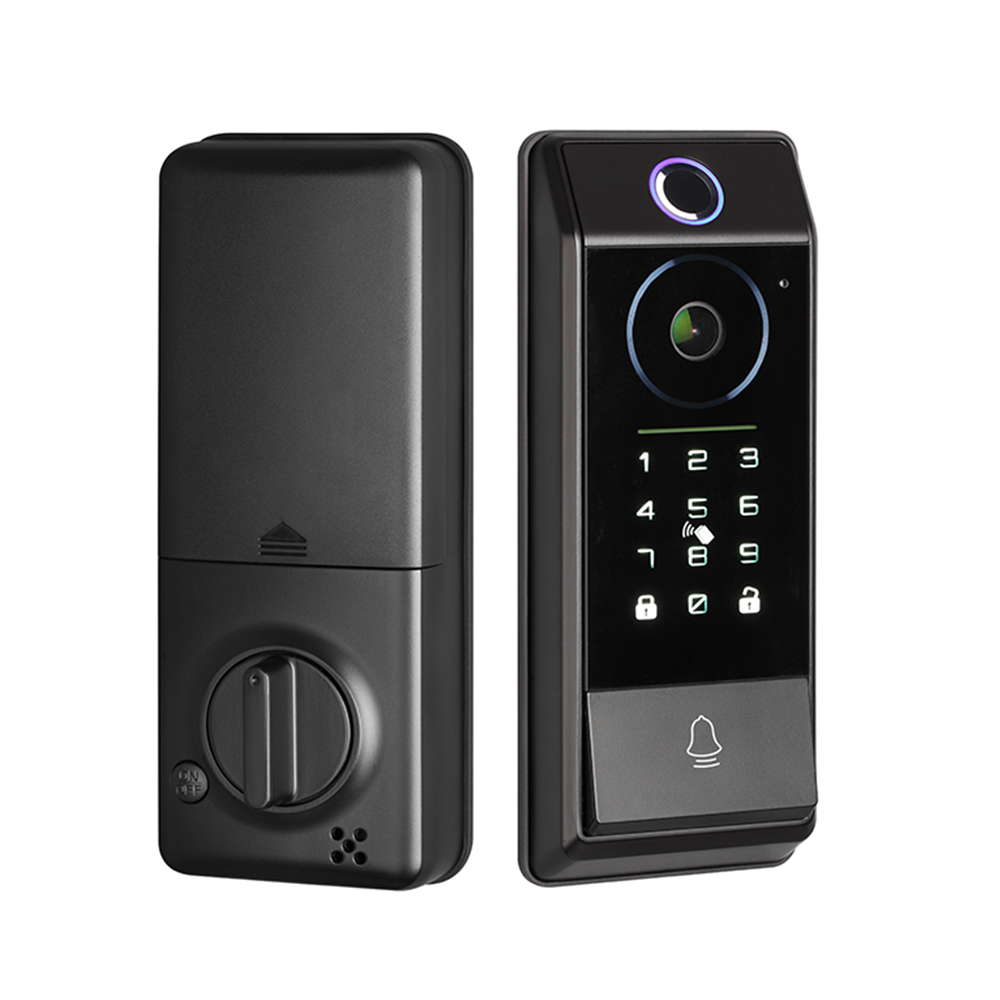
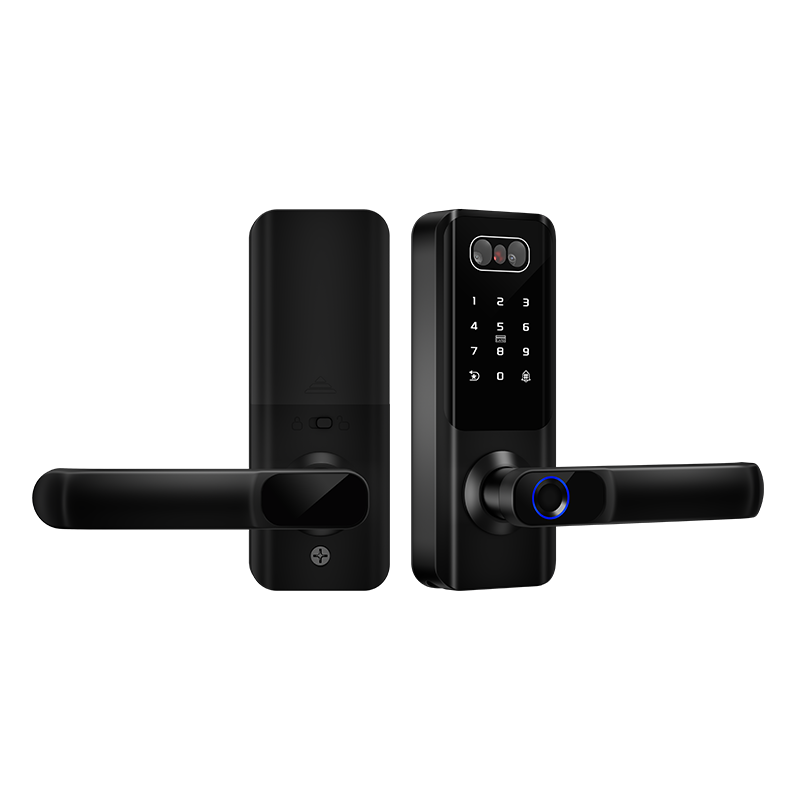
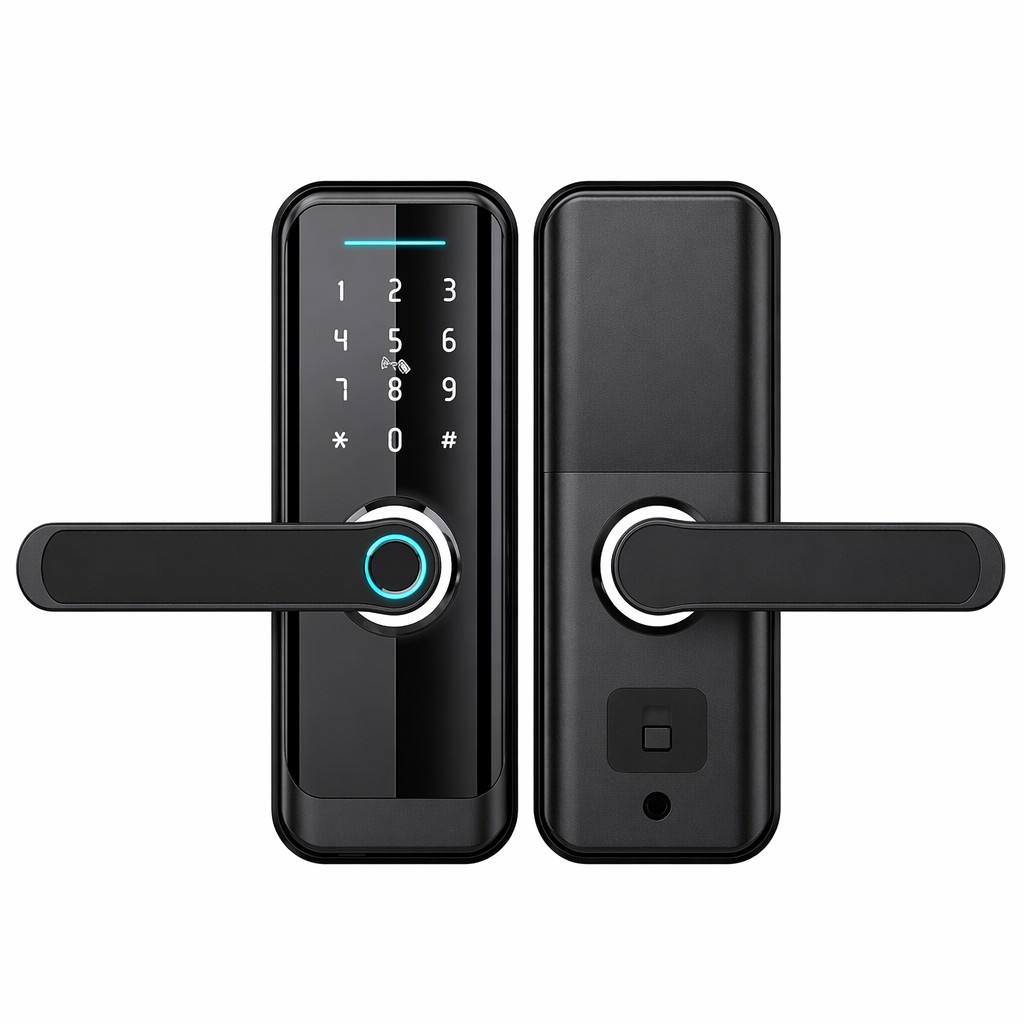
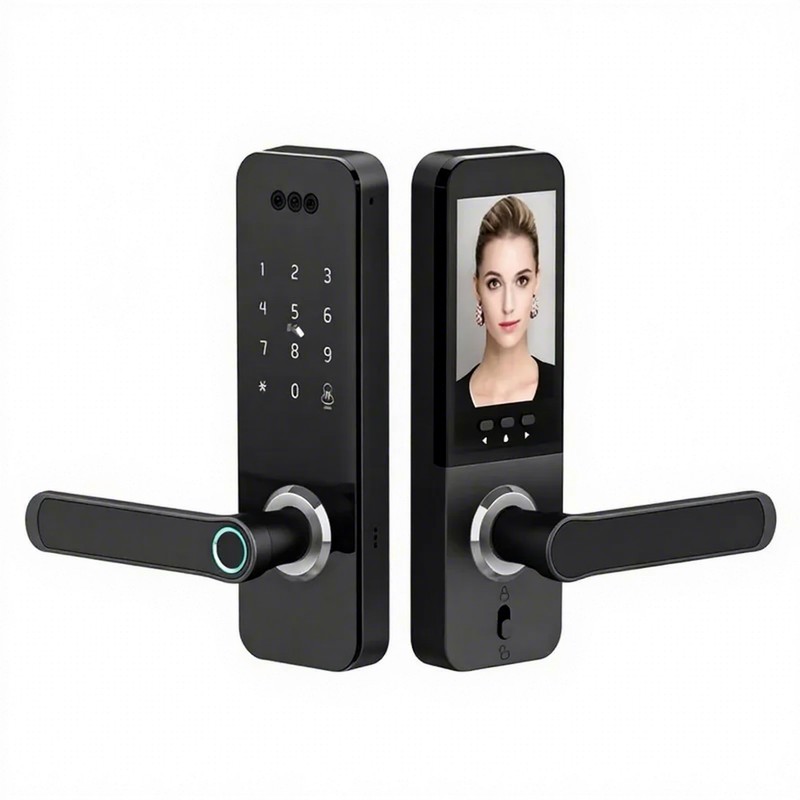
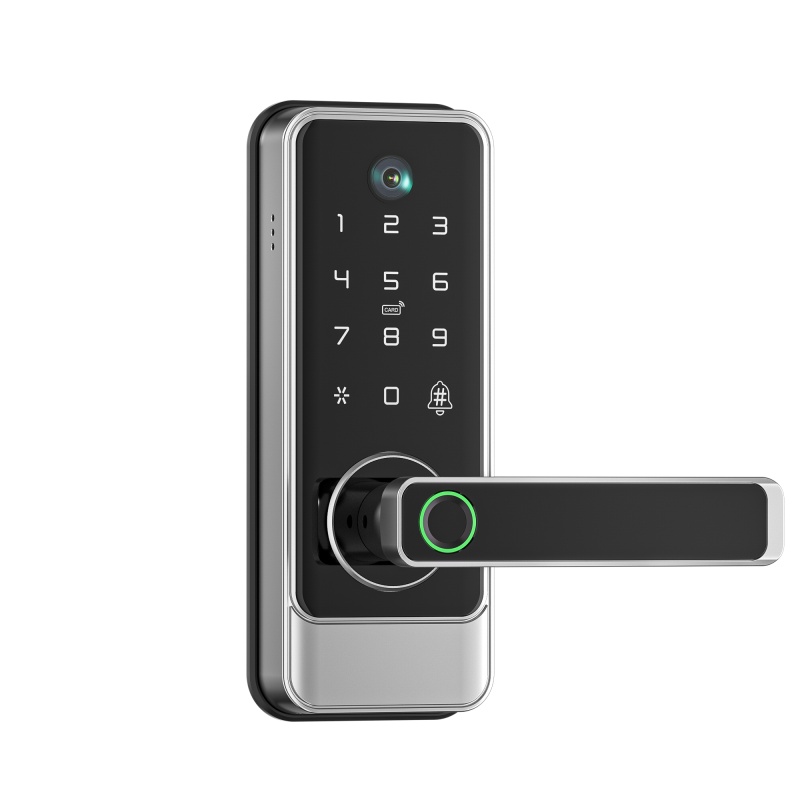
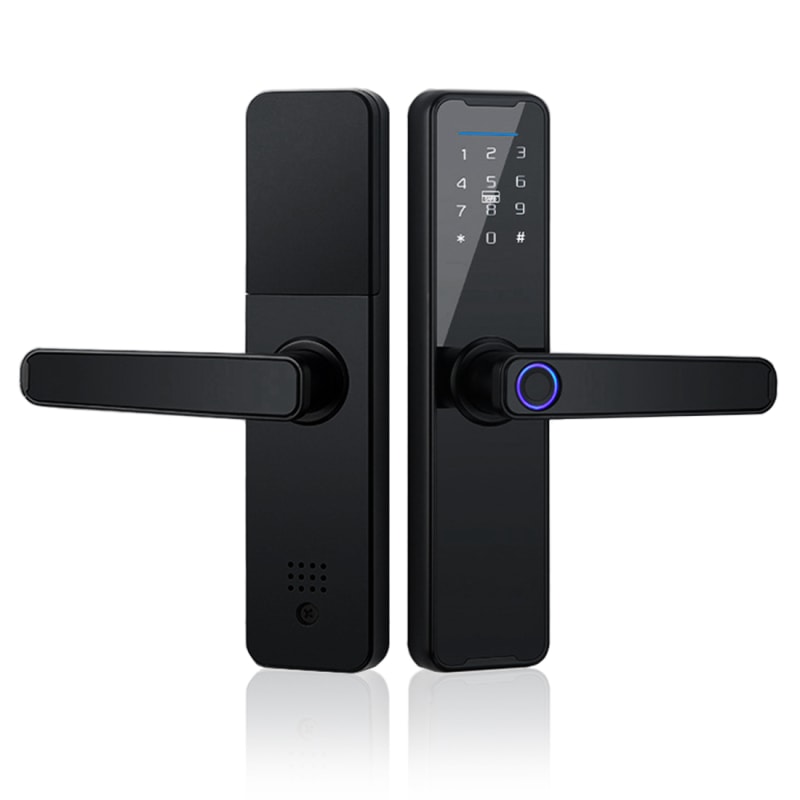
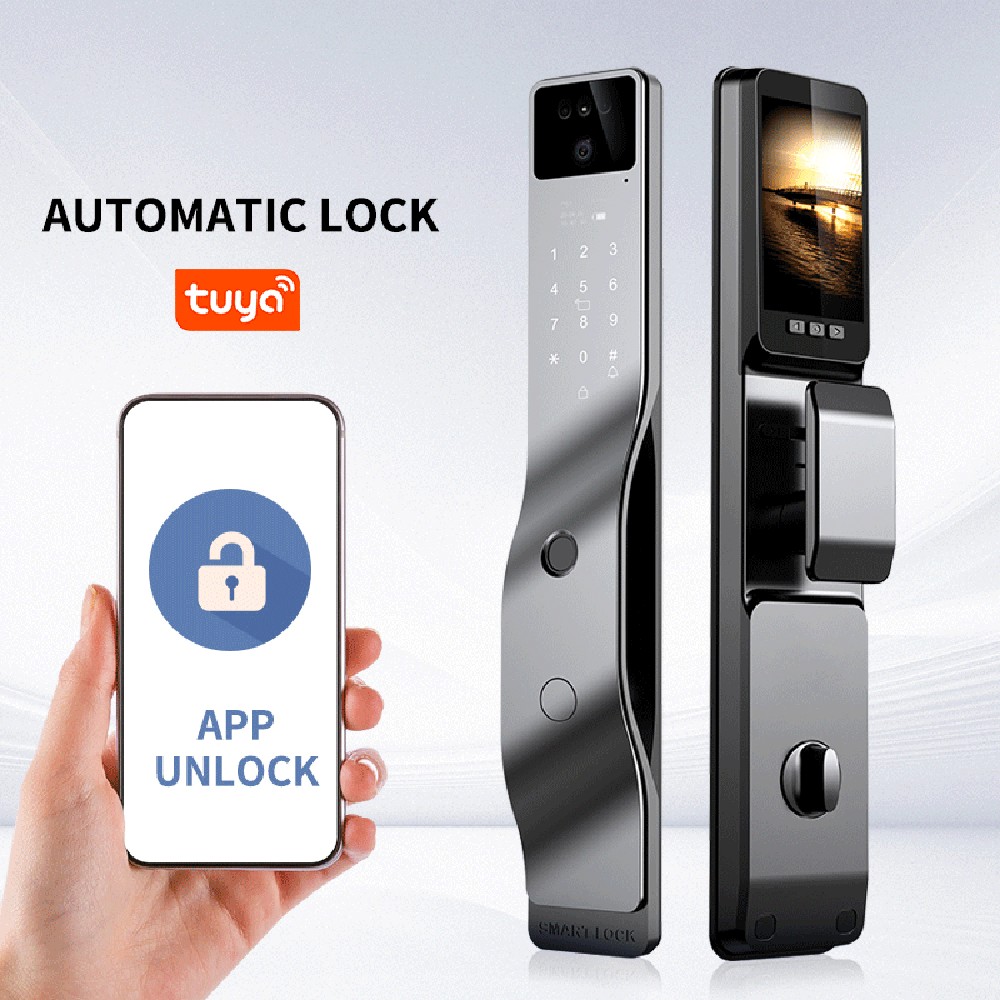
Smart deadbolt lock with video doorbell and two way intercom for front door security A229
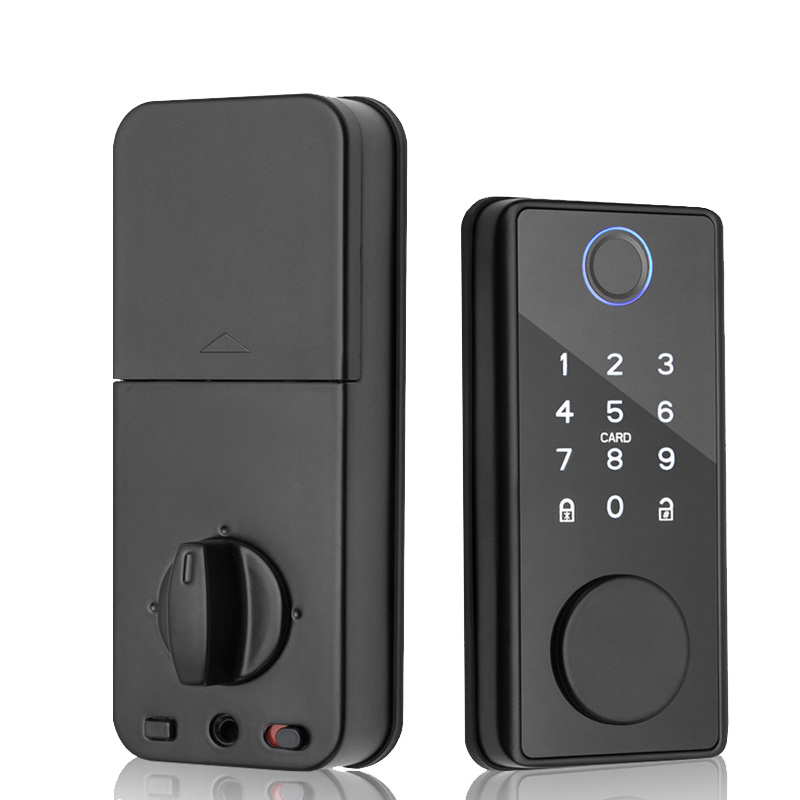
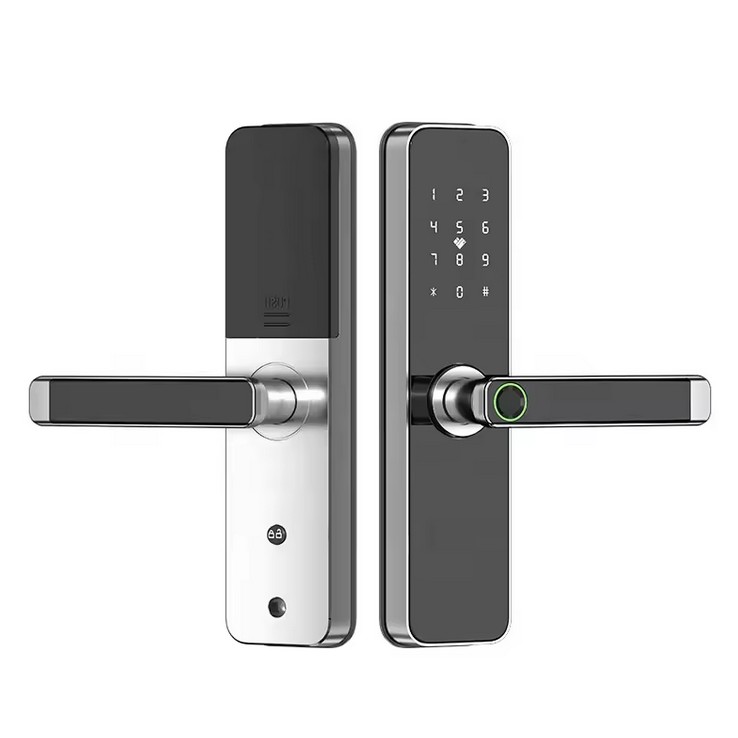
Bluetooth Deadblot Smart Lock with keyless access works with Google Alex tuya FM31
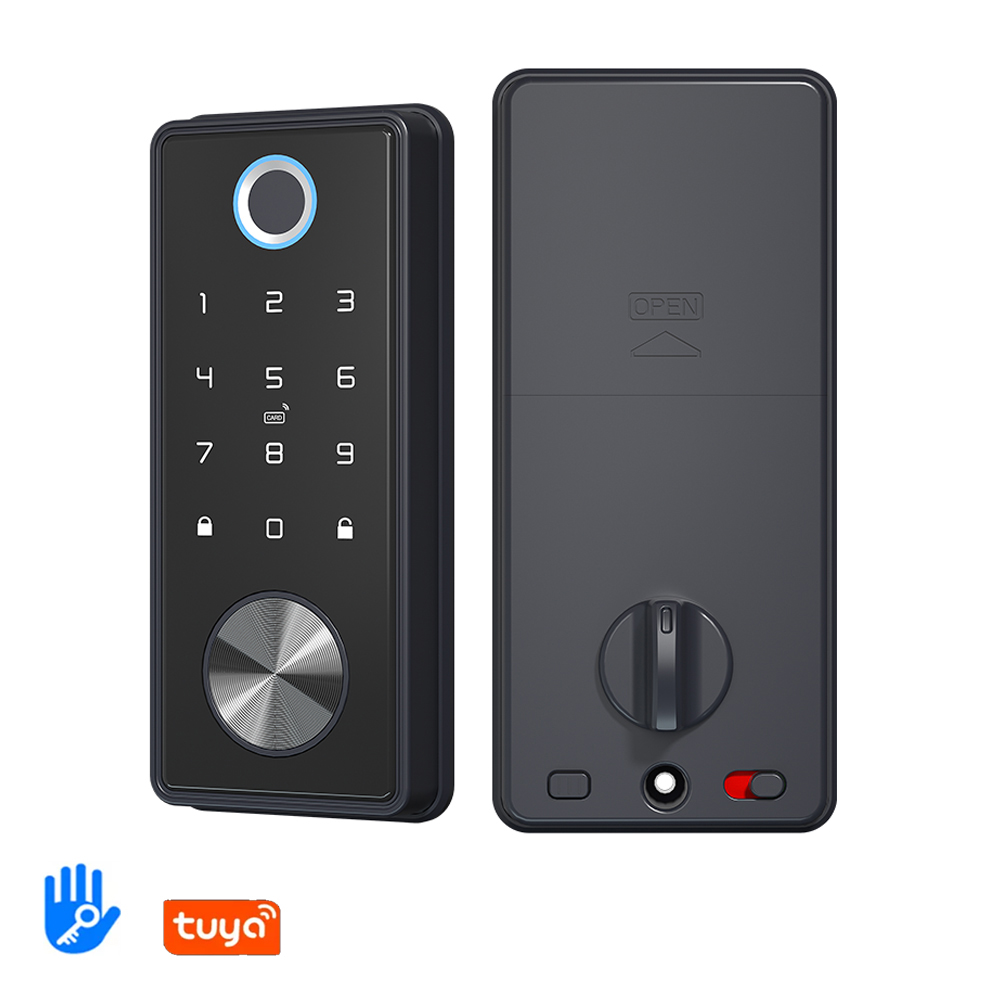
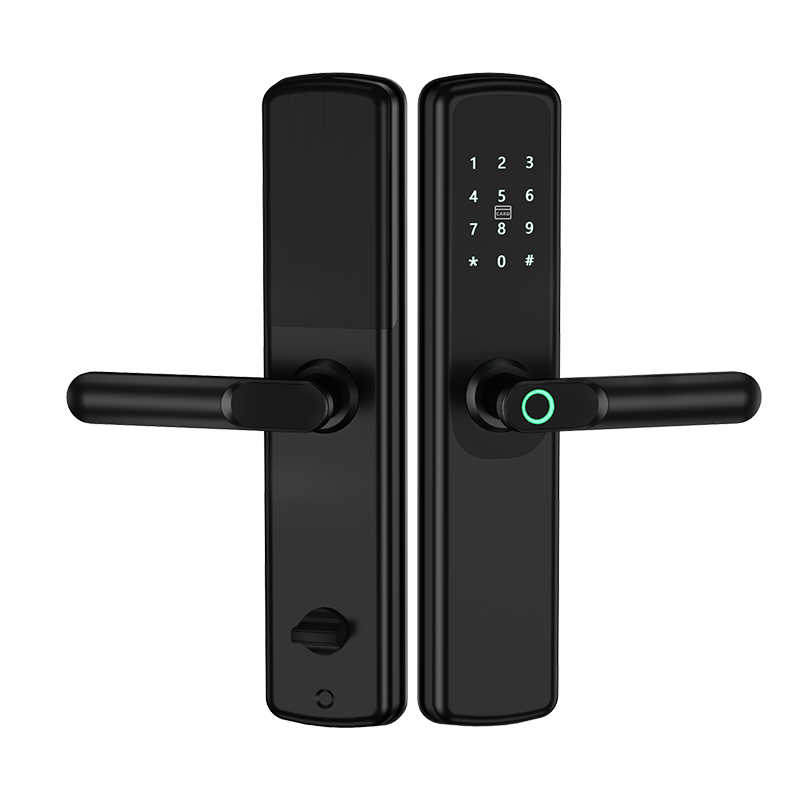
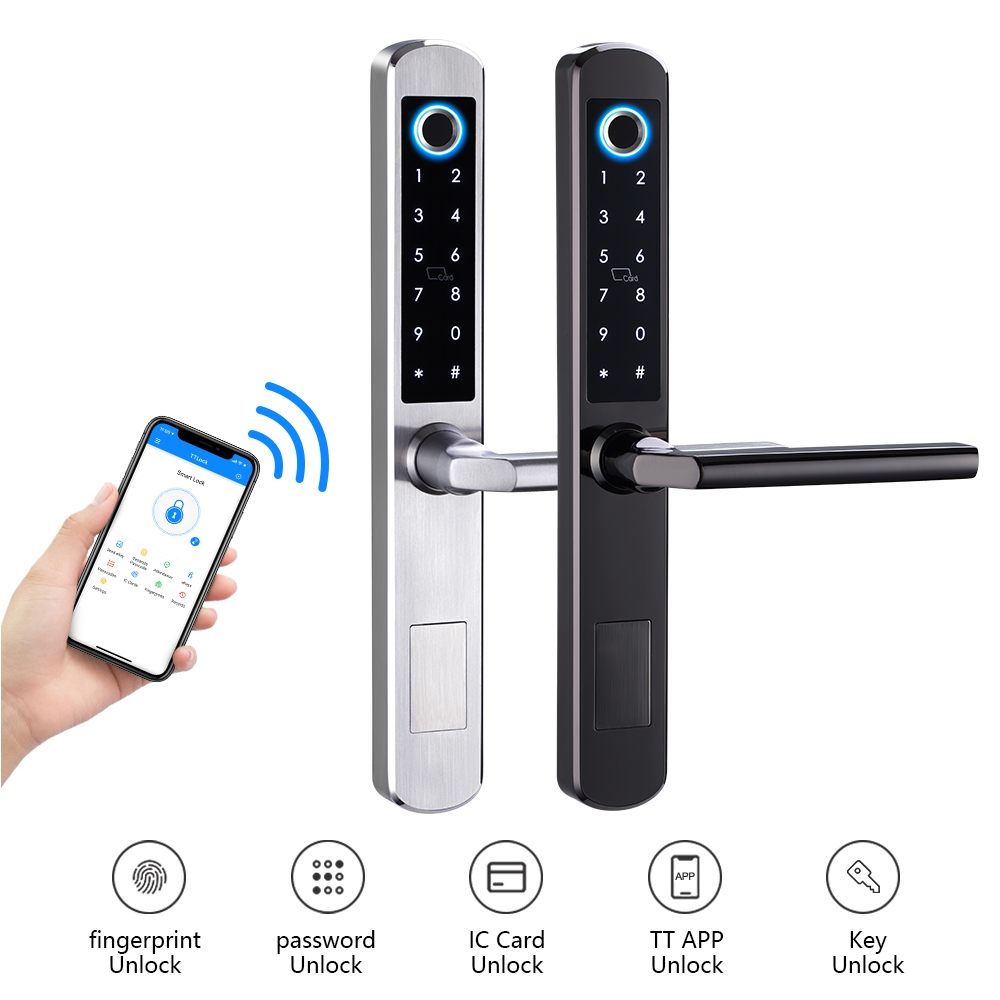
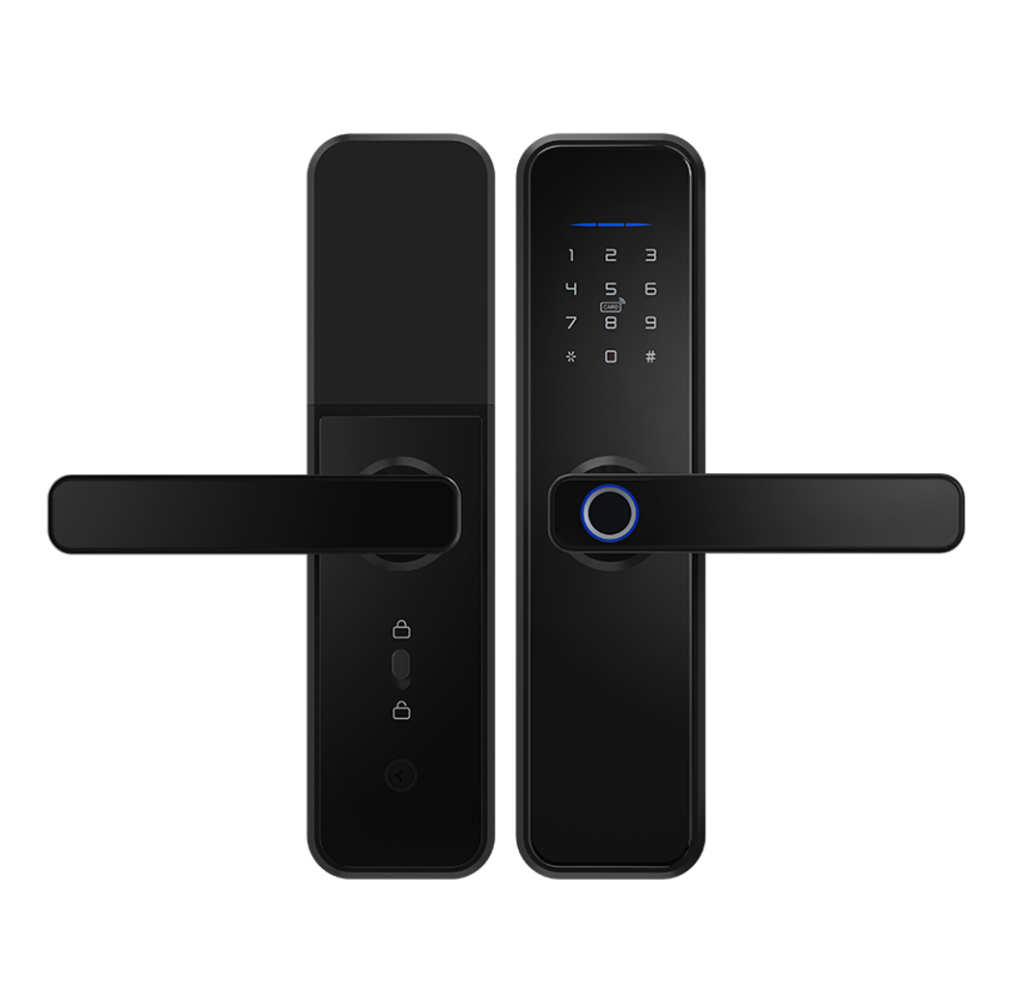
Waterproof Deadbolt Digital Lock supporting TTlock ble or TUYA wifi FM560
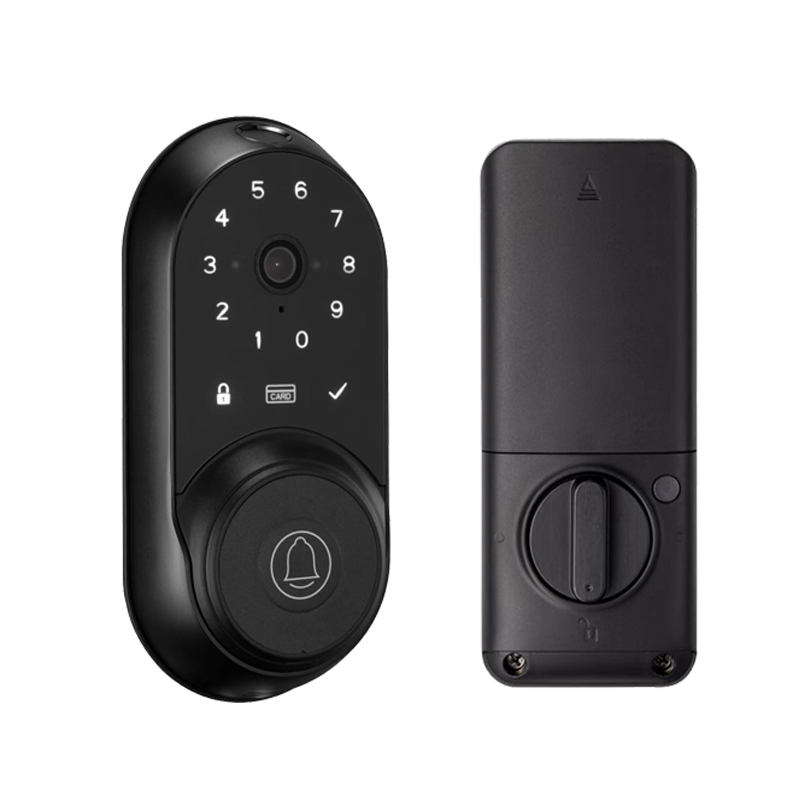
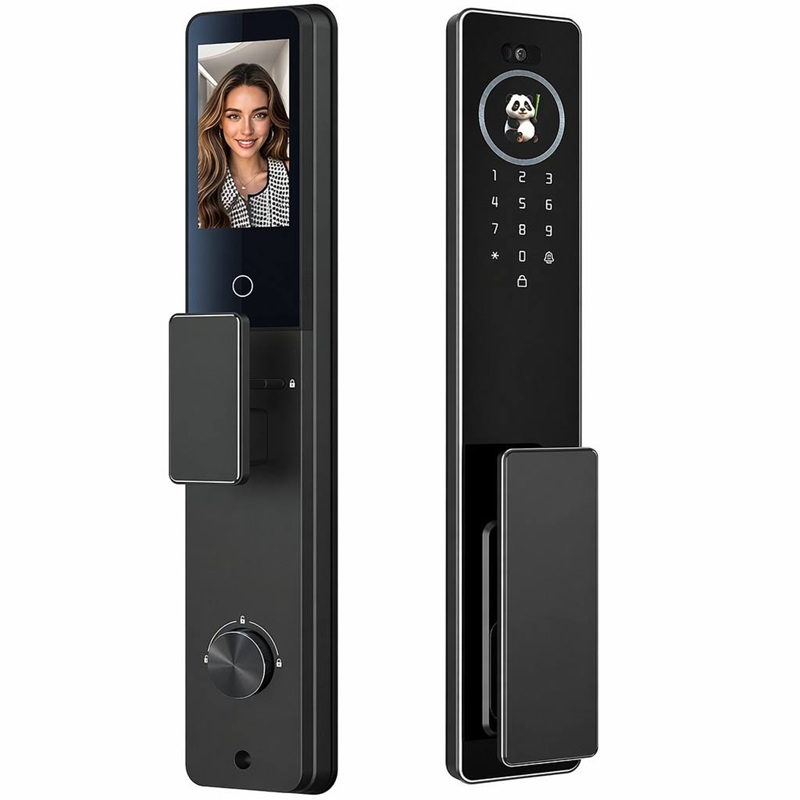
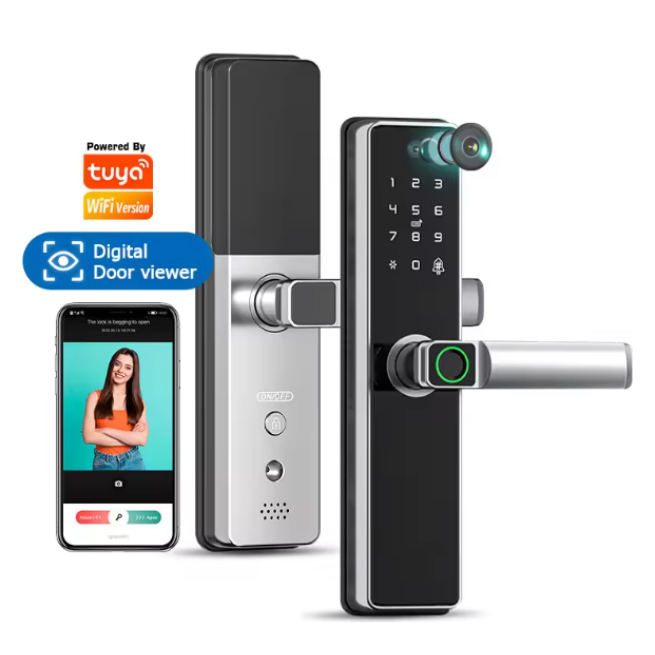
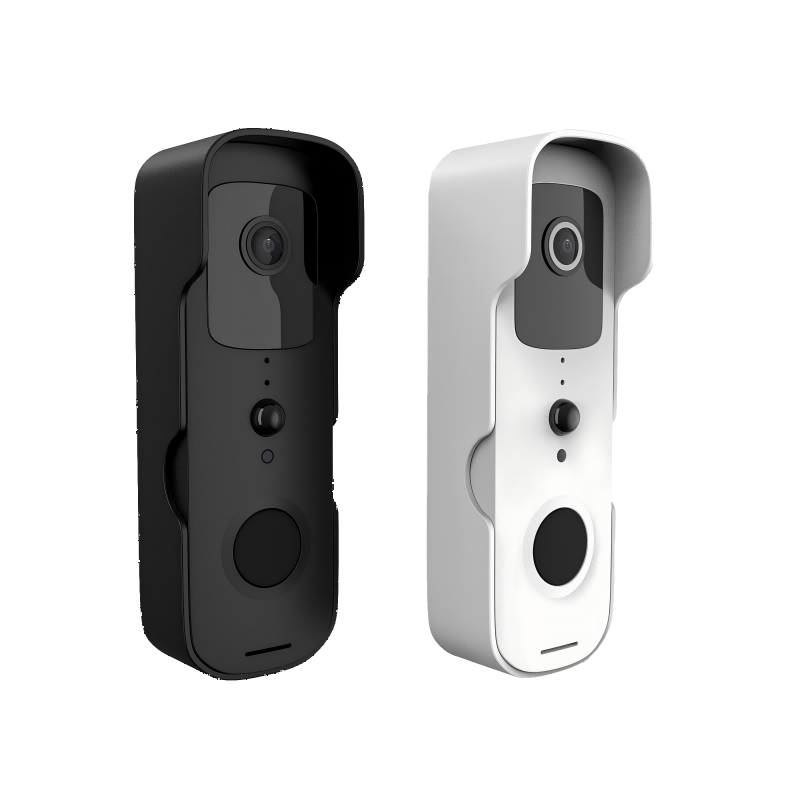
WIFI Deadblot Smart Lock with Video Doorbell works with Alexa Google Tuya FM880
Facial Recognition Smart Lever Lock with 2MP Video Doorbell and IP66 Waterproof Tuya WiFi FM-Z86
Advanced 5-in-1 Biometric Door Lock with Universal WiFi, Zigbee & 433MHz Support FM09
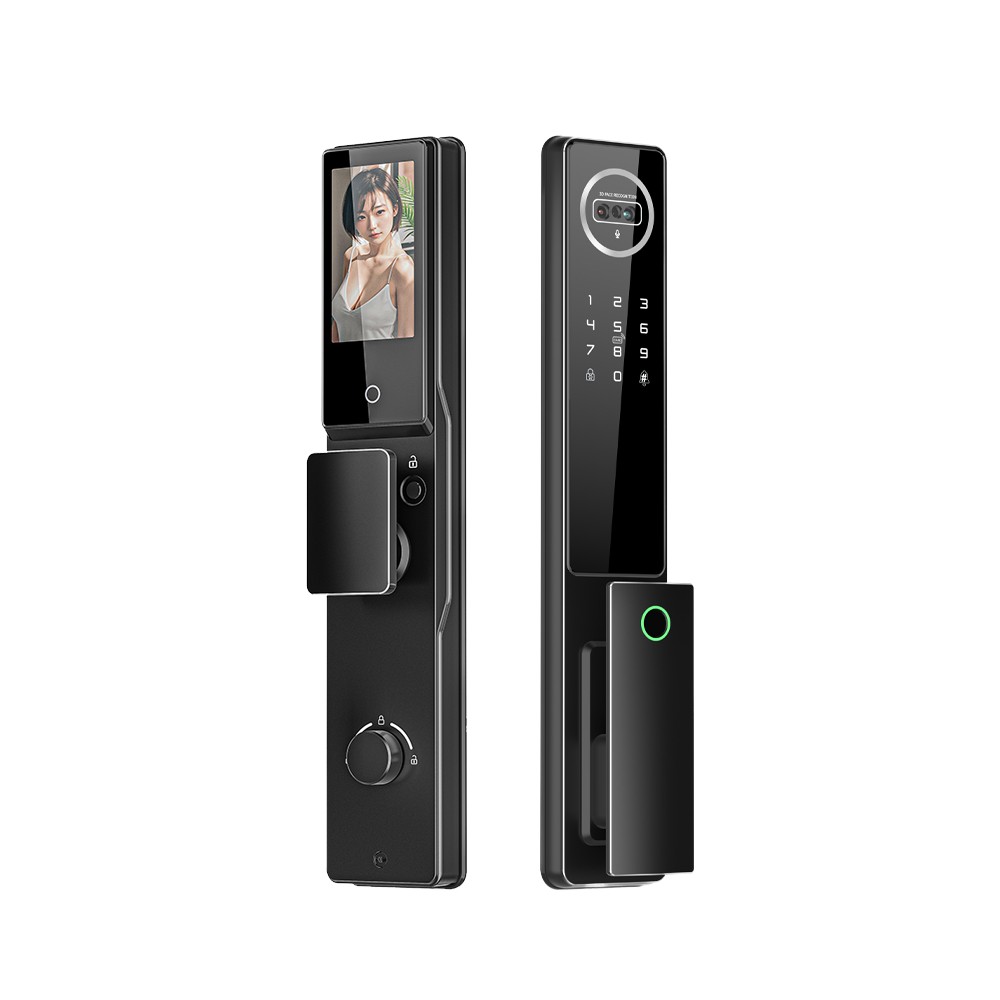
3D Face Recognition Smart Door Lock with 2MP Video Doorbell and Built-in WiFi FMP012
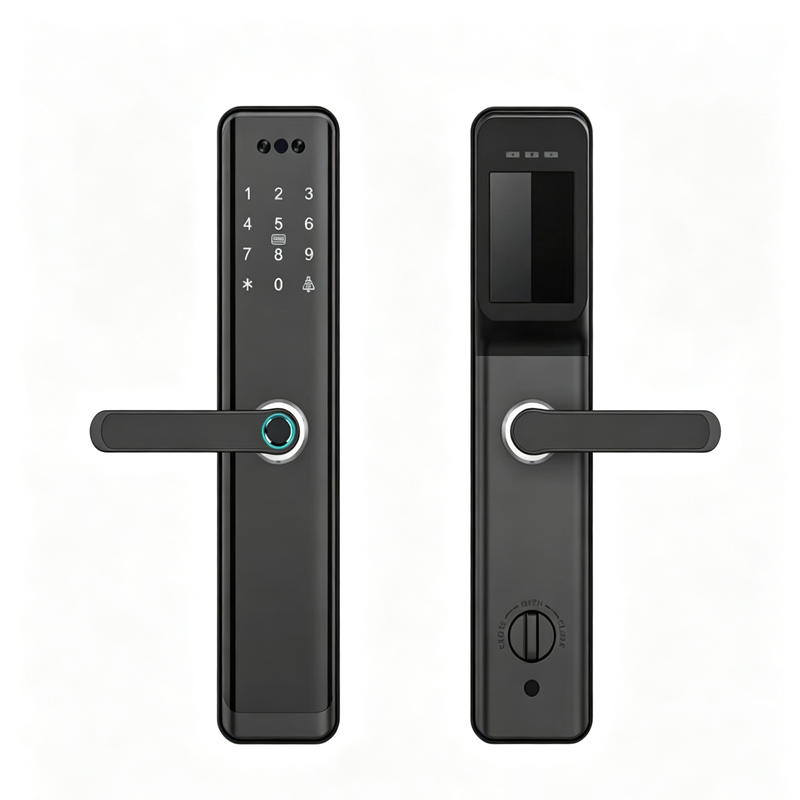
Keyless Entry Lever Lock with doorbell and Video Camera for Live Viewing V1
Bluetooth Lever Lock unlock by fingerprint recognition, password and App eKeys T8
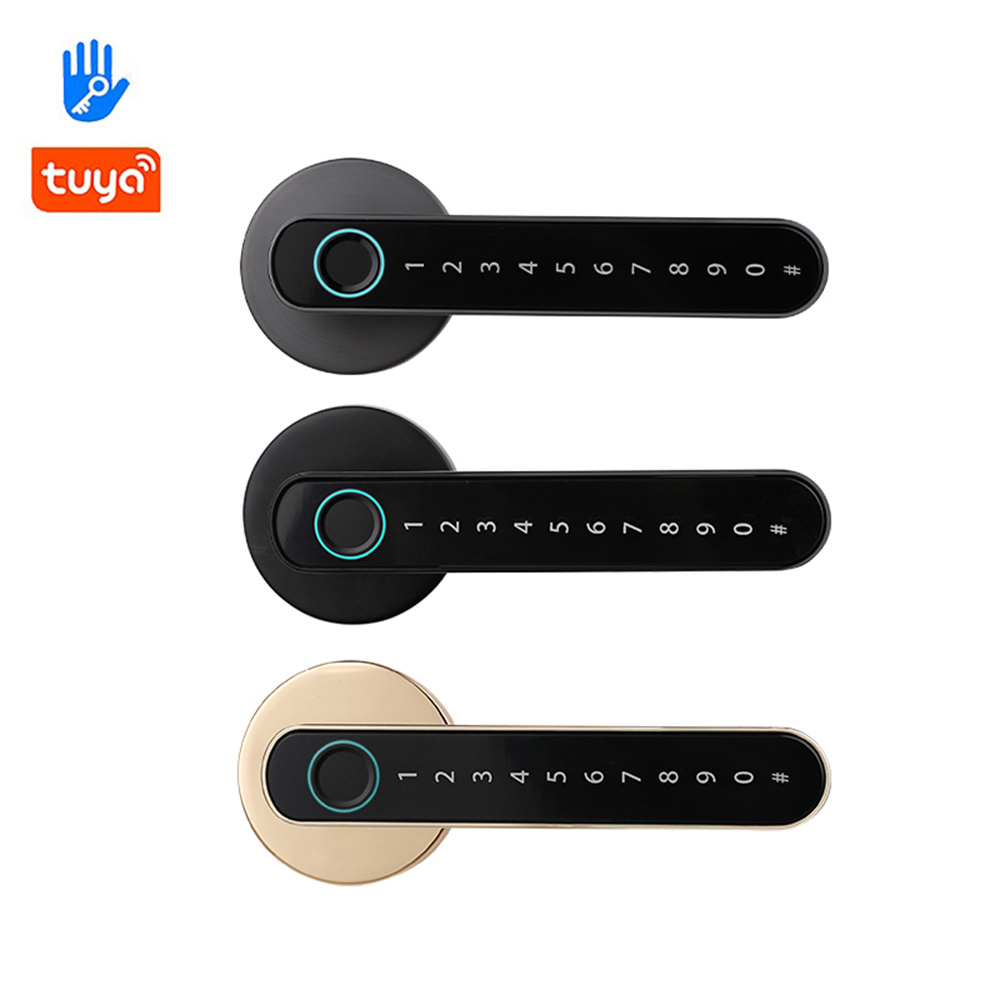
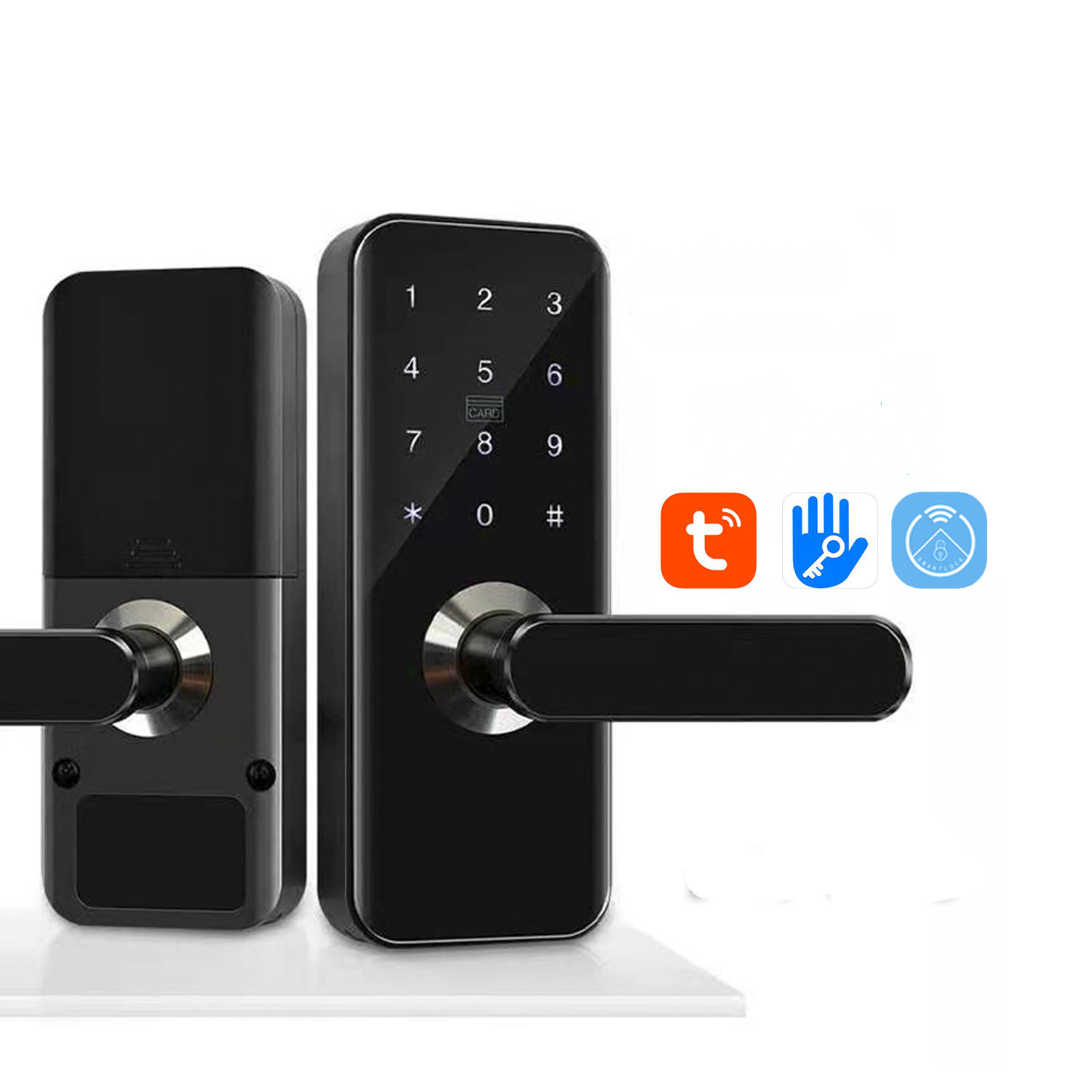
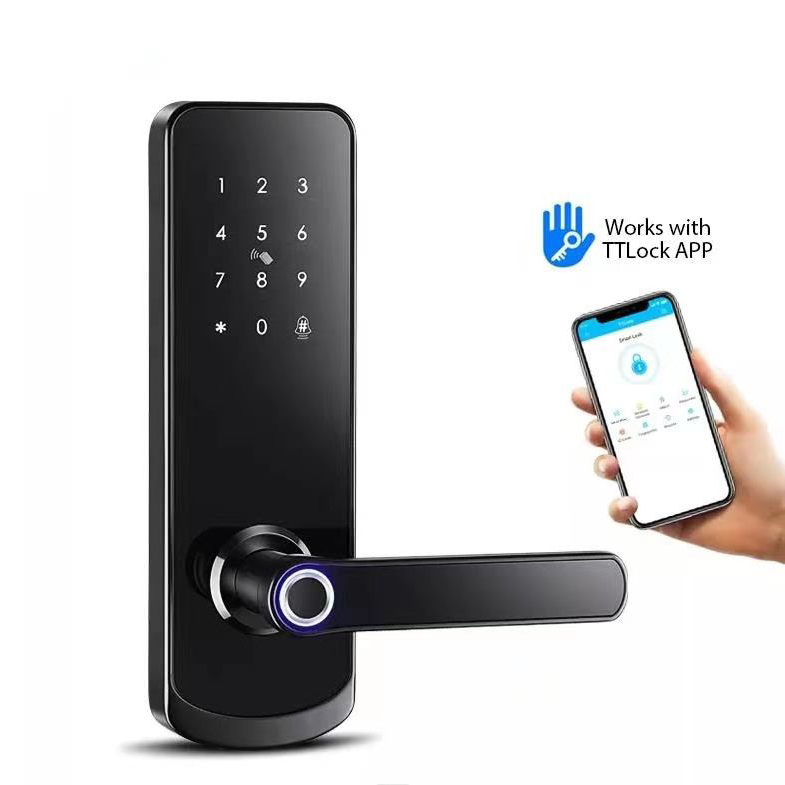
Smart lever lock supports TTlock bluetooth and TUYA wifi FM810
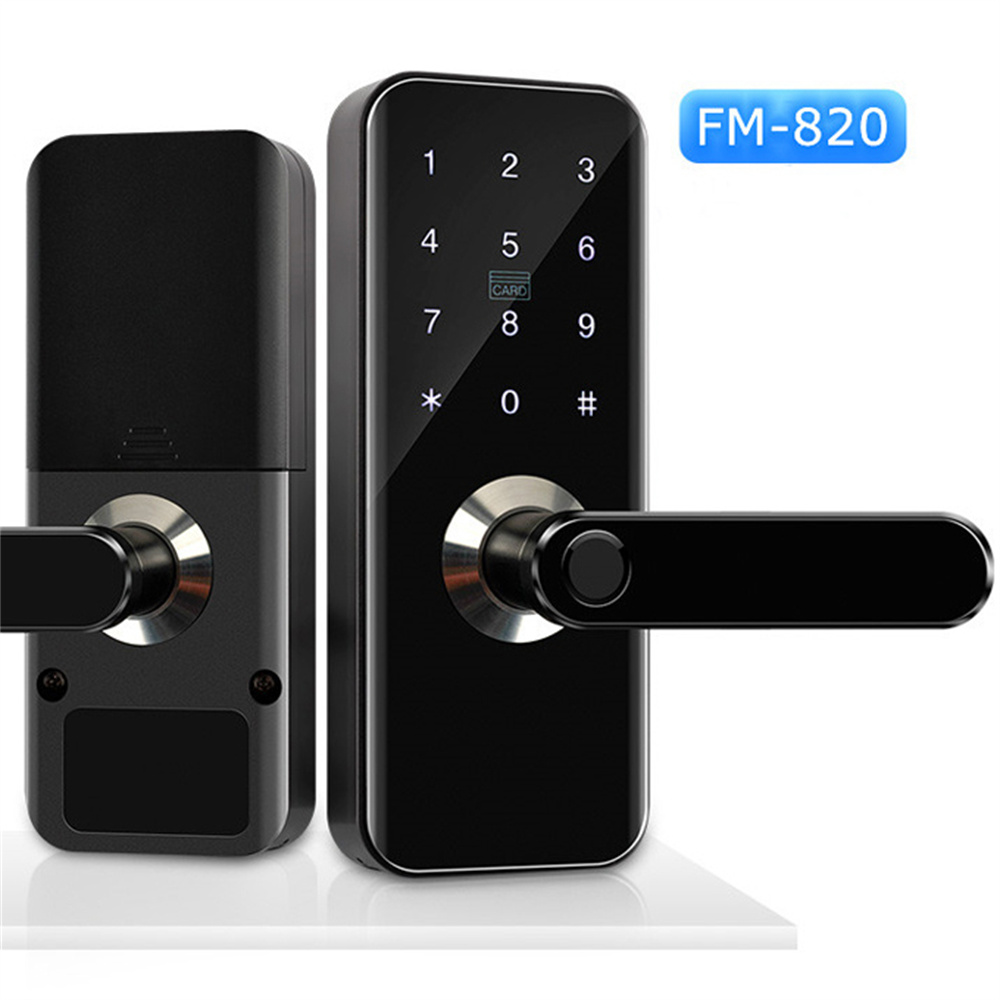
Fingerprint Smart Lever Lock with one touch Keyless Entry fits US Knob & Lever FM820
Fingerprint Lock with Anti-Pry Latch, Blocks Card Prying – FM230-N
Intelligent Biometric Door Lock with 2MP Video Doorbell and Tuya WiFi FM-05
Flagship Biometric Security Lock — Advanced 3D Face Access & 4.5" IPS Live Viewer FM93
Smart Lever Lock with Fingerprint Facial Recognition and Video Doorbell Tuya WiFi TTlock FM-128
Keyless Entry Door Lock Fits Both Traditional Mortise and Smart Lock Mortise
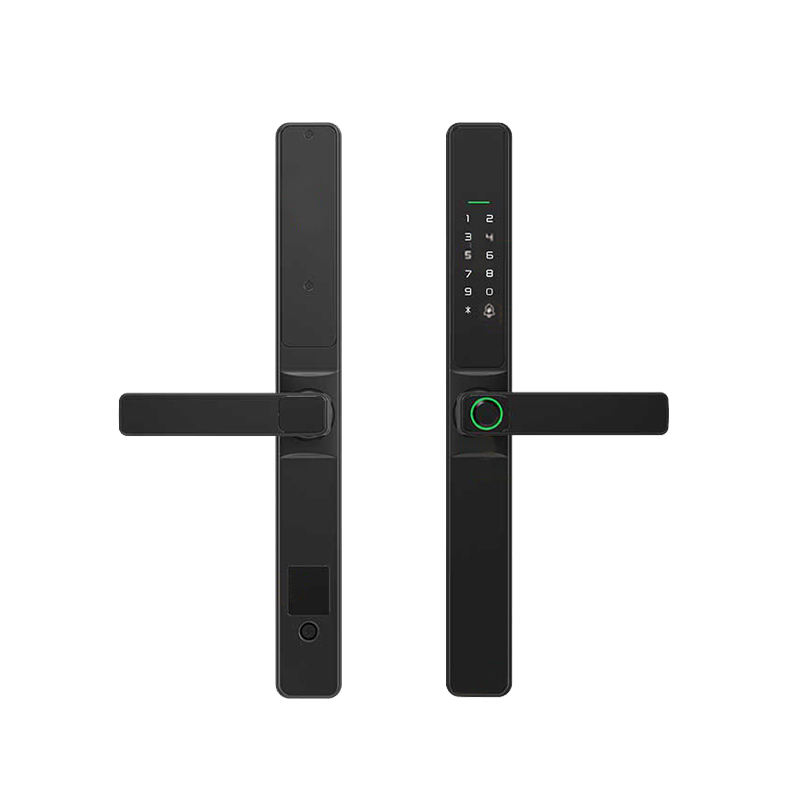
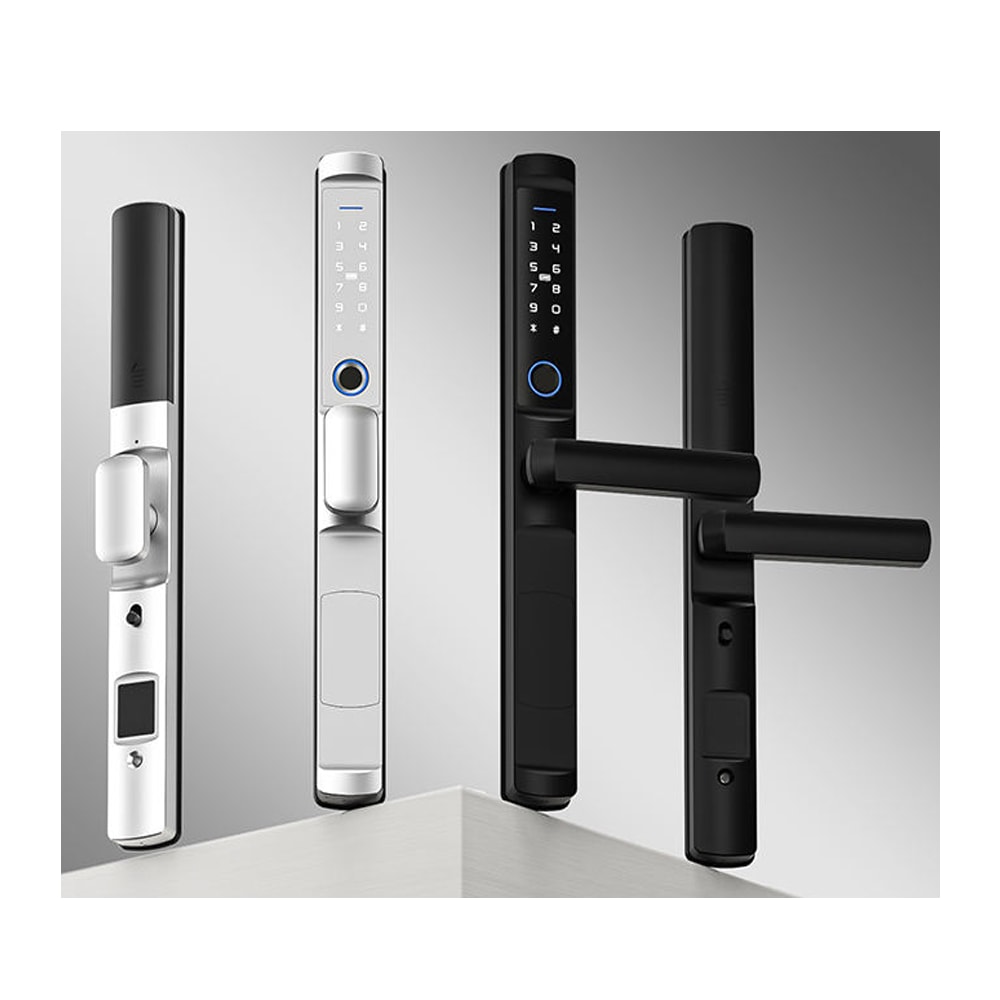
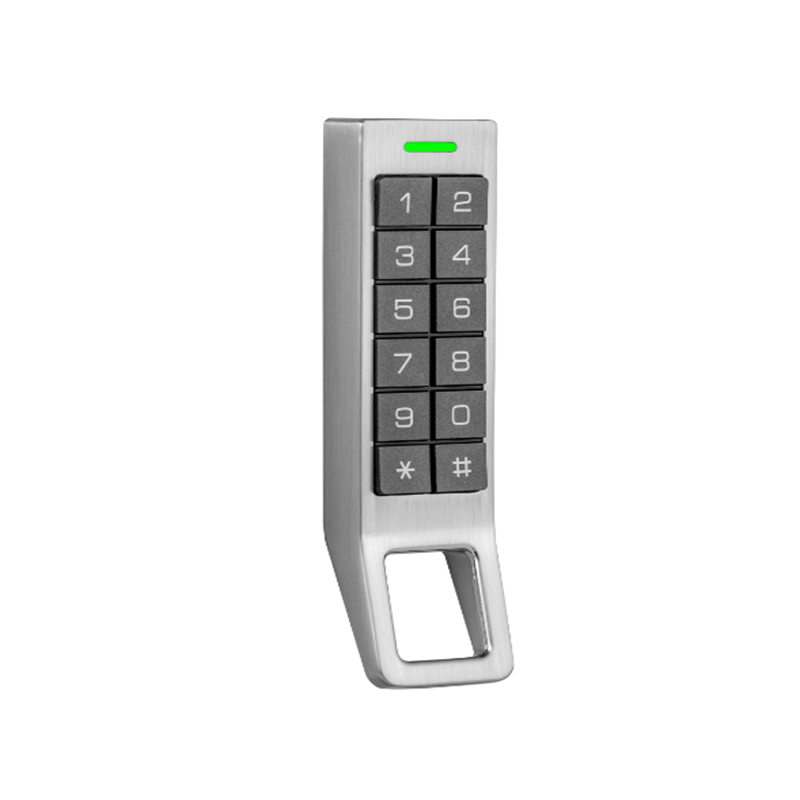
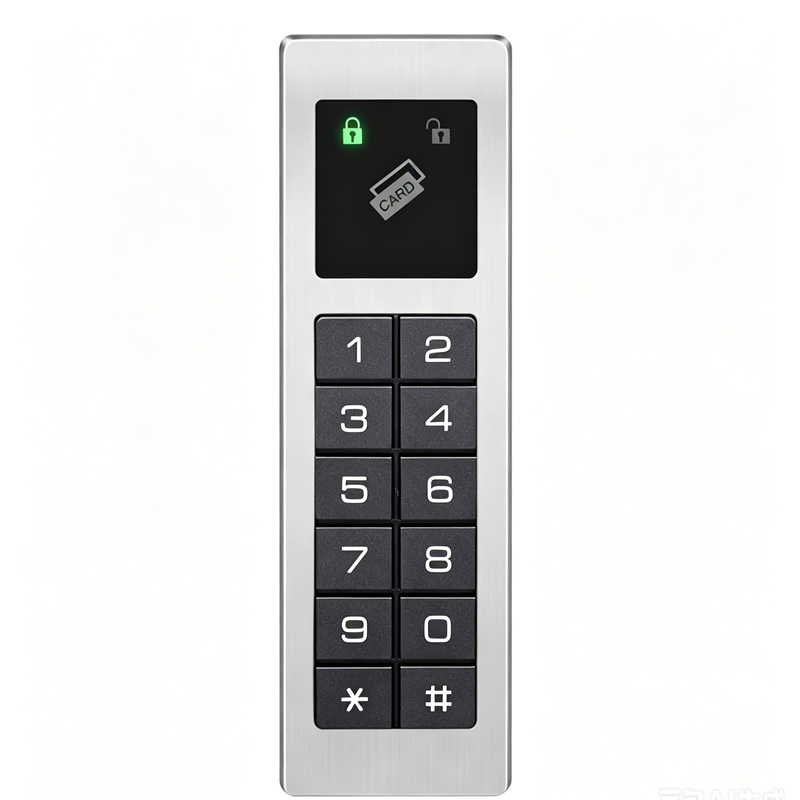
Slim 304 stainless steel keypad lock with IP65 waterproof case for thermal break sliding doors FM210
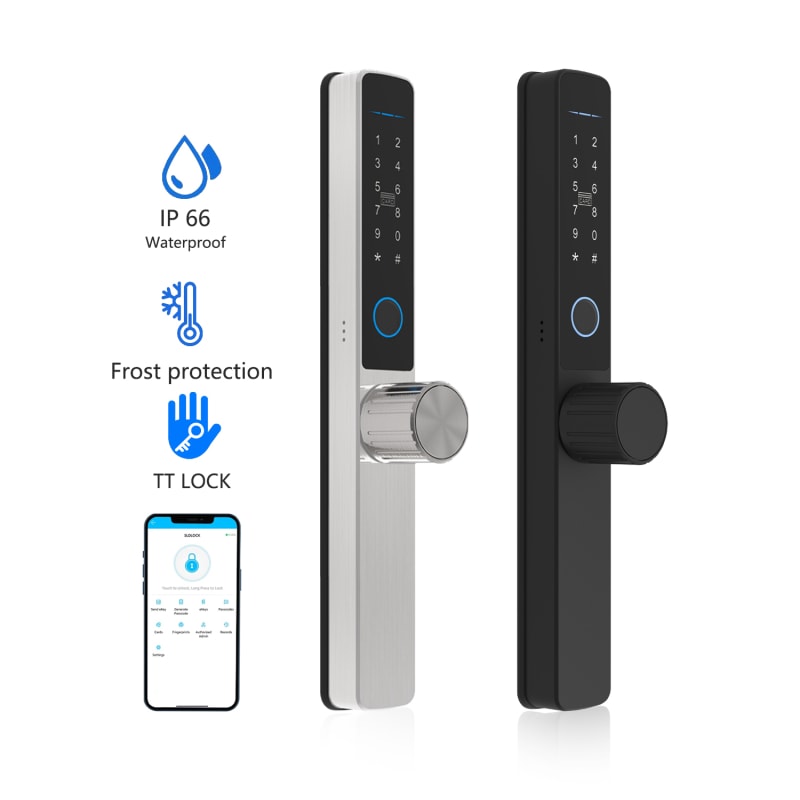
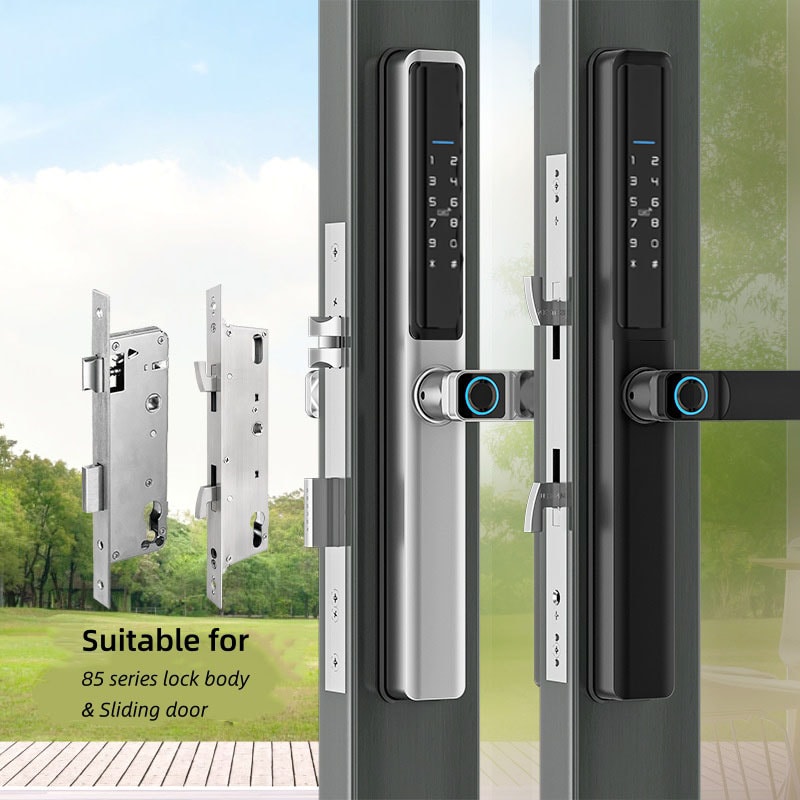
Fingerprint lock with hook mortise for slim sliding door and IP66 waterproof for outdoor use F6
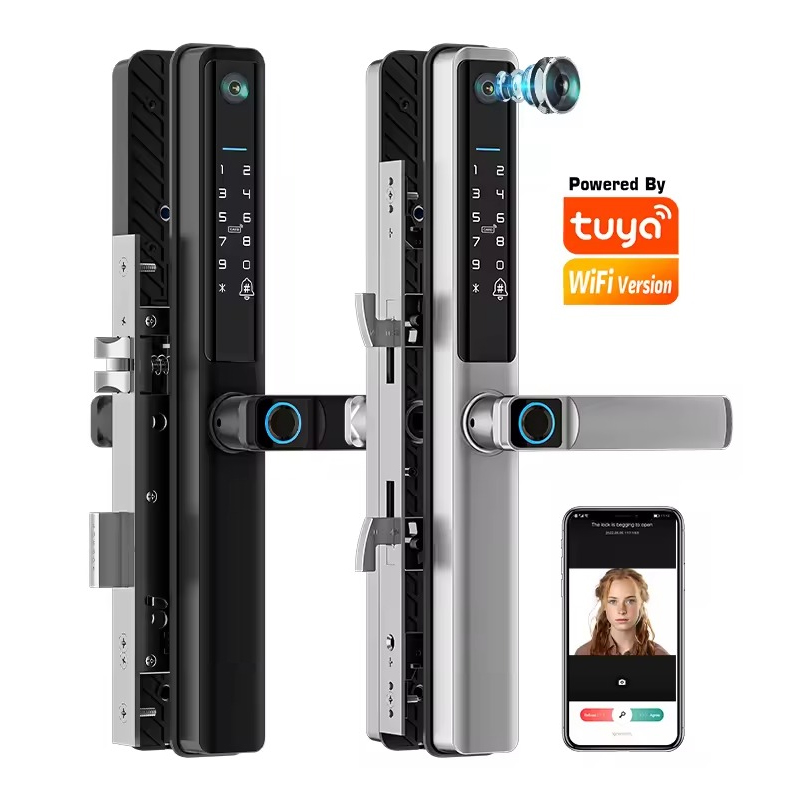
Keyless entry door lock for slim sliding door with camera and doorbell F5 PRO
Smart door lock with hook mortise for aluminum slim sliding door F5
Front door smart Locks made of aluminum alloy compatible with multiple mortise types
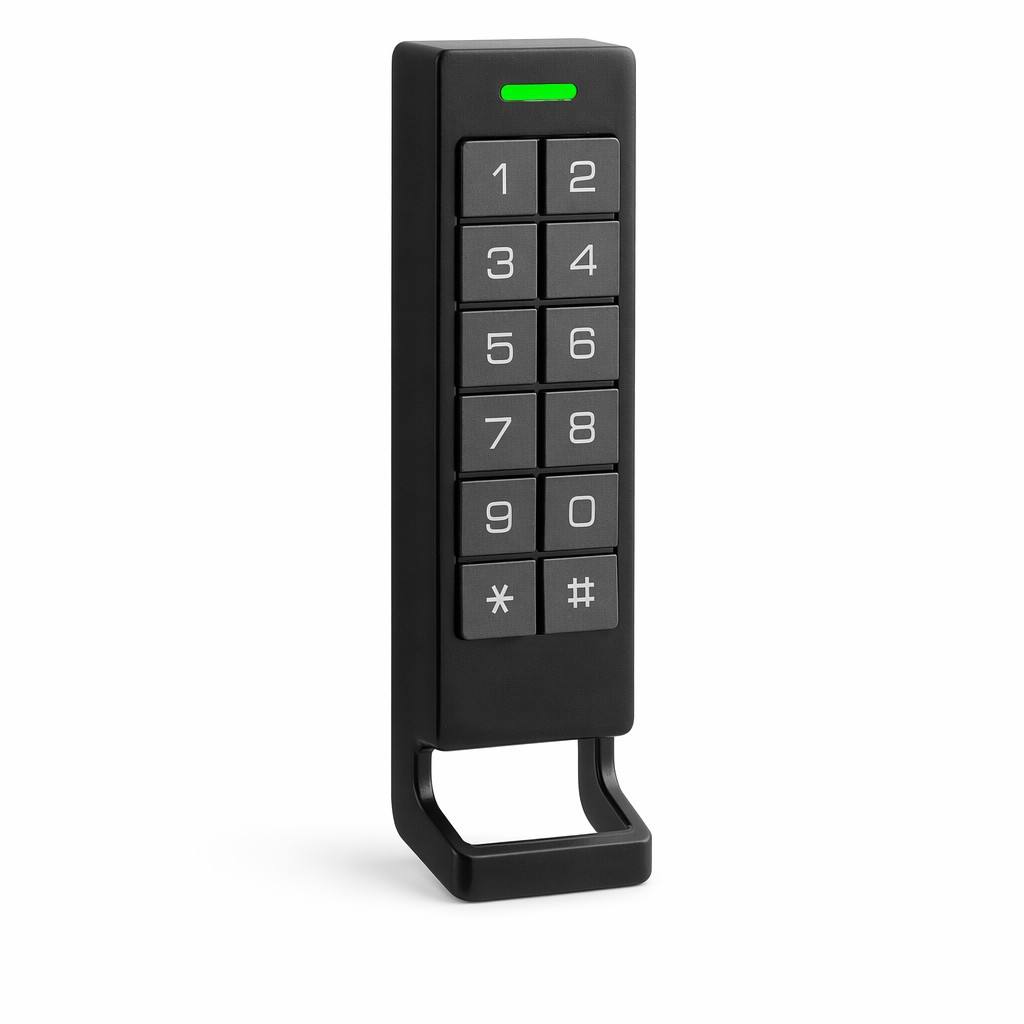
Keypad Door Lock with IP66 Waterproof case and Two Handle Styles Options
Front Door Keypad Lock with Fingerprint and Doorbell B2
Face Recognition Smart Door Lock with Video Intercom Doorbell Tuya WiFi D1
WIFI Smart Mortise Lock with Tuya Video Doorbell support Face Scan Palm Vein F7
Smart mortise lock with bluetooth and WIFI optional FM028
Mortise Smart Lock with multi keyless accesses FM550
Camera Smart Lock with Finger Scan Supporting Tuya WiFi or Zigbee FM551
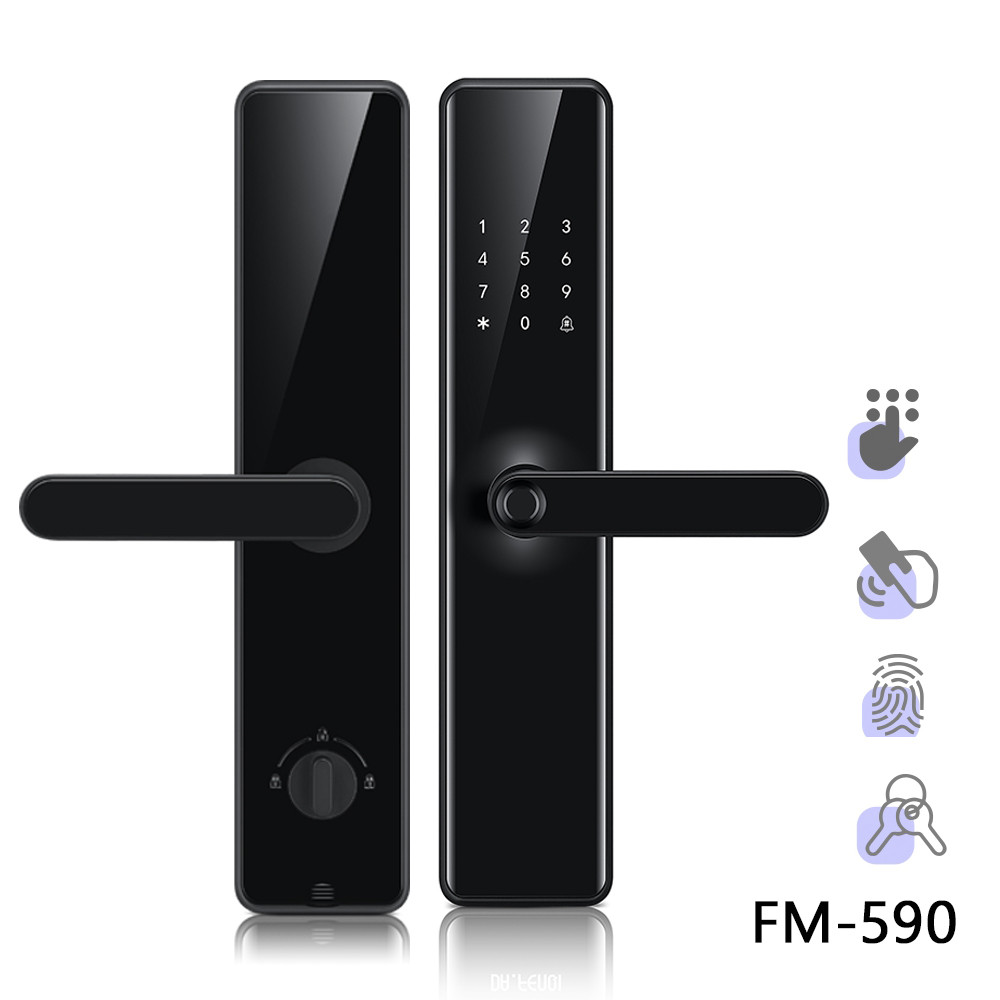
Smart Door Lock with Fingerprint and Voice Control FM590
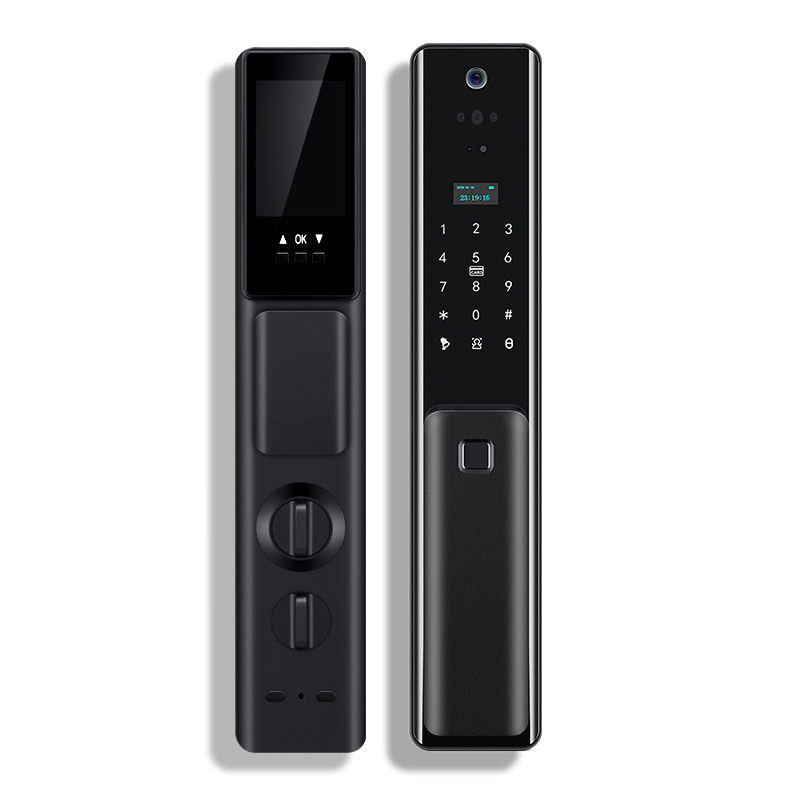
Fingerprint Door Lock with Face Scanner and Camera Supports google home FM720
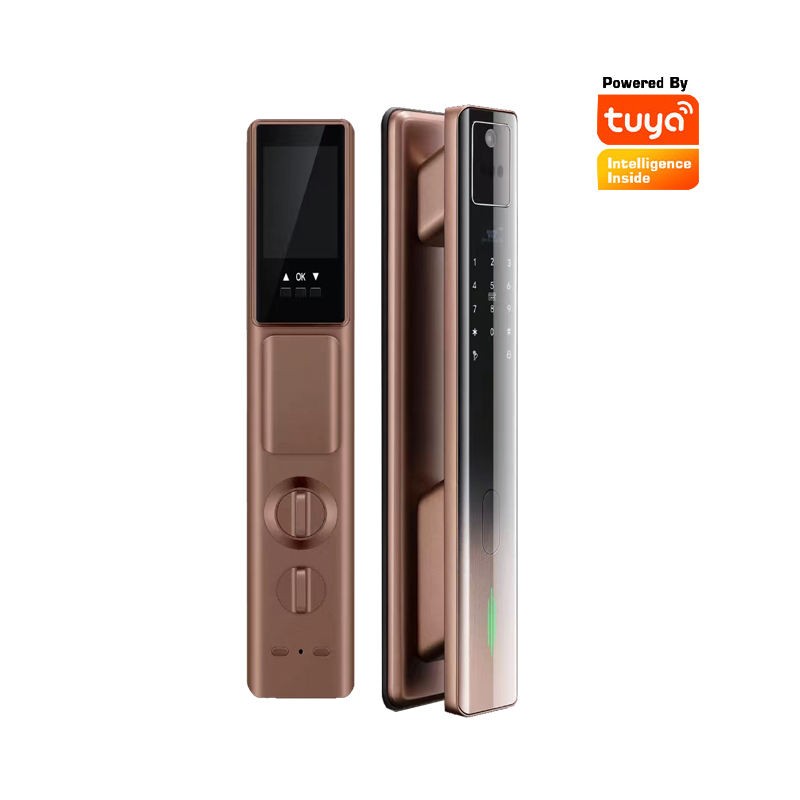
Facial Recognition Smart Lock with Video Intercom and Thumbprint FM730
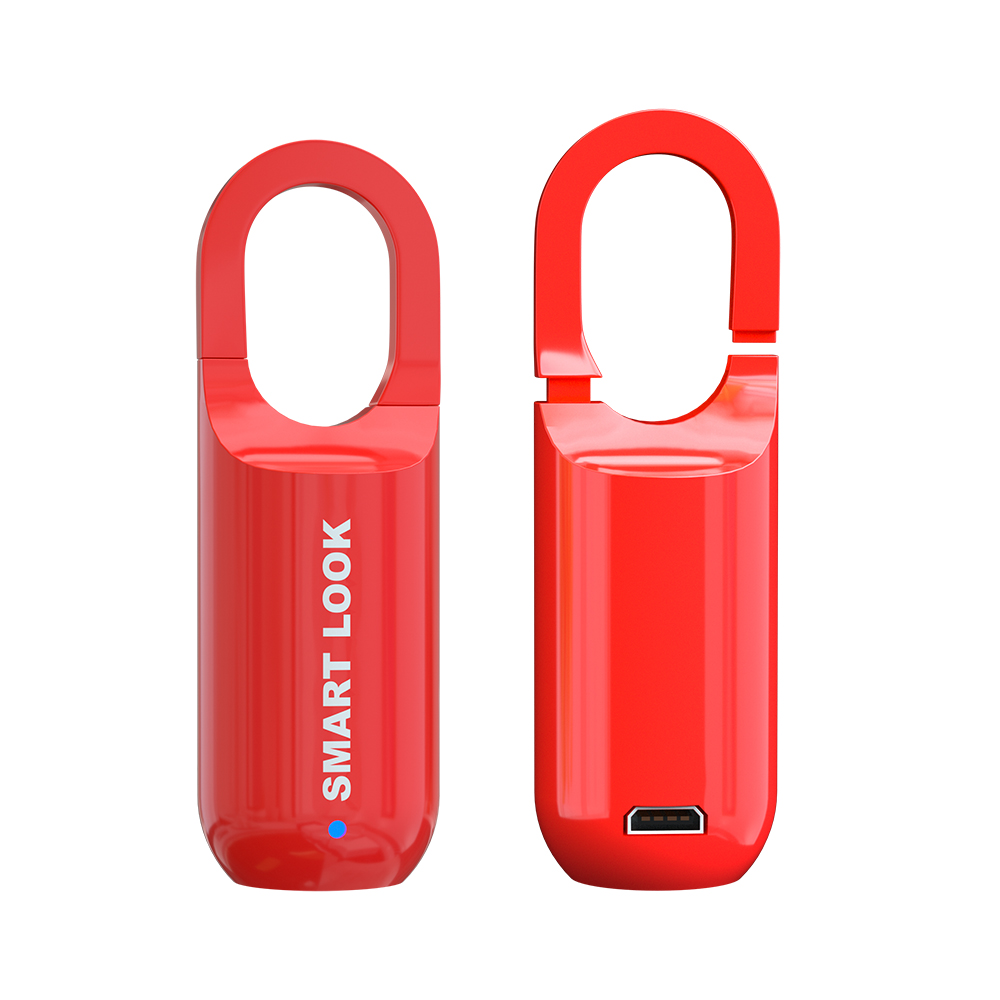
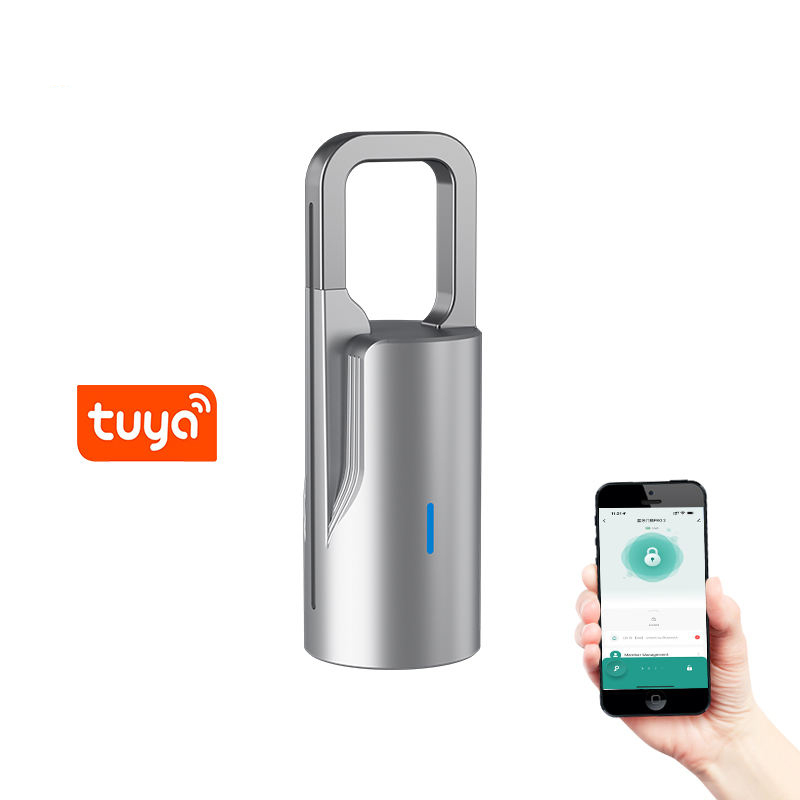
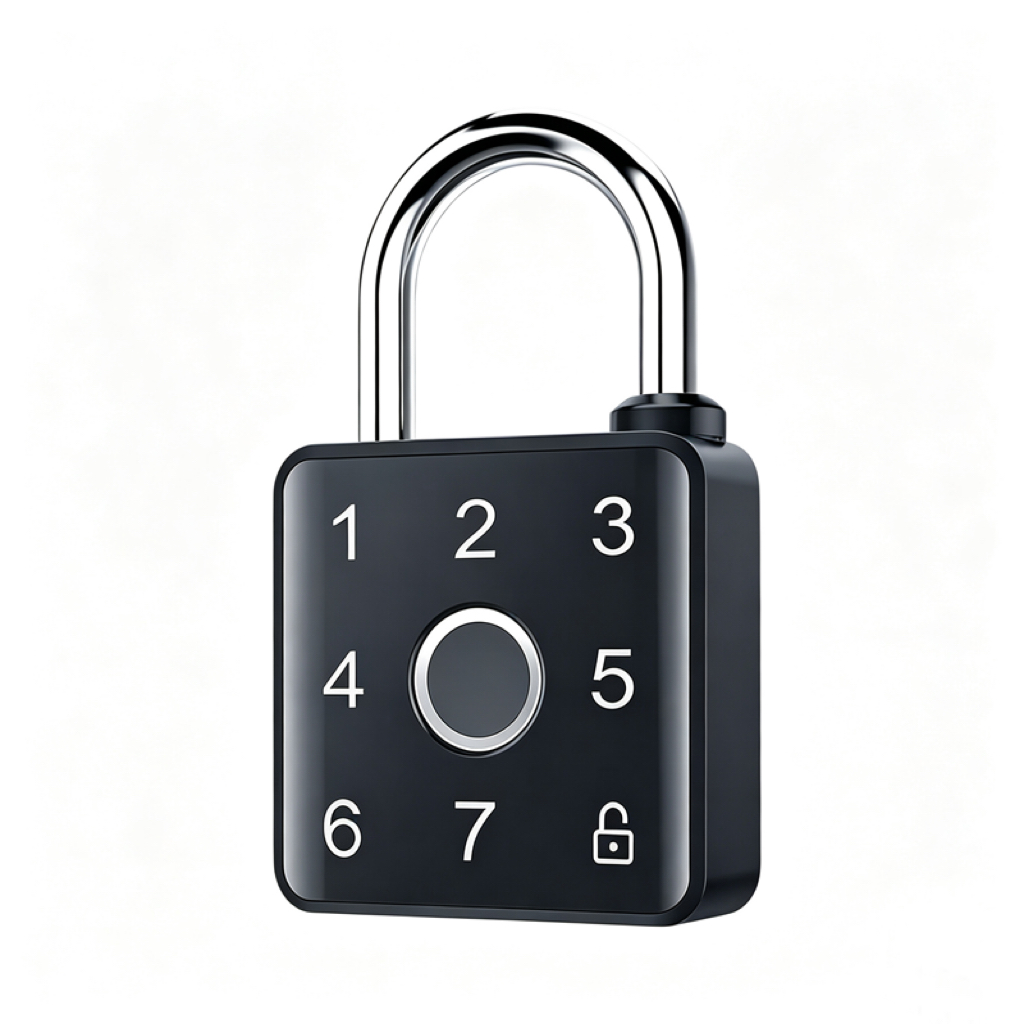
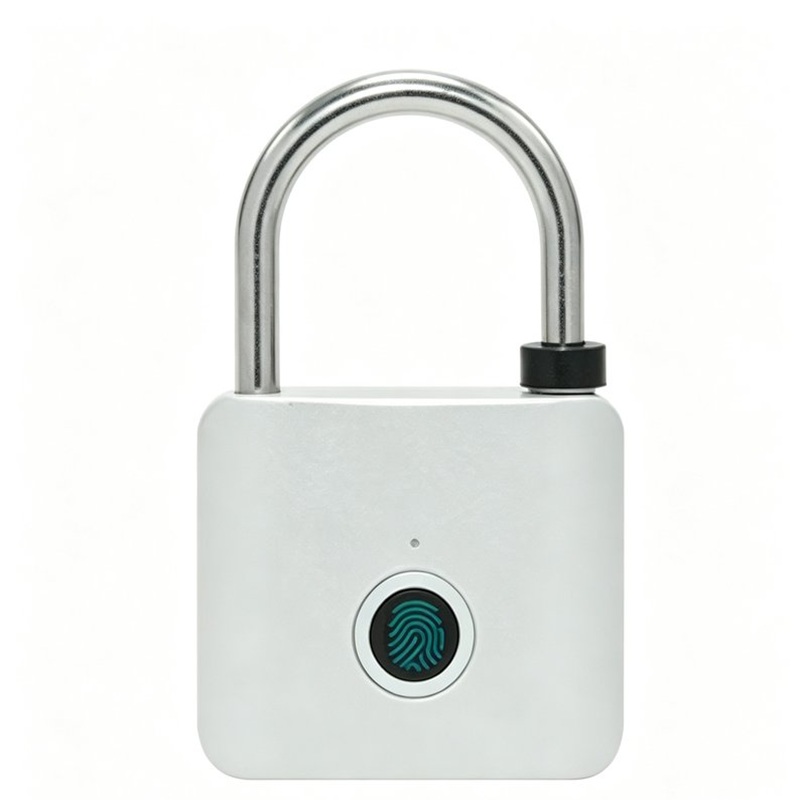
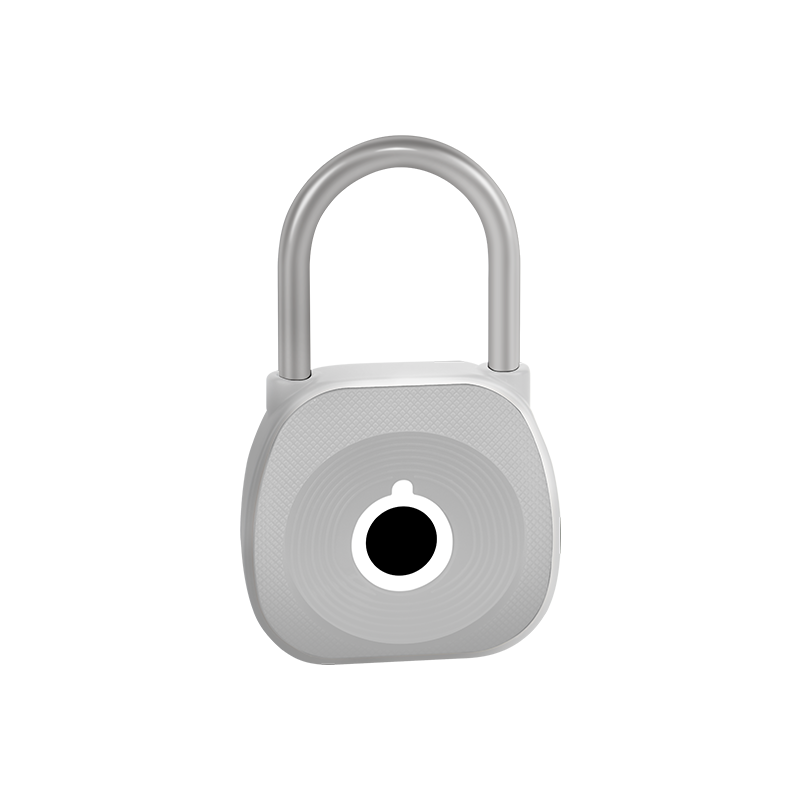
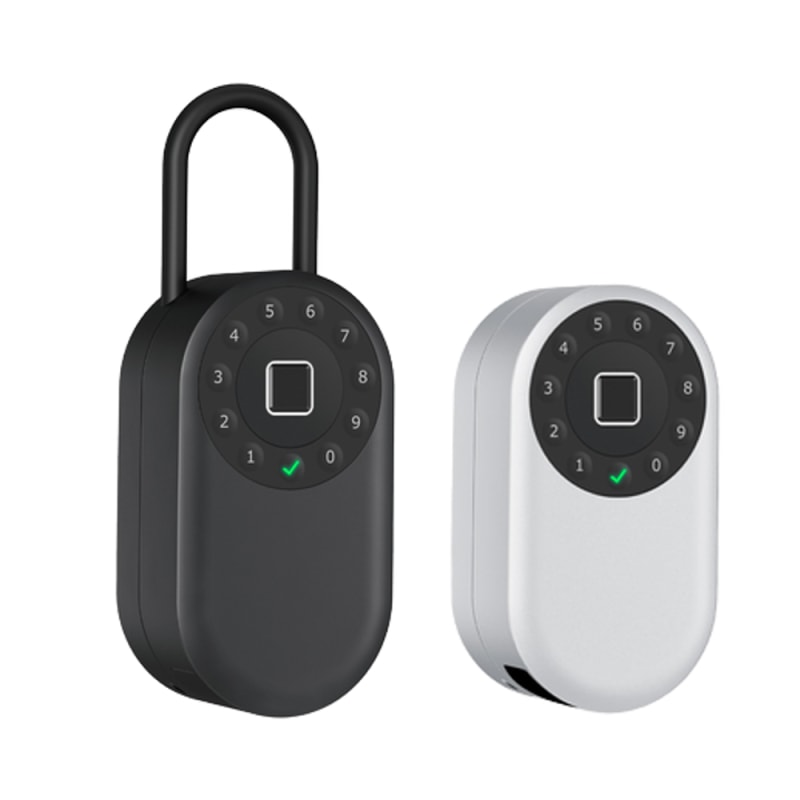
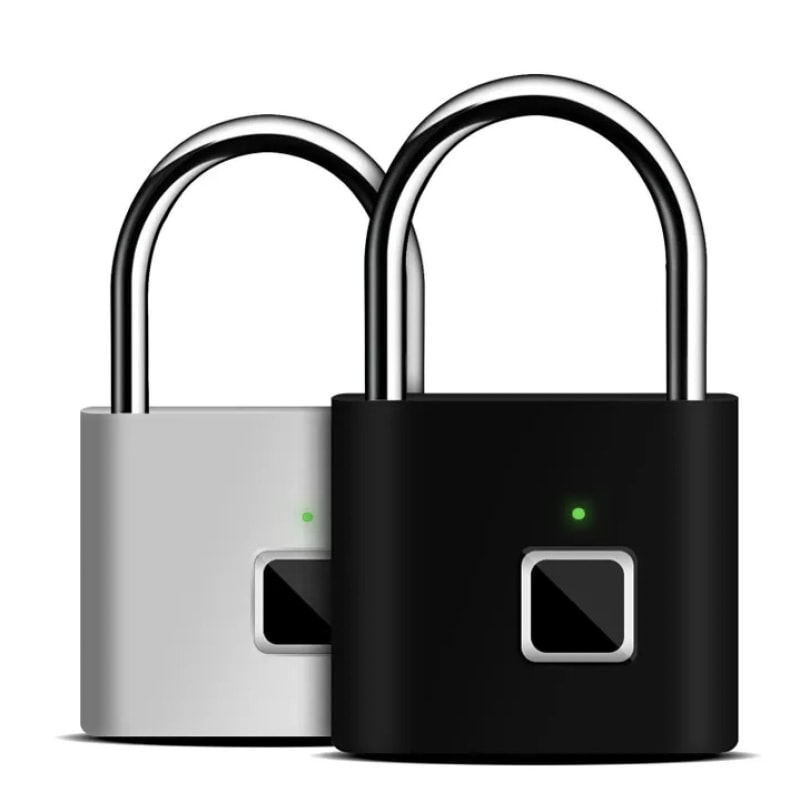
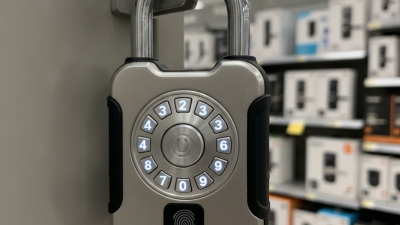
Fingerprint Smart Padlock with Bluetooth App Control and 365-Day Standby Tuya FMP001
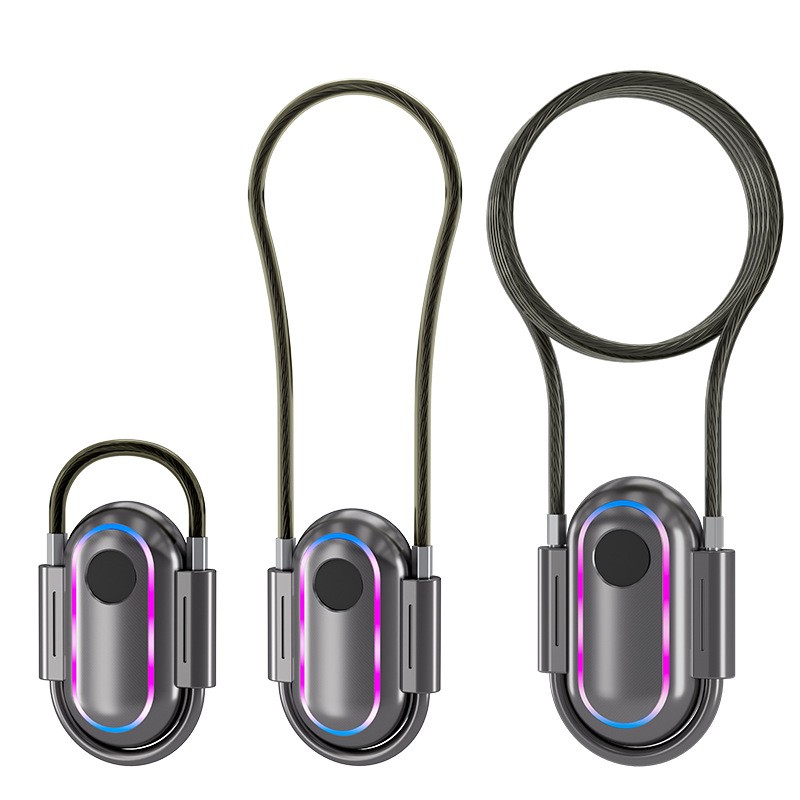
Fingerprint Smart Padlock with IPX5 Waterproof and 3 Steel Cable Lengths FMP002
Fingerprint Smart Padlock with Bluetooth App Control and IPX5 Waterproof FMP003
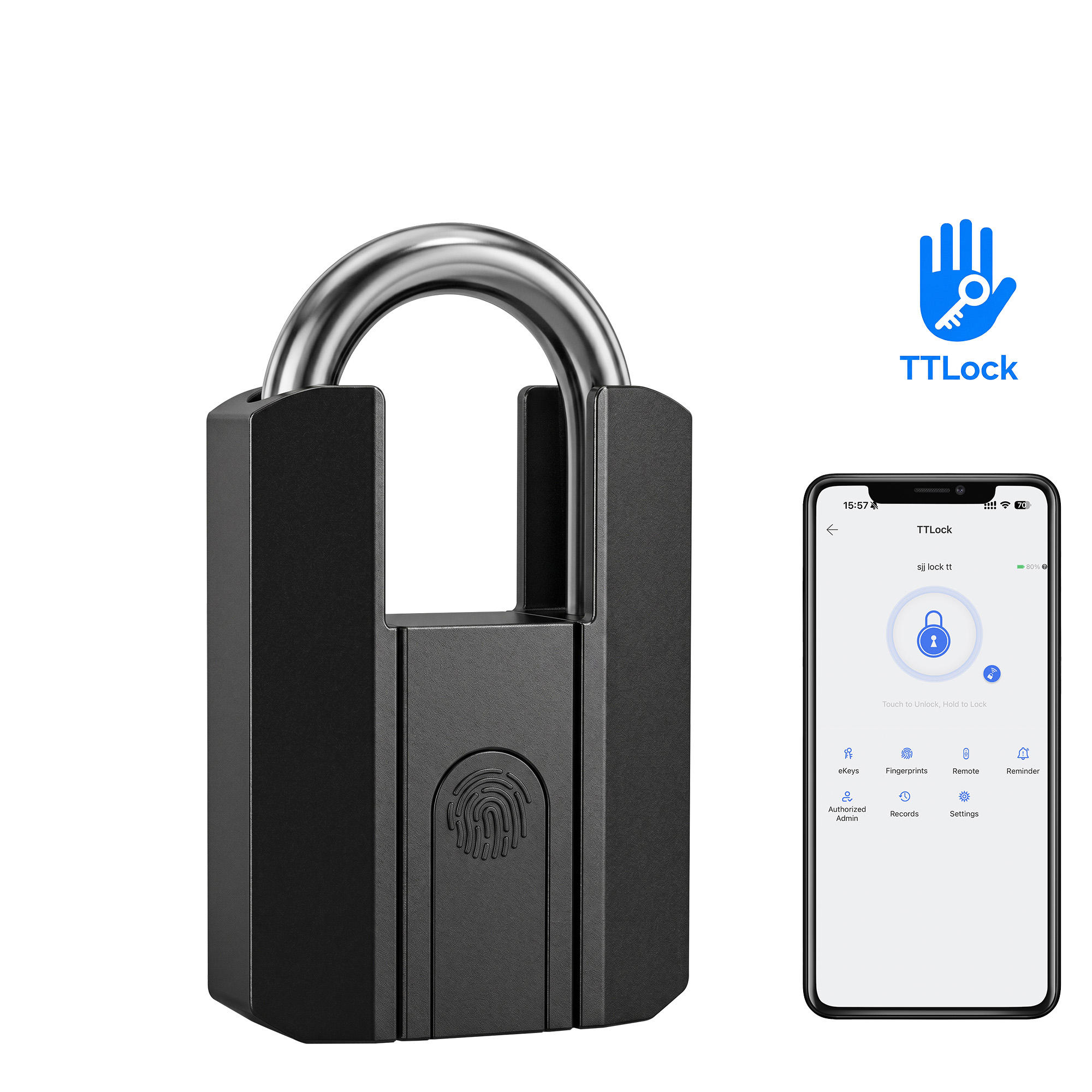
Heavy-Duty Fingerprint Padlock with IP67 Waterproof Shackle and TTLock Bluetooth FMP004
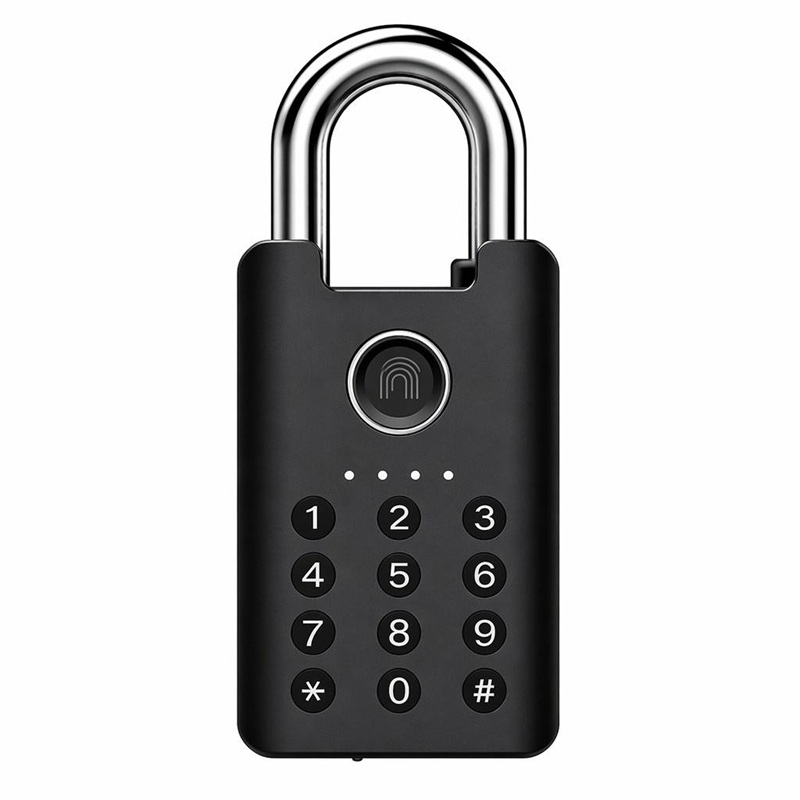
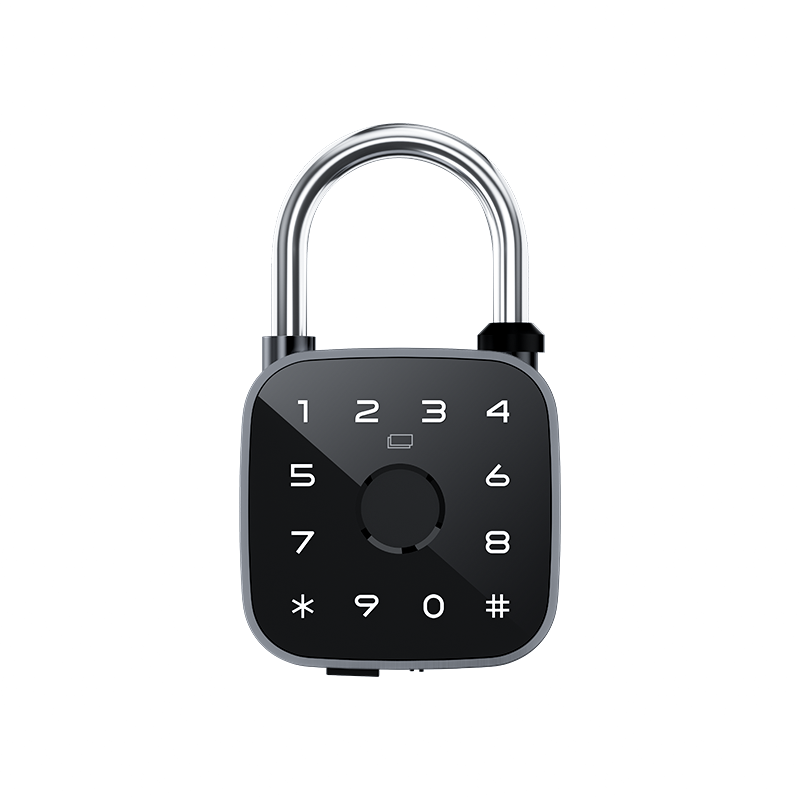
Heavy Duty Fingerprint Smart Padlock with Password Keypad IP65 Waterproof FMP005
Multi-Access Fingerprint Padlock with Keypad, App Control & IP65 Waterproof FMP006
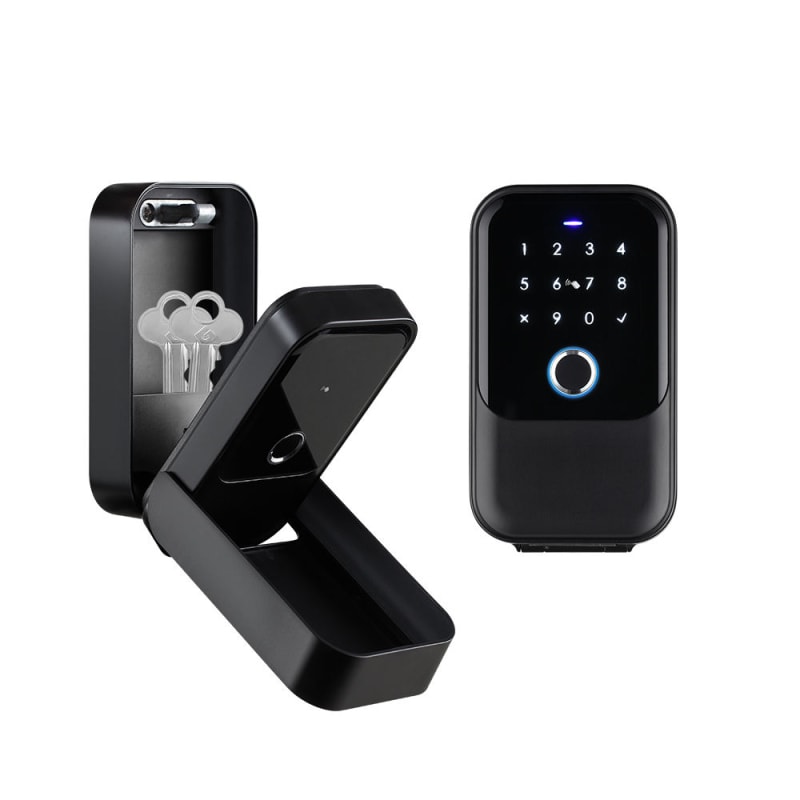
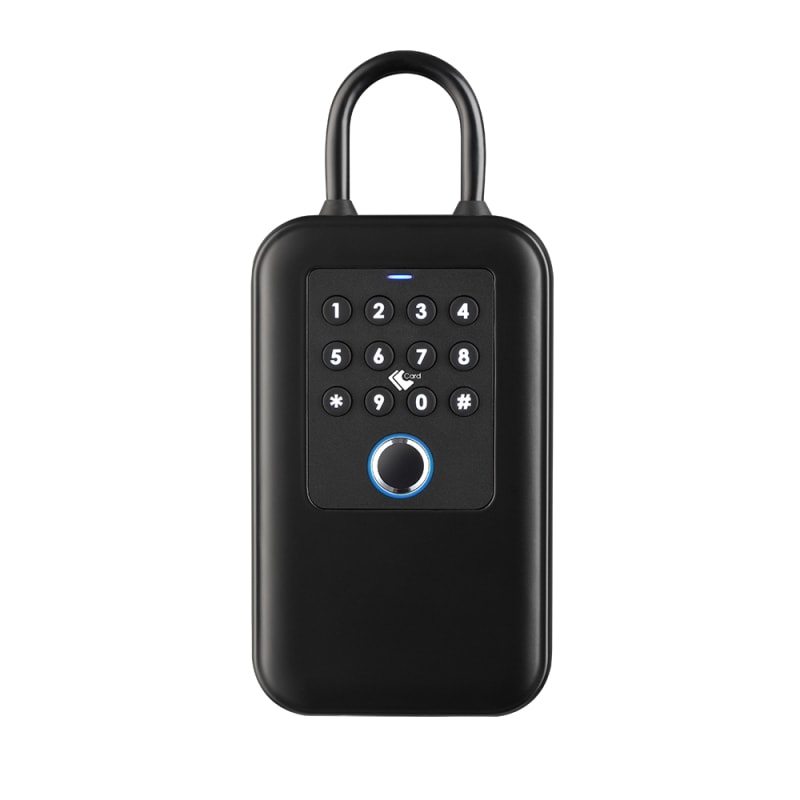
WiFi Smart Key Box with Fingerprint Password Card Access IPX5 Waterproof FMP007
Bluetooth biometric Intelligent Padlock with IP65 Waterproof and Type-C Rechargeable Battery FMP008
Smart Biometric Padlock with Scramble-Code Keypad and Tuya App Control FMP009
Ultra-Slim Biometric Padlock — 1.8cm Aluminum Body with Tuya App Control FMP010
Smart Fingerprint Cabinet Lock — App & Bluetooth Keyless for Lockers FM890
Digital Cabinet Lock with TTLock App, Passcode and RFID Card Access FMP870B
Smart RFID and Passcode Cabinet Lock with 5000mAh Battery and IP66 Waterproof FMP810
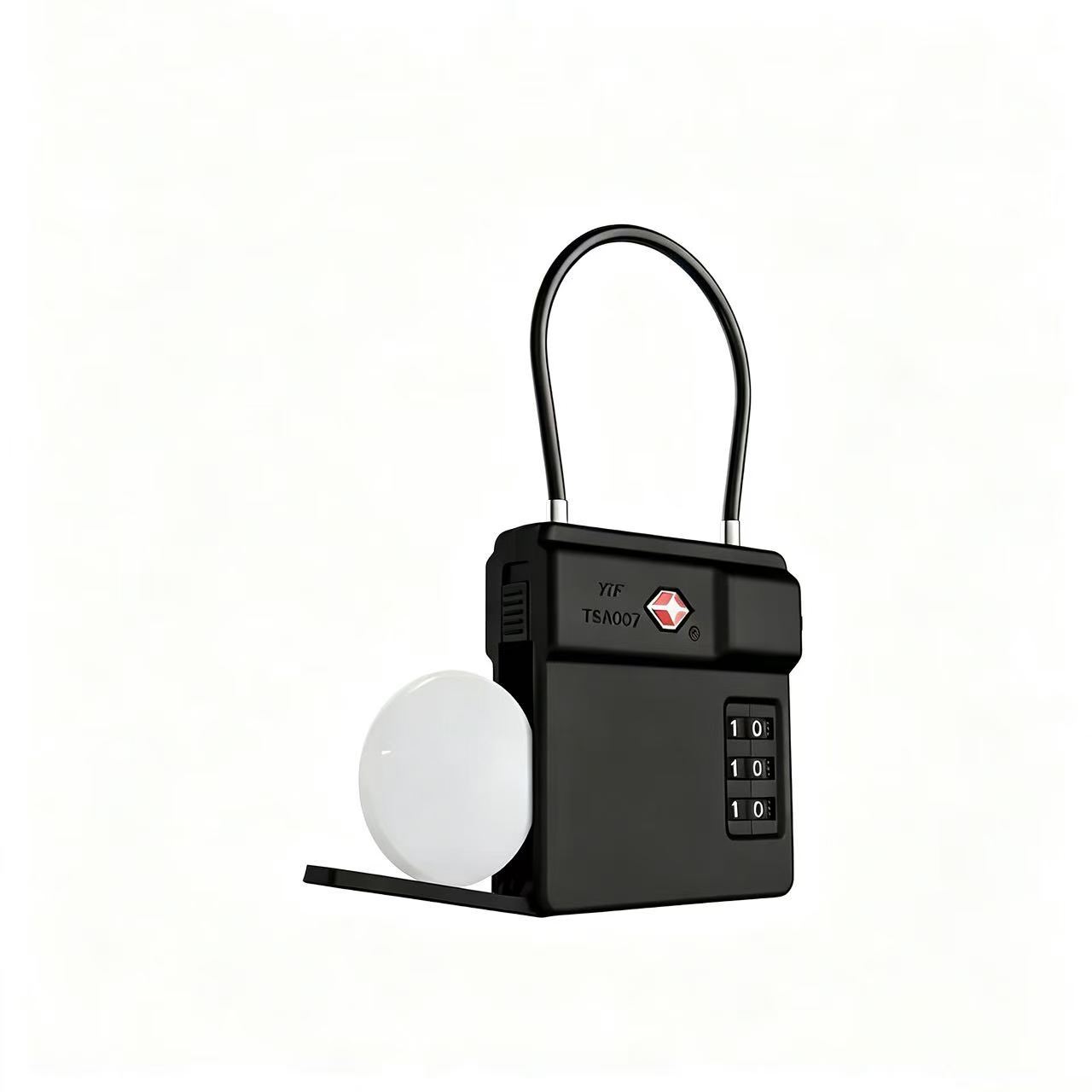
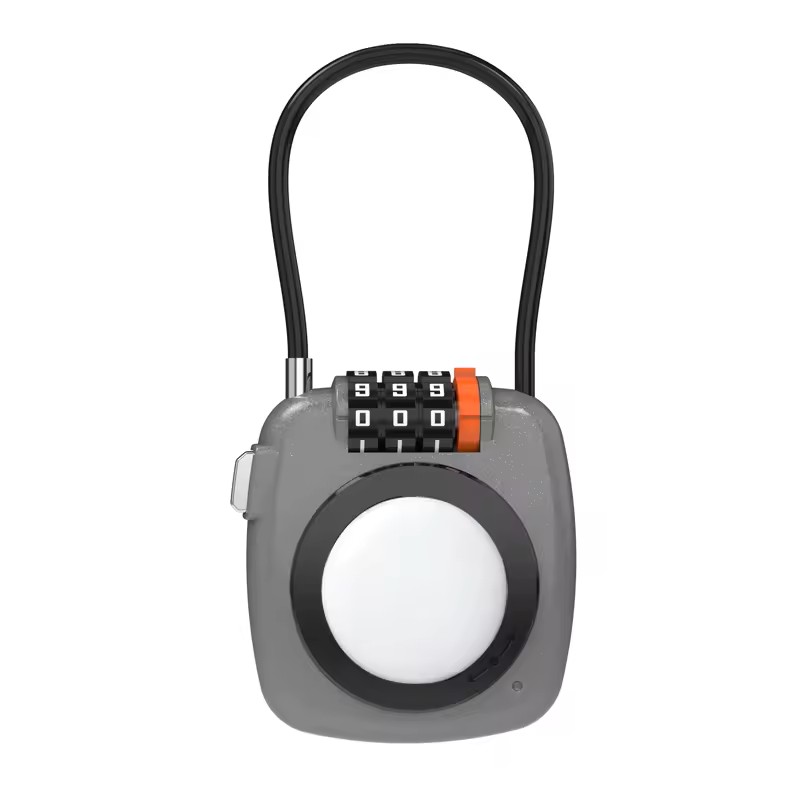
Combination Padlock with Apple Find My & Android Find Hub - IP65 Waterproof Smart Lock FMA001
Smart RFID and Passcode Cabinet Lock with 5000mAh Battery and IP66 Waterproof FMP810
Keyless lock box with physical keypad and TTlock app waterproof for outdoor key storage KB3
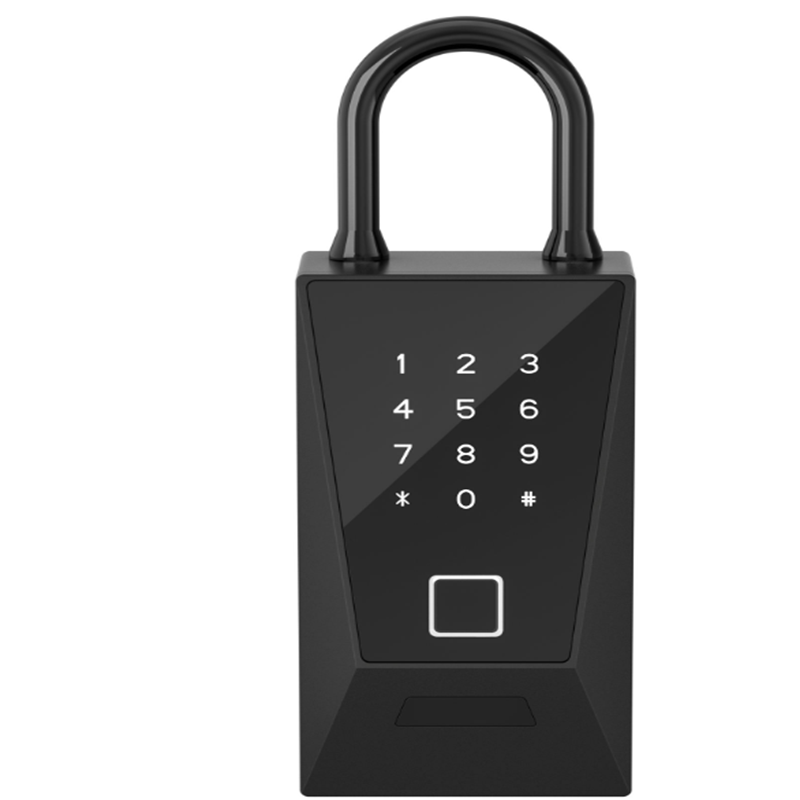
Smart key box with touch keypad and comptible with TTlock and Tuya ble for outdoor use K5
Fingerprint padlock with morse code backup that is rechargeable and portable for everyday use FM570
Waterproof key lock box with physical keypad and Tuya app control for outdoor key storage K7
WhatsApp
Let's be honest—a good digital gate lock needs to be about more than just replacing your key. It has to actually fit the gate you've got, handle whatever weather gets thrown at it, and not make everyone in the household want to pull their hair out. Security expert Bruce Schneier once said, “Security is a process, not a product.” And that really rings true at the gate: how it's installed, how people actually use it day to day, and whether anyone remembers to maintain it all make a huge difference.
Alright, so I put together this guide to the 7 best digital gate locks for buyers in 2026. I dug into the practical stuff—keypad and app access, power options, weather protection, and backup entry. You know, a bright keypad can look super convenient in a showroom, but once you're outside dealing with rain, glare, or gloves, it's a whole different story. The little things really matter. And so does compatibility—like, a lock built for one type of gate might not work on another without a ton of extra hassle. Honestly, this kind of comparison is less about counting features and more about what you can actually see and check yourself. Because let’s face it, a long spec sheet doesn’t automatically mean a gate is good. There’s also a messy truth here—no one gate fits every driveway or property. So before you decide, take a look at the thickness, the frame, and which way it opens. Get that right, and everyday access feels way easier. Rush it, and you’re just asking for frustration you could’ve avoided.
A digital gate lock controls entry with an electronic credential, such as a PIN, access card, phone, or fingerprint. It replaces or supplements a traditional key cylinder. A Smart Gate Lock may also create temporary codes, record entry events, or connect to a home-access system. Features vary, so check how the lock works if power or Wi-Fi fails.
These locks suit driveway gates, garden entrances, shared residential yards, and staff-only side gates. Outdoor placement brings practical challenges: rain, dust, temperature swings, and a gate that shifts slightly can affect operation. The FBI’s 2023 Crime in the Nation report estimated 847,522 burglary offenses in the United States. That figure is context, not proof that digital locks prevent crime; a lock is only one part of an access plan.
Not just a door.
Tips: Before buying, measure the gate’s thickness and latch alignment. Check the stated weather rating, battery access, and backup-entry method. Test the lock with the gate fully closed—small alignment problems can become frustrating quickly.
A digital gate lock checks a credential before releasing its latch. With a Keypad Gate Lock, a visitor enters a PIN, and the internal controller compares it with stored codes. If the code matches, the lock activates briefly. A quiet click is often the only sign that access was approved. Some systems also accept cards, fobs, or fingerprints, depending on their design.
Credentials are not all equally convenient. A shared PIN is quick to issue, but it can spread beyond the intended visitors. Individual codes make it easier to remove access when a contractor’s work ends. Some locks record entry times, though records may be limited by memory, settings, or power interruptions. Check how codes are added and deleted before choosing a unit. Small details matter.
The gate itself affects verification. A loose latch can make a valid entry feel like a failed one, while rain or dust may affect exposed keypads over time. Battery-powered models should give a clear low-power warning, but don’t assume every warning arrives early. Test the lock from both sides during installation. I have seen a keypad work perfectly on a bench, then misalign once mounted on an uneven post. That is easy to overlook.
Digital gate locks generally use a keypad, fingerprint reader, card or fob, or connected app. A Key Pad Gate Lock lets users enter a PIN without carrying a key. It can suit a side gate used by family or regular visitors. Keypad models need occasional code changes, and buttons can wear or collect dirt. Card and fob locks offer quick access, but users must keep the credential nearby. Simple enough.
Fingerprint locks avoid shared codes, though wet fingers, dust, and cold weather may affect reading. App-connected locks can support remote access and entry records, but they depend on power and a stable connection. Some models offer a mechanical key override. Check whether the lock fits the gate’s thickness, latch, and opening direction before buying; digital features cannot fix a misaligned gate.
Tips: Test the latch with the gate slightly out of alignment, as outdoor gates can shift. Check the weather rating, battery type, and low-battery warning. Keep an alternate entry method available. A lock that looks convenient in a showroom may feel less practical after rain or a few months of daily use.
A practical comparison of common digital gate-lock types. Gate compatibility, weather resistance, power requirements, and emergency access vary by model; verify these details before purchase.
| Type | Best suited to | Typical access method | Power and connectivity | Main advantages | Checks before buying |
|---|---|---|---|---|---|
| 1. Standalone keypad latch lock | Pedestrian gates and simple access points | PIN code; some models also include a physical key | Usually battery-powered; often operates without Wi-Fi | Simple access sharing and no network setup for basic models | Confirm gate thickness, latch alignment, outdoor rating, and how access works when the battery is depleted. |
| 2. Keypad deadbolt | Sturdy gates with a compatible deadbolt preparation and frame | PIN code; some models provide keyed backup | Typically battery-powered; connectivity depends on the model | Familiar deadbolt-style locking with key-free entry options | Many residential deadbolts are designed for doors, not exposed gates; check installation dimensions, weather protection, and gate-frame strength. |
| 3. RFID card or fob lock | Shared entrances, staff access, and locations where users need quick entry | Contactless card, key fob, or tag; some systems also allow PINs | Battery-powered or wired, depending on the lock and access-control system | Credentials can often be issued or revoked without changing a mechanical key | Check credential compatibility, enrollment process, outdoor suitability, and whether lost credentials can be disabled. |
| 4. Fingerprint biometric lock | Low- to moderate-traffic gates where enrolled users need convenient entry | Registered fingerprint; some models add PIN or key backup | Usually battery-powered; may work without an internet connection | No card or code needs to be carried or remembered by enrolled users | Read the manufacturer’s guidance on rain, temperature, dirty or wet fingers, user capacity, and backup entry. |
| 5. Bluetooth or Wi-Fi smart lock | Homes or small sites where remote management or phone-based access is useful | Mobile app, digital keys, PIN, or other credentials supported by the model | Often battery-powered; Bluetooth is typically local, while remote access generally requires a network connection or compatible hub | May support access sharing, activity history, and remote features, depending on the system | Check gate compatibility, app and hub requirements, network coverage, privacy settings, and offline operation. |
| 6. Electric strike with keypad or access controller | Gates with a compatible latch and a suitable wired access-control installation | PIN, card, fob, or another credential connected to a controller | Requires electrical power and compatible control wiring; battery backup may be added to some systems | Can integrate with broader access-control equipment and multiple credential types | Confirm latch and frame compatibility, wiring route, weather protection, installer requirements, and the required behavior during power loss. |
| 7. Electronic gate padlock | Gates or enclosures that can be secured with a padlock and compatible hasp | PIN, fingerprint, app, or another method, depending on the model | Usually battery-powered; connectivity and backup access vary | Can be fitted without replacing the gate’s existing latch hardware if the hasp is suitable | Verify shackle dimensions, hasp strength, drainage and corrosion protection, and the lock’s stated outdoor-use rating. |
Buying tip: Measure the gate and frame, check the lock’s stated weather rating and power-loss behavior, and confirm that the gate can close and latch reliably before choosing a digital access method.
A gate lock should match the way people actually enter, not just the features listed on its box. Compare keypad, fingerprint, card, and phone access against your household’s habits. A keypad is simple for visitors, but codes need regular management. Fingerprint readers can be convenient, though wet or dirty fingers may cause delays. Keep a physical key or another backup method available. Small detail. It matters on a rainy evening.
Check that the lock fits the gate’s thickness, frame, and latch alignment. A strong lock can still perform poorly if the gate shifts in wind or the bolt misses its strike plate. Look for clear weather-resistance information, sealed electronics, and materials suited to your local conditions. Ask how batteries are replaced and whether low-battery warnings arrive early enough. Connectivity features can add access logs or remote control, but consider whether they depend on a stable network and ongoing app support.
Review how many users and temporary codes the system supports, and whether access can be removed easily when someone no longer needs it. Installation instructions should explain drilling, wiring, and alignment in practical terms. Ratings and specifications help, but they do not prove a lock will suit every gate. Measure carefully, and be honest about installation limits; I would not assume a complicated retrofit is a quick weekend job.
A key feature to compare: theoretical PIN combinations by code length
This chart assumes each PIN digit can be any number from 0 to 9, including repeated digits and leading zeros. The values are theoretical combinations (10n), not a measure of a lock’s security; check each lock’s PIN-length limits and lockout features before buying.
Buyers comparing seven digital gate locks in 2026 should match the lock to the gate, not just the feature list. A weather-rated keypad latch suits shared garden gates, while a PIN-and-RFID model gives residents a choice of code or access card. A fingerprint lock can speed up entry for regular users, though wet or cold fingers may cause failed scans. Convenience is not the whole story.
Bluetooth keypad locks work nearby without relying on home Wi-Fi. Wi-Fi-enabled locks can support remote access, but check the connection and power requirements before buying. A card reader paired with an electric strike may fit a busy entrance, provided the gate and strike are compatible. A hybrid digital lock with a physical-key override offers another option when batteries run flat. That backup matters.
Look for clear weather-resistance information, battery alerts, and a straightforward way to manage user access. An Electronic Gate Lock should also suit the gate’s material, frame, and latch direction; a sturdy-looking unit can still bind if the gate sags. Check whether installation needs drilling or extra wiring. One detail is easy to miss: frequent opening can drain batteries sooner than expected. Compare real operating needs, not just advertised features.
Before choosing a digital gate lock, measure the gate’s thickness, frame depth, and available mounting space. Check whether the gate swings inward or outward, and inspect the hinge side for sagging or movement. Installation needs differ between metal, timber, and narrow-frame gates. A lock that fits a door may not fit a gate. Real gates are rarely perfectly square, which can make product diagrams seem more reassuring than they should. Small details matter.
Power is easy to overlook. Check the battery type, expected replacement interval, and whether the lock gives a low-power warning. Cold, wet, or exposed locations may affect battery performance, so review the manufacturer’s stated operating conditions. Think through what happens if the batteries run flat. Is there a permitted backup entry method, and can you reach it without leaving the gate unsecured? Keep a spare battery nearby, but avoid assuming every model offers the same fallback.
Security depends on more than a keypad or fingerprint reader. Look for clear information about user access, temporary codes, and how lost credentials can be removed. Check whether the lock records activity if that feature matters to your household. A strong lock still depends on a sound gate, secure fixings, and proper alignment. Test the gate after installation: it should close fully without being forced. If it sticks, adjust the gate rather than relying on extra pressure against the lock.
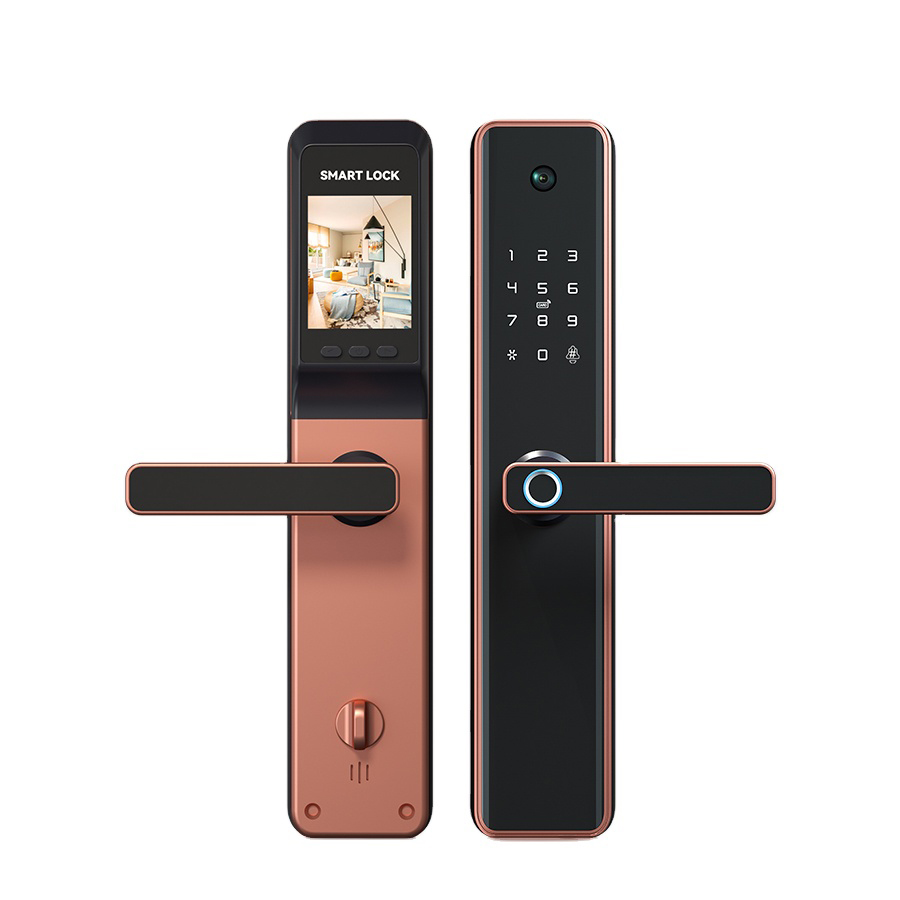
A smarter front door can combine convenient entry with a clearer view of who is outside. A WiFi smart lock with a camera and electronic peephole lets residents check visitors before opening the door, making it a practical choice for apartments and family homes. This digital peephole smart lock features a 1MP camera for visitor monitoring and offers app-based remote control, so you can manage access from your phone. Its touchscreen keypad, RFID cards, and emergency key provide several ways to enter, while an anti-peep scramble code helps protect your PIN from prying eyes.
Fingerprint entry is another useful option to look for when choosing a smart lock, allowing quick access without carrying a key or card. For households comparing entry methods, it is worth checking that the selected configuration includes a fingerprint reader. The featured lock also includes a privacy switch, giving residents added control over monitoring and peace of mind at home. Made in China by established suppliers and factories, it is designed to bring camera-assisted entry and everyday convenience together in one front-door security upgrade.
It controls entry using a PIN, card, phone, or fingerprint. It can replace or supplement a traditional key.
Common locations include driveway gates, garden entrances, shared yards, and staff-only side gates. Not just doors.
Common types include keypad, fingerprint, card, fob, and app-connected locks. Each has different needs.
Measure the gate thickness and check latch alignment, weather rating, battery access, and backup entry. Small details matter.
They may affect exposed keypads or fingerprint readers over time. Check the weather rating and test the lock outdoors.
It depends on the model. Check its backup-entry method, and do not assume every feature works without power or a connection.
They are quick to share, but codes may spread beyond the intended visitors. Individual codes can be easier to remove later.
Some do, but records may depend on memory, settings, or power. I’d check these limits before relying on the log.
Test the lock with the gate fully closed and slightly out of alignment. A keypad can work on a bench and still misalign on a post.
This guide explains what a Digital Gate Lock is, where it may be used, and how it verifies access through options such as keypads, cards, biometrics, or mobile credentials. It compares common lock types for gates and outlines the features buyers should consider in 2026, including weather resistance, compatibility with the gate, access controls, ease of use, and backup entry options.
The article also presents seven types of digital gate locks buyers can consider, without focusing on any particular brand. Before choosing one, readers are encouraged to check installation requirements, power needs, battery life, and what happens during a power failure. The guide also highlights practical security considerations, such as managing access credentials and selecting a lock suited to the gate and its surroundings.